
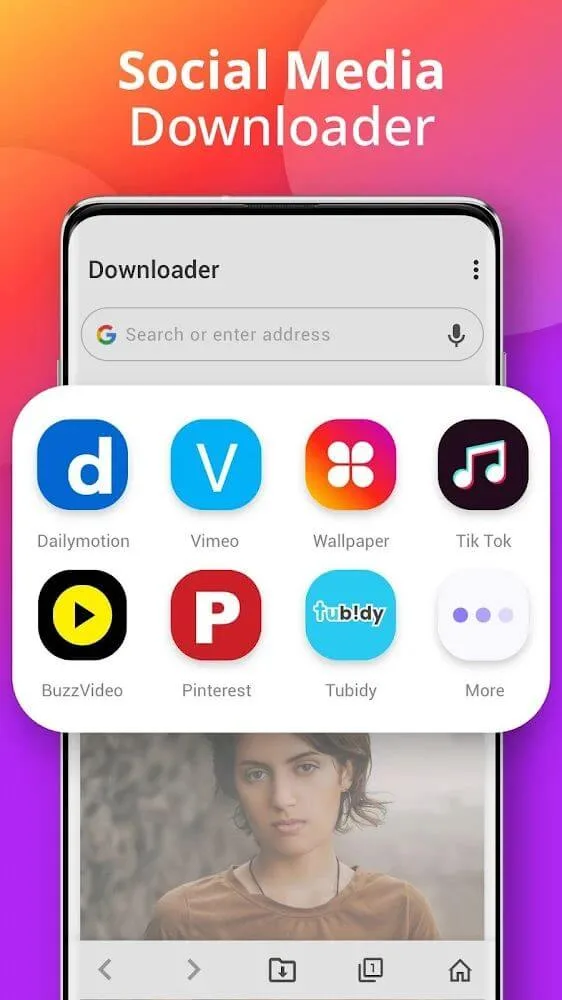
Downloader - Video Downloader is a popular utility application. This powerful app is designed to simplify the download process, saving videos to local storage for easy viewing anytime. With Downloader - Video Downloader, you can save all your favorite videos to your phone with just a few taps, watching them anytime, anywhere. If you like a video but can't find a direct download button, simply copy the video link into the app to enjoy a free and high-speed download. Furthermore, you can continue using your device while downloading files without interfering with its normal operation.
Highlights:
The application supports downloading videos from different websites with just one touch, simple and fast
Allows downloading all video formats like MP3, M4A, MP4, M4V, MOV, AVI, WMV, DOC, XLS, PDF, TXT, … on your phone
Superfast download speed, HD video quality, and simple, easy video management
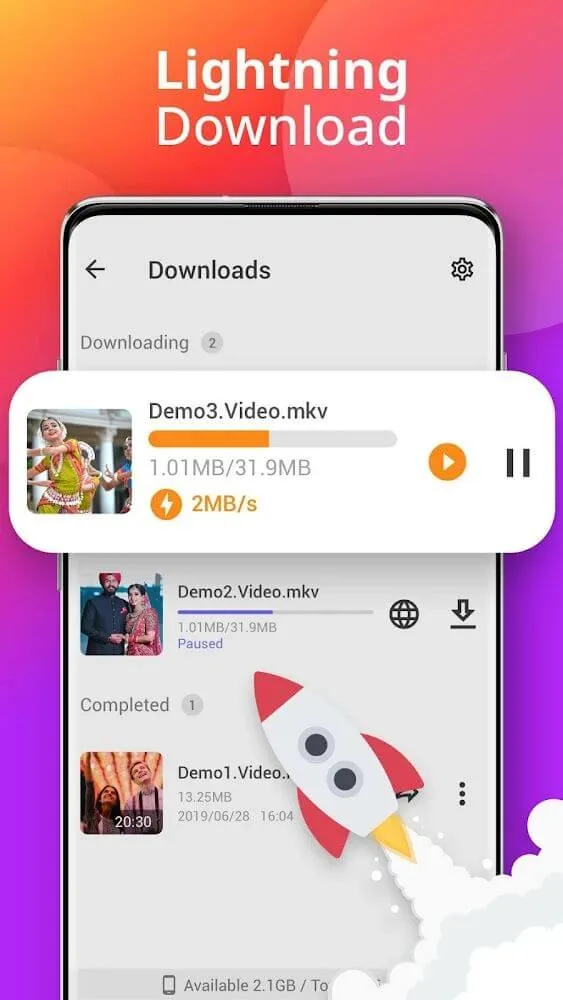
Download multiple videos at the same time and manage video downloads in the notification bar. You can stop downloading videos whenever you want
Star your favorite videos for quick access if you don’t want to download. All your access is secured with privacy
Features:
All Video Downloader & Player:
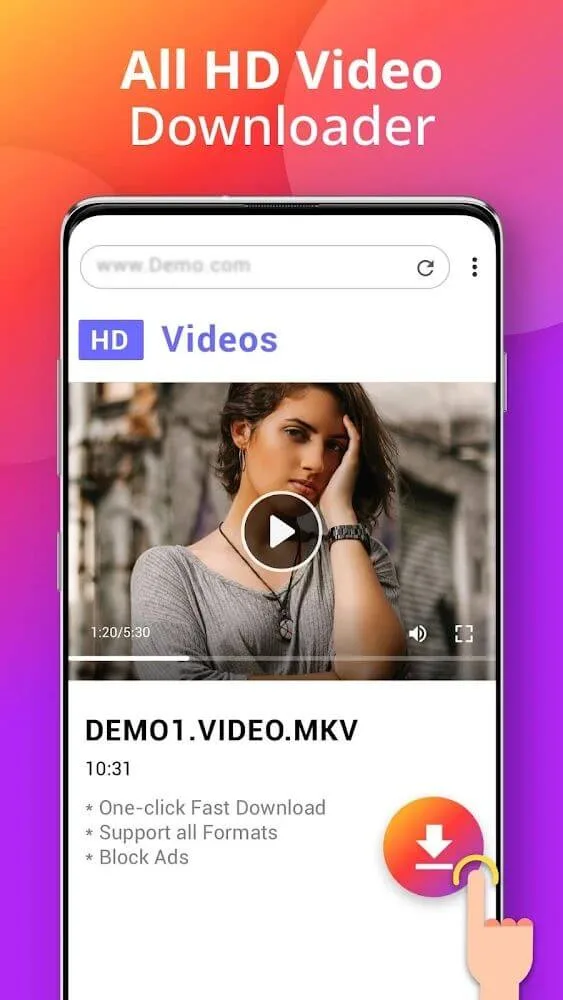
Easily download videos in various formats with the video download manager. No matter if it's MP4, M4A, or other popular formats, this app caters to all your needs. Downloading videos in any format has never been easier.
HD Video Downloading:
Save HD videos form the internet with simple controls. With the video downloader, you can select your desired video resolution. Download videos quickly and enjoy them in the built-in fast video player.
Easy & Fast Video Saver:
Save videos effortlessly with the online video downloader. Simply paste the video URL, and the video manager app will handle the rest, delivering lightning-fast downloads in no time.
Private Folder:
Keep your personal videos secure in the app’s private folder. Video Saver - Download Videos app has everything you need.
Shorts Saver:
Watch and save short videos with the Shorts Saver. Download videos directly to your mobile device and enjoy them anytime with the built-in player.
Offline Video Playback:
Create a personalized video library and watch your favorite videos anytime, even without an internet connection. The MP4 downloader neatly organizes your videos, allowing for easiest offline playback.
Benefits:
High-quality video downloads: The app allows you to download your favorite videos in high quality so that you can enjoy them later whenever you want.
Simultaneous downloads: You can download multiple videos and images simultaneously without having to wait between file downloads. This means you can save time and download all your desired files at once.
Fast download speed: Downloader - Video Downloader offers a good download speed, ensuring that you can quickly get your files without any delays.
Wide compatibility: The app recognizes a variety of file formats such as MP3, MP4, M4A, MOV, AVI, and PDF among others, making it suitable for downloading different types of files.
Easy-to-use interface: Similar to a browser, you just need to enter the file address in the search engine and press the download button. The app also allows you to preview the videos and files before starting the download.
Unlimited downloads: With Downloader - Video Downloader, there is no limit to the number of files you can download. Additionally, you have the flexibility to pause and resume the download process at any time.
Pros & Cons:
Pros:
Easy to use: Video Downloader Android app is straightforward and intuitive. It requires no technical knowledge or experience to download videos quickly from the Internet with just a few clicks.
Fast downloads: The built-in video downloading engine ensures that all files are downloaded at high speeds, saving you time when accessing your favorite content online.
Supports multiple formats: This app supports numerous popular video file types such as MP4, FLV, AVI, etc., making it easier for people who have different preferences in terms of media players or devices they own/use.
Compatible with most devices & browsers: The application works seamlessly on desktop computers and mobile phones, running various versions of operating systems, including Windows 10, iOS 8+, and Android 4+.
Cons:
Downloading copyrighted content is illegal and can lead to legal repercussions.
Video downloader apps often contain malicious software that could compromise your device’s or personal data’s security.
Some video downloading applications may require users to pay for premium features, adding additional costs over time.
The quality of downloaded videos may be lower than streaming versions due to compression issues when saving files from online sources onto a mobile device’s storage space.
Conclusion:
With applications that are integrated with many different features, it is often not essential to focus on the application’s design. But with Video Downloader, the application’s interface will also be one of the methods for the application to communicate with users. So the application will bring you an excellent interface with elementary, friendly, and easy-to-use communication operations in the application.