

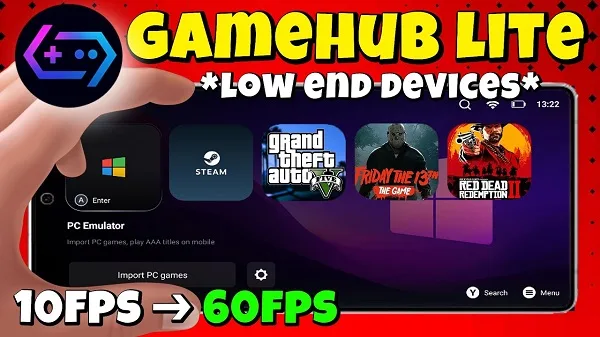
GameHub Lite is a powerful game emulator that lets you experience Windows PC gaming directly on your device, providing a smoother and more private gaming experience! It doesn't require powerful devices or network support to deliver the best PC gaming experience. It's compact, maintaining stable performance and long battery life even on mid-range phones! Worried about security? GameHub Lite is designed with privacy in mind. You don't need to log in, there are no trackers or data collection, and all programs run locally, protecting your privacy and security!
Working
Android uses ARM processors, but PC games use Windows (x86), so they cannot run directly.
This causes many phones to experience crashes, stuttering, and performance degradation.
GameHub Lite uses tools like Wine/Proton to convert PC game commands.
It can convert Windows commands into a format that your phone can understand in real time.
The application can also automatically handle drivers, graphics, and memory.
It continuously optimizes all settings in the background for better performance.
It's lightweight, fast, and can be used offline without tracking the user.
You'll get a smoother gaming experience, higher frame rates, and more stable performance.
Tips
Start with a lower resolution. You can increase the resolution later through driver settings. This helps improve the frame rate.
Close all background apps before playing games. Enable Game Mode/Do Not Disturb mode on your Android device. This reduces latency and interruptions.
If your device gets hot, take a break between uses. You can also use a cooling case. Balanced operation helps control temperature.
Using a game controller provides a better gaming experience. Devices like GameSir are excellent, offering low input lag and smooth controls.
Watch tutorials on YouTube for setup tips. Many videos showcase the best settings for version 5.3.5 and compare the performance of Snapdragon and Mali.
Features
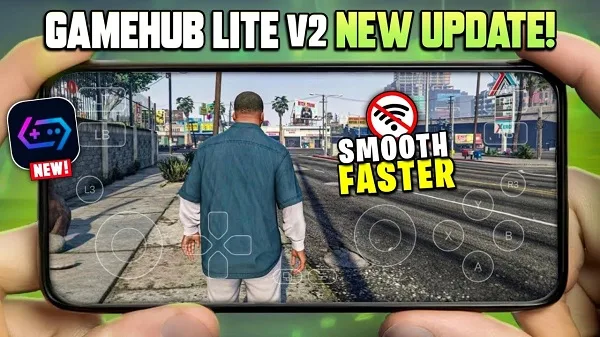
Native PC Game Support: Play your favorite desktop games anytime, anywhere.
Privacy First: All intrusive tracking and mandatory online logins have been removed.
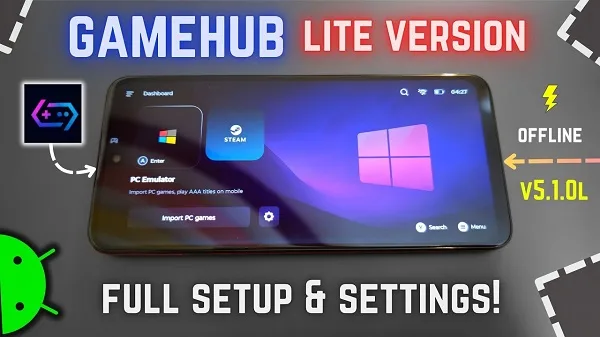
Play Completely Offline: Play installed games without an internet connection.
Supports external launchers: Seamlessly integrates with front-ends like Daijisho and RetroArch.
FAQs
What is GameHub Lite?
GameHub Lite is an Android app that lets you run Windows PC games locally on your phone without relying on cloud streaming.
Can GameHub Lite be used offline?
Yes, once the game is installed, you can play it offline without an internet connection or external server.
Is GameHub Lite secure?
It's open source and doesn't collect user data, making it more secure and privacy-conscious than most commercial gaming apps.
Can GameHub Lite use game controllers?
Yes, the app supports external game controllers, keyboards, and mice for complete desktop-style control settings.
Who should try GameHub Lite?
It's fantastic for gamers who want a PC-level gaming experience on their Android devices, especially those who value privacy and offline gaming.
Summary
GameHub Lite is suitable for tech enthusiasts, casual gamers, and travelers who want a desktop-level gaming experience on their Android devices without sacrificing privacy and flexibility. It's a smart choice for users tired of laggy streaming services or feature-rich enterprise-level gaming platforms.








