

Photocall TV is a completely free online streaming platform that requires no registration. It aggregates approximately 200 free terrestrial TV channels, over 400 international channels, and specialized channels for sports, movies, children, music, and adults, covering a wide range of content. Whatever you want to watch, it's all here. It also provides links to mainstream program guides such as Movistar+, TV Guía, and Fórmula TV, and integrates recommended high-quality VPNs to help users optimize their viewing experience. Notably, Photocall TV does not require downloading a client or registering an account; simply visit its official website in a browser on any device to use it. It is compatible with PCs, mobile phones, tablets, and smart TVs.
Click to load YouTube / 点击加载视频
YouTube ↗How to use:
The main advantage of this platform is its simplicity. Since it's a website, the process for watching free channels on Photocall TV is practically identical on different devices, but we'll explain it with a few details so you can get the most out of watching free TV.
How to set up Photocall TV on Android
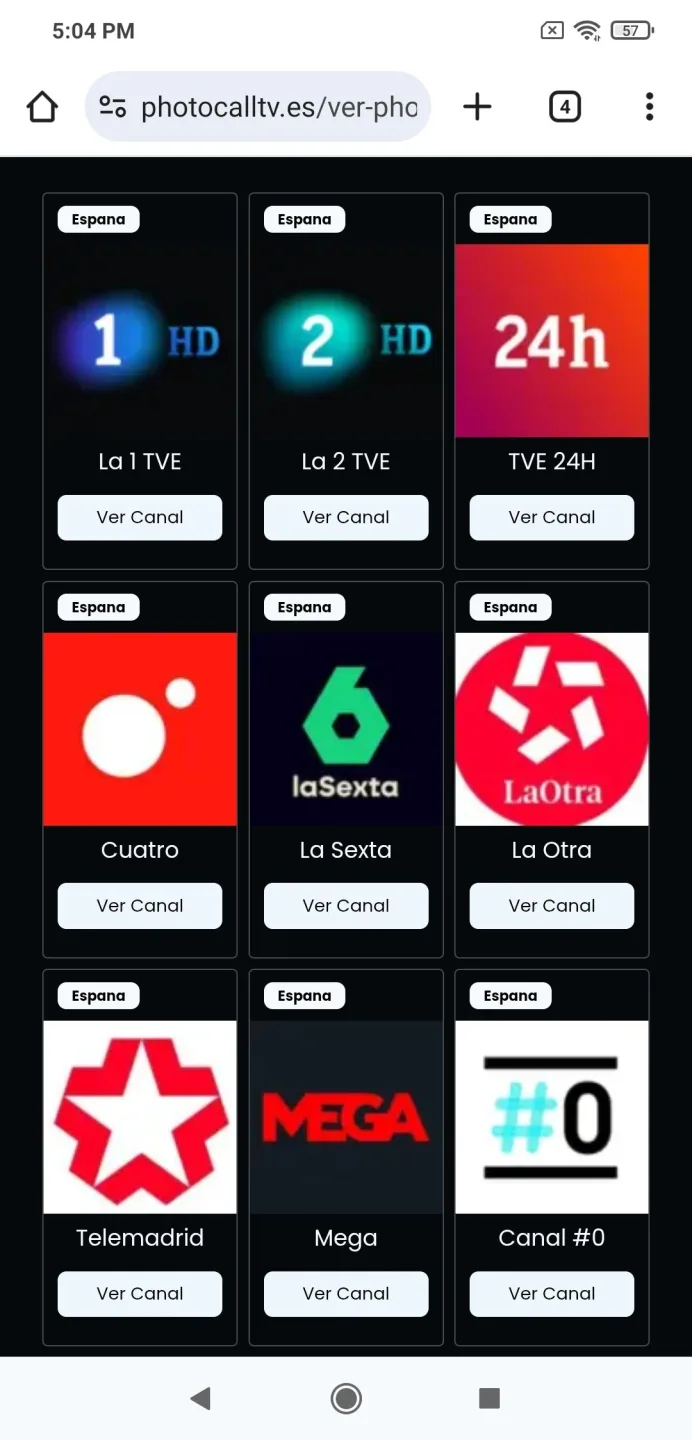
Open the browser on your mobile phone or tablet.
Type "photocalltv.es" (without the quotes) in the address bar and access the mobile version of Photocall TV.
Choose the channel you want to watch and tap the "Watch Channel" button or its icon.
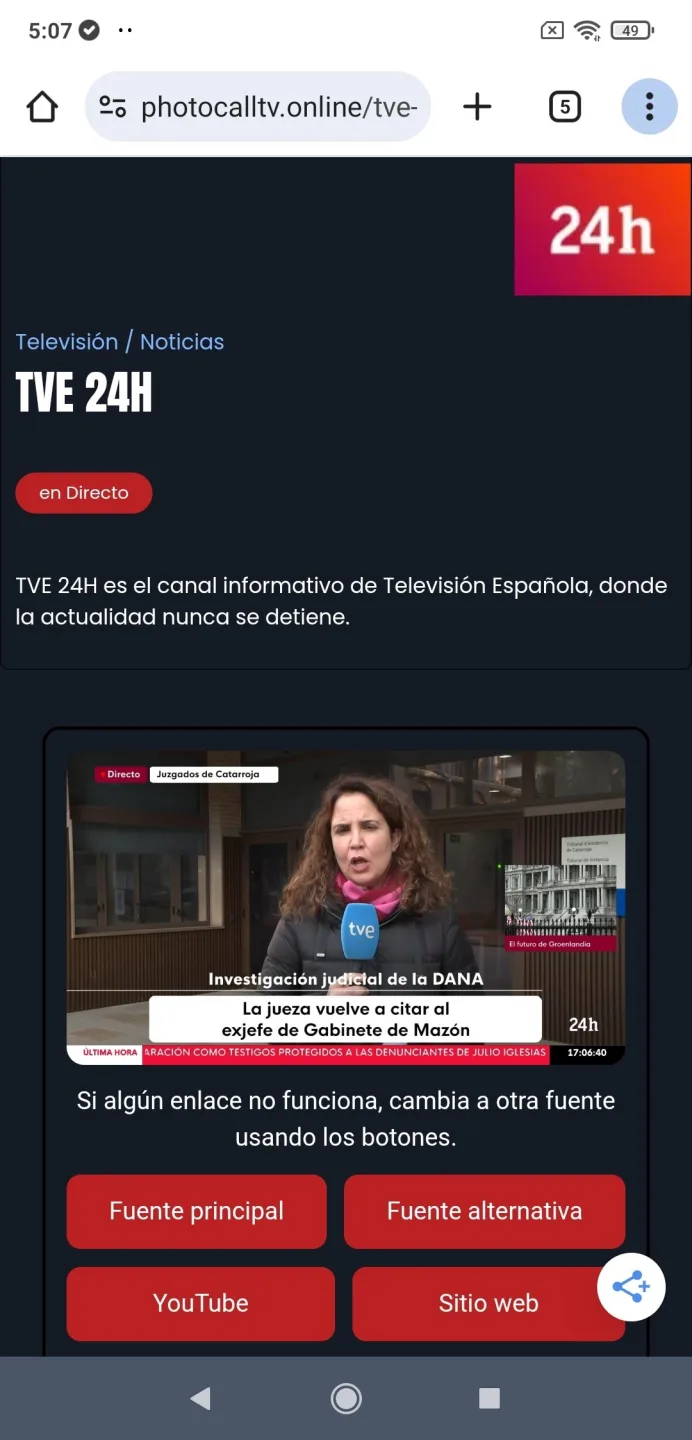
A new tab will open with the live player.
How to set up Photocall TV on a PC or laptop
Access the platform from your usual web browser.
Browse through the different categories or use the search bar.
Click on any channel to open its broadcast in another tab.
Enjoy the broadcast in full screen if you wish.
How to set up Photocall TV on a Smart TV
Use your smart TV's built-in browser.
Enter the address "photocalltv.es" (without the quotes) using your remote or keyboard.
Select the channel with your cursor and wait a few seconds.
That's it! The content will play directly on your TV.
How to set up Photocall TV on Chromecast
Connect your Android phone, tablet, or computer to the same Wi-Fi network as your Chromecast device.
Open the Google Chrome browser on your phone, tablet, or computer.
Go to the website by typing "photocalltv.es" (without the quotes) in the address bar.
Select the channel you want to play and wait for the player to open in a new tab.
Tap the three-dot menu in Chrome and select Cast.
Choose your Chromecast device from the list of available devices.
The content will automatically display on your TV while playing in the browser.
Features:
Browse thousands of movies & series
Discover popular TV shows by genre
Use advanced search to find titles instantly
Updated content using TMDB API
Small, fast, and easy to use
Pros and Cons:
Pros
Access over a thousand TV and radio channels from around the world.
Offers good stability and playback quality, especially for channels broadcasting from a relatively nearby location.
The app takes up little space and is compatible with Chromecast.
Cons
Some locations block the broadcast of TV channels outside their borders.
It can only be used after registering and providing your information to the platform.
FAQs:
Can I use the photocall.tv app on my PC?
The photocall.tv app is primarily designed for use on Android mobile devices and is not available as a standalone PC application. However, you can use an Android emulator on your PC to run the app, such as BlueStacks, NoxPlayer, or Andy. Alternatively, you can go to the app's website and use it in a browser on your PC.
Can I use the photocall.tv app for free?
The photocall.tv APK can be downloaded and used for free on Androidlista, but it does include premium features that require a subscription fee.
Is the photocall.tv app legal?
If you watch free-to-air national channels, as well as other international channels that also broadcast for free and without regional restrictions, then the Photocall TV platform is perfectly legal.
Why was the photocall.tv app removed from Google Play?
Most likely, the app was removed due to a Google policy violation or inappropriate content.
Is the photocall.tv app safe?
The app has received many positive user reviews and the developers update it regularly, so it can be considered safe.








