

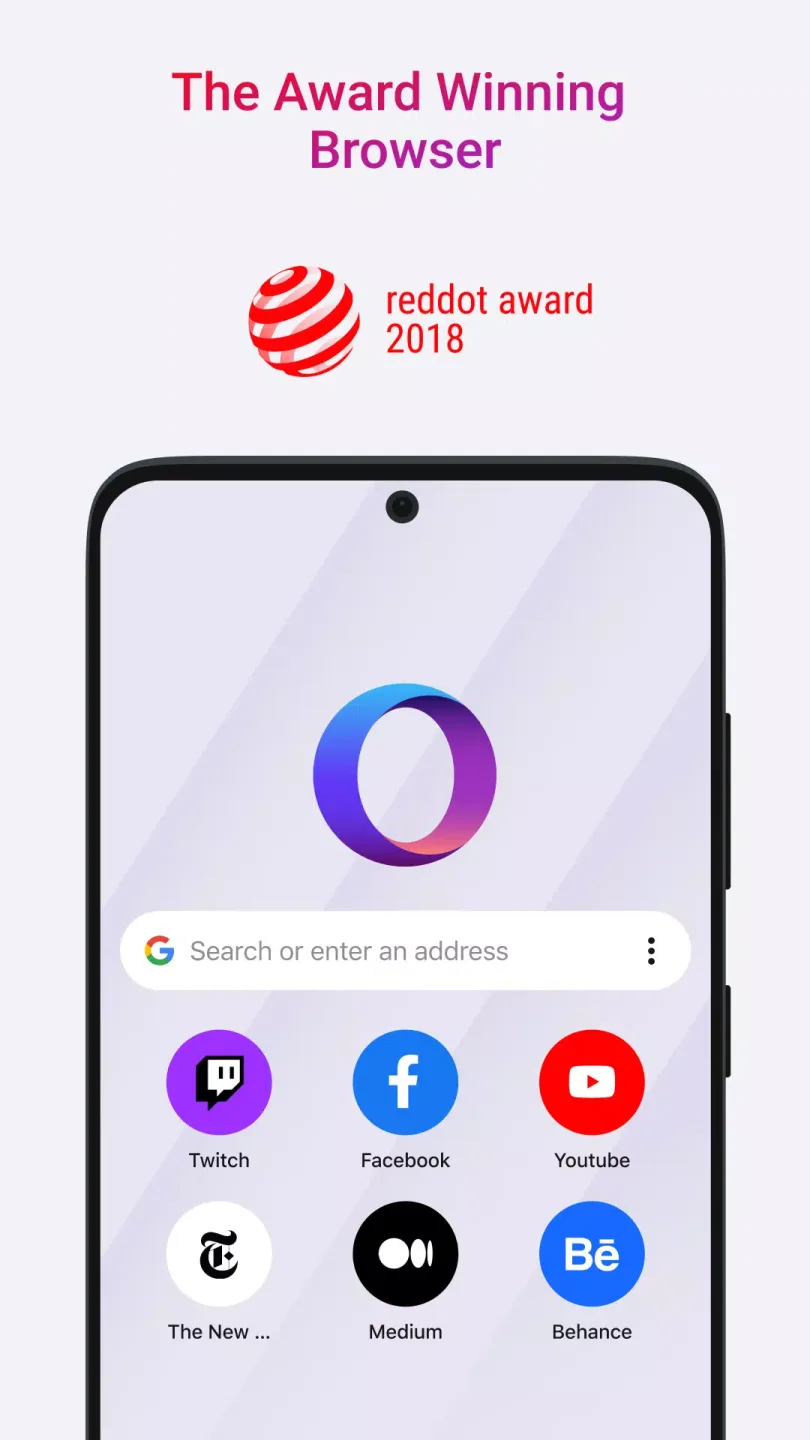
Opera Touch is a mobile browser optimized for one-handed operation, emphasizing fast search and secure browsing. Its interface is optimized for thumb operation, featuring quick action buttons at the bottom where swiping up switches tabs or launches a new search, eliminating the need for frequent finger movements and significantly improving browsing efficiency. Users can also securely transfer links, text, images, and even files between their phones and computers via Opera Flow, achieving end-to-end encrypted sharing and enhancing multi-device collaboration. Furthermore, Opera Touch includes a native ad blocker and privacy protection mechanisms to effectively prevent intrusive ads and third-party tracking, improving page loading speed and ensuring user information security.
Click to load YouTube / 点击加载视频
YouTube ↗Features:
Lightning-Fast Browser
Opera Touch is the fastest mobile browser available for Android. Open Opera Touch and start searching the web instantly. Quick Actions buttons are always floating on the browser screen for immediate searching.
Secure and Privacy
Opera Touch uses the latest web technologies to provide both security and maximum online privacy. Built-in anti-tracking technology blocks third-party tracking cookies, while Private Browsing mode allows for complete anonymity while browsing. This browser also features Opera's anti-crypto mining technology, reducing the risk of your mobile device overheating or running out of battery while browsing the web.
Free Ad Blocking
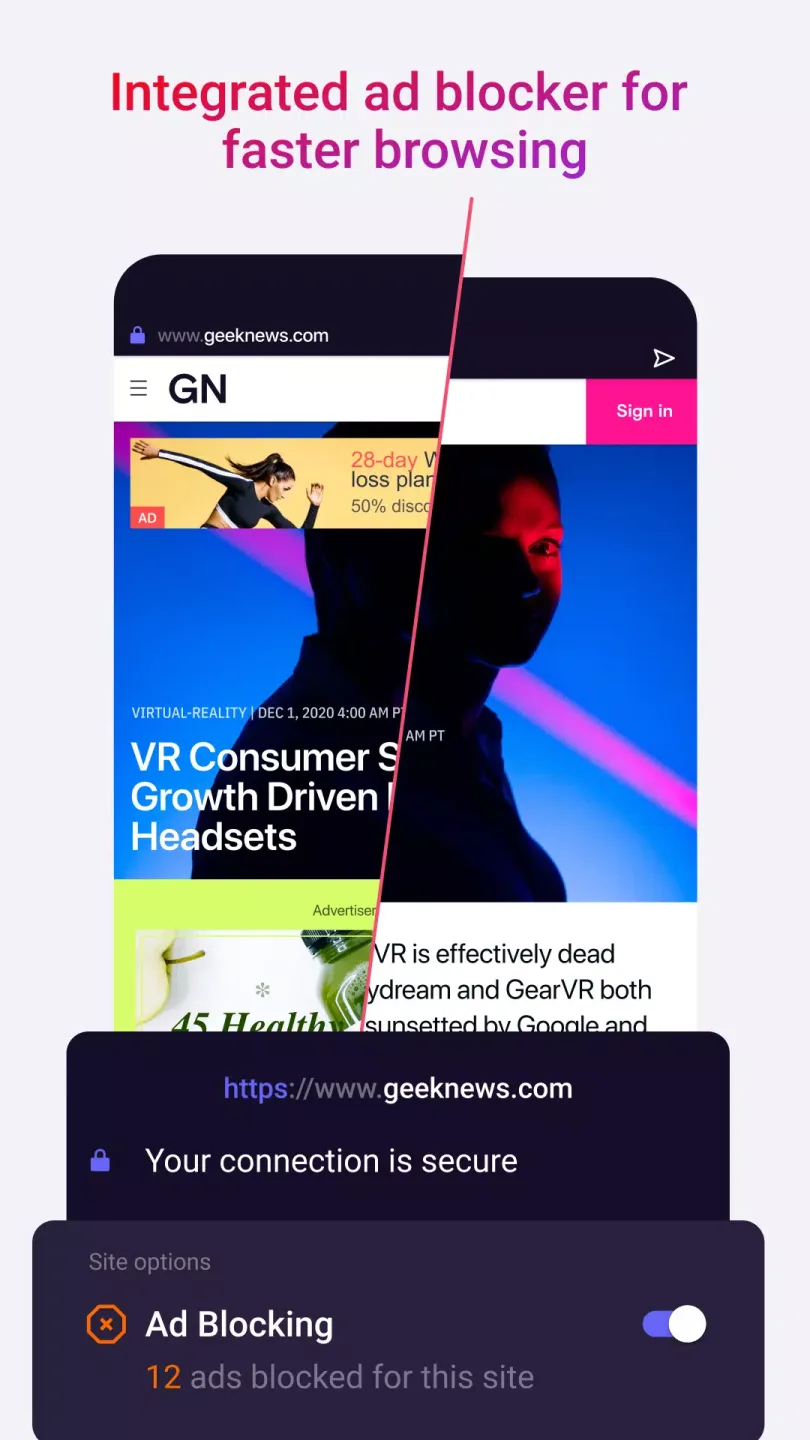
Opera Touch has a built-in ad blocker for faster browsing. When you open Opera Touch, it blocks intrusive ads, making pages load much faster than other mobile browsers.
Simple Web Browser
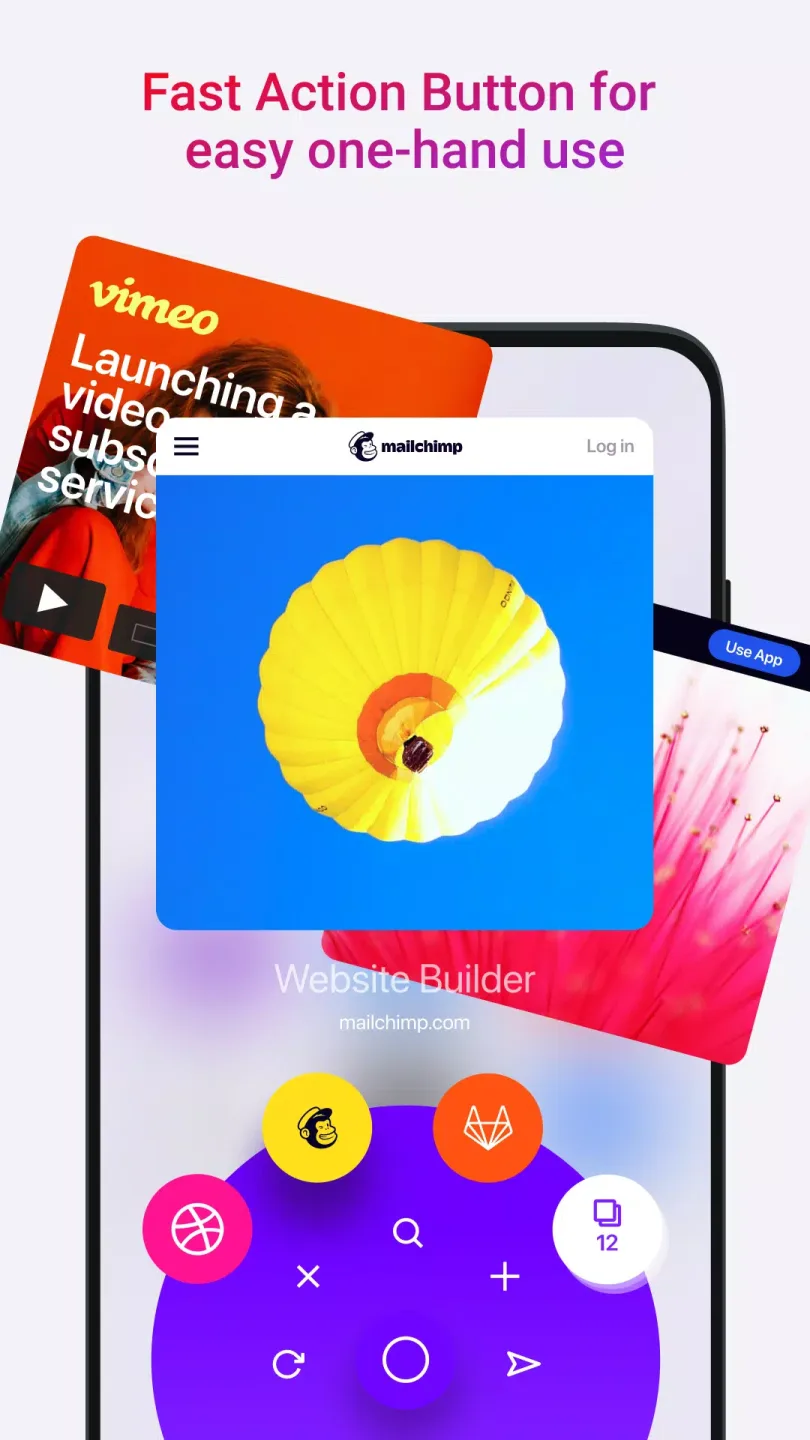
Opera Touch allows for one-handed operation on the web. Choose between standard bottom navigation and quick action buttons. When you select a quick action button, it will remain floating on the browser screen, providing direct access to instant search. Press and hold the quick action button to access recently used tabs, or reload, close, or share the current tab with the desktop browser.
Connect Devices
When used with the Opera desktop browser, Opera Touch enables seamless web browsing and quick file sharing between your computer and mobile devices. Connecting your phone to your computer to share files has never been easier. Simply open the Opera desktop browser and scan the QR code displayed on your Opera Touch. No login, no password, and no account required! With a single click, you can send yourself links, tags, videos, or any other files that will appear on all your computers and mobile devices.
Pros and Cons:
Pros
Innovative one-handed operation via Fast Action Button
Instant access to search, tabs, and bookmarks
Easy, private device syncing with Flow technology
Integrated ad blocker and cryptojacking protection
Lightweight design ensures fast performance
Voice and QR code search built-in
Cons
Lacks support for extensions or heavy customization
May not suit users needing advanced browser features
Flow requires use of Opera desktop browser for full advantage
Download:
Click on the Continue To App button on our website. This will redirect you to Google Play.
Once the Opera Touch is shown in the Google Play listing of your Android device, you can start its download and installation. Tap on the Install button located below the search bar and to the right of the app icon.
A pop-up window with the permissions required by Opera Touch will be shown. Click on Accept to continue the process.
Opera Touch will be downloaded onto your device, displaying a progress. Once the download completes, the installation will start and you'll get a notification after the installation is finished.
Bottom Line:
A privacy-focused browser with unique features
Opera combines privacy, speed, and convenience with innovative tools that make it a distinctive choice among major browsers. Its built-in VPN, AI assistant, and social integrations deliver a modern user experience while supporting future web standards like Web 3.0. Although some syncing and extension limitations still exist, this browser remains trustworthy and versatile for users valuing privacy and productivity.








