Google Messages is a userfriendly instant messaging software powered by RCS communication services, allowing users to freely send various photos, videos, emojis, and more, making your chats more fun. The software offers rich customization options, allowing you to change chat bubble colors, chat backgrounds, send animated GIFs, and more. It also integrates the latest AI technology; simply enter a question from a friend to get a template answer, and a simple click will automatically reply. Privacy is also paramount, employing endtoend encryption technology to protect user chat information and account security at all times, allowing users to socialize with peace of mind.
Click to load YouTube / 点击加载视频
YouTube ↗Features of Google Messages:
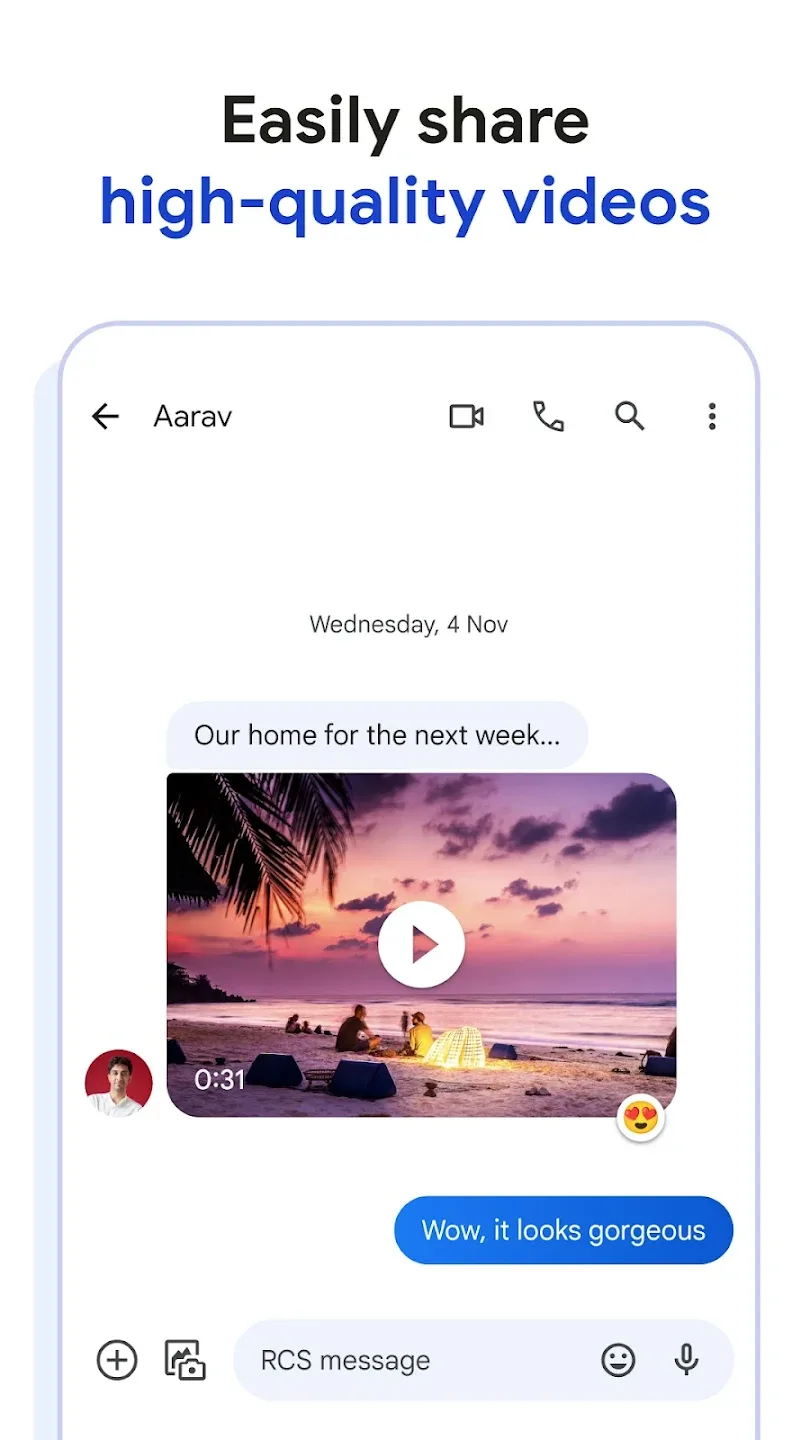
Rich chats with RCS: When RCS is available, Google Messages lets you share high quality photos and videos, see typing indicators, and get read receipts. Group chats feel more dynamic, and iPhone friends can be included when supported. If chat features are not available, messages send as SMS or MMS so conversations still go through.
Continue conversations across devices: Google Messages works on Android phones and tablets, and it also supports Messages for web on a computer. You can pair your phone with a browser using a QR code and keep texting while you work. It is also available on Wear OS, so quick replies are possible from a watch when you are on the move.
Personalize how your chats look: You can change chat bubble colors to make key conversations stand out at a glance. Google Messages also lets you create selfie GIFs, which adds a personal touch without extra apps. These small choices help you recognize threads faster and keep chats organized.
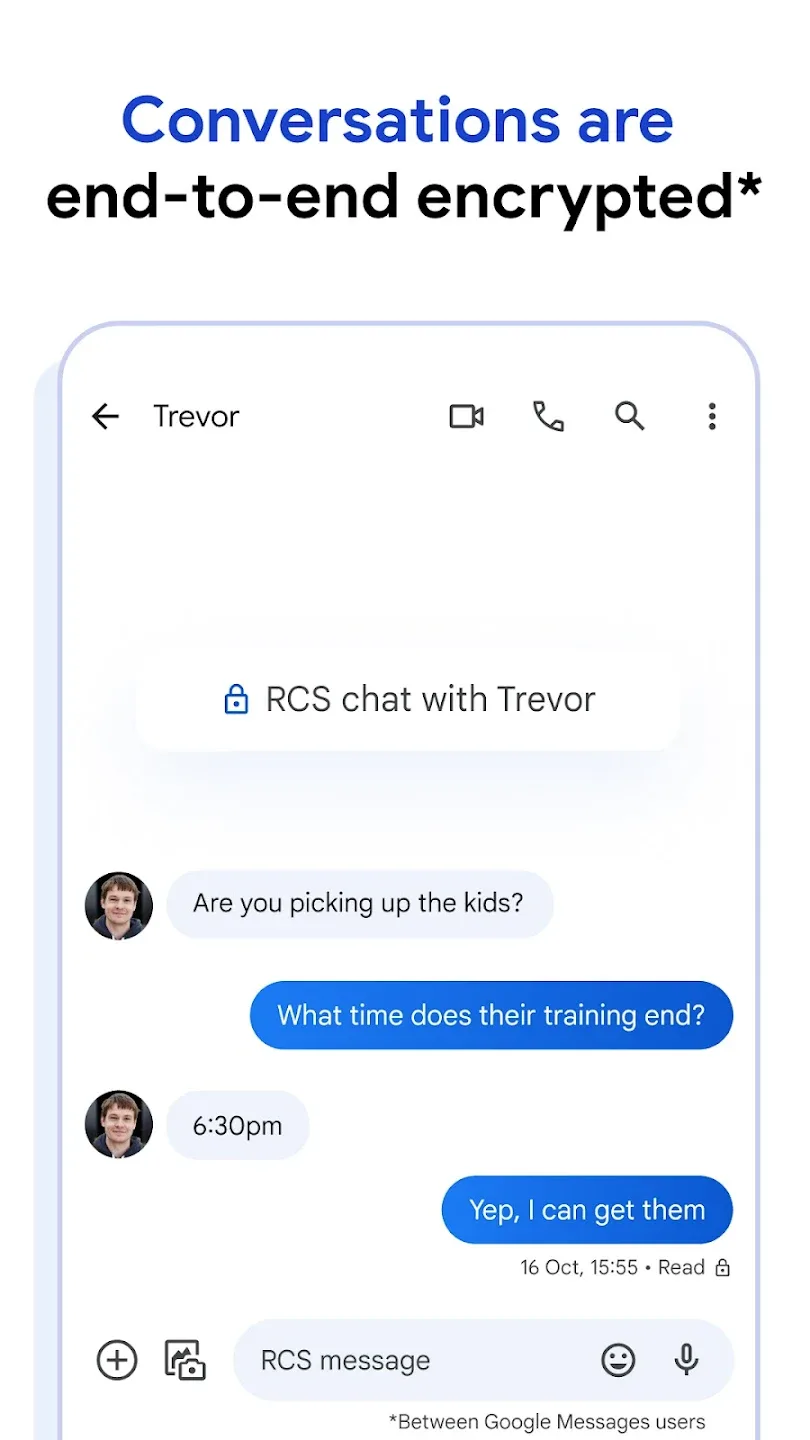
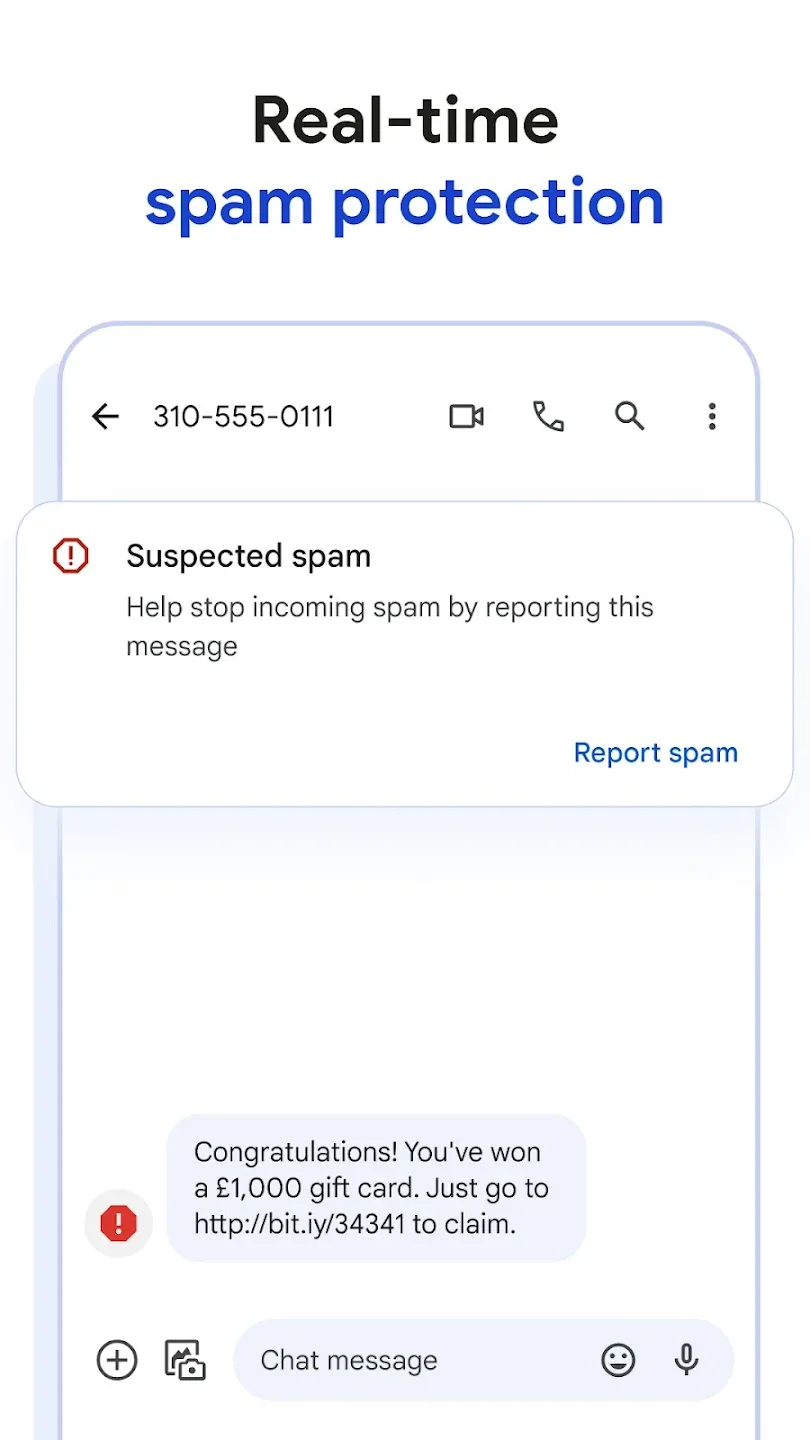
Privacy and spam control built in: Personal chats between Google Messages users are protected with end to end encryption, helping keep content private. Advanced spam protection works quietly in the background and flags suspicious texts. You can block or report senders from a thread to reduce unwanted messages over time.
Highlights of Google Messages:
Intuitive Interface: The intuitive interface is quite familiar and embedded with multiple innovative messages including categorization and robust spam protection. As the message categorization allows you to manage your messages in separate categories, such as personal, business, etc., likewise, robust protection is one of the builtin functionalities used for filtering messages coming from spammers, junk messages, and other unnecessary content that can compromise your privacy.
Seamless Synchronization: The app allows you to sync your chats across multiple devices, including computers, tablets, Android, and Wear OS, and so on. So, it is possible to start your chat from one device and continue it on another device effortlessly. It is easy for you to stay in contact at all times without any inconvenience. Enhance your communication while going beyond traditional SMS and MMS with robust features.
Support RCS: The inbuilt support for Rich Communication Services (RCS) makes your messaging experience quick and smooth, as it offers highresolution photos, videos, and other important documents for your ease in sharing with others. It is possible to view other typing status, and also join groups to discuss your joint affairs, even adding your iPhone friends as well. It also offers a read receipts facility for your ease to know when your message has been read.
Security & Privacy: Earlier, Google Messages didn’t have endtoend encryption, but later on, it was embedded with endtoend encryption for the safety of your private conversation. It also offers an advanced spam protection feature to filter the spam messages and other unnecessary content.
Player Comments of Google Messages:
Messages is my favorite text app. Tried a couple of others and was not satisfied with their functionality; why would anyone want ads popping up during its use? In some apps I can be forgiving, but no. Not when I am texting. Messages have no annoying ads, don't beg off me for new features, and have continually performed exceptionally.
I've been using Google messages now for awhile, and I've grown to really like it. It took me a while to get things set up the way I like, and found how to give everyone I talk to regularly their own message notification tone. That was the one thing I missed from message+, but I'm liking it now. Also, I like that I can use the different emojis and trigger the background after you type in certain words.. it took me awhile, but I'm loving it now.
It's blazing fast and stable. I just wish you could preview a massage the way it will be seen by the recipient before you actually send the message. That would make proofing easier and would help to detect errors and/or missing words in long text.
this would easily be a 5 star app with all the RCS features if this app didn't crop pictures when sending them. the top and bottom are cropped and other people have to click into it to see the whole picture. problem is they don't realize that and just think I'm dumb. this was supposed to be a new feature but I and many, many others seem quite annoyed by it.
FAQs of Google Messages:
Change default notification settings?
Open Google Messages .
Tap your profile photo or icon and then Settings.
Stop notifications from other apps: Tap Notifications and then Turn off All "Default settings" notifications.
Get notifications on your phone from Google Messages: Tap Notifications and then Turn on Incoming messages.
Stop sound notifications when you send messages: Turn off Hear outgoing message sounds.
Learn how to change options for specific people.
Change your default messaging app?
Open your device's Settings app .
Tap Apps and then Default apps and then SMS app.
Change font size?
To make your font size smaller or larger:
Open your device's Settings app
Select Accessibility and then Text and display.
Select Font size.
Use the slider to choose your font size.
Change display size?
To make items on your screen smaller or larger:
Open your device's Settings app
Select Accessibility and then Text and display and then Display size.
Use the slider to choose your display size.
Change how Google Messages sends pictures, videos & audio files
Open Google Messages ?
Tap your profile photo or icon and then Settings and then Advanced.
Send a message or a file separately to each person in a conversation: Tap Group messaging and then Send an SMS reply to all recipients and get individual replies (mass text).
Automatically download files in messages: Turn on Autodownload MMS.
Automatically download files when data roams: Turn on Autodownload MMS when roaming.
Conclusion:
Google Messages runs with a simple and streamlined user interface. Extra features include text messaging blocking, archiving, and more. For the average smartphone user, Google's Messenger app is perfect for managing text messages without thinking twice about it. Users that want extra features may want to look elsewhere for a messaging platform, though.