

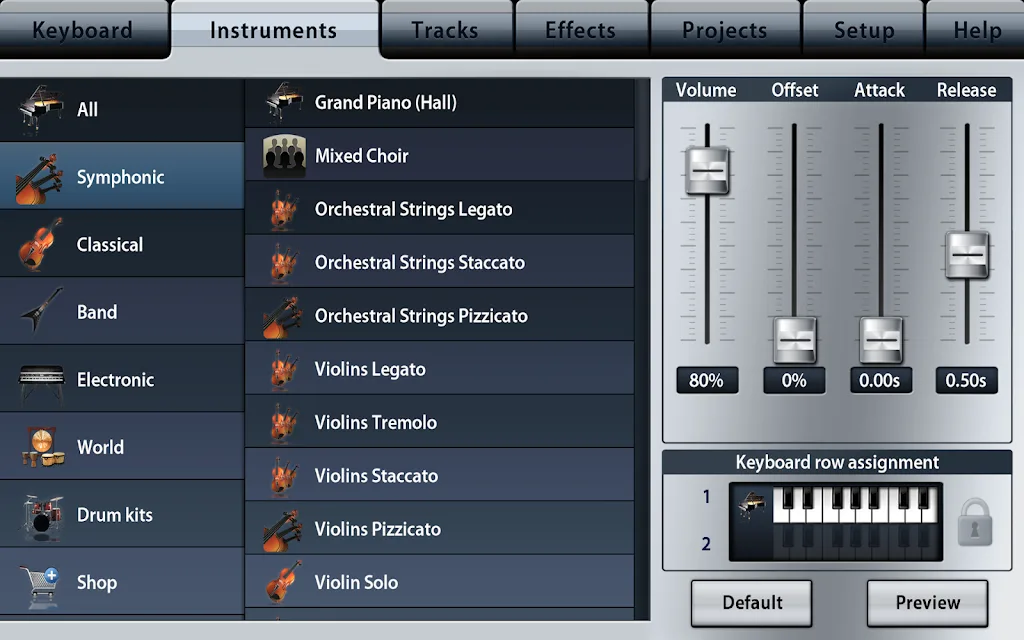
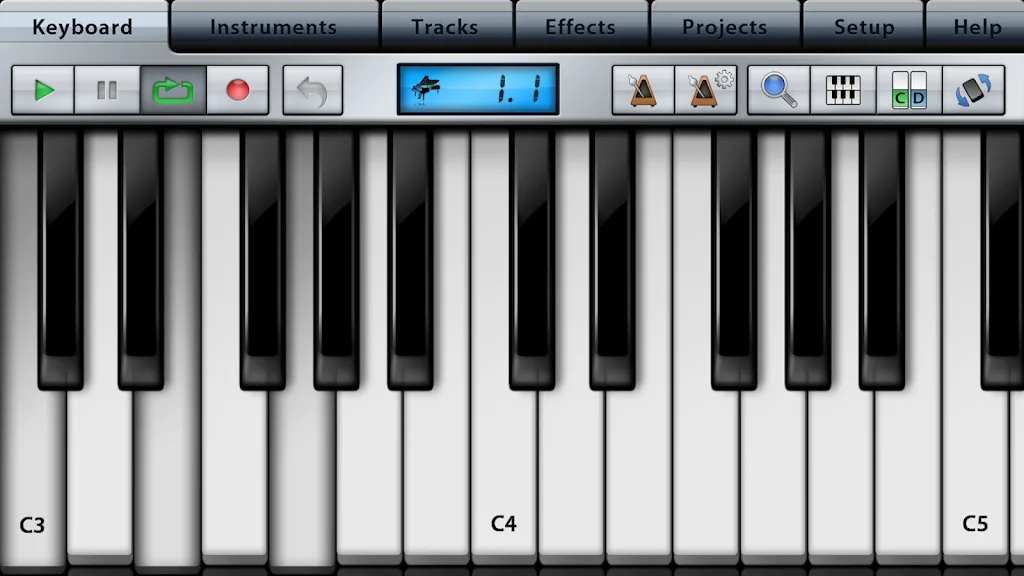
Music Studio Lite is a powerful, free music production software. It features a 60-key dynamically configurable simulated piano keyboard, 11 professional-grade realistic instrument sound sources, and a 127-track full-featured sequencer. Users can easily record and create beautiful music. The software is easy to use, with a pitch bend wheel and gravity sensor controls, making it accessible even to beginners. Give it a try!
Click to load YouTube / 点击加载视频
YouTube ↗Features:
Photorealistic dynamically configurable 85-key keyboard
Instant positioning via the slide gesture and resize with the pinch gesture
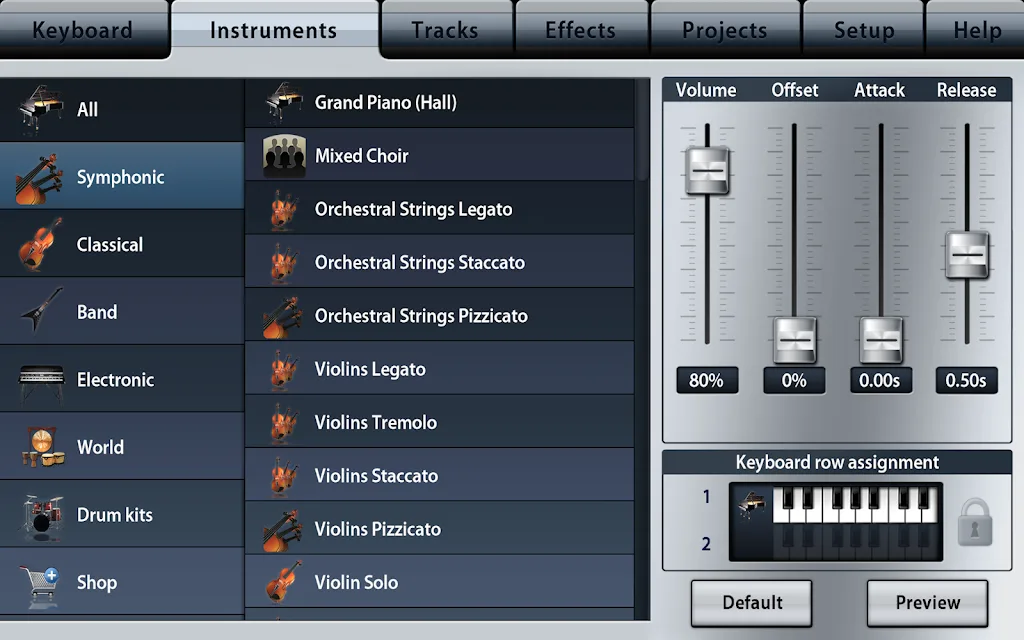
11 studio-recorded instruments (16bit 44.1kHz sampled from real instruments)
Release and attack time configurable per instrument
Sustain samples
Pitch bend wheel and accelerometer control
Audio tracks:
Microphone recording
Audio file import (wav and m4a)
Waveform and audio region editing
Low-latency, highly optimized, 128x polyphony, battery saving audio engine
10 drum loops
High-quality reverb and resonant filter and limiter effect
127-track sequencer
Beat & metronome settings (tempo and signature)
Mute, solo, effect bus, pan and volume adjustment for each track
Edit tracks, bars and even individual notes:
Draw, quantize, transpose, repeat, move, length, velocity, etc.
Basic MIDI hardware input support
Unlimited undo and redo
Detailed in-app help
Play or record 2 different instruments at the same time with 2 keyboard rows
FAQs:
What Android version is required to install Music Studio Lite?
Music Studio Lite requires Android 4.3 Jelly Bean or higher to install and play. Music Studio Lite This ensures compatibility with the game's features and performance requirements. To check your device's Android version, go to Settings > About Phone > Software Information. If your device runs an earlier version, consider updating it to meet the game's requirements.
Why am I unable to install the Music Studio Lite app on my Android device?
The installation of Music Studio Lite may fail due to insufficient storage, a poor network connection, or compatibility issues with your Android device. To resolve this, ensure your device meets the minimum requirements before attempting to install.
What is the file size of Music Studio Lite
Music Studio Lite takes up around 6 MB (6,286,468 bytes) of storage
Update Log:
Improved the quality of the virtual keyboard skin when resizing
Added a skin sharpening button to the virtual keyboard
Other improvements and bug fixes
Select a track to display its notes as shadows on other tracks
Play selected notes in a loop
Improvements and bug fixes
Conclusion:
This is a fantastic Android app. The Project menu makes creating new projects easy and convenient. The Settings menu provides options to control the built-in hardware and software. Music Studio Lite belongs to the Music & Audio category and is developed by Alexander Gross. If you need a free music and audio app, consider downloading Music Studio Lite.








