
TXD Tool is a practical tool for editing game texture resources. It integrates various auxiliary tools such as direction measurement, level measurement, GIF animation creation, and system parameter adjustment. You can open any TXD texture package and modify vehicle textures, road textures, and character interior textures to create personalized designs. It also supports exporting and backing up created textures for convenient user preservation. The software interface is clean and free of ads throughout the process, and its simple operation makes it easy for beginners to use.
Click to load YouTube / 点击加载视频
YouTube ↗How to use:
After you download TXD Tool and install it, the basic flow is simple and centered on TXD archives. The following steps outline a common path for replacing textures in GTA Vice City or GTA San Andreas projects with minimal setup.
Open TXD Tool and allow the requested storage permissions so the app can read and write game files.
Select the target game folder for GTA Vice City or GTA San Andreas, then browse to the TXD file you want to edit.
Open the TXD archive and review the listed textures to identify what needs replacing or adjusting.
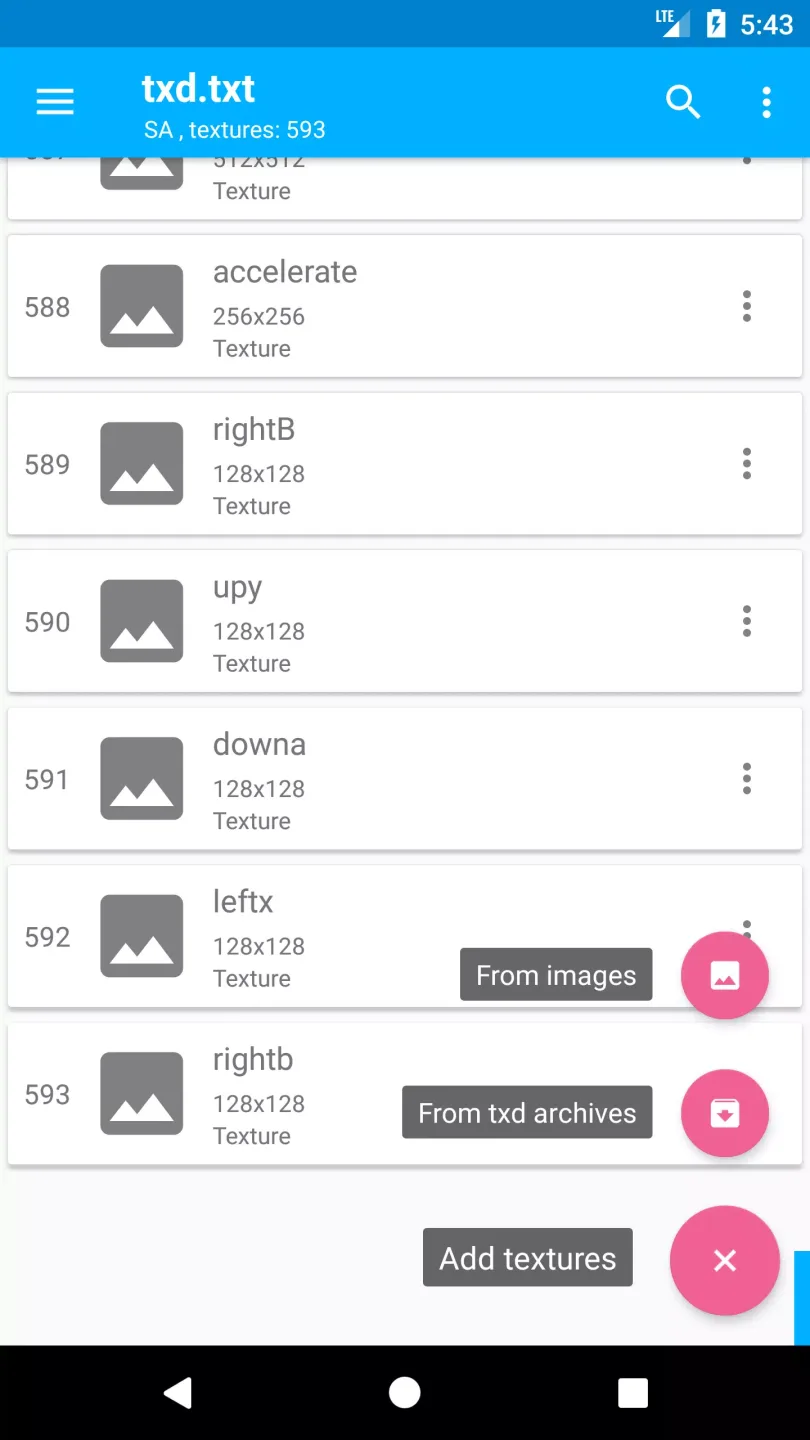
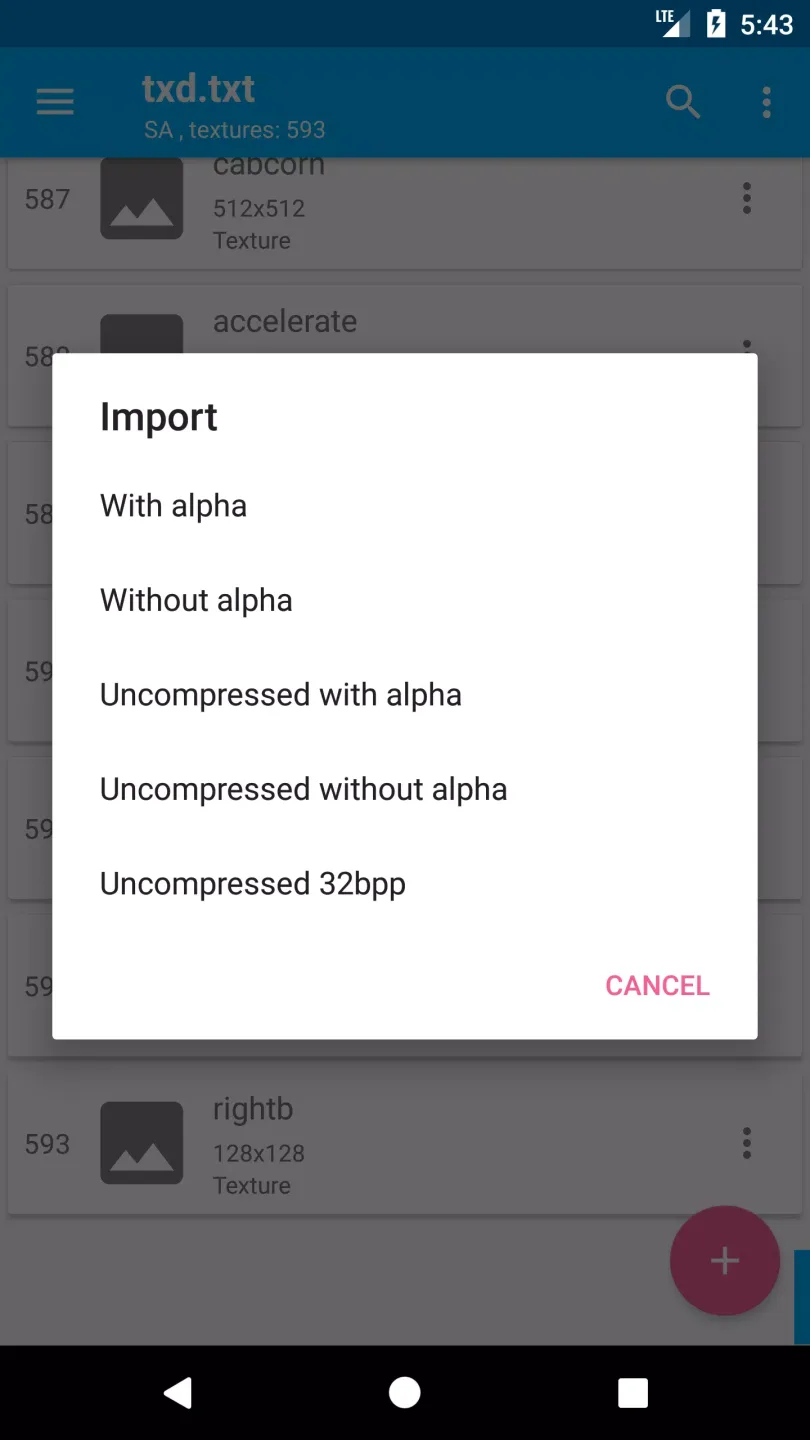
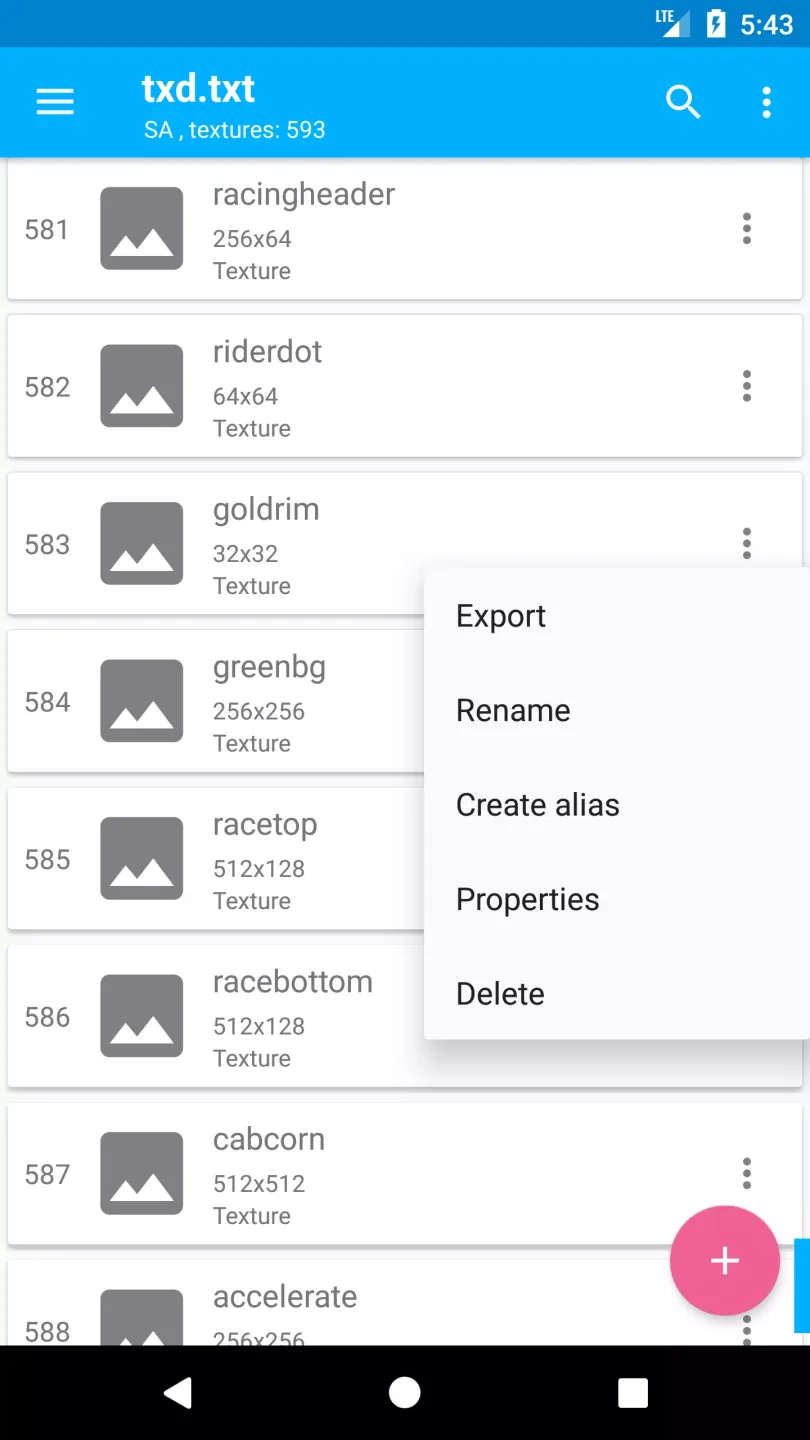
Import a new image or replace an existing texture, then edit properties or create an alias if needed; use auto rewrite when you need to overwrite quickly.
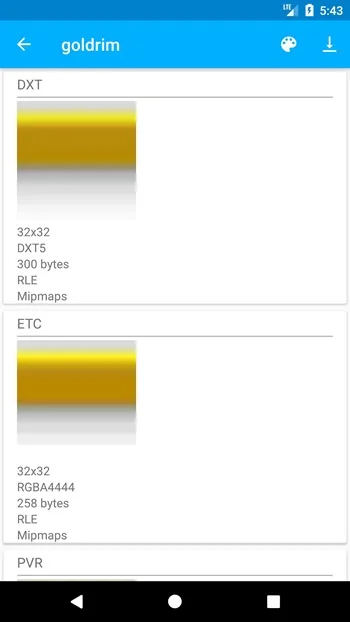
Set mipmap generation and compression options, choose export format and quality, then save or export and test the result in game.
Features:
App to edit the textures of some games in the GTA series.
Integrate editing, compression, and export functions in a single environment.
Opening and editing TXD files directly on the device.
Export tools in PNG and other standard formats.
Real-time preview of modified textures.
Import functions from the gallery or internal storage. Repackaging options after editing to integrate it into the game.
MIP map generation.
Requires prior installation of GTA VC or GTA SA.
Pros and Cons:
Pros:
Easy to use and intuitive interface.
Ability to send large files quickly without any size limit restrictions.
Secure data transfer encryption ensures that all shared information is kept confidential.
Supports multiple file types, including images, videos, documents etc.
It can be used on both Android and iOS devices.
Automatically compresses the sent files before transfer.
TXD Tool Apk
Cons:
Limited features compared to other competing apps.
Unreliable customer service and support system.
A problematic user interface for novice users makes it difficult to use the app effectively.
Lack of updates or new versions released regularly, leading to potential bugs and security issues over time.
FAQs:
What is TXD Tool used for on Android?
It is used to edit and manage TXD texture files for GTA Vice City and GTA San Andreas, including importing, replacing, exporting, and compressing textures.
Which GTA games work with TXD Tool?
It supports the Android versions of GTA Vice City and GTA San Andreas that use TXD texture archives.
Can TXD Tool import normal image files?
Yes, it can import common image formats and convert them into textures inside TXD archives.
Does TXD Tool require modding knowledge?
Yes, users should understand how GTA mods and file replacement work before using it.
What are the minimum device requirements for TXD Tool?
A device with around 1 GB RAM and a multi-core CPU is recommended for stable texture editing.
Conclusion:
TXD Tool APK offers a focused way to edit GTA Vice City and San Andreas textures directly on Android. If you already work with game mods or want precise visual control, downloading the app from our website gives you a practical and portable TXD editor for your GTA installations.