
Polaris Office is an office application designed for Android devices that allows users to freely edit documents and spreadsheets. It supports cloud storage, enabling cross-platform access, and offers features for handwriting and sketching. With its clean interface and powerful functionality, the app is easy to pick up and use; a user account is required for login. The software facilitates seamless reading and helps boost productivity, while also providing a library of templates for users to choose from and utilize.
Features
Work with common document formats
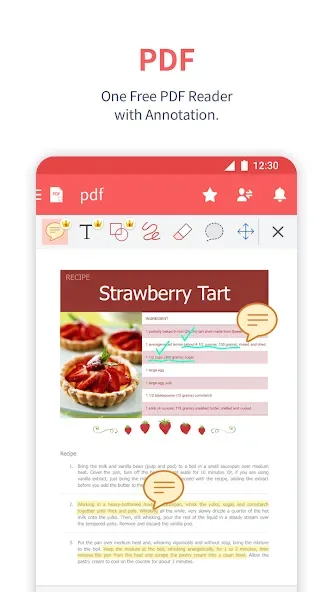
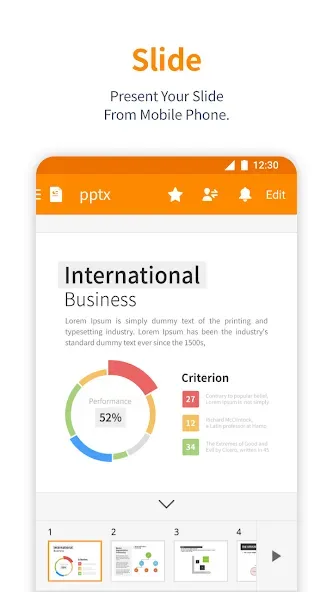
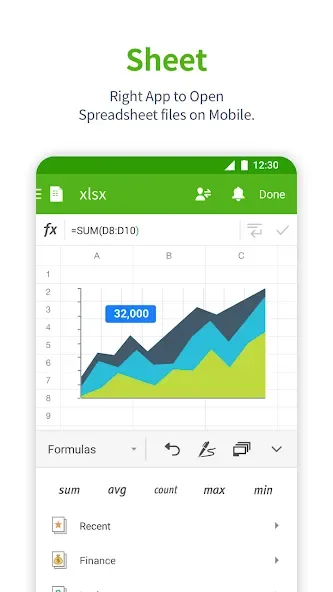
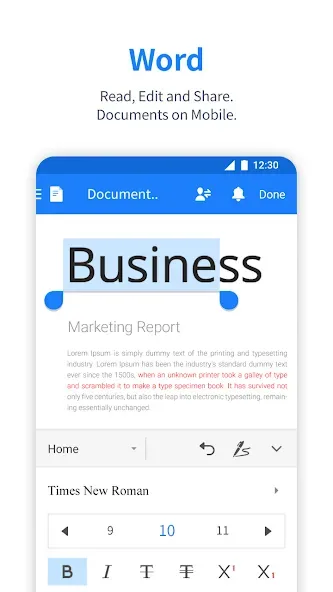
With Polaris Office, you can edit text documents, spreadsheets, and presentations, as well as open PDF files without extra tools. The app supports the most widely used Microsoft Office formats and other standards, making it easy to open and work on almost any document you receive.
Cloud access and file sync
Polaris Office allows you to store documents in the cloud and access them across multiple devices. You can use its own cloud service or connect external platforms like Google Drive, Dropbox, or OneDrive to keep your files synchronized wherever you are.
Creative tools and easy sharing
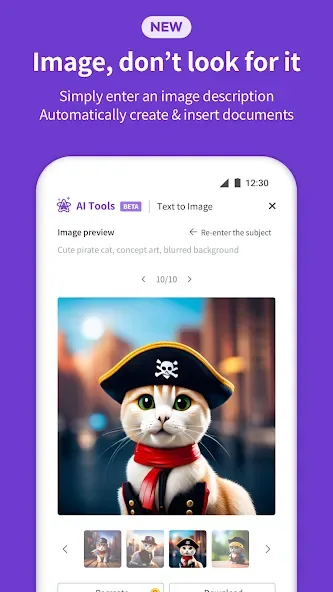
Beyond typing, the app lets you write by hand, sketch ideas, and insert images or videos directly into your documents. Sharing is just as simple, with options to send document links for quick collaboration or feedback. Overall, Polaris Office turns your Android device into a practical mobile office that fits naturally into everyday work routines.
Advantages and disadvantages
Pros
Simple interface
Robust range of functions
Affordable pricing
Integration with cloud storage services
Cons
Fewer features than some competitors
FAQS
How do I start using the Polaris office app?
After installing the Polaris Office app you must complete the registration process to use the Polaris Office app by providing an email or a FB account otherwise create a new one.
What is supported by the Polaris office app?
Polaris Office app Supports these file formats: DOC, DOCX, XLS, XLSX, PPT, PPTX, PPS, PPSX, TXT, HWP, ODT, PDF, and CSV.
Is there a trial version of this app?
Initially, the Polaris Office app offered a 14-day trial version for its users. After that app will prompt you to select one amongst multiple subscription plans. The application has three subscription types which are discussed below.
Is there a cloud storage service?
The app has its cloud service namely Polaris Drive which is a by default cloud.
User comments
Easy to use. You can do a lot of things here. Prepare , edit , save , share , post and print them. Seamless app to connect with Google, A.I platform , copy and paste and save them for your own archive or knowledge bank. ' Words Made Easy '. Thank you , you have made my job so much easier that I can do my work anywhere and anytime.
Best bet out there for free productivity; have been using for 10 years! Have been using for over 5 years as my primary "office" software; notes, docs, PDFs, etc. I'm am no longer in the workforce, have done 99% of any transaction on my phone. Polaris works, even for this Nana. Unfortunately, it's trying to charge me, while I still have time left on my annual plan. I switched phones, and my plan didn't.... S21 5G on android
So far the best. I have been trying several apps for me to use in daily basis for writing simple word document and this app is the perfect one for me. The free version was not too overwhelm with ads. If you really need to remove them, there is one time payment option, which for me was not that expensive. This app also came with several popular basics font, unlike some other apps that came with only one/two rarely used fonts only.
Summarie
Polaris Office is fully compatible with all Microsoft Office reading, creating and editing tools. Go outside the box, show your creativity with the "Handwriting" function, draw, leave notes, create sketches and just get creative. Connect to any device quickly and securely, wherever you are and get started. Work together with friends on one project, just share a link to a document in the cloud storage. Working with documents has never been so much fun. Download Polaris Office and work in comfort.








