

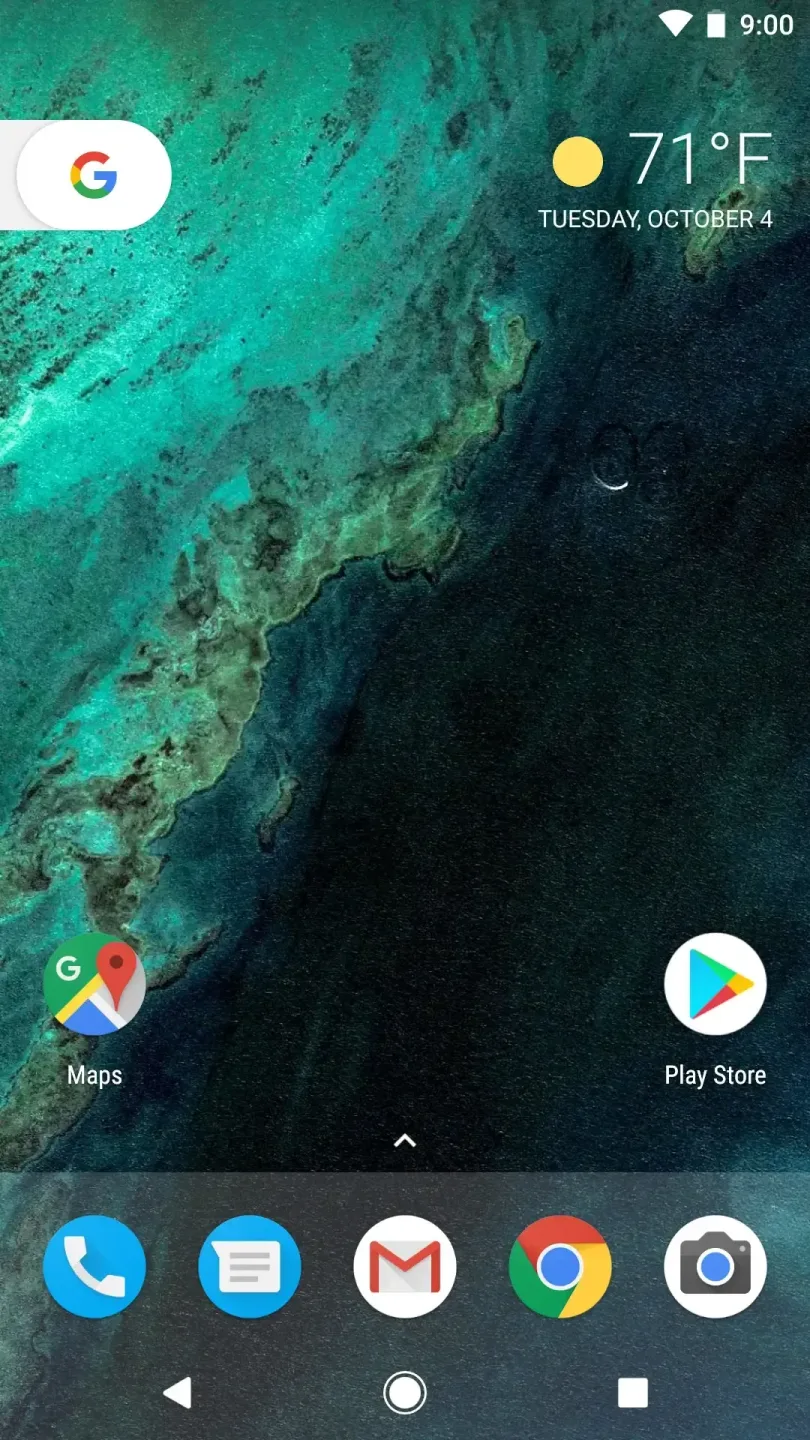
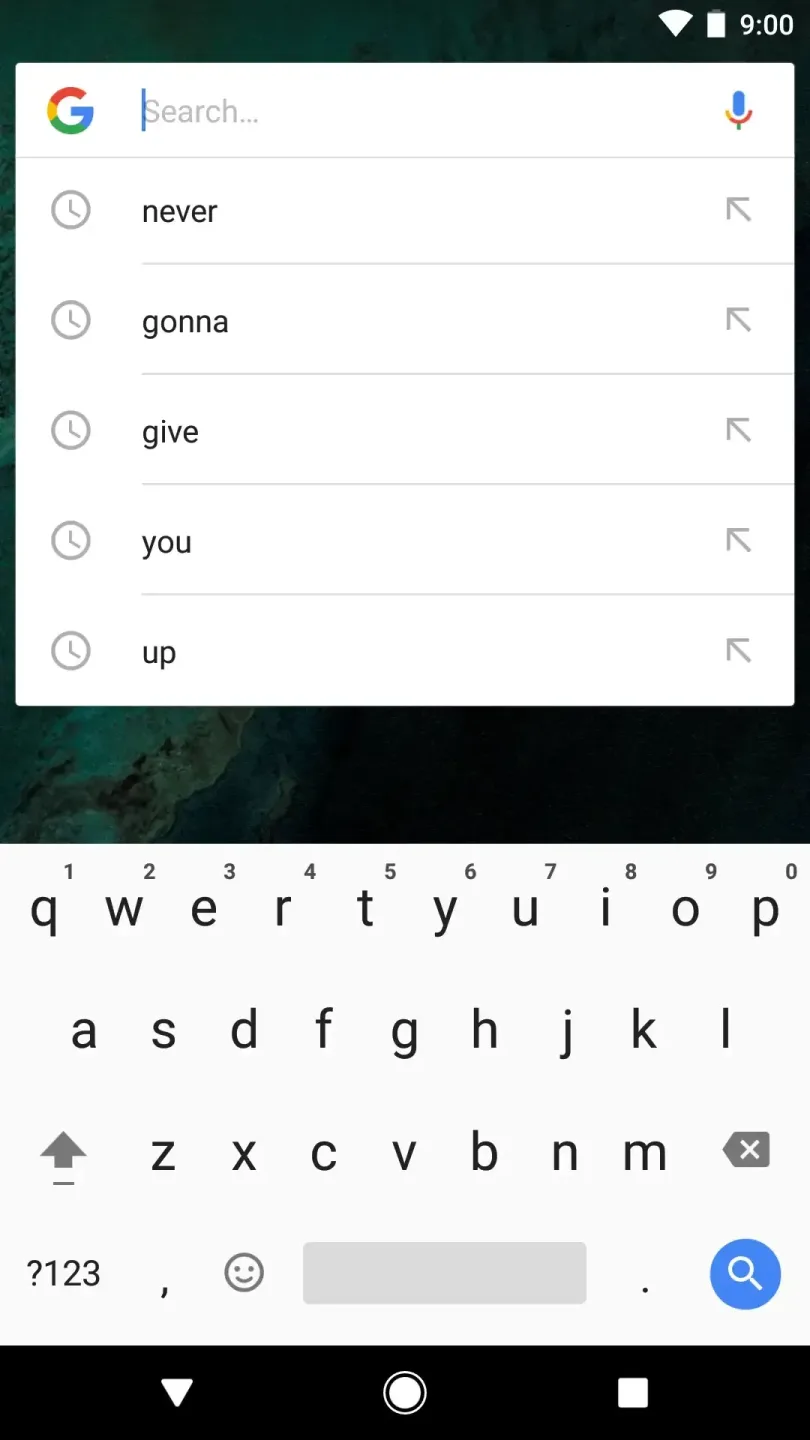
Pixel Launcher is an excellent home screen management tool. It integrates icon and screen management features, offering a clean, native-style layout that allows users to quickly access various apps and widgets. With Pixel Launcher, users can choose from a wealth of customization options to create a unique and personalized phone. Additionally, you can set up a search shortcut at the top of your home screen, enabling you to launch web searches directly—without needing to open a separate app or wait for it to load.
Highlights:
Swipe right from your home screen to see personalized Google cards that bring you news and personalized information, at just the right time.
Quick access to Google Search on your primary home screen.
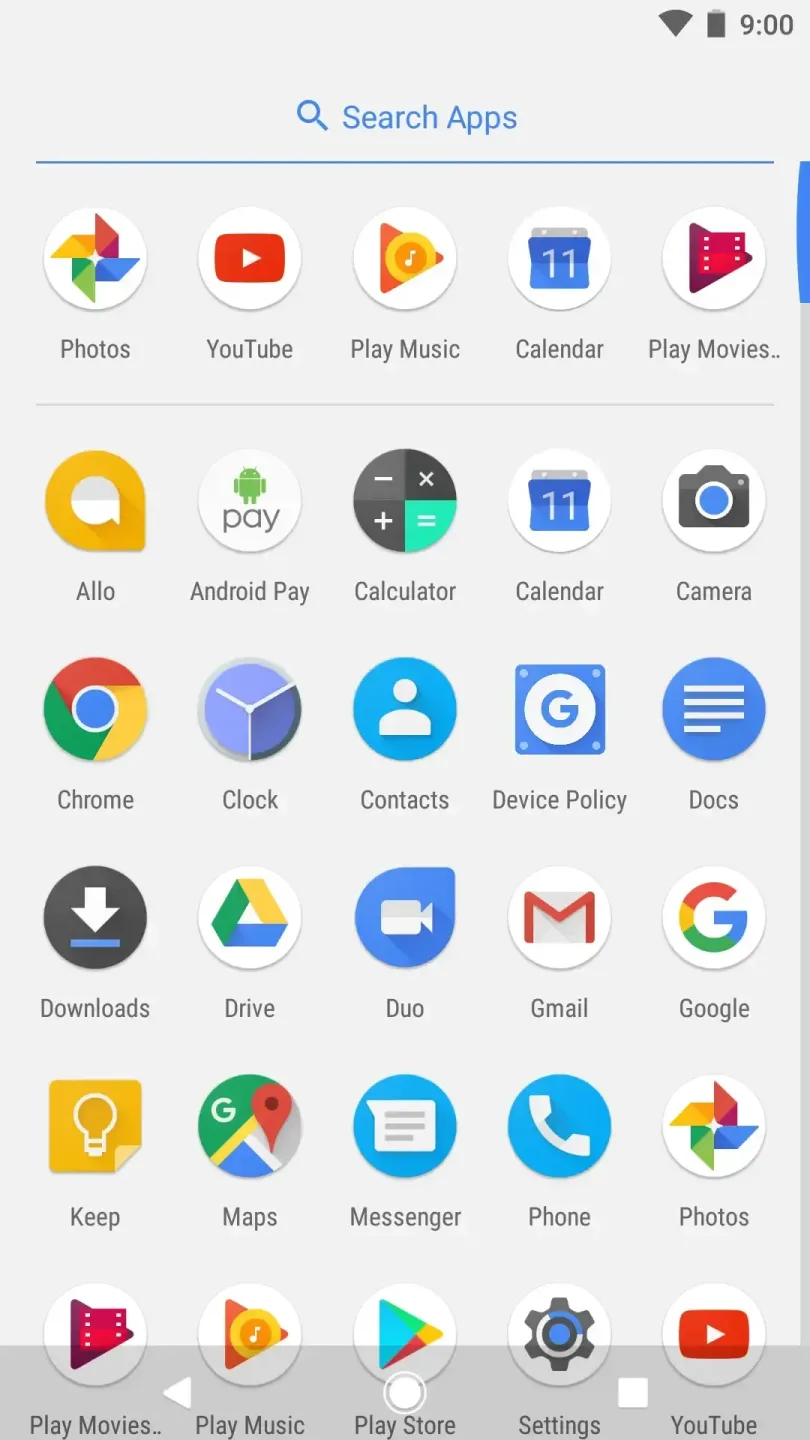
Swipe up on the bottom Favorites row to find your apps from A-Z.
App Suggestions bring the app you’re looking for to the top of your A-Z list.
Long-press on apps that support shortcuts to jump right into where you need to go or long-press on the shortcuts to drag them to the home screen.
Features:
Official Google launcher that provides the standard Pixel look and feel
Tight integration with Google Search, Assistant, and card-based news updates
Clean, stock-style interface that is easy to use and organize
Useful built-in widgets for time, weather, and calendar
Ability to hide rarely used apps in the app drawer to reduce clutter
Tips for Users:
As with other launchers, with Pixel Launcher, you can rearrange the icons on the home screen, as well as create widgets.
The launcher has widgets for time, weather, or calendar, which are very useful for keeping up to date with the latest information at a glance.
As for the app drawer, you can hide the ones you don't use so that they don't bother you.
Compatibility with Pixel Launcher is only guaranteed with Google Pixel devices.
If you install it on a non-Google device, you may have problems with its operation or even directly receive an error when you go to your device's home screen.
Therefore, it is important to be careful when installing a launcher other than the default one on your device.
This is because the launcher works in conjunction with the framework of Pixel devices, so compatibility errors occur if elements are not present in it.
Changelog:
The weather appears in the top-right corner for your current location
Visual refresh of wallpaper picker
New circular folder presentation
Shortcuts on long-press of supporting apps
Final Words:
Pixel Launcher also prioritizes accessibility, ensuring that no user information is collected or shared without consent. Accessibility permissions are used solely to enhance the user experience with functions like home screen navigation, recent apps, and the lock screen. Download Pixel Launcher now to transform your Android home screen with unparalleled customization and performance enhancements.








