

AirDroid Cast is a screen-mirroring tool designed for Android systems. It allows users to cast the screens of their mobile devices or tablets onto larger displays, such as PCs or televisions. The casting process is straightforward: users can connect simply by scanning a QR code or using a USB cable. The software also enables users to control their mobile devices directly from their computer—allowing for actions like swiping and typing—and supports audio transmission, making it an excellent solution for displaying mobile content on large screens during meetings. Furthermore, it supports remote network connections and allows multiple devices to be cast to a single computer simultaneously, catering to a wide range of user needs.
Click to load YouTube / 点击加载视频
YouTube ↗Features
Multiple casting methods—simple and easy to use.
Cast your screen by scanning a QR code, entering a cast code, or using a USB cable. Enjoy a clear, lag-free display—perfect for gaming, live streaming, and entertainment.
Control mobile devices from your computer.
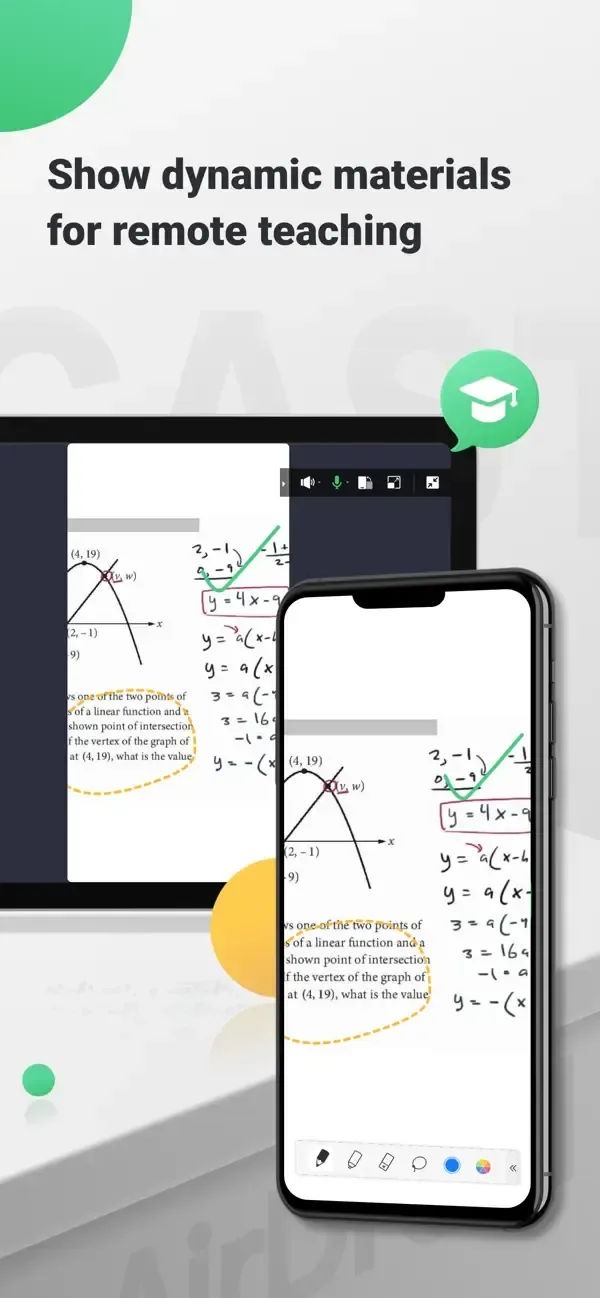
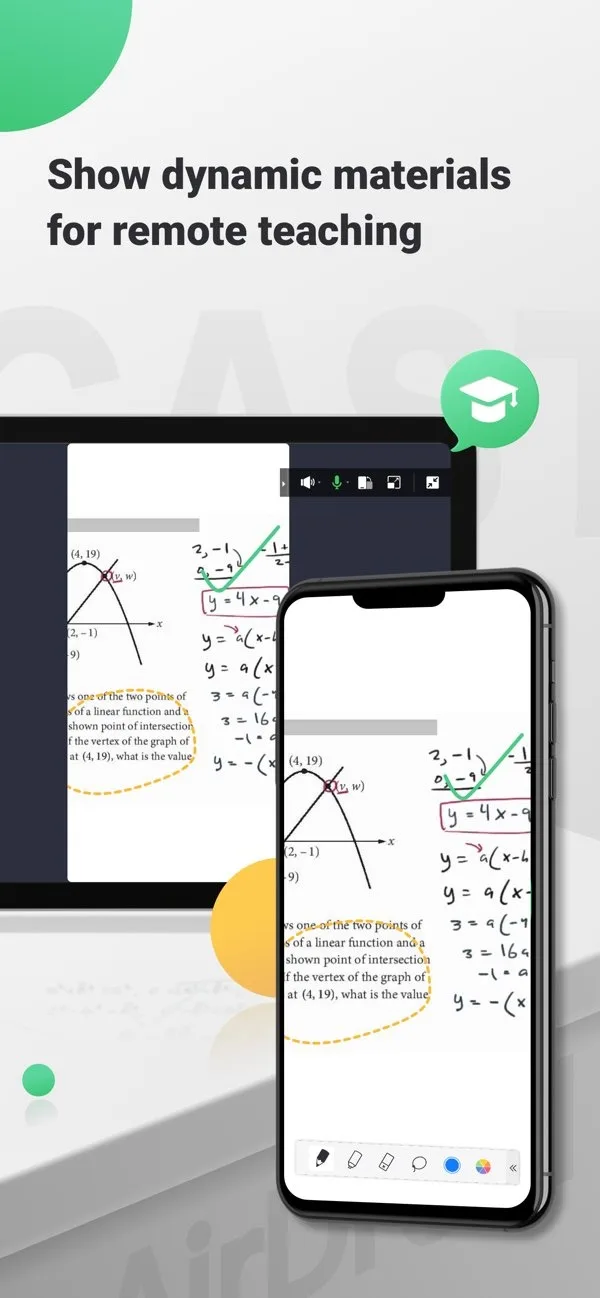
Whether you are in the office or at home, AirDroid Cast lets you view and control your mobile devices from your computer. Once the software is installed on your macOS or Windows PC, you can manage your phones and tablets directly—performing actions like clicking, scrolling, and typing without needing to pick up the device itself.
Mirror your screen and transmit audio.
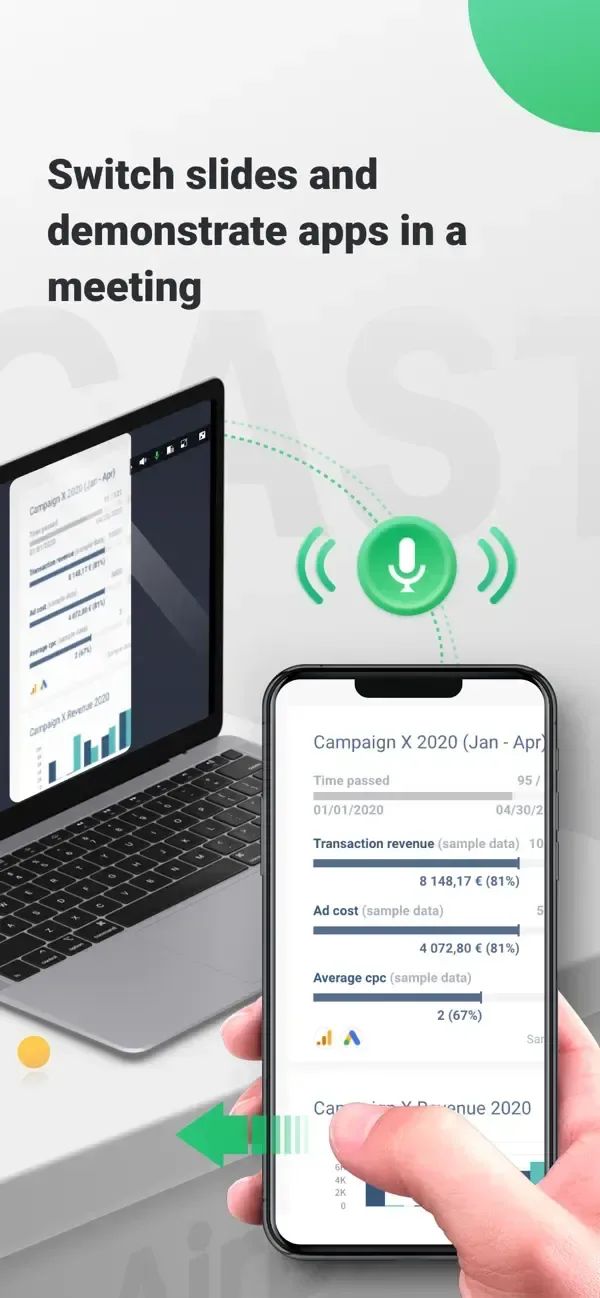
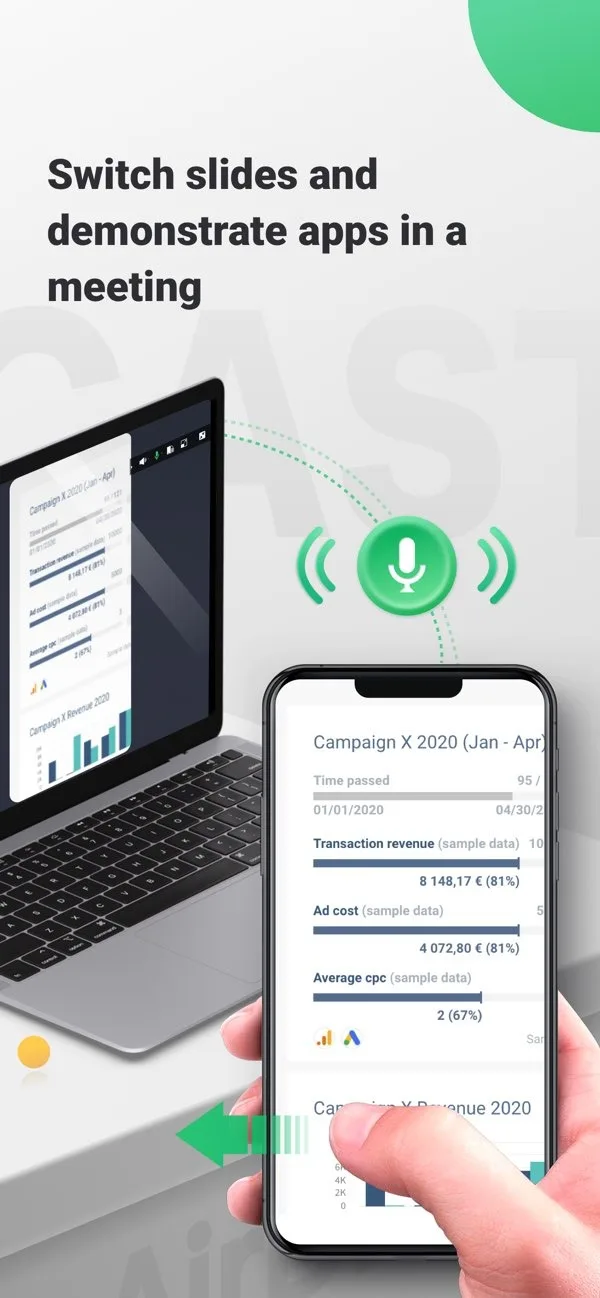
AirDroid Cast goes beyond simple screen mirroring by also transmitting audio from your device’s microphone. Use the two-way audio feature to communicate directly with meeting participants and boost productivity.
Support for remote networks.
While all features are available on a local area network (LAN), upgrading to the Premium version removes network restrictions. AirDroid Cast functions seamlessly over remote networks, making it ideal for scenarios like remote meetings.
Multi-screen display on a single computer. AirDroid Cast supports casting the screens of up to 5 devices onto one computer simultaneously. This allows you to enjoy multiplayer games or view PowerPoint slides from all participants during a meeting.
Pros and Cons
Pros:
Mirror your Android screen to Windows, Mac, web browsers, and other mobile devices.
Control your phone using your mouse and keyboard, just as if you were using a computer.
Two-way audio functionality makes meetings and presentations more interactive.
Cast to up to five devices on the same network.
Free local casting, with optional paid premium plans for additional features.
Paid versions include support for USB casting and remote network connections.
Cons:
The free version is limited to devices connected to the same Wi-Fi network or hotspot.
Certain streaming apps, such as Netflix and Formula 1 TV, may display a black screen.
FAQs
How do I connect my device to AirDroid Cast?
Install AirDroid Cast on both devices, then either scan the QR code displayed on one device or enter the 9-digit code shown on the other to establish a connection. Once connected, the screen-mirroring feature will start automatically.
Can I use AirDroid Cast to mirror my screen to a TV?
Yes, AirDroid Cast can wirelessly mirror the screen of your phone, tablet, or computer to Android-based smart TVs from brands such as Sony, Hisense, TCL, Skyworth, and Philips. It is compatible with Android 5.0 and later.
Does AirDroid Cast support audio sharing, and are there any time limits?
AirDroid Cast supports simultaneous sharing of device audio and screen content, as well as two-way voice communication. There is no time limit on sessions, and you can mirror the screens of up to five devices to a single computer simultaneously.
User Reviews
I’m really happy that this app lets me cast my phone screen to my Windows laptop—it makes sharing my digital artwork so much easier.
I’m currently using the free version, and it meets all my needs perfectly.
If you need an app to cast your iPad screen to a Windows laptop, this is the best choice for you.
Conclusion
AirDroid Cast bridges the gap between mobile devices and computers. With its extensive feature set and compatibility across diverse network environments, it serves as an indispensable tool for individuals and businesses seeking efficient solutions for remote communication and collaboration.








