
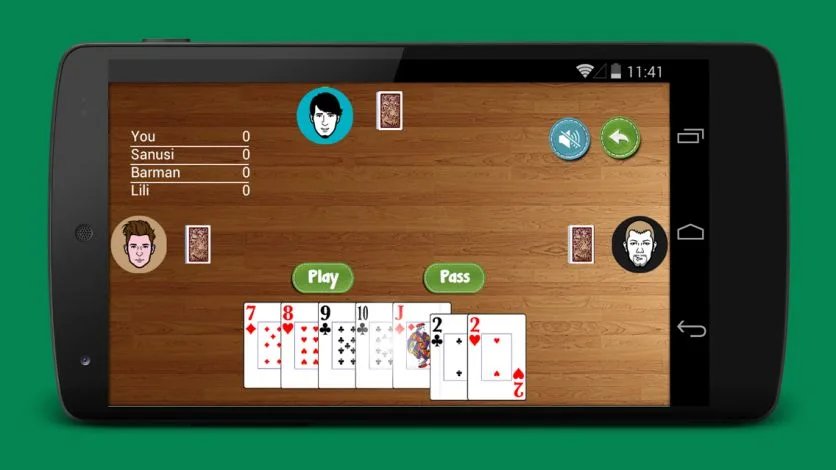
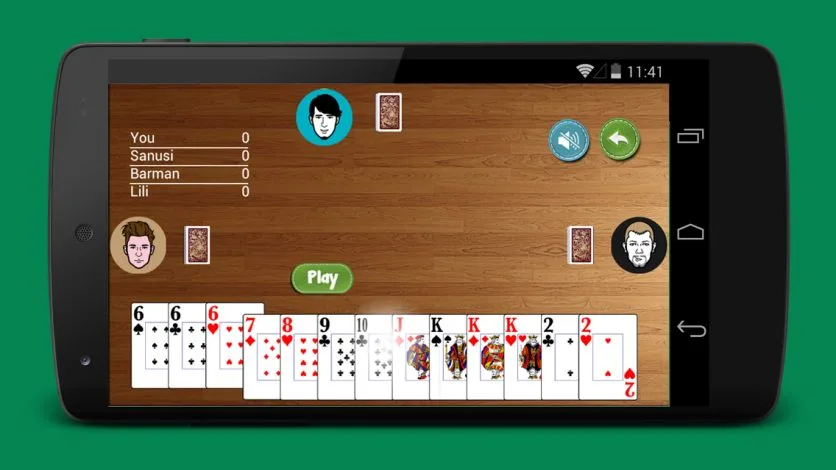
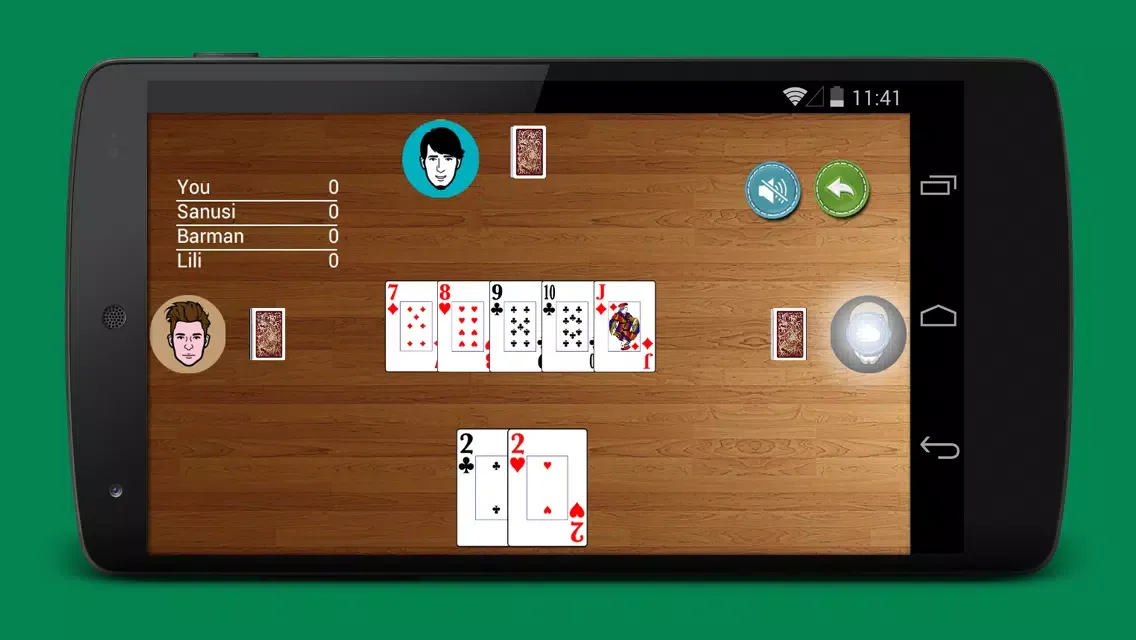
Capsa Susun Offlin is a popular strategy card game where players start with 13 cards and must arrange them in order of 3-card top hand, 5-card middle hand, and 5-card bottom hand to compete against other players. The player with the higher hand wins the points corresponding to the number of hands. The game supports complete offline play, allowing players to experience all features without any ads, making it an excellent form of casual entertainment.
Click to load YouTube / 点击加载视频
YouTube ↗Features:
Multiplayer Mode: In addition to offline play, this app also features a multiplayer mode so you can play with friends or other players online.
Guidelines and Game Tips: This app provides guides and tips for beginners to help them better understand the rules and strategies of the game.
Difficulty Level Options: Users can choose from several difficulty levels, ranging from beginner to advanced, allowing them to adjust their game level to suit their abilities.
Achievements and Rankings: This app features achievements and rankings so users can see how far they've come in playing Capsa Susun.
Statistics Display: This app also displays user game statistics, such as wins and losses, so users can track their progress in Capsa Susun.
Tips:
Train Against Stronger AI: Use higher difficulty settings to simulate real online opponents and strengthen your competitive edge.
Build from the Bottom Hand First: Start arranging from the bottom row up to make sure you don’t violate hand strength rules.
Mix Auto and Manual Modes: Let auto-arrange suggest combinations, then fine-tune manually to maximize your score.
Focus on Balanced Hands: Avoid putting all strong cards in one row—spread your strength across all three hands for optimal results.
Review Past Games: Use hand history or replays (if available) to analyze what worked and where you can improve.
Experiment Freely: Since there's no pressure or chip loss offline, try creative or risky strategies to discover new techniques.
Play Daily to Build Muscle Memory: Consistent offline practice helps you recognize patterns faster and make better in-game decisions.
Combine With Online Play Later: Once confident offline, switch to online matches and apply what you’ve learned in live competitions.
Pros and Cons:
Pros
Multiple card, domino, and dice games in one app, including several Capsa variants and Texas Poker
Clan system, Point Store, and mission updates add progression and community
Free Gold and frequent events provide non-paid ways to earn rewards
Chat and emoticons create a lively social atmosphere at the tables
No real money gambling, chips and Gold are virtual only
Cons
App can be slow to open and can take a long time to enter game rooms
Strong emphasis on in-game Gold can make the experience feel pay-driven
Streaks of losses and card distribution may feel unfair and push players toward buying Gold

FAQs:
How much storage space is needed to install Capsa Susun Offline?
Please keep at least 4.9 MB, and additional 100-500 MB free for smooth updates and cache management after installing.
What are the system requirements for Capsa Susun Offline?
Your device should have system version Android 2.3.2+ (firstly released around 2010-12) or newer.
If your phone doesn’t meet the requirements, older versions of the app are available for download.
How long does it take to download?
The package size of Capsa Susun Offline is 4.9 MB. Download time can vary based on your network connection.
Conclusion:
Overall, Capsa Susun is a great choice for anyone looking for an offline card game with exciting features. Download it now and have fun playing!