
The Sims 4 Gallery is a creation platform designed specifically for The Sims 4 players. It features a built-in search engine and category filtering to help users find the mods they need from a vast collection of character, building, terrain, and item mods and quickly apply them to the game, enhancing its enjoyment. Users can follow high-quality creators, liking, commenting on their work, or sharing it directly with friends. Users will also be notified when creators update their work to view and download it. The game also includes a news section that reveals future update directions for The Sims 4 and currently popular mods, helping players stay informed about the latest developments in the game.
Click to load YouTube / 点击加载视频
YouTube ↗Navigation of The Sims 4 Gallery:
Across the top of the screen, players will find several tabs and an exit button. The tabs are as follows;
Gallery: This is where the bulk of the community's work will appear. It is not initially filtered by item type, but what has been favorited within the past week. Creations can be filtered by time, type, likes, etc. Individual creations can also be searched for.
Spark'd Challenges: Here, players can view information related to the current Spark'd challenge, as well as vote on other players' entries.
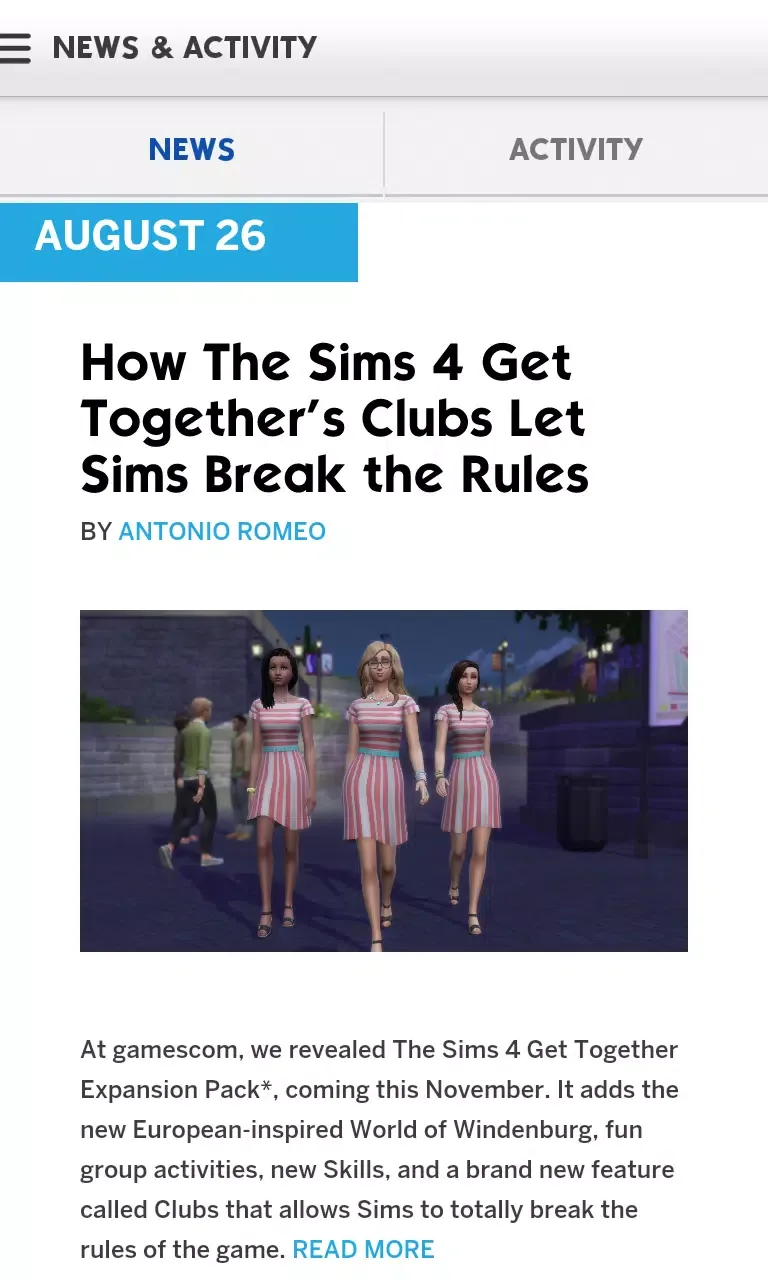
News: This will allow players to see what's popular and what their friends have liked, as well as other relevant news.
User Homepage: This tab will be named after the player's account. Here, they can view their friends, followers and accounts they follow, as well as any comments people have left on their homepage, and the uploads they are (optionally) showcasing.
My Library: This is where all of the player's creations and downloads can be found. From there, they can add them to the game.
Features of The Sims 4 Gallery:
Use advanced search filters to explore the Gallery and discover unique creations.
Be among the first to hear about exciting announcements with News Alerts and browse the latest news from TheSims.com.
Save your favorite creations to download automatically into The Sims 4 the next time you play.
View statistics on your shared creations and followers.
Like, comment on, and share community creations you love.
How to Download Content from The Sims 4 Gallery?
The Sims 4 Gallery can be accessed through the game itself, or online. For the former, we can access it anytime in-game by pressing F4. Or, we can locate the light bulb icon on the upper right corner of the screen which, when hovered with a mouse, will show the phrase, “Open the Gallery”. Here are the steps on how to download content from it:
Downloading Sims
In Create-A-Sim (CAS) mode, click the Gallery button in the upper right corner.
Select the Gallery tab above.
In the categories, click on Households.
Choose a Household from the list.
Once the selection has been made, save the Household to My Library.
Go to My Library, select the Household, and click on the “Place Household” button on the lower right corner.
Dowloading Rooms Or Lots
Go to Build Mode.
Press F4 or click the Gallery button in the upper right corner.
In the categories, click on Rooms or Lots.
Choose a Room or Lot from the list.
Once the selection has been made, save the Household to My Library.
Go to My Library, select the Household, and click on the “Place Room” or “Place Lot” button on the lower right corner.
Final words:
Sims 4 Gallery offers a better playing experience. Being able to share works between fellow Sims players can actually be motivating for you to play the game more. The Gallery is also a great way to gather inspiration for creating your own works.