

Seal is a powerful and exceptional audio and video media downloader. As you can see, Seal boasts a simple and sleek interface, allowing users to download videos and audio files from major streaming platforms like YouTube, Facebook, TikTok, Twitter, Reddit, and more. Seal offers high-quality resolutions, image quality, and file formats, ensuring you don't have to worry about download quality. Download Seal and save your favorite videos to popular platforms like Facebook, Twitter, and YouTube with ease!
Click to load YouTube / 点击加载视频
YouTube ↗Features:
Download Videos
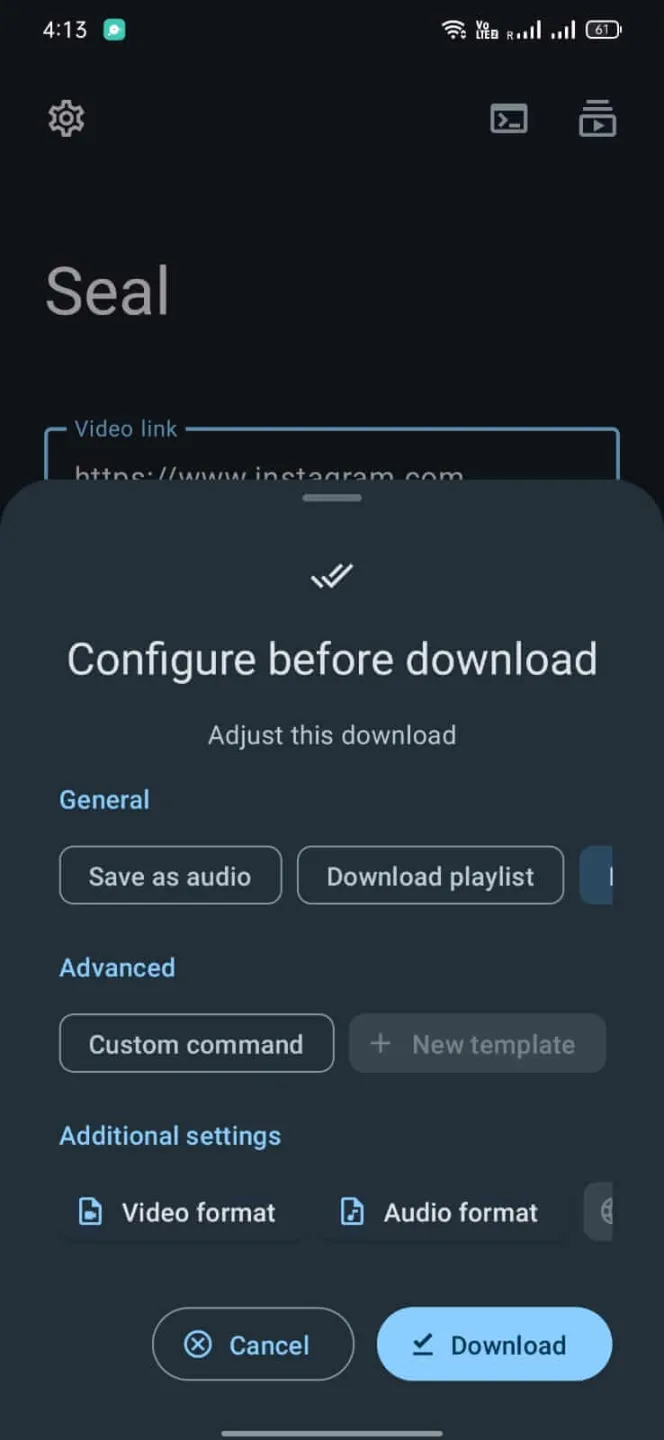
The App allows you to download videos from various platforms with yt-dlp. It uses the embedded aria2C as an external downloader to download your files. And the best part is that you can download all videos from a playlist with just one click.
Best Video Quality
You can download your desired videos with any video format and quality. You can adjust the video download and format settings from the App. The App offers MP4, Mp3, and more file formats. And you can download videos in different resolutions from 144p to 1080p. The App lets you download multiple files at the same time.
Add Subtitles
If you are downloading other language videos, the App helps you add subtitles to those videos. And you can adjust the subtitles settings from the App. Add them the way you like.
Custom Commands
Moreover, you can manage the custom commands templates and in-app downloads from the App Settings. You can customize the custom yt-dlp commands with templates.
Easy to Use
The procedure of downloading videos from this App is easy. All you need is the App installed on your device and the link to the video you want to download. Paste the link to the given area and tap the download button from the bottom right.
Free and Safe
The best part is that this beneficial App is free to use. You don’t need a subscription or registration to use this App. Despite being a free App, it is safe to use. It keeps your data and information safe.
You can also try free YouTube video-downloader Apps like YouTube Pro Apk and TubeMate Apk.
Steps:
Step 1: Enable Unknown Sources
Firstly, set up your devices to install Apps from Unknown sources. Then only you will be able to install this App.
Go to Settings and open the Security settings. Then find and enable the Unknown Sources option from there.
Step 2: Download and Install the APK
Download the Seal APK on your device. The downloading will take some time to finish. Wait till then.
Once the file is downloaded, find it inside the Download folder of the File Manager App.
After finding the file, tap on it to obtain options for installations. Then, tap on Install to start the installation.
Wait for some time, and the App will be installed successfully. Then you can Open it and use it.
FAQs:
What is the Seal App?
It is a video downloader application that can download many videos from various locations.
Is it safe to download videos from Seal?
The App is absolutely safe to use use. It keeps your data and information safe. And there are no malware or malicious files in the App.
Do we require a VPN to use the App?
No, you can use it without a VPN. The App will work no matter whether you are connected to a VPN or not.
Conclusion:
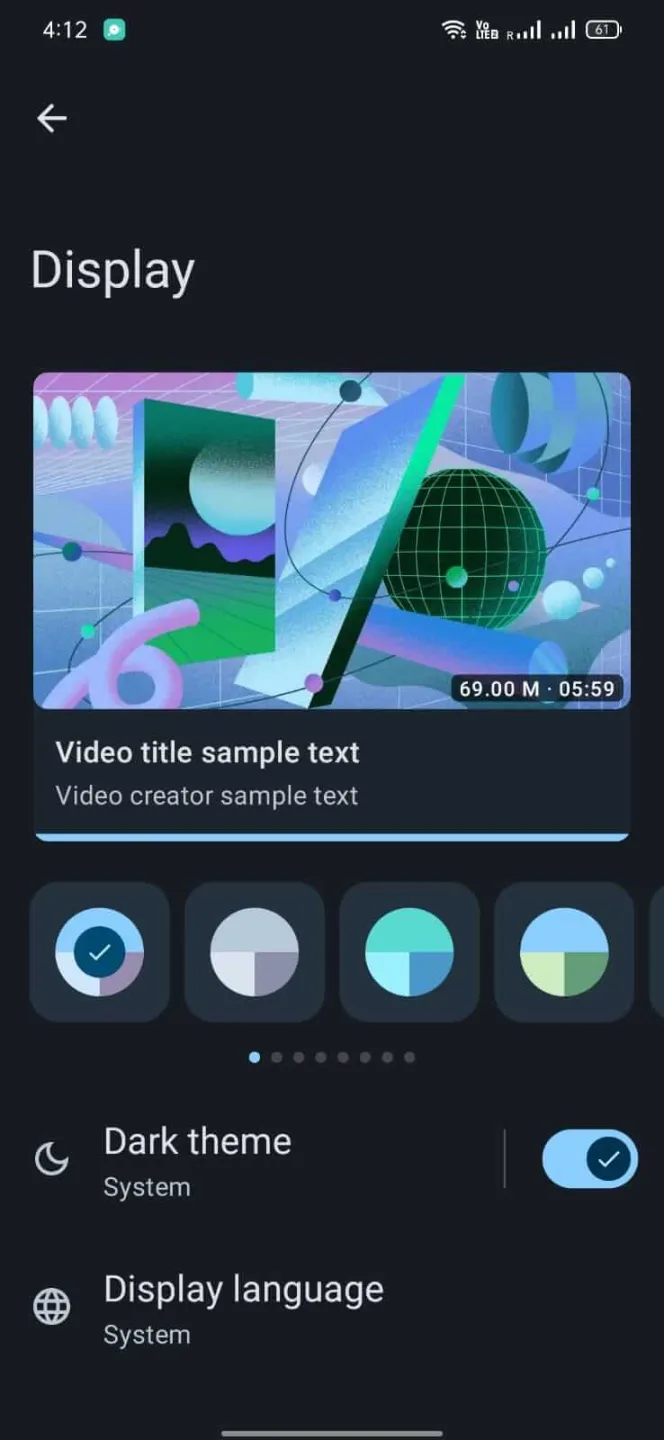
So, that was all about the Seal App. This application is the best for downloading videos from various platforms. It quickly downloads videos with the best quality and offers you many options. It also allows you to customize the App settings like network settings, download settings, display settings, subtitles settings, and more. You can download all videos from a playlist with just one click. There are many features that make the App worth downloading. So, download the App and use it to download videos easily.








