

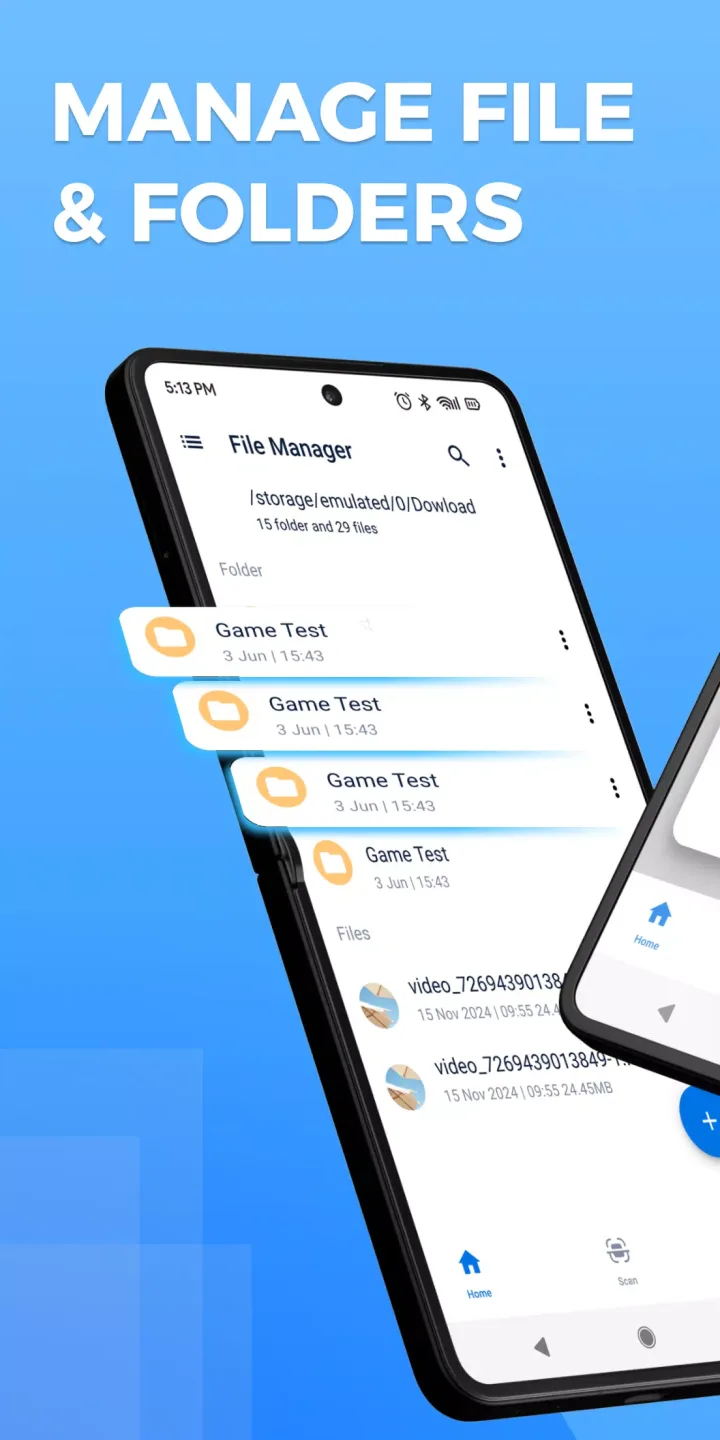
This versatile file manager app, File Manager - File Browser, allows you to easily and efficiently manage and organize all types of files on your device. It supports multiple operations like copying, deleting, and sharing, and has a built-in vault function that can securely encrypt and hide private photos, videos, and other files. It also provides comprehensive features such as multi-format compatibility, intelligent classification, quick search, SD card management, and app shortcut creation. It is free and continuously updated to bring you a smoother and more secure file management experience.
Features:
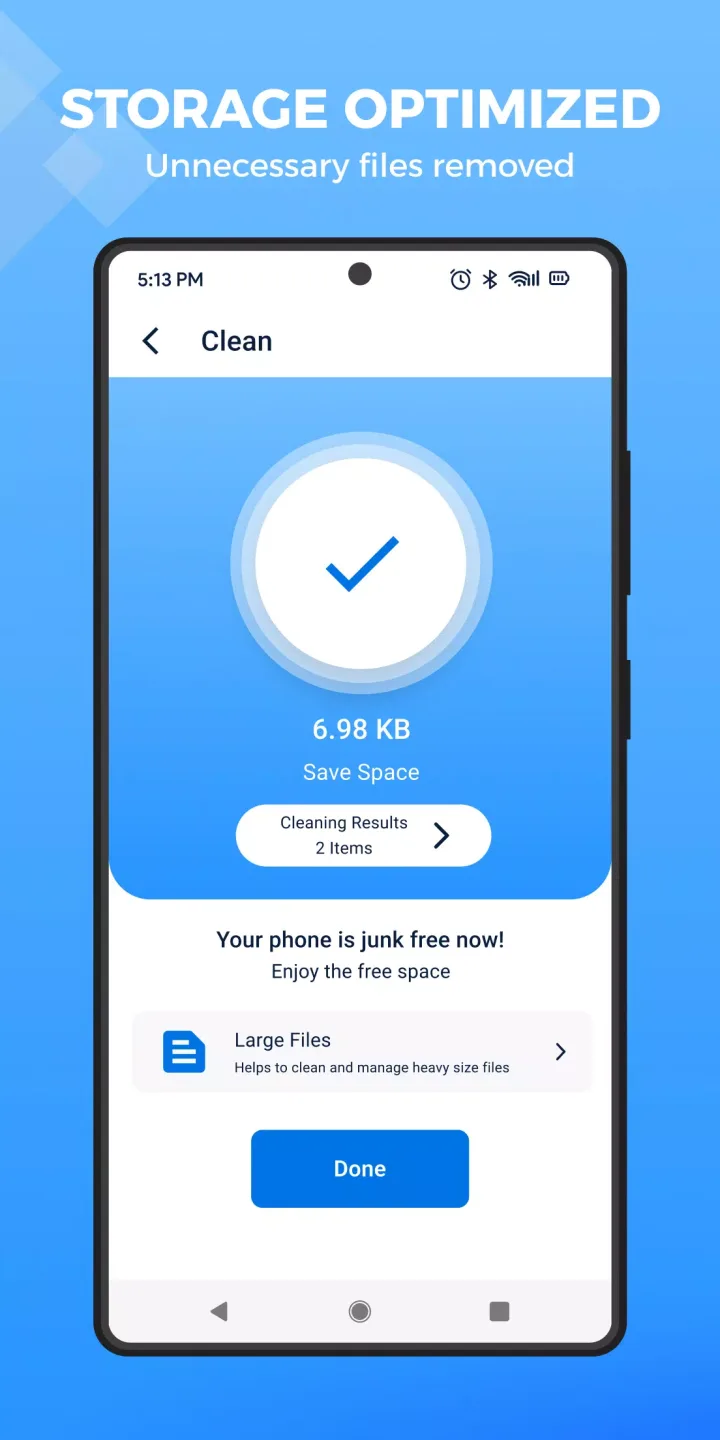
Efficient Memory Cleaner: File Manager - File Browser is a fast and effective tool to clean up excess memory on your smartphone. It can optimize your device’s performance and speed by removing unnecessary data.
Easy-to-Use Interface: The app features a user-friendly interface with three main sections - Large Files, File Manager, and Application Manager. Each section plays a vital role in freeing up memory efficiently, making it easy for users to navigate and utilize the app.
Customizable Cleaning Options: File Manager - File Browser allows users to customize their cleaning options by sorting files by size or download date. This feature helps users easily identify and delete unnecessary data without the risk of deleting important files.
Secure Data Deletion: The app provides warnings before deleting files to ensure that users do not accidentally delete essential data. This feature gives users peace of mind knowing that their important files are safe while cleaning up their device.
Search Functionality: Users can utilize the search function to easily find specific files that need to be deleted. This feature saves time and effort by quickly locating and removing unwanted data from the device.
Tips for Users:
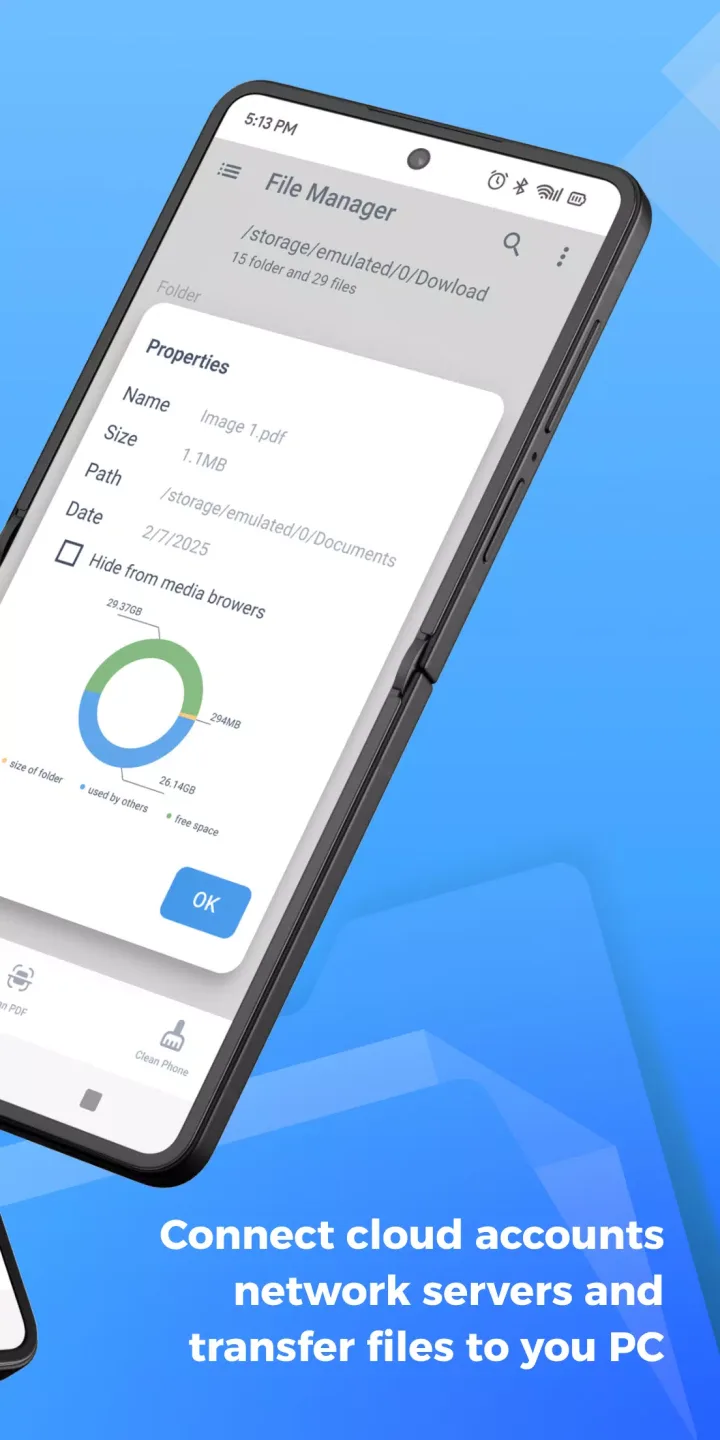
Use shortcuts: Take advantage of the create shortcut feature to quickly access your favorite apps or folders. Customize the file manager's home page for easy navigation.
Hide and unhide files: Keep your private files secure with File Manager's easy hide/unhide feature. Protect your sensitive data with password protection.
Clean Master: Regularly use the clean master feature to remove junk files and optimize your device's performance. Keep your Android running smoothly.
FAQs:
Is File Manager free to use?
Yes, File Manager is a free application with no hidden fees.
Can I hide my private files with File Manager?
Yes, File Manager includes a vault feature called Callock that allows you to hide photos, videos, and other files with password protection.
How often is File Manager updated?
File Manager is frequently updated to ensure the best user experience and security for managing your files.
Conclusion:
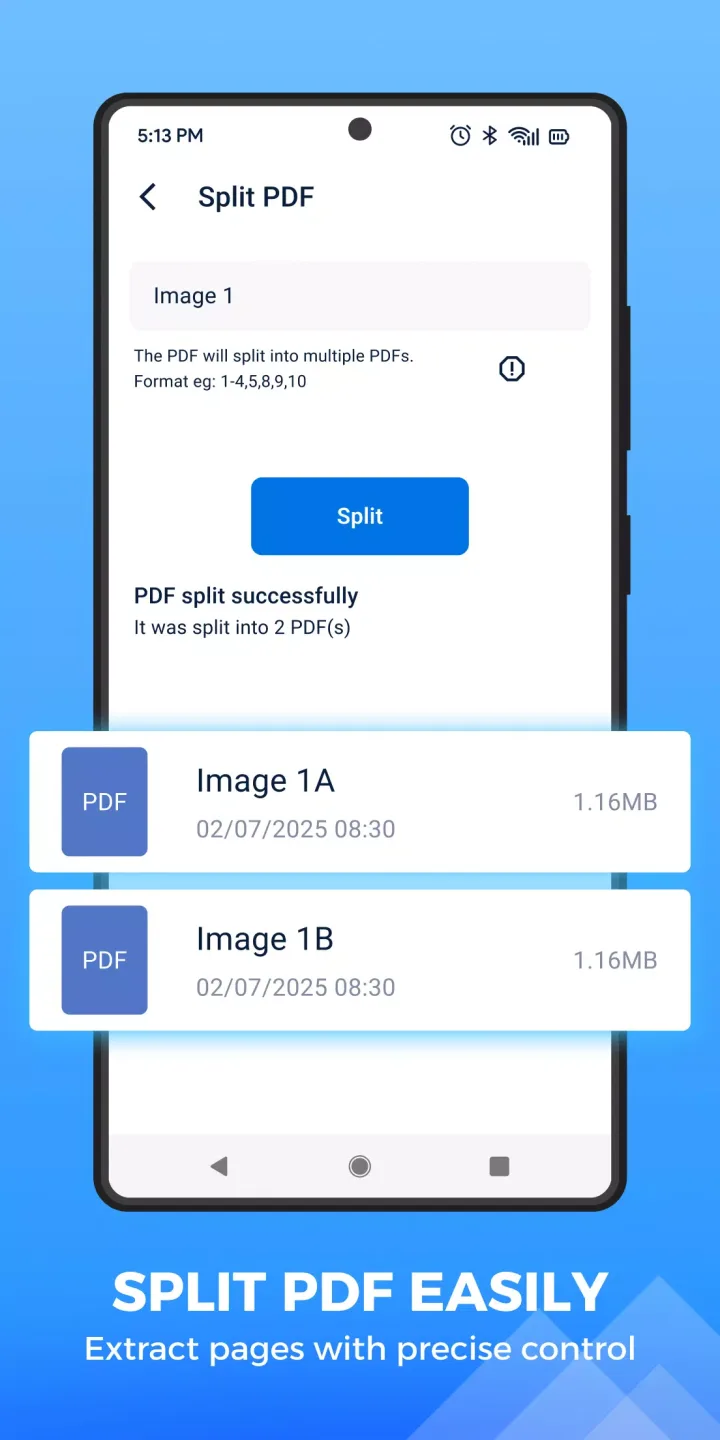
With File Manager - File Browser, you can easily organize and manage all your files and data in one convenient app. Not only does it offer multiple actions like copy, delete, and share, but it also has a unique vault feature called Callock that allows you to hide your private photos, videos, and other files with password protection. The app supports various file formats and categorizes your folders for easy navigation. Plus, you can quickly search for any file, create shortcuts for your favorite apps, and even clean up junk files with the Clean Master feature. Download File Manager now for a seamless and secure file management experience.








