

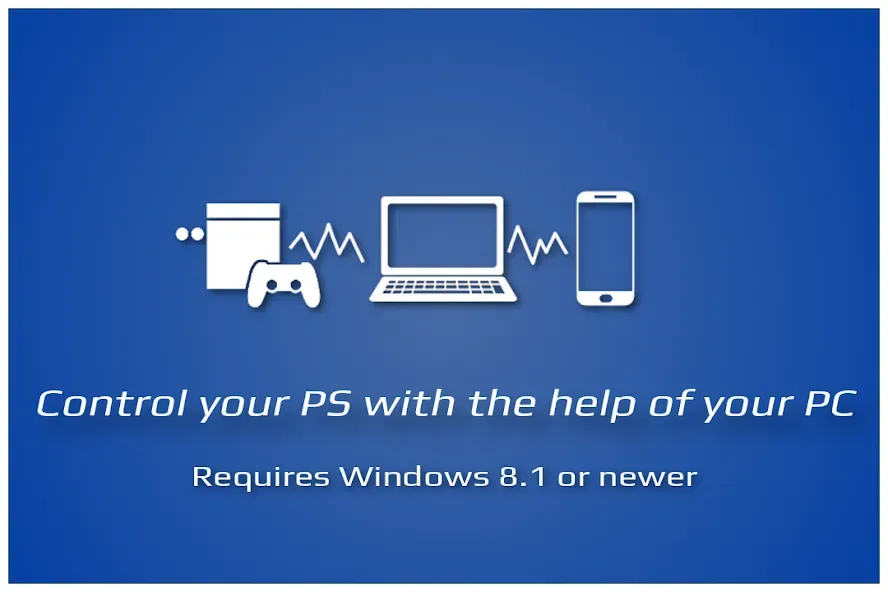
ShockPad is a powerful utility application. This application turns your Android device into a fully functional game controller. Simply pair it with the PSJoy server on your Windows PC and the official PS Remote software to deliver a superior gaming experience. With ShockPad, you can play various games that require a controller to function, enhancing the realism and immersion of the game. Click to download ShockPad now and experience the fun of controller gaming!
Features:
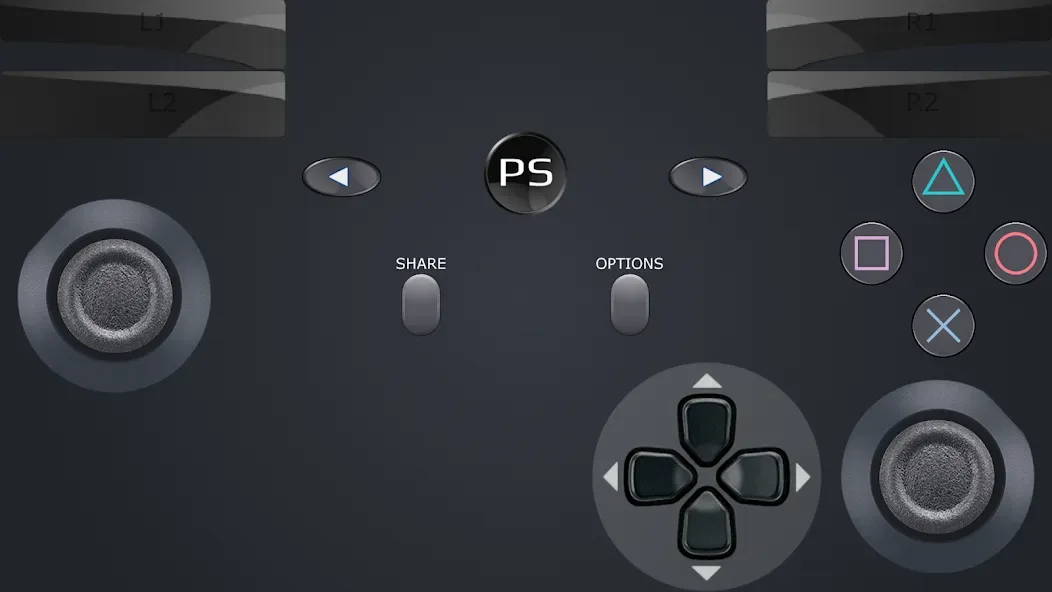
D-Shock emulation
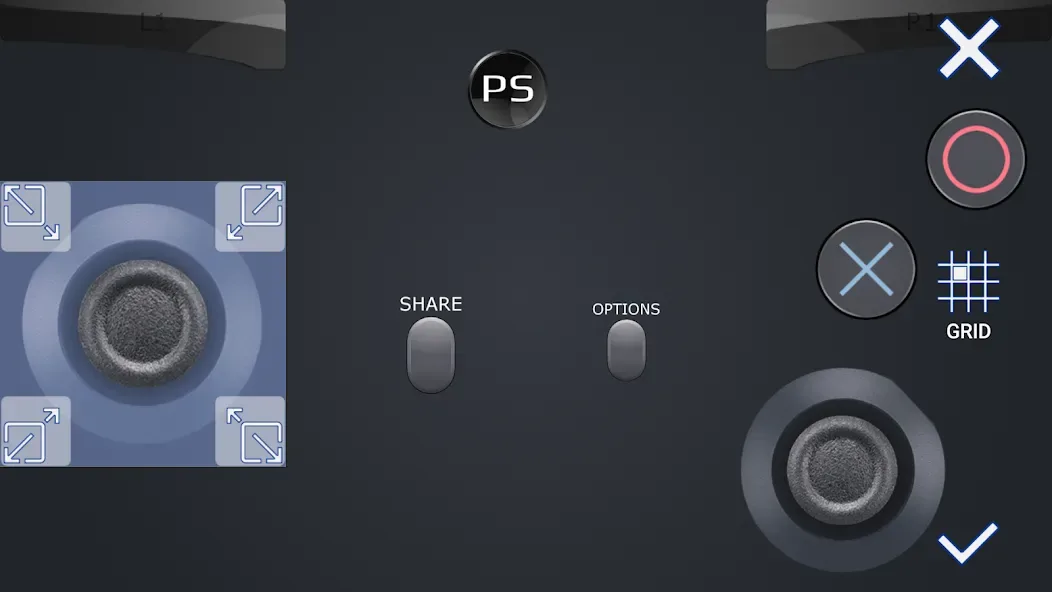
D-Shock layout configuration
Customization of template layouts
Easy Connection Setup
Real D-Shock gamepad support
Bluetooth connection
Tips for Users:
Ensure you have the PSJoy server installed on your Windows PC before trying to connect ShockPad to your smartphone.
Watch the tutorial video on YouTube for a step-by-step guide on setting up ShockPad with the PSJoy server.
Customize the button sizes and positions to suit your gaming style for enhanced comfort and control during gameplay.
Take advantage of Bluetooth connectivity and support for real D-Shock gamepads for a seamless gaming experience.
Conclusion:
ShockPad is compatible with Bluetooth and authentic DualShock gamepads. If you’re a gamer who prefers a real Dualshock controller, you can get a console-like experience on your Windows PC by connecting your controller to the PSJoy server. In addition, ShockPad is Bluetooth-enabled, so players can wirelessly sync their mobile devices with their computers. This is a huge deal because it lets players decide what kind of gamepad they particularly want to use and how to hook it up to their Windows PC, or so they thought.








