

Auto Clicker: Auto Tapper is a powerful and practical tool. Download the latest Android version for free and experience powerful and easy-to-use customizable tasks. Auto Clicker: Auto Tapper provides users with a convenient and easy-to-use solution for automating repetitive tasks. This flexible tool allows users to record repetitive click and swipe activities and easily modify and switch scripts in real time. Use Auto Clicker: Auto Tapper to save valuable time and quickly complete repetitive tasks!
Exclusive Performance
Easily automate any application
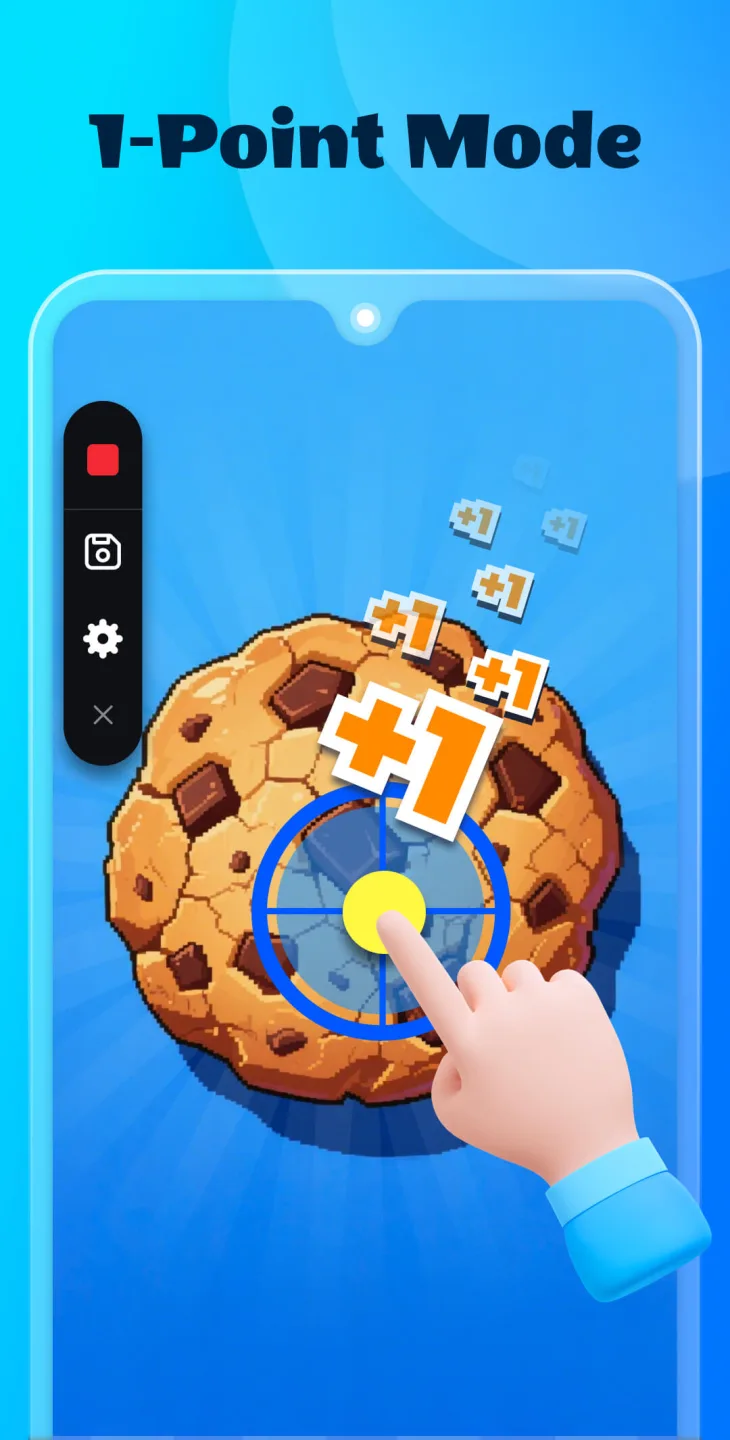
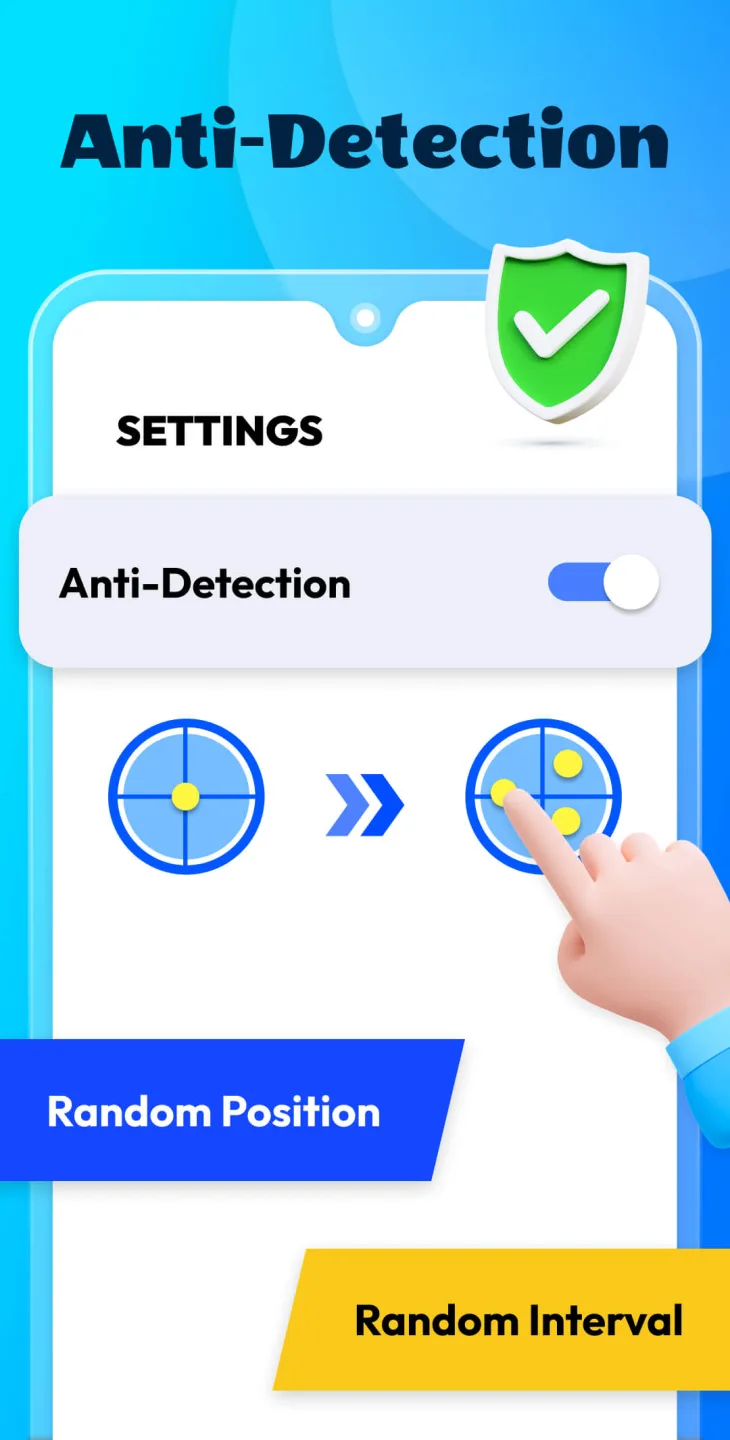
Customize click and swipe actions in any application, setting arbitrary intervals or locations.
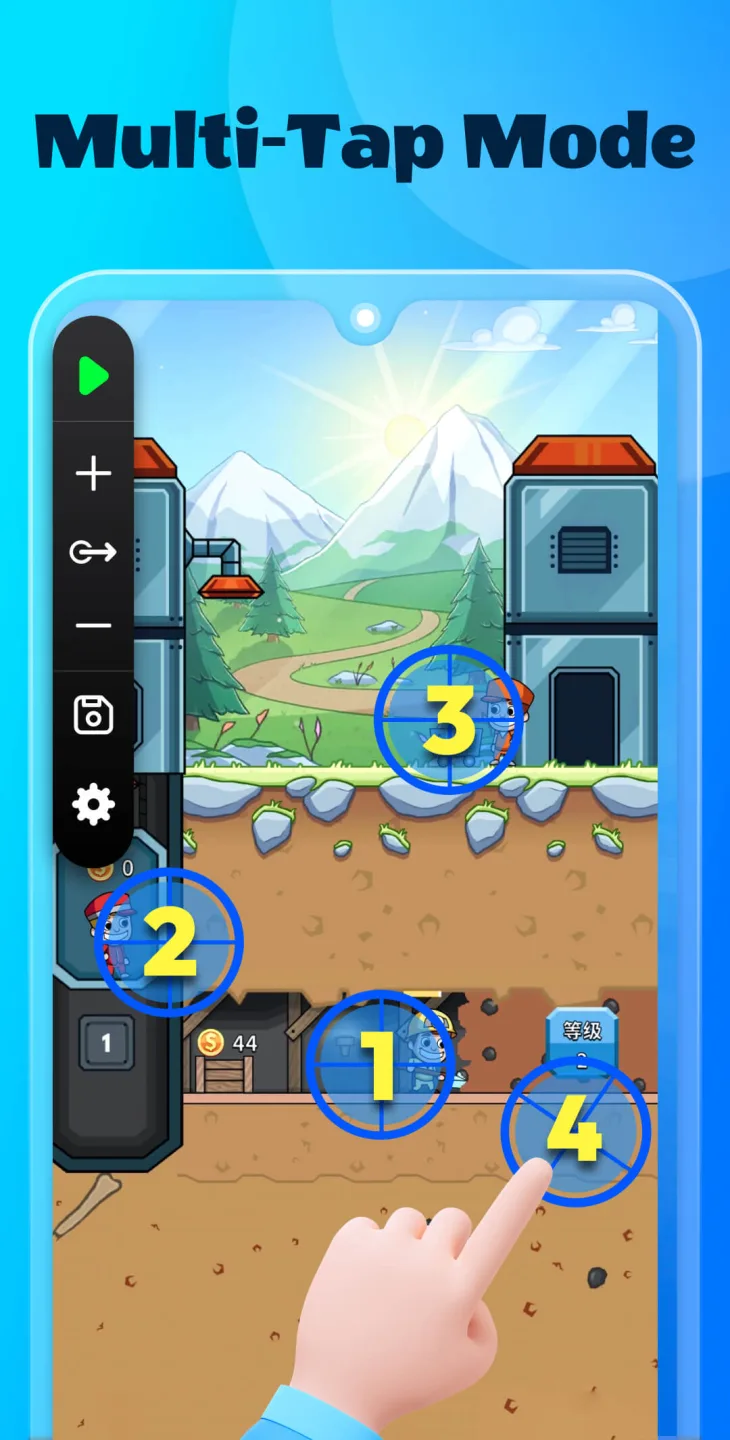
Easily set single or multiple actions.
Set the time interval between each click or swipe.
Precisely specify the exact location where you want the action to occur.
Enjoy automation without modifying your device.
Simplified Control and Customization
Efficiently manage your automated operations and customize them to your needs.
Quickly access and adjust scripts anytime, anywhere.
Reuse your favorite automation processes.
Ensure your scripts are secure and accessible across devices.
Easily create and edit automation scripts.
Wonderful Features
Customizable Automation for Diverse Needs
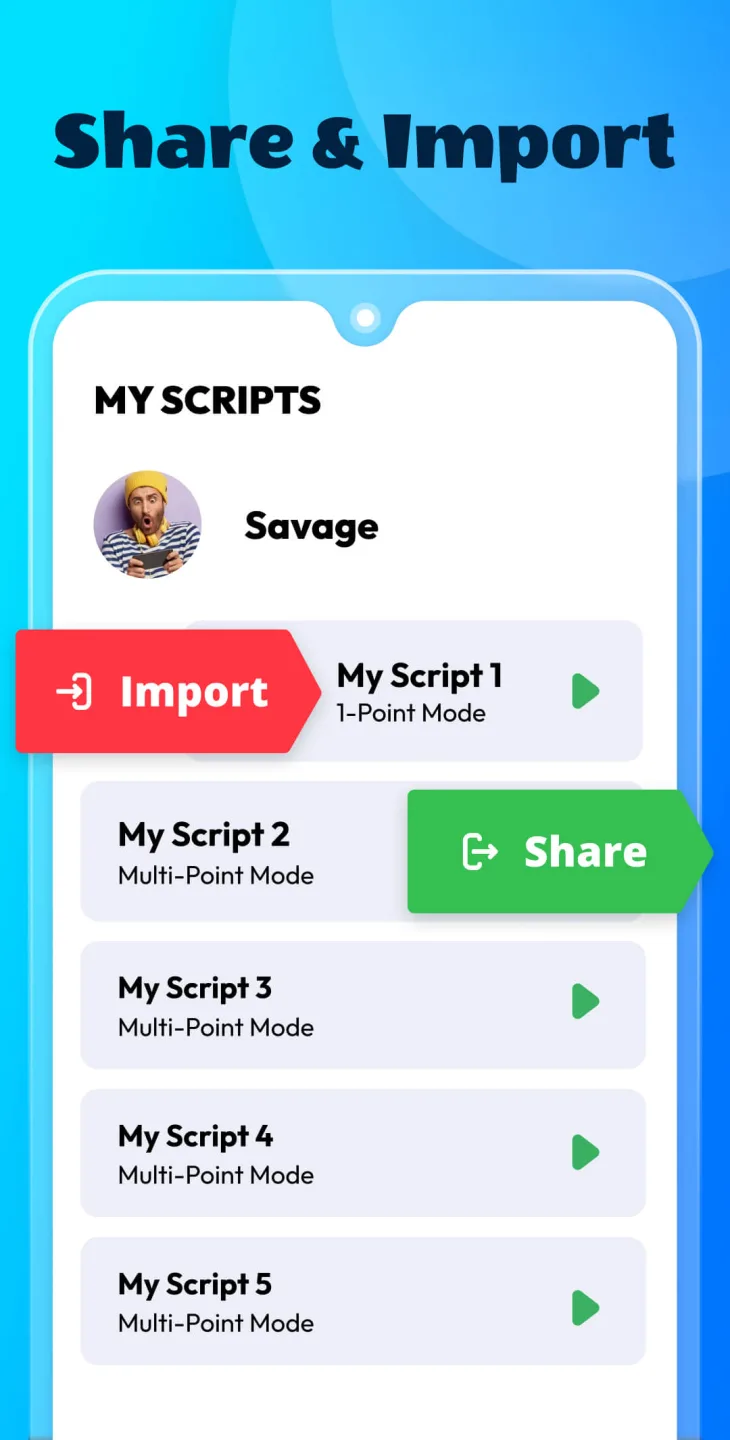
This app features an intuitive interface and offers flexible options for creating, saving, and managing automation task scripts. You can seamlessly add and adjust multiple click points or swipe paths to meet your specific needs. Scripts can be easily and securely exported, imported, and synced, ensuring a smooth and secure user experience.
Easy-to-Use Functionality
The floating control panel allows for quick adjustments, enabling users to modify or switch scripts in real time. The app is compatible with Android 7.0 and higher and uses the Accessibility Services API for automation. It provides a practical and efficient solution for users who need to perform frequent operations on their devices.
User's Comments
Works for what I need which is a simple clicker game. Would be great if it could have a filter to only run when a single app is in focus, otherwise it may click on notifications that pop up. Update Dec 2024, something in the latest Android update is causing this app to only intermittently work.
it's difficult to use if you're starting out with no clue whatsoever on what you're doing but I merely got the hang of it in one day and this is a very good app it has many purposes for me such as AFK farming in games I can make the autoclicker level up my characters while I'm gone or play levels for me keep in mind you have to really know how to use it but otherwise 10/10!
Works as advertised. Just one unskippable but short ad on startup, but I paid for ad free anyway. One small request - I'm using another automation tool to launch this app, so it would be great if I could specify one of my saved scripts to load and be ready to Run.
Amazing Highlights
Smart Click Technology and Cloud Backup
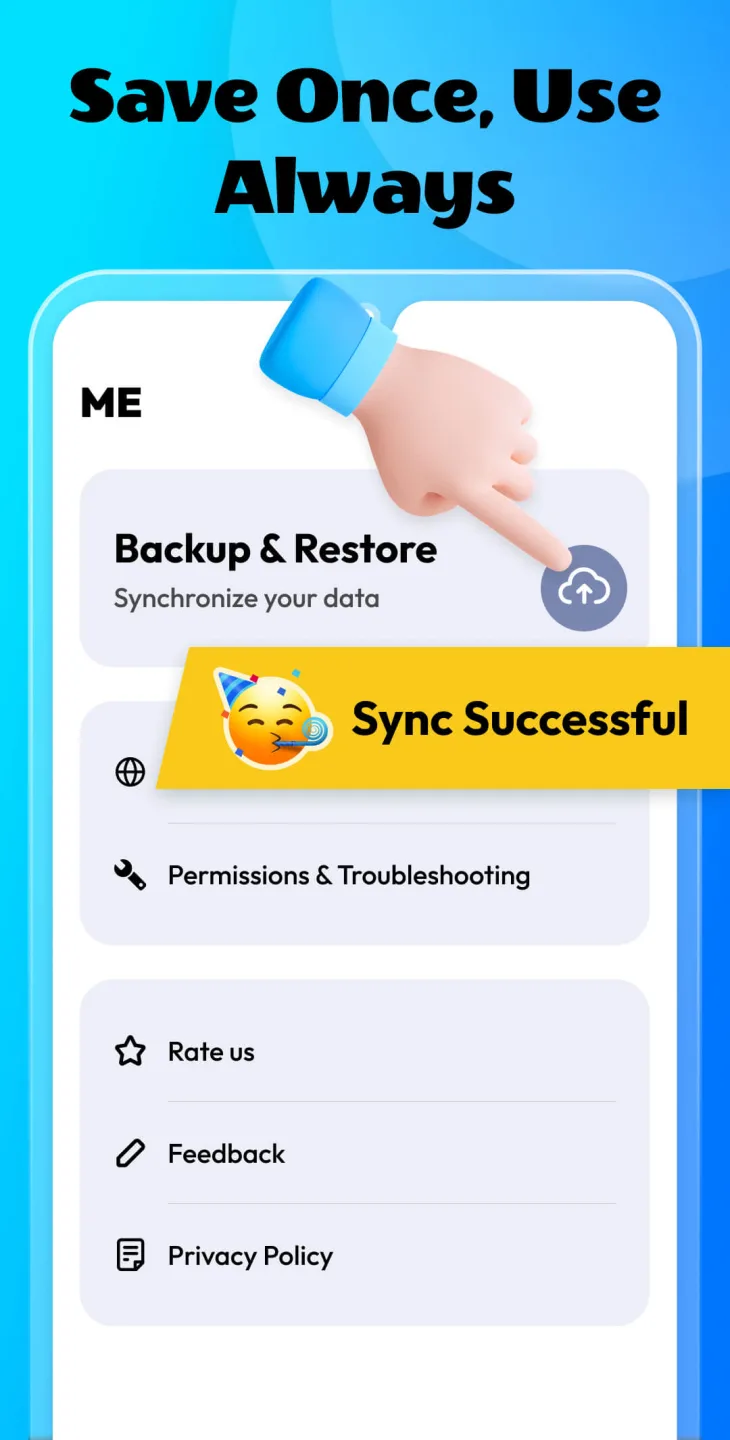
This app features Smart Click, which records your touch patterns for later reuse—perfect for creating automated loops or repeatable actions. You can configure scripts to perform clicks or swipes at specific times and then save them to the cloud for secure access across multiple devices.
This means your data is always protected, and your settings can be restored in seconds.
Suitable for Multiple Use Cases
Auto Clicker: Auto Clicker isn't just for gamers; it's a powerful multitasking tool. You can use it to automate screen tests, read ebooks, or free your hands to easily browse video apps like TikTok or YouTube Shorts. The app automates repetitive tasks, allowing you to relax and focus on other tasks.
Even better, users can assign hotkeys to quickly execute scripts or combine multiple actions into a smooth sequence.
Lightweight and Regularly Updated
Despite its powerful features, Auto Clicker remains lightweight and fast. It runs in the background without slowing down your phone. Developers continuously improve performance, fix bugs, and release new features through frequent updates, keeping the app consistently smooth and modern.
The application supports single and multi-tap actions, as well as simple or complex gestures—all controlled through a single main control panel.
Final Words
Auto Tapper is a reliable and intuitive solution for automating Android screen clicks. Root access is not required, the interface is clean, and it offers powerful customization options, making it ideal for gamers, multitaskers, and anyone looking to streamline repetitive tasks. Whether you want to automate daily app usage or speed up mobile workflows, this tool provides a smooth, hands-free experience.








