
AutoTagger is a beautifully designed and user-friendly music organization application. With its rich features and user-friendly interface, it allows users to save their favorite high-quality music files to their devices. AutoTagger lets you easily manage your music library, scan your entire system, and find all available songs and audio files. Users can quickly customize song titles, artists, albums, genres, years, lyrics, and other audio file information. Click to download and experience it now!
Highlights:
Edit any tags
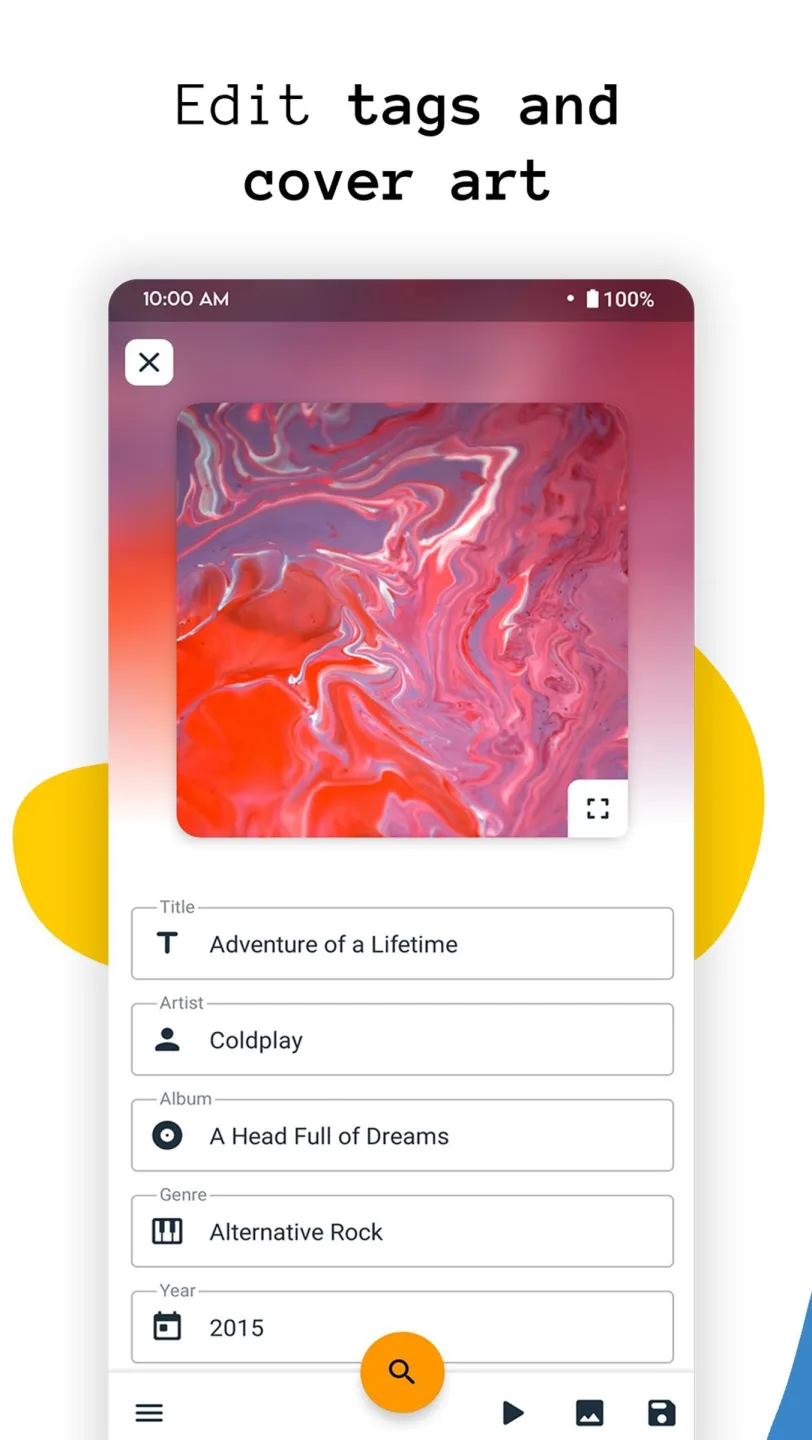
Editing song title, cover art, artist, album, album artist, year, genre, track number, disc number, comment, lyrics.
App supports editing tags for MP3 (ID3v1, ID3v2), MP4, M4A, FLAC, OGG, WMA, WAV and editing music on SD-card.
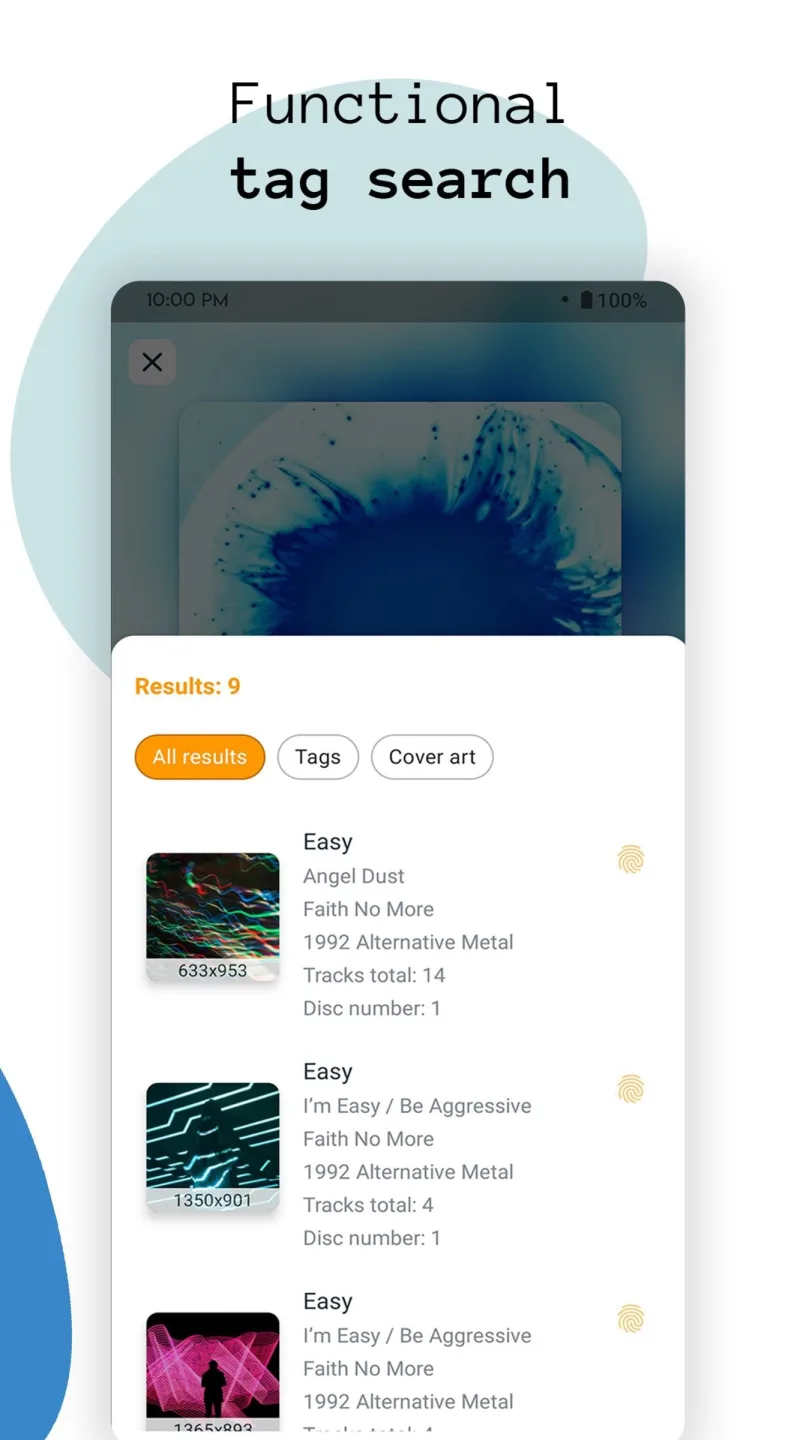
Auto tag search
App will find tags for your music in seconds and you need only choose best result!
Batch editing
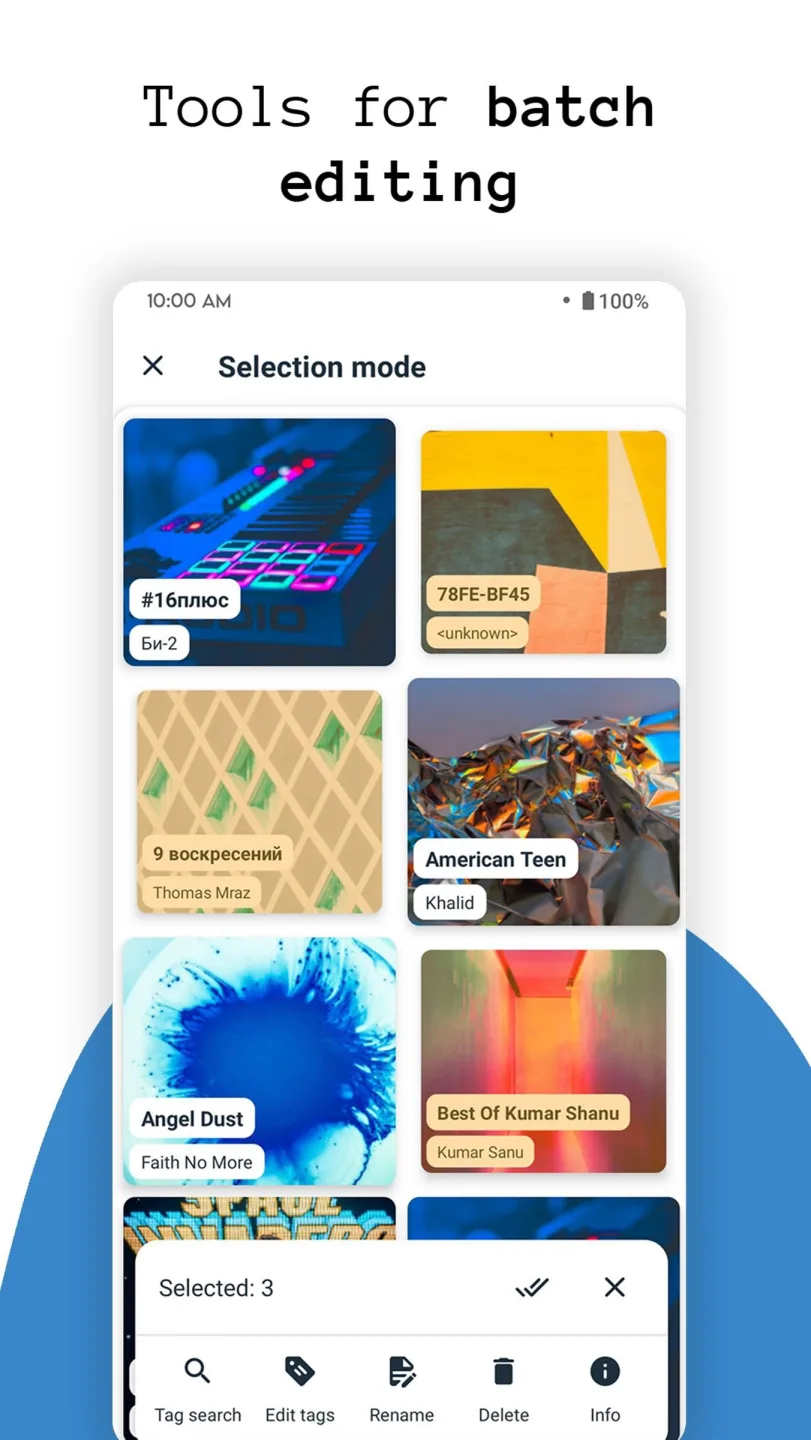
Edit songs, albums or artists in batch.
Rename your files in batch using customizable patterns.
Also you can set cover art for multiple songs at once.
Cover art editing
Automatically and manual downloading high quality cover art, choosing from a gallery.
Reliability
Music tags and cover art are written directly into files and don't disappear after files moving or device rebooting.
Features:
Simple UI and accessible features
To start with, Android users in AutoTagger can quickly engage themselves in the simple and intuitive app UI, which feature the excellent material designs that let you easily browse your music files and different menus. Also, the accessible features with interactive tools will make sure that you can comfortably work on adding tags and organizing your music files in the offline storage.
Work well with all audio formats
To make sure that you can always enjoy the app and its useful features, Sergey Chuprin also enables the complete support for the different audio file formats. Thus, allowing the app to work on all audio files without any troubles. Here, you can choose music and files from Mp3, Mp4, M4A, FLAC, OGG, WAV, WMA, and many other file formats to start editing. This would make sure that you won’t miss out on any audio files on your devices.
Automatically look for appropriate tags
Also, to make it easier for you to add the appropriate tags, AutoTagger will feature the auto tag search option, which allows the app to quickly look for the correct tag for your certain songs. As a result, you can easily choose a song and have the app working to find the best results for the tag editor. Simply choose the right tags that you wish to have and save your choice to integrate the changes into the certain files.
Enjoy batch editing operations
And if you’re confident with your choice of tags on certain music and audio collection, it’s also possible to save your time in the app by featuring the batch editing option. This will allow Android users to quickly edit songs, albums, and music folders in batch, using all the standard tagging options that you would get on a single file. As a result, it wouldn’t take long before you can fully organize and personalize your audio collection with preferred preferences.
Enable the correct cover arts
One of the most important features in AutoTagger is the ability to add cover arts to your certain songs and albums. With the option enabled, you can choose any high-quality cover arts, both online and offline, to integrate with your certain songs. Thus, making it easier for you to categorize and sort your library of music. AutoTagger will make things easier for you by enabling the online search and download option whenever you’re in the app.
Reliable tagger app
Also, with AutoTagger, you can be absolutely confident about your tagged audio files, since the changed data will be written directly into the files. So they won’t disappear once your files are being moved and copied to another directory or even when being shared online.
Interesting theme settings for all users
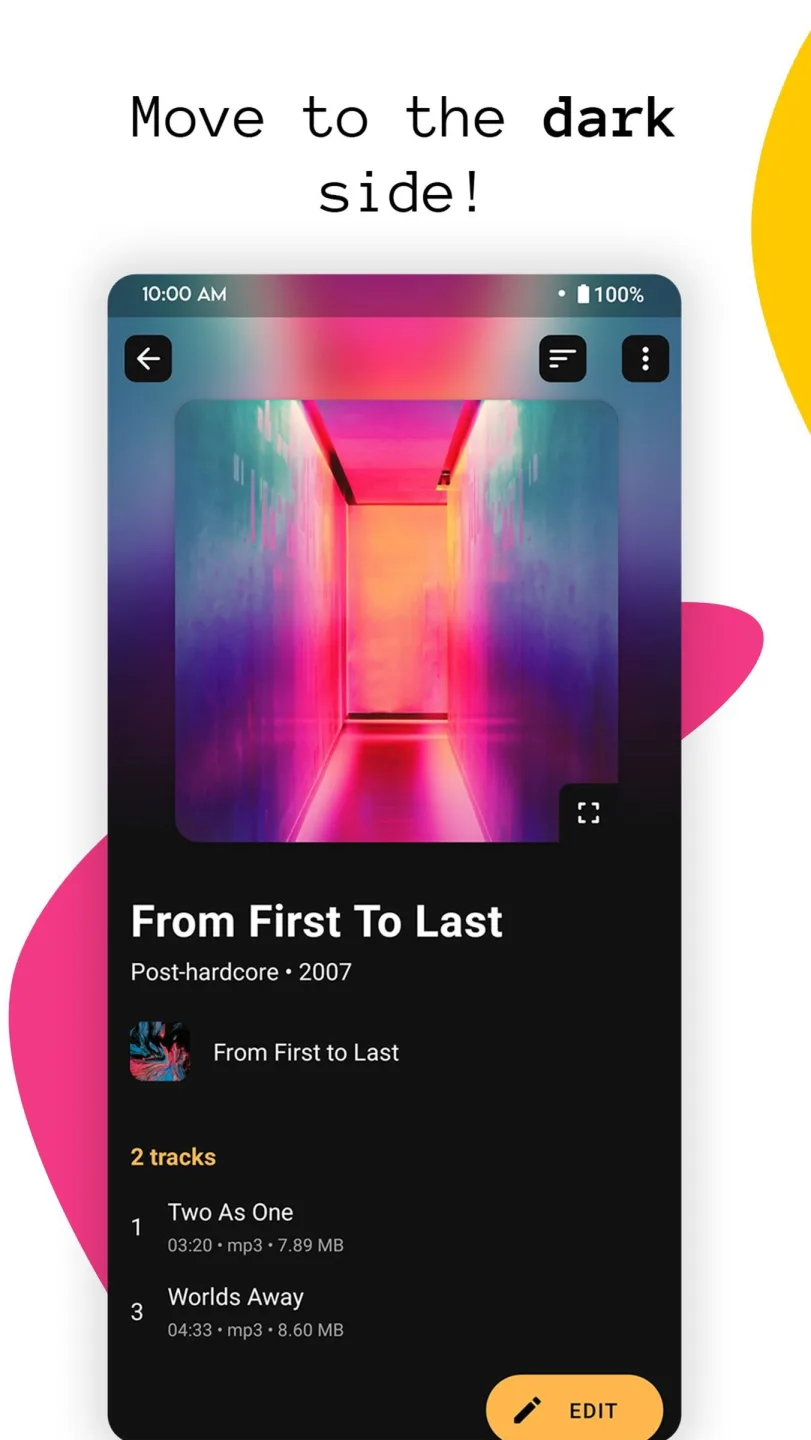
To make it easier for Android users to enjoy the app during low-light conditions, AutoTagger also features its Dark theme, together with the default Light theme. Here, you can have the built-in Dark theme immediately dim your devices UI by getting rid of the intense colors. Thus, enabling the more soothing UI for the eyes.
Advantages:
Album tracks numeration
Viewing music folders
In-built media-scanner
Customizable sortings
Dark theme
Excellent Material Design
Final verdicts:
Utilizing AutoTagger could help you save time when it comes to managing your music library, searching for songs, updating their tags, and downloading high-quality album artwork. AutoTagger is a music recognition and tagging software that allows users to make changes to many audio files at once, adjust cover art in batches, and conduct automatic searches for tags.