Cinema FV-5 is a stunning professional video shooting application. Download the latest free Android version to create high-quality, cinematic video works. Cinema FV-5 presents a professional shooting tool tailored for film enthusiasts. This application boasts rich recording options and parameter adjustments, allowing you to easily achieve ideal video quality and complete outstanding video recording tasks. Use Cinema FV-5 now, this powerful video editing application lets you unleash your creativity and imagination!
Click to load YouTube / 点击加载视频
YouTube ↗Engaging Function
Manual Control for Cinematic Precision
With the Cinema FV-5 Pro application, you can manually adjust various DSLR Level settings such as exposure, focus, compensation, white balance, shutter speed, color temperature, ISO, and more. All these manual camera controls play a crucial role in achieving precise cinematic effects for your video projects, while also giving your videos a professional feel.
Professional-Grade Cinema Production Tools
This application is equipped with numerous cutting-edge tools to easily handle high-quality video shooting. Users can create stunning videos with professional-grade features such as focus peaking, a 35mm film viewfinder, a professional viewfinder, and cinematic overlay effects. With this excellent third-party camera app, you can now create professional-grade video footage more smoothly.
Customizable Frame Rate and Resolution
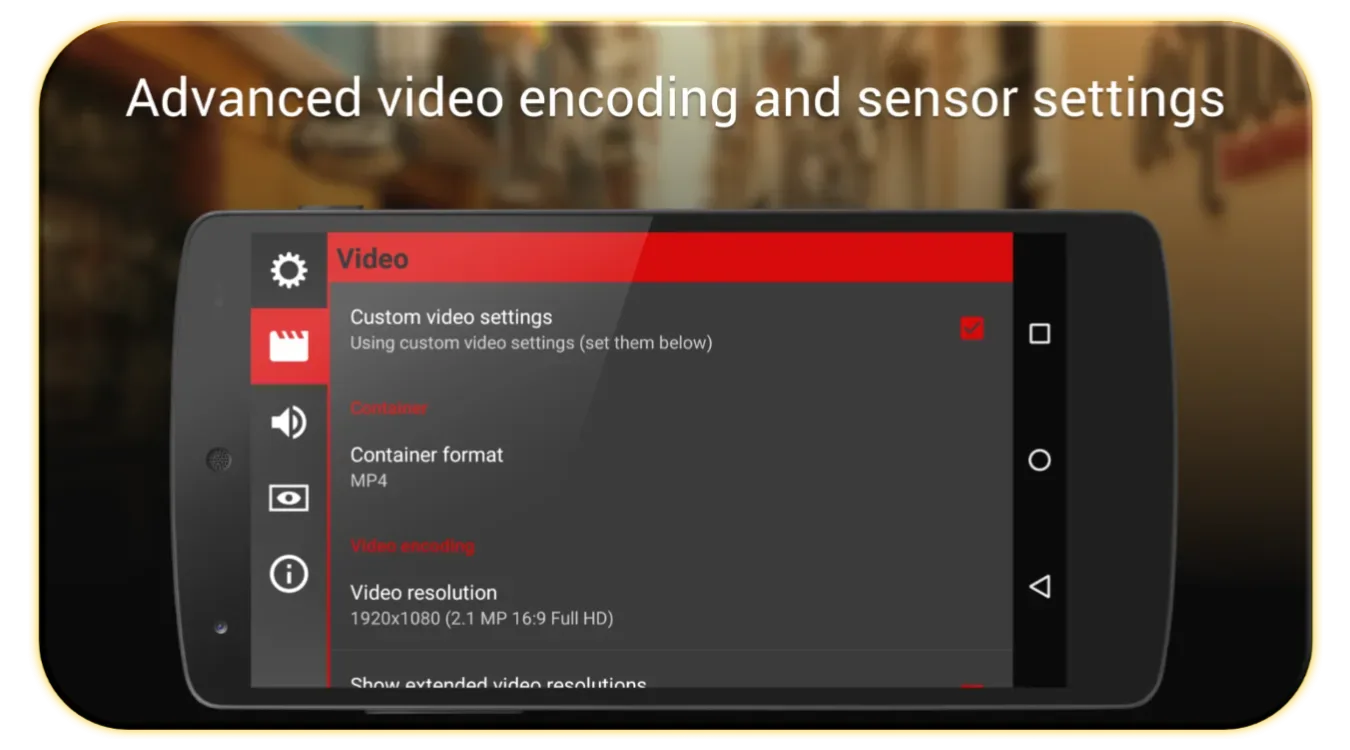
When shooting different scenes, slow motion, and high-quality video sequences, the correct balance of bitrate and frame rate in video settings is crucial. The Cinema FV 5 app's video settings offer a variety of resolution and frame rate options to meet your specific needs.
Real-time Histogram and Zebra Stripes
The Cinema FV-5 Pro app's real-time histogram feature eliminates anxiety about underexposure or overexposure during shooting and continuously monitors exposure levels throughout video recording. This powerful feature ensures you always shoot video in optimal lighting conditions. Furthermore, the smooth operation of auto exposure and white balance makes managing your video production workflow easy.
Audio Monitoring and Control
Excellent audio quality is essential for any great filmmaking. This app allows you to monitor audio levels, encoding, external device support, and various sound settings during video recording, ensuring your videos have crystal-clear audio.
Time-lapse and Slow-Motion Shooting
Make your experiences more memorable with the time-lapse function of the Cinema FV 5 Pro app. This feature lets users easily create captivating time-lapse and slow-motion videos. A variety of easy-to-use controls and settings within the app help you unleash your creativity and continuously create amazing videos.
Fantastic Highlights
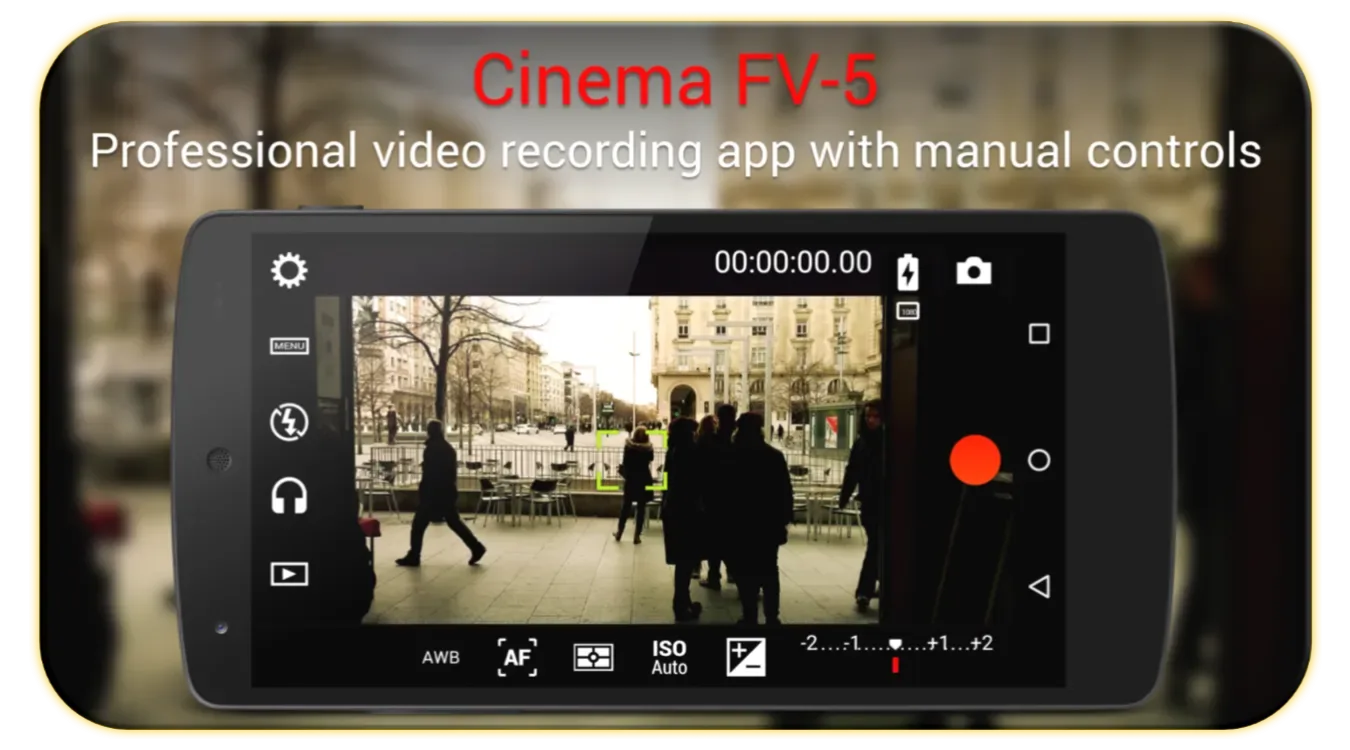
The Cinema FV-5 Lite interface may seem a bit complex at first glance, as it attempts to mimic a professional camcorder interface. However, most controls are easy to use, and the app itself comes with a beginner's tutorial and a nearly forty-page help document. While reading this document is not mandatory, it contains a wealth of useful information to help you make the most of the app's recording capabilities.
With Cinema FV-5 Lite, you can adjust all image parameters just like operating a traditional professional camcorder. You can adjust exposure compensation, ISO, metering mode (matrix/center/spot metering), focus mode, and white balance. Notably, it also allows you to modify sensor parameters (such as ISO or white balance) during recording without stopping the recording.
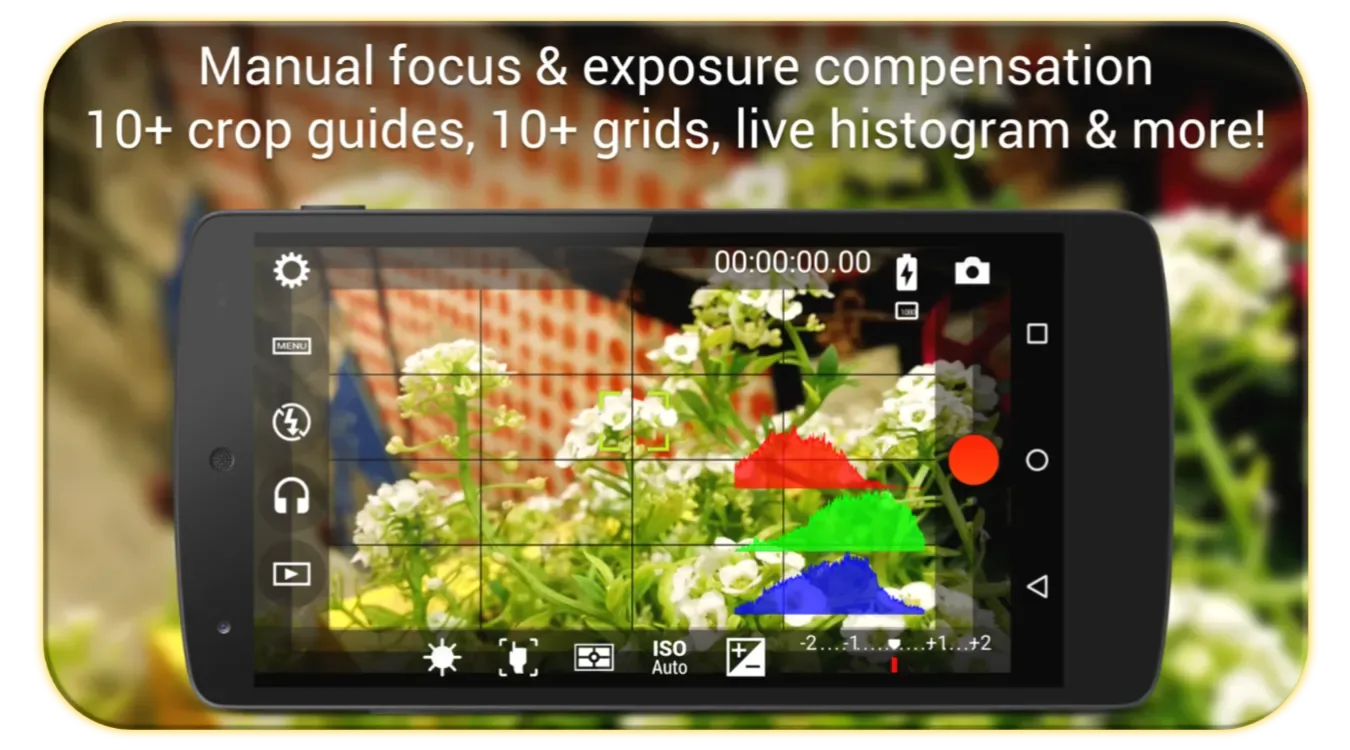
This app boasts a professional previewer, offering over 10 composition grids and 10 cropping guidelines. Furthermore, it supports real-time brightness or RGB histogram display, which can be enabled (or disabled) even during recording. All these options can be easily enabled and customized in the settings menu.
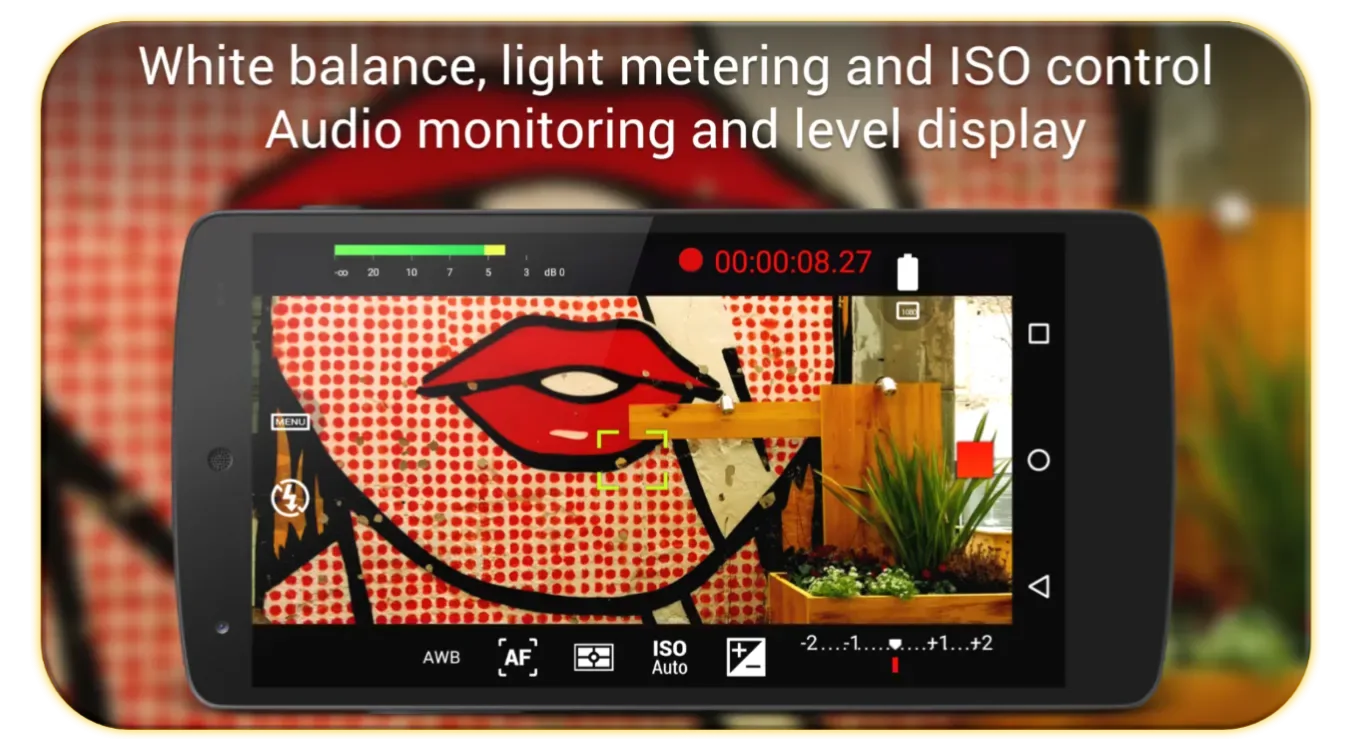
With a professional sound level meter, you can view audio signal levels during recording, including peak areas and clipping alarms. You can also use any audio signal as input to add to the video: the device's built-in microphone or an external microphone (via wired or Bluetooth connection). Of course, you can also choose the codecs for video and audio, as well as the sampling rate for video or audio, and the number of channels.
User's Comments
Perfect camera app for older phones. Works great with the Google Pixel 2. More manual controls are available than the stock Google camera. Not as full featured as newer apps, but this app allows you to extend the life of your phone and everything works as intended. Sometimes basic no-frills makes you more productive. UPDATE: Hooray! you guys haven't updated in a while it's nice to have an advanced camera that works for those of us who don't have a Camera2 api. I can't run none of the modern phone apps on my Moto E5 Plus but I can run CameraFV-5 and even if you guys finally do an update please don't disable these features for those of us with lesser specs or if you do update to the Camera2 specs.. give us the ability to run the older version.
Great app. Customisable. Intuitive navigation. Good price. I have a cheap phone and I lowered the resolution to SD, which enabled capturing and playback without stuttering. Image quality is excellent on SD. Audio pickup is very good from my phone even... I took an experimental video and the sound of rain came through quite clearly. I also bought the developer's Camera FV-5. Purchase was a one-off, so very affordable and great quality. Similar to Pro DSLR functions. Thank you developers.
Pros and Cons
Pros
Advanced manual video controls (focus, ISO, white balance, etc.)
Supports external microphones (wired and Bluetooth)
Supports up to 4K high-resolution recording
User-friendly interface, customizable functions
Real-time audio metering with clipping detection
Cons
Lite version has a limit on maximum video length
Performs best on new devices
No built-in video editing tools
Conclusion
Cinema FV-5 Lite is an excellent video recording application with rich features that can almost instantly turn your Android device into a professional camcorder. However, it's important to note that some cameras on older devices may not be compatible with certain features when using this app.