

Trello is an outstanding project workflow management platform designed to help employees collaborate more efficiently. Trello offers users an easy-to-use and feature-rich collaboration platform with powerful project management, workflow assignment, work planning, and ad-hoc meetings. Trello provides a wealth of office tools, allowing users to easily create and edit tasks with rich files, lists, checklists, and tags, significantly improving your daily work.
Click to load YouTube / 点击加载视频
YouTube ↗Outstanding Functions
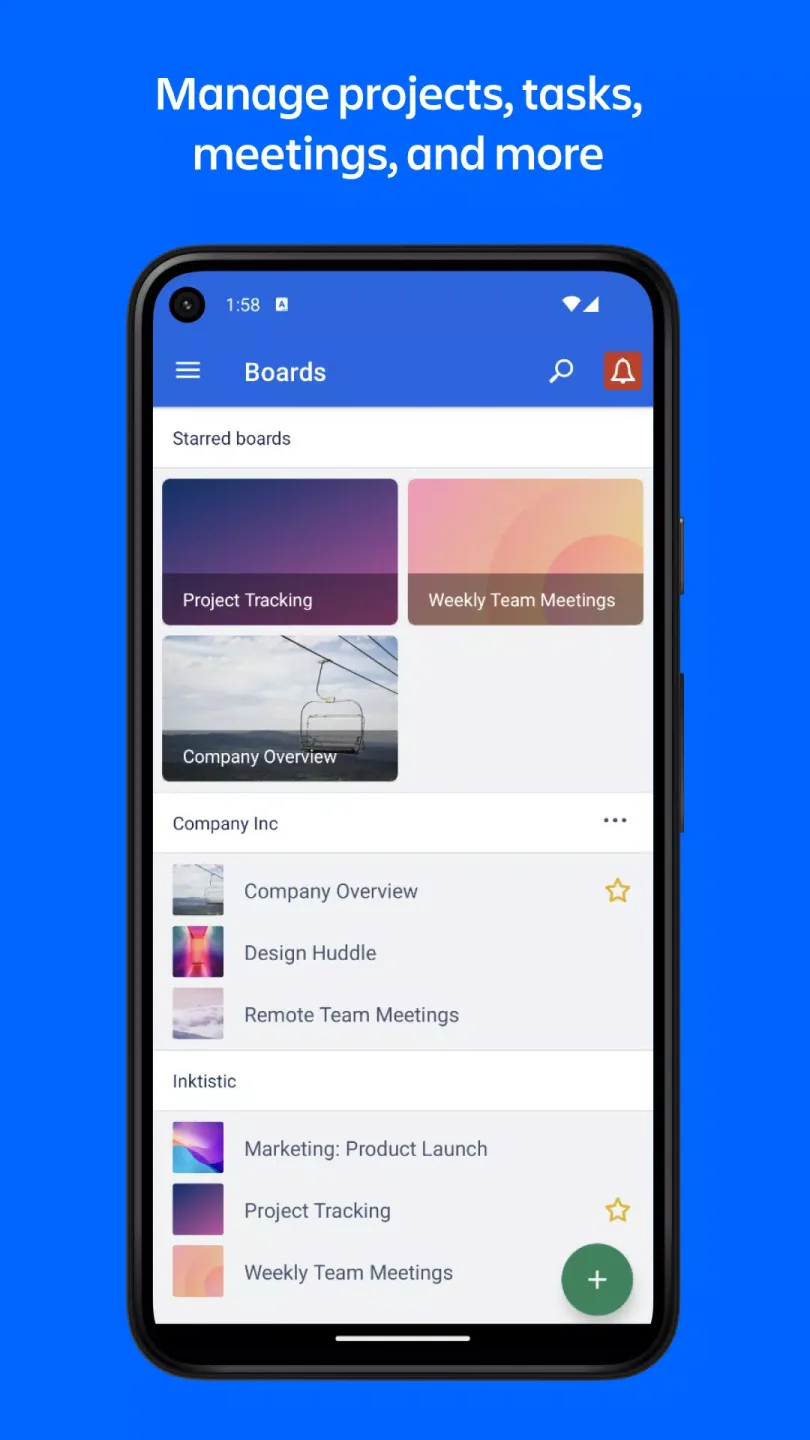
Manage Projects, Tasks, Meetings, etc.
Free your mind from remembering all to-dos with Trello's customizable and simple Kanban boards, lists, and cards.
Easily view today's tasks and upcoming tasks through the calendar view.
Quickly understand project status and team progress with the timeline view.
Visualize your tasks using the map view, whether at an event or in the field.
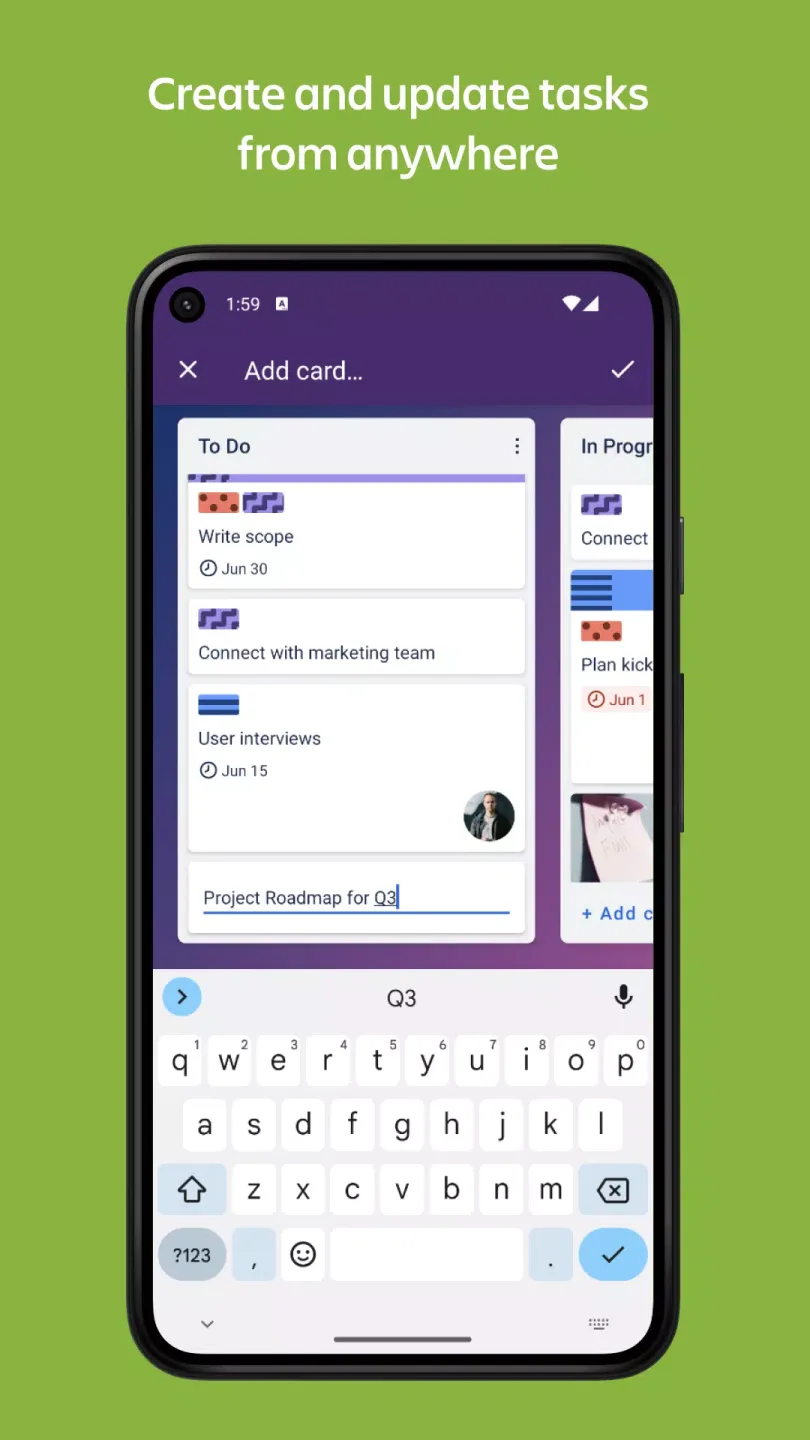
Create and Update Tasks Anytime, Anywhere
Turn ideas into action in seconds—create task cards and track task progress until completion.
Add checklists, tags, and deadlines to stay up-to-date on your project's progress.
Upload images and documents, or quickly add website links to cards to better illustrate your work.
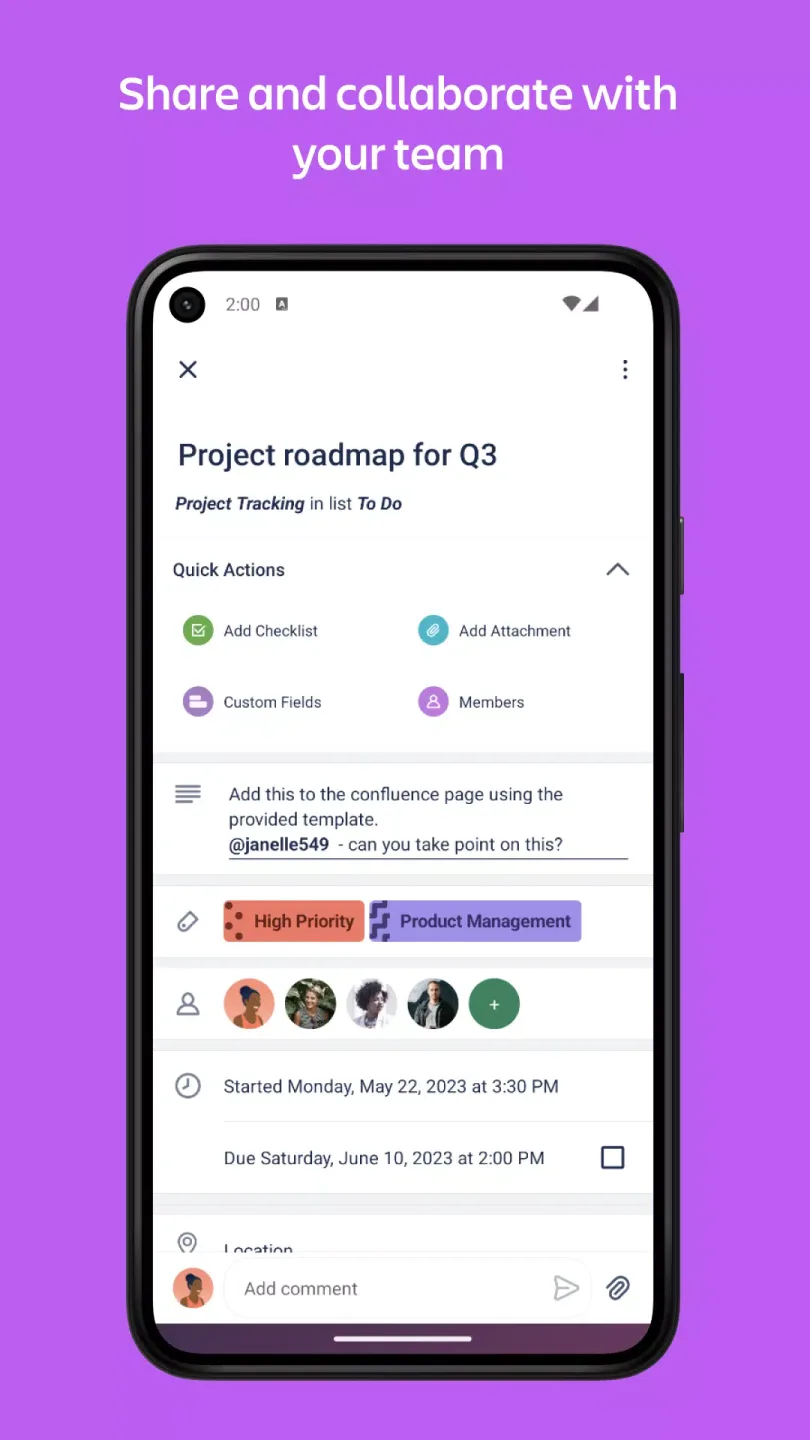
Share and collaborate with your team.
Assign tasks and keep everyone informed during handover.
Break down large tasks with incredibly satisfying checklists: check off items and watch the status bar reach 100% completion.
Collaborate with others and track feedback on your work through comments (including emoji reactions)!
Share files by attaching them to cards so the right attachments are associated with the right tasks.
Excellent Performance
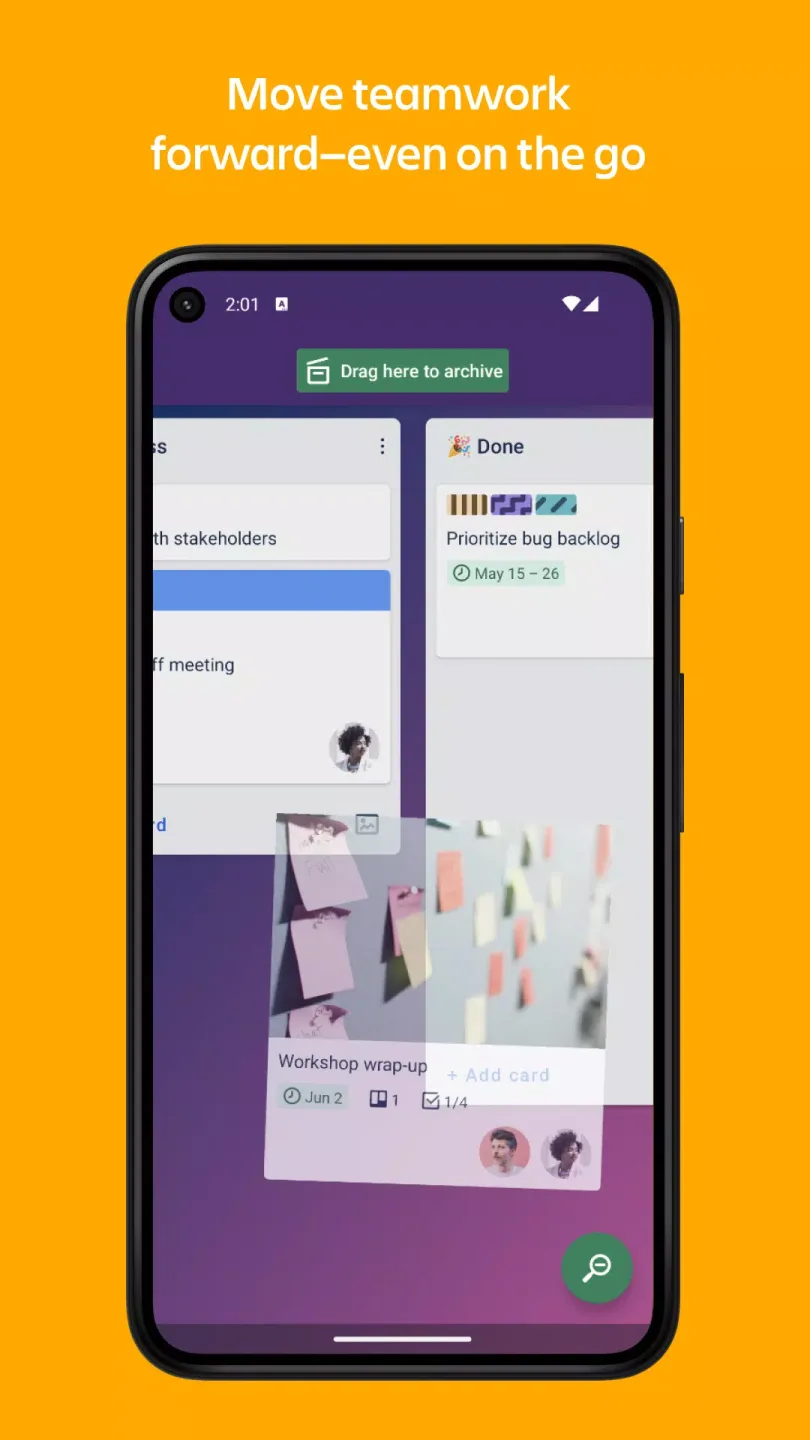
Visually organize with Kanban boards, lists, and cards.
Trello allows you to create dashboards for different projects, where you can add specific lists to help you track the progress of each project in detail. Each list contains cards representing individual tasks, and you can move these cards between different lists. This structure makes visualizing and tracking ongoing tasks much easier, as you can not only create any number of spaces but also copy elements and move them to the desired locations.
Boost Your Productivity
This app includes numerous features designed to significantly improve your productivity. You can create cards that include images, answers, and even emojis. You can also share content to existing cards, add links, or invite others to your workspace. Trello also features a built-in automation system, allowing you to design rules and commands to streamline workflows, and integrates seamlessly with other applications like Google Drive or Slack.
Fantastic Highlights
Trello helps users track work progress through a variety of visualizations. The calendar view provides an overview of upcoming deadlines, giving team members a clear picture of which tasks are due. Additionally, the timeline view offers a more detailed view of project progress, helping users visually understand overlaps and dependencies between tasks. For those who frequently work remotely, the map view allows users to organize tasks by geographic location, making logistics and site visits easier to manage.
Notifications play a crucial role in ensuring team members are kept informed of project updates. Users can enable push notifications to stay informed about card assignments, changes, and completion status. This feature is especially useful for remote teams that may not work in the same location. Trello also supports offline functionality, allowing users to continue adding information to their Kanban boards even without an internet connection. Any updates made while offline will automatically sync once the network connection is restored.
Another major highlight of Trello is its ability to create and manage tasks anytime, anywhere. Users can quickly create new task cards and monitor task progress. Each card can include a list, tags, and a due date, providing a comprehensive overview of task requirements. This feature enables teams to break down large projects into smaller, more manageable components, thereby improving overall task management efficiency.
User's Comments
A very good organization app. I primarily use it for my to-do lists and organizing other personal info, but I have also used it to collaborate with my friends/colleagues on some personal projects. My only gripe is that formatting the descriptions of cards on the mobile version is different than on the Web version, and any formatting you do on the mobile version will not appear correctly on the Web version. But aside from that, it is a great app.
The best app so far!! I would add a detail- for some cards to have an option for recurring action, for example to mark the same day during the entire month. And I would add that finished cards go immediately down, so the TO DO cards stay at the top.
Update: They fixed it! for my personal use as a to do list, it's great. ... Latest update moved "copy list" to the top of the menu instead of "add card," like it used to be. this is incredibly frustrating and almost a deal breaker. I used to be able to add cards quickly on my phone. Now I have To read through the list and make sure I pick the one in the middle. Slows it down a lot. Who is making copies of lists so often it needs to be at the top?
Final Words
Integrating Trello into team workflows can improve efficiency and organization. This application combines visual management, collaboration features, and mobile access, making it a valuable tool for teams across industries. By using Trello, teams can optimize project management processes and increase overall productivity.








