
Termux is an emulation application for Android devices. This powerful application allows users to experience the fun of a command-line terminal directly on their devices, enjoying a hacker-like control experience. With Termux, users can access various programming and scripting environments, making it a versatile tool for developers, system administrators, and tech enthusiasts. Through a clean interface, you can enter all commonly used commands and easily complete tasks on your smartphone. Furthermore, the application utilizes the device's physical volume and power buttons to introduce unique keyboard shortcuts, simplifying command input and improving user efficiency.
Click to load YouTube / 点击加载视频
YouTube ↗Features for Termux:
Quick Connect to Your Server
Access your remote servers with just a tap. TermuxUS makes connecting fast and simple, so you can focus on what matters.
Choose a Theme for Your Terminal and Keyboard
Personalize your terminal experience. Choose from a variety of themes for your terminal window and custom keyboard layouts for your convenience.
Access Support and Manage Settings
Easily manage app settings and access helpful support, ensuring you have everything you need for a smooth experience.
Clear Terminal and Easy Keyboard Control
Navigate your terminal with ease. Enjoy a clean interface and intuitive keyboard controls for more efficient server management.
Custom SSH Keyboard for Quick Server Access
Save time with a custom SSH keyboard tailored to give you quick access to commands and functions, perfect for frequent tasks.
Saved Servers and Folders for Quick Connections
Store and organize your servers and folders for one-click access. No need to re-enter credentials or paths — just connect instantly.
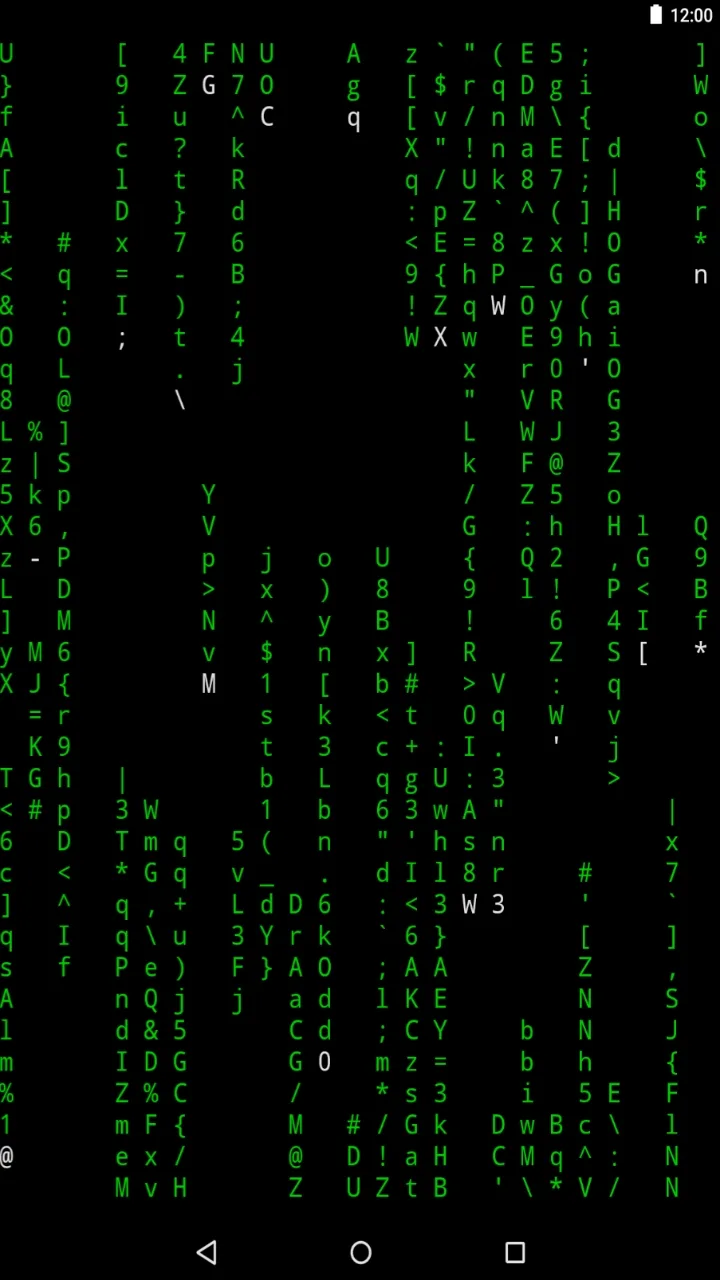
Benefits for Termux:
Terminal app for easy command entry
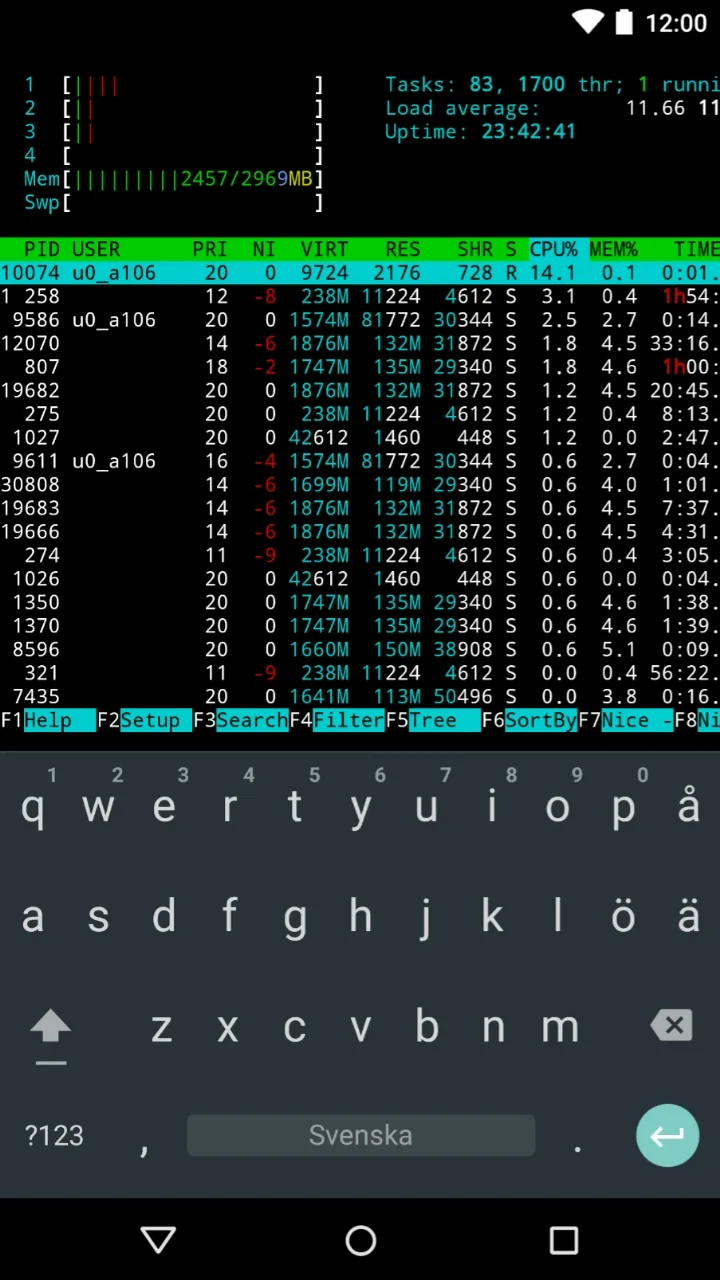
Simply tap and hold the Termux interface to access the tool's context menu. From here you can copy, paste or edit commands with great ease and freedom. In addition, thanks to the side navigation drawer, you can also manage multiple active sessions, name them or create new ones with a single tap. To further enhance the experience, you will find a notification bubble to help you optimize the device's performance.
Termux can be used without root access
You will not need root access on your smartphone to use Termux. However, if you know how, you can always combine the tool with a rooted device to install complete Linux distributions or even automate recurring tasks.
Compatibility with a number of Linux packages
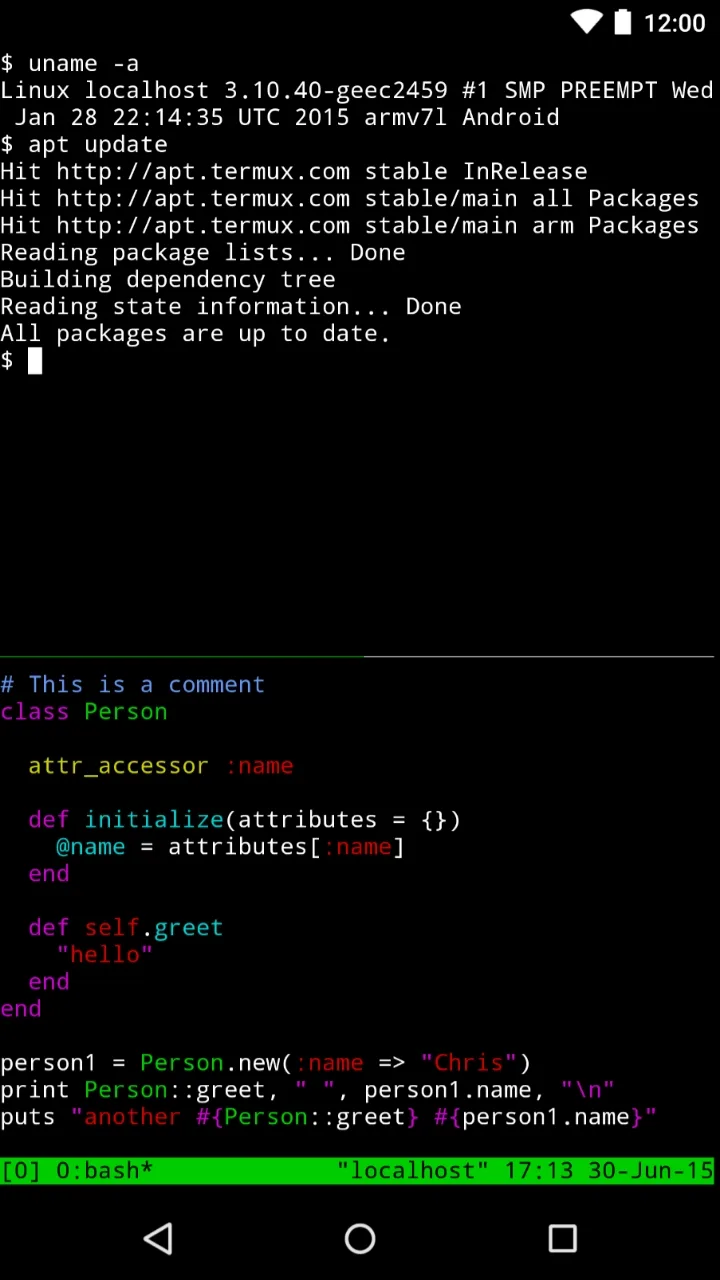
Undoubtedly, Termux's great compatibility with thousands of Linux packages is one of the tool's main advantages. Without having to resort to other external apps, you can install compilers such as GCC, interpreters such as Python, NodeJS and Ruby, and even work with advanced tools such as Git, Vim, and Curl in minutes.
Termux-X11 and other variants
If you want to get even more out of the app's graphical interface, you can install Termux-x11. Through this X server you can run lightweight desktop environments directly from Android. By downloading this variant, you can enjoy an experience that is closer to a traditional Linux system.
FAQs for Termux:
Can we edit the APK with the Termux app?
Yes. You can easily edit the APK files or even create Android apps with ease through the Termux app.
Is Termux used for Coding?
Yes. You can easily use Termux for coding in various programming languages like Python, Ruby and many others with ease.
Is the Termux app safe to use?
If you know the basics of coding, then it is completely safe to use. As it requires the root access to run with full potential, any mistake could cause issues with your device.
Conclusion:
With its intuitive interface and robust features, Termux stands out as a powerful tool for anyone looking to harness the capabilities of Linux on the go. The app’s focus on customization and community engagement further enhances its appeal, making it a must-have for those interested in exploring the world of mobile terminal computing.








