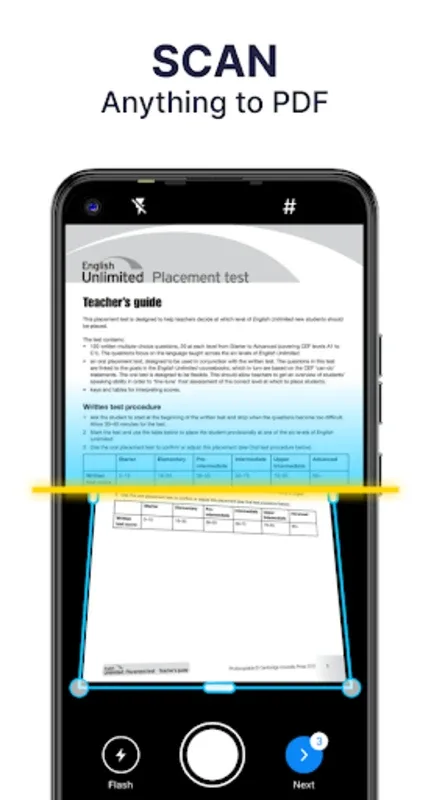
PDF Scanner is an outstanding office document scanning utility that simplifies complex document scanning and organization processes, making your work more convenient. PDF Scanner offers a clean and stylish interface and a wealth of powerful PDF tools, allowing users to enjoy efficient document conversion and convenient one-click sharing. PDF Scanner provides a complete range of scanning tools to make your documents and images clearer and more aesthetically pleasing.
Fantastic Highlights of PDF Scanner
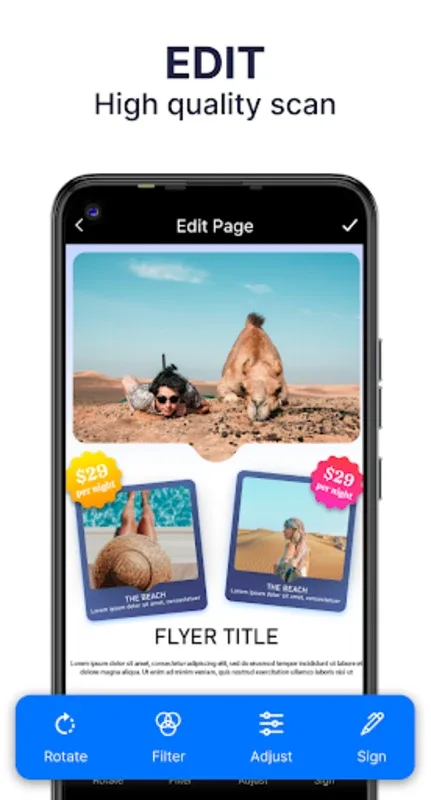
Its biggest highlight is the ability to add electronic signatures directly to PDF files, providing extra convenience before distribution or printing. Editing is also very convenient; you can modify individual pages or adjust the overall document size to fit various standards such as Letter, Legal, or A4.
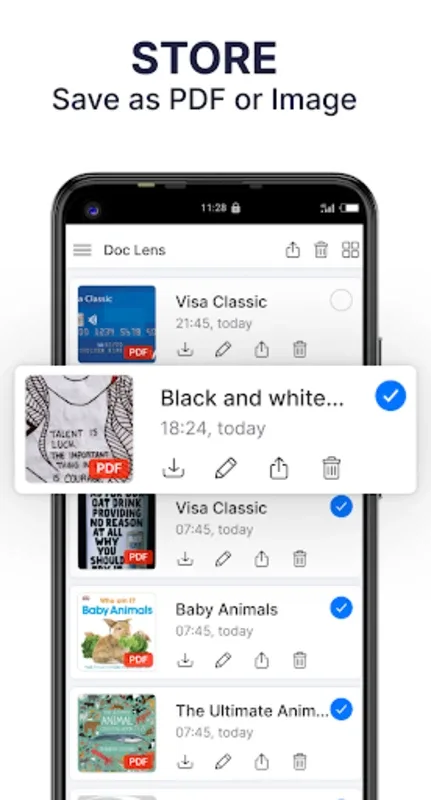
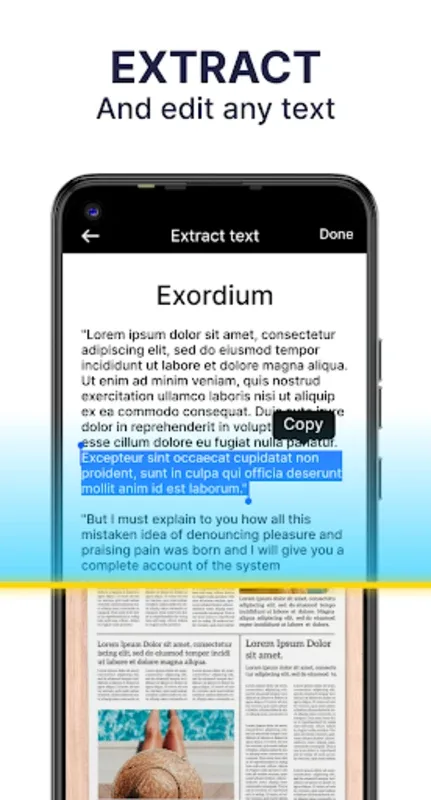
Finding specific files is quick and efficient. Keyword search allows for rapid folder browsing, and even OCR technology can accurately identify text in images. This function can also accurately extract text from images for easy editing and sharing.
Excellent Performance of PDF Scanner
Efficient Document Conversion and Sharing
This app can scan various document types, from receipts and notes to business cards and certificates, and easily convert them to PDF format. After scanning, you can easily share the files in PDF or JPEG format via email or social media and access them anytime, anywhere.
Superior Scanning Capabilities
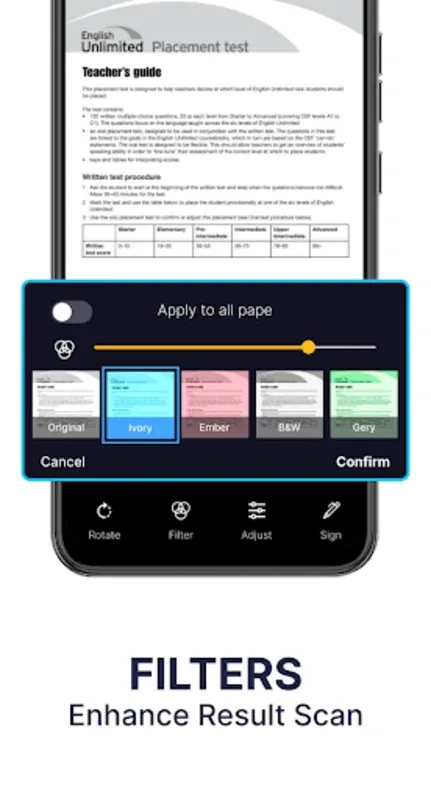
This PDF scanning app ensures professional-quality output images with advanced features such as accurate boundary detection, intelligent cropping, and automatic enhancement. These features help generate clear and sharp scans. It also offers a variety of filter options—Photo, Document, Clear, Color, and Black & White—to further optimize the scan results.
Advanced Text Extraction and Management
This app utilizes Optical Character Recognition (OCR) technology to accurately extract text from scanned images, making it editable and searchable. Furthermore, it simplifies document management, allowing users to add electronic signatures, apply secure watermarks, and organize files using subfolders. It also provides efficient search functions and document editing tools, allowing users to quickly retrieve files and manage them flexibly.
Awesome Features of PDF Scanner
Optimize and Protect Your Files
This app offers a variety of features, such as merging multiple PDF files or splitting large files into smaller, more manageable parts. It also provides password protection to ensure your documents are secure while allowing you to unlock PDF files for editing. This protects your sensitive information while providing convenient access at any time.
Seamless Sharing and Integration
This PDF scanning app simplifies the process of sharing documents across various platforms. With a single click, you can distribute documents via email, cloud services, or instant messaging applications. You can also easily rename, delete, or share PDF scans. Experience simple and convenient offline document scanning and management, making your digital workflow more efficient.
Engaging Highlights of PDF Scanner
Supports color, grayscale, or black-and-white scanning
AI-driven OCR (supports multiple languages, editing results, handwriting recognition, copying, sharing, or saving as TXT, etc.) (Subscription available)
Use in the office, school, home, or anywhere you want
Automatic page edge detection
5 levels of contrast for crisp monochrome text
Set PDF page sizes (Letter, Legal, A4, etc.)
Thumbnail or list view, sort scans by date or title
Final Thoughts
This convenient tool is designed for personal and professional use, ideal for scanning and processing documents anytime, anywhere. Easily experience the joy of document scanning and boost your productivity, wherever you are. Download PDF Scanner now and experience its full power.