

Mini Piano Lite is a convenient Android application. Boasting beautiful graphics and powerful virtual functionality, it transforms your smartphone into a fully-featured virtual piano. With Mini Piano Lite, you can play the piano anytime, anywhere, unleash your creativity, and enjoy the pleasure of performance. You can choose from beautiful sampled piano sounds, learn to play songs, and use various keys to play melodies or chords. Furthermore, the built-in selection of various sounds allows you to explore different instruments and musical styles, creating unique compositions.
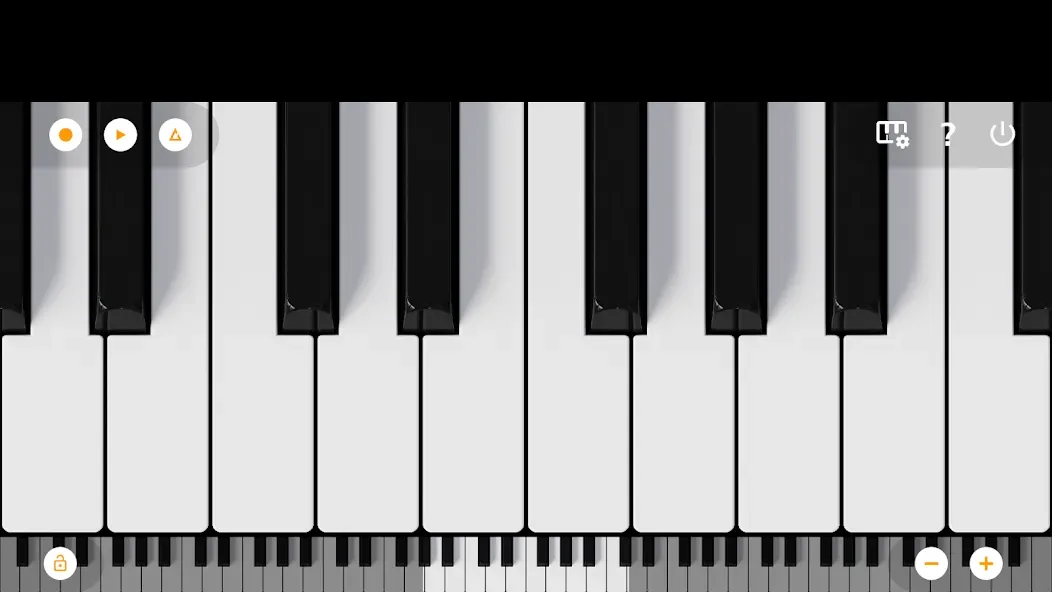
Features:
- Fast, responsive and beautiful digital piano instrument
- 88 keys
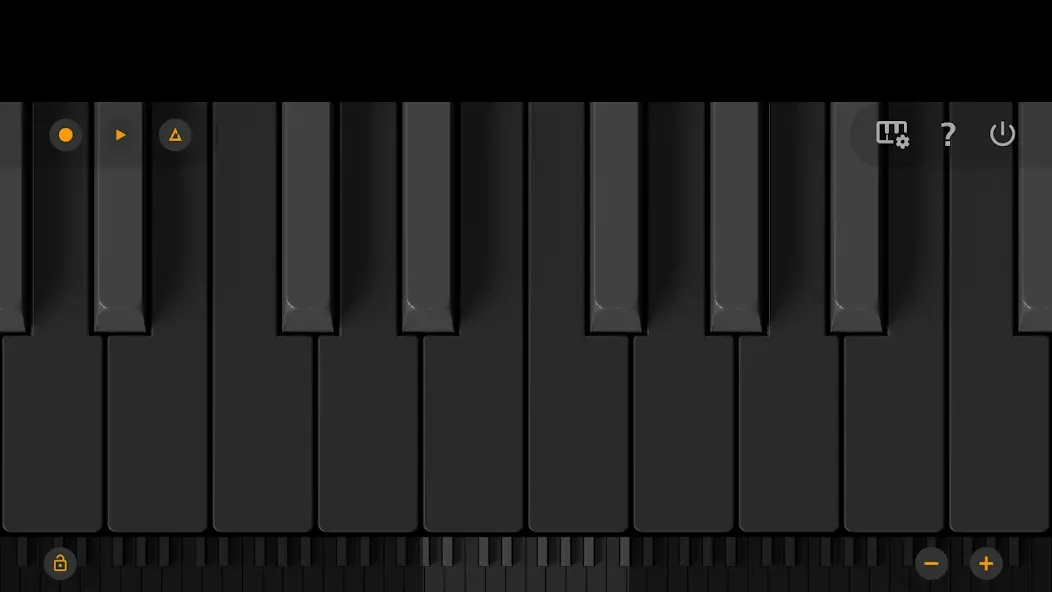
- Dark mode support with a full dark keyboard
- Great sampled piano sound
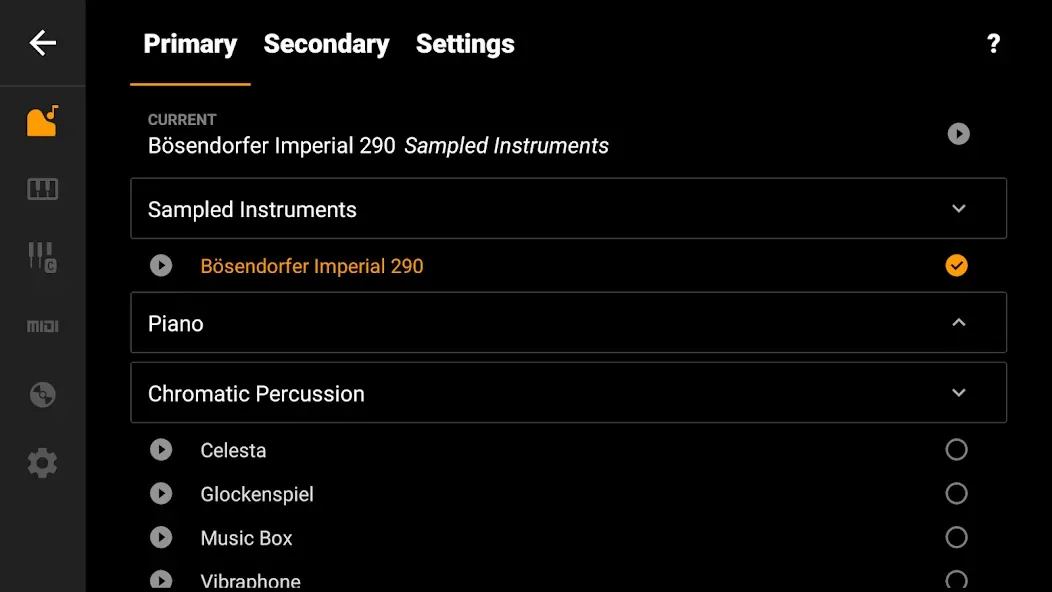
- 128 midi sounds
- Learn to play songs
- Optimized for tablet and phone.
- Record songs and set them as ringtone
- Export recordings to MP3, AAC or WAV
- Multitouch support for using all your fingers
- Easily zoom in and out to fit the keyboard to your screen
- Label notes with their names and octaves
- Use a metronome to keep a certain tempo
- Option to disable white key touch area between black keys.
- Easy transpose option to transpose the keyboard.
- Tuning option: Instead of A440, tune to A443, A432, or another value.
- Dual instrument options: use 2 instruments at once or split them across the keyboard.
Tips and Tricks:
Customize Your Sound: Experiment with different instruments and sounds to find your unique style and express yourself creatively.
Practice with Metronome: Use the built-in metronome to practice and improve your timing and rhythm while playing.
Utilize Zoom Functionality: Adjust the keyboard size to fit your screen and play comfortably, whether you're using a phone, tablet, or Chromebook.
Benefits:
Full 88 keys: The application will bring you a full 88 piano keys. You will have the most perfect experience when using and playing standard music as if playing on a real piano.
Responsive multitouch support: The application gives you a super-sensitive touch screen. You can slide your fingers on the keys without any lag. Bringing you extremely interesting experiences.
Customizable key zoom: In this application, you can also adjust the size of the keys. You can zoom in or out, giving you the size that best suits your needs.
128 MIDI instruments: The application will bring you more than 128 sound tools so you can edit and adjust the music to your liking. It brings you extremely convenient and attractive experiences.
Record your songs: You can also record your songs quickly and easily while playing. Without encountering any difficulties or obstacles, we will give you high-quality recordings. Make you extremely satisfied when using.
Changelog:
- New songs
- Improved performance and stability
- Bugfixes
Conclusion:
If you want to learn to play the piano or need a way to create and save your songs on this instrument, Mini Piano Lite is a good app that offers plenty of features. Download Mini Piano Lite for free to play the piano on your Android, no matter where you go.








