

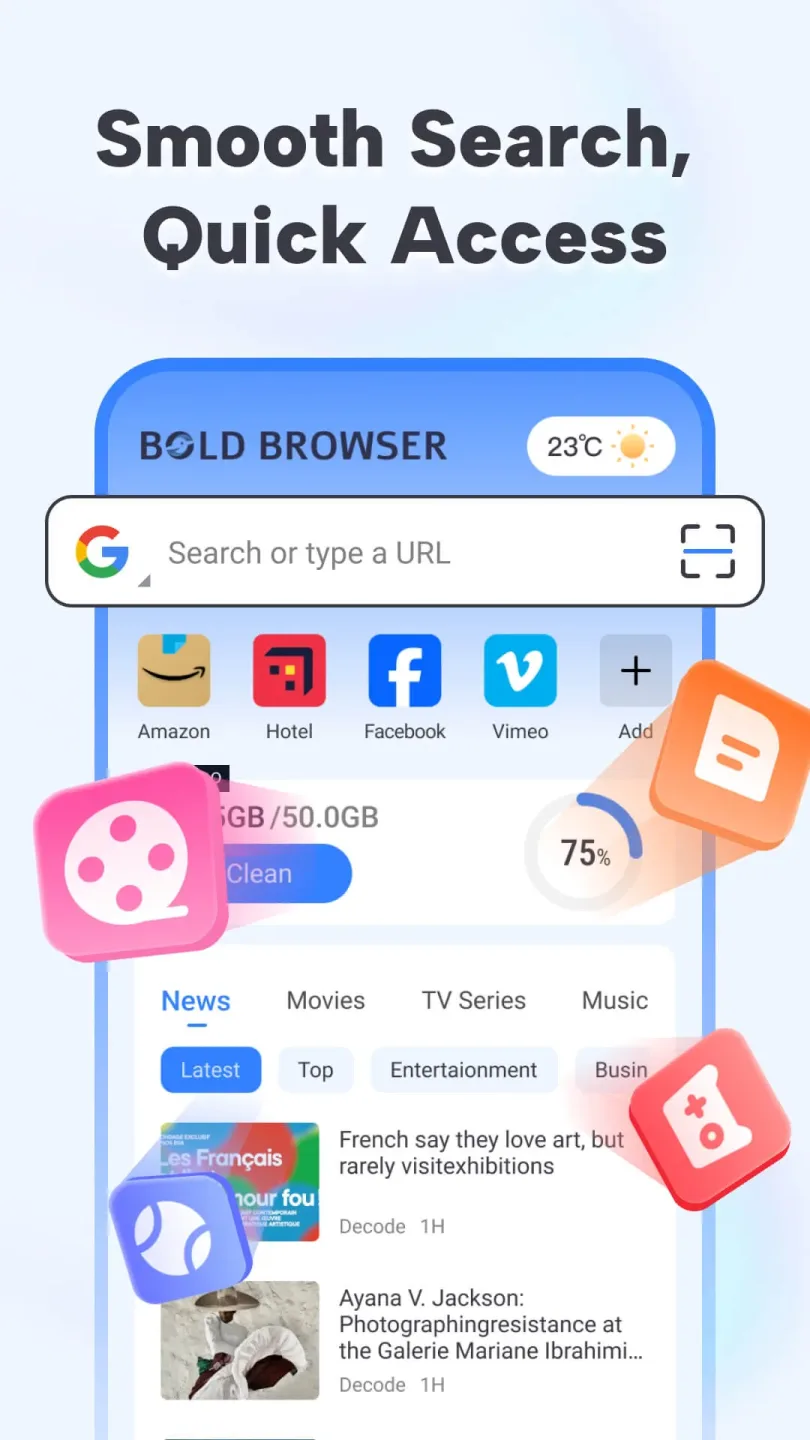
Bold Browser is a versatile web browser. This application offers a range of powerful features, designed for fast, private browsing and convenient media management, providing users with a smooth browsing experience. With Bold Browser, you can easily manage multiple tabs, quickly access your favorite websites, and use privacy browsing modes to ensure the privacy of your online interactions. In addition, the application provides management tools for organizing all files on your device, meeting the needs of internet users who value efficiency and security.
Features:
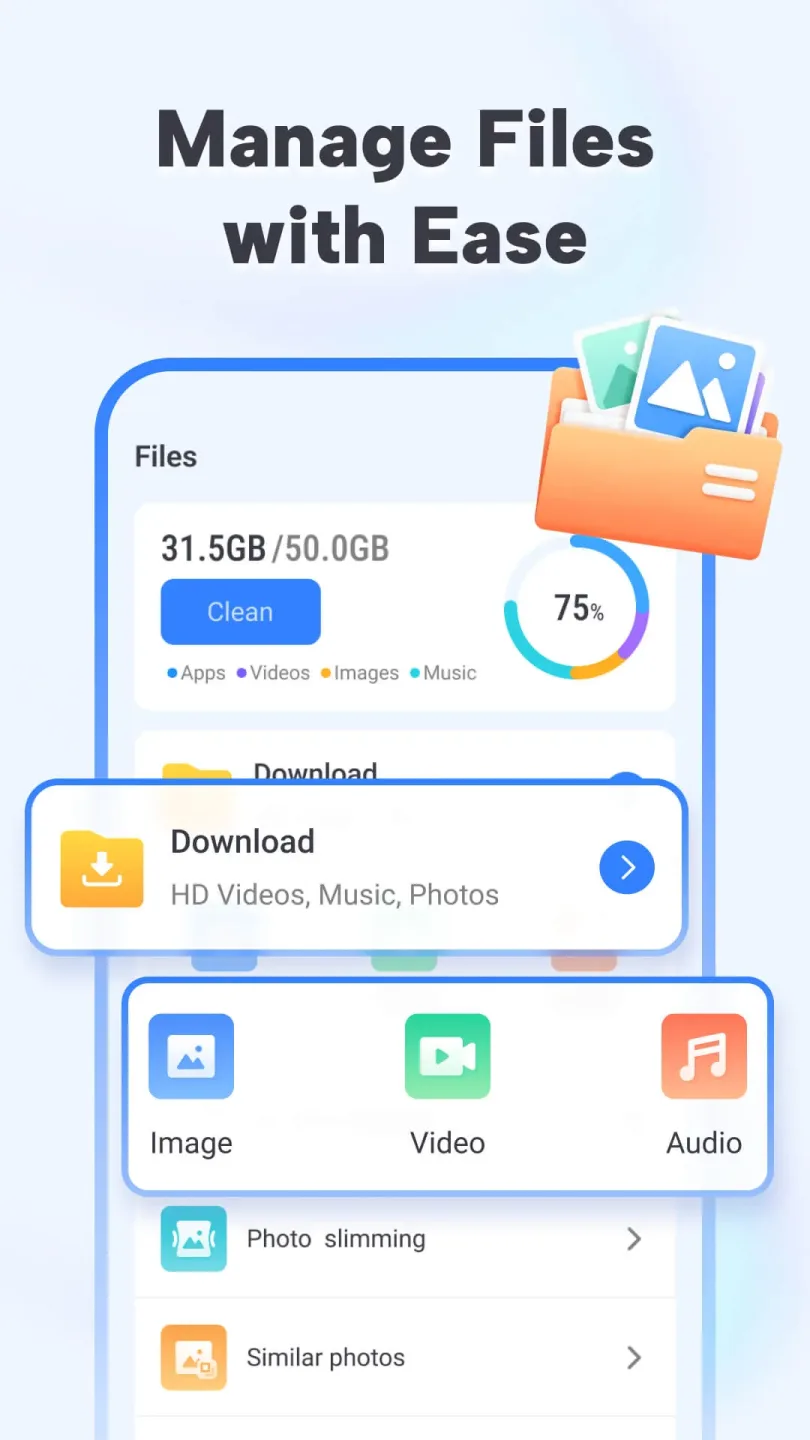
File management and offline playback
Downloaded files are stored in a simple local library inside the app where you can browse media by type, date, or filename. The built-in player offers straightforward playback controls such as play, pause, seek, and basic volume handling so saved videos and audio can be viewed offline without needing additional software. You can rename and remove files directly from the file manager to keep your storage organized, and the browser indicates file sizes so you can monitor how much space your media collection consumes. Offline playback is fully supported for files the app saves locally, making Bold Browser useful when you expect limited connectivity.
Customization and visual style
Home screen pins and bookmark folders allow customization of your personal start page and quick-launch items. The browser keeps the interface uncluttered, emphasizing readable page content and easy-to-reach navigation buttons. While the default layout favors simplicity, bookmark and pin organization let you tailor the app to match how you browse: group sites by topic, create a set of reference pages for work, or keep favorite media sources within a single tap. These small customization options help the app feel personalized without overwhelming you with settings.
Privacy, accessibility, and performance
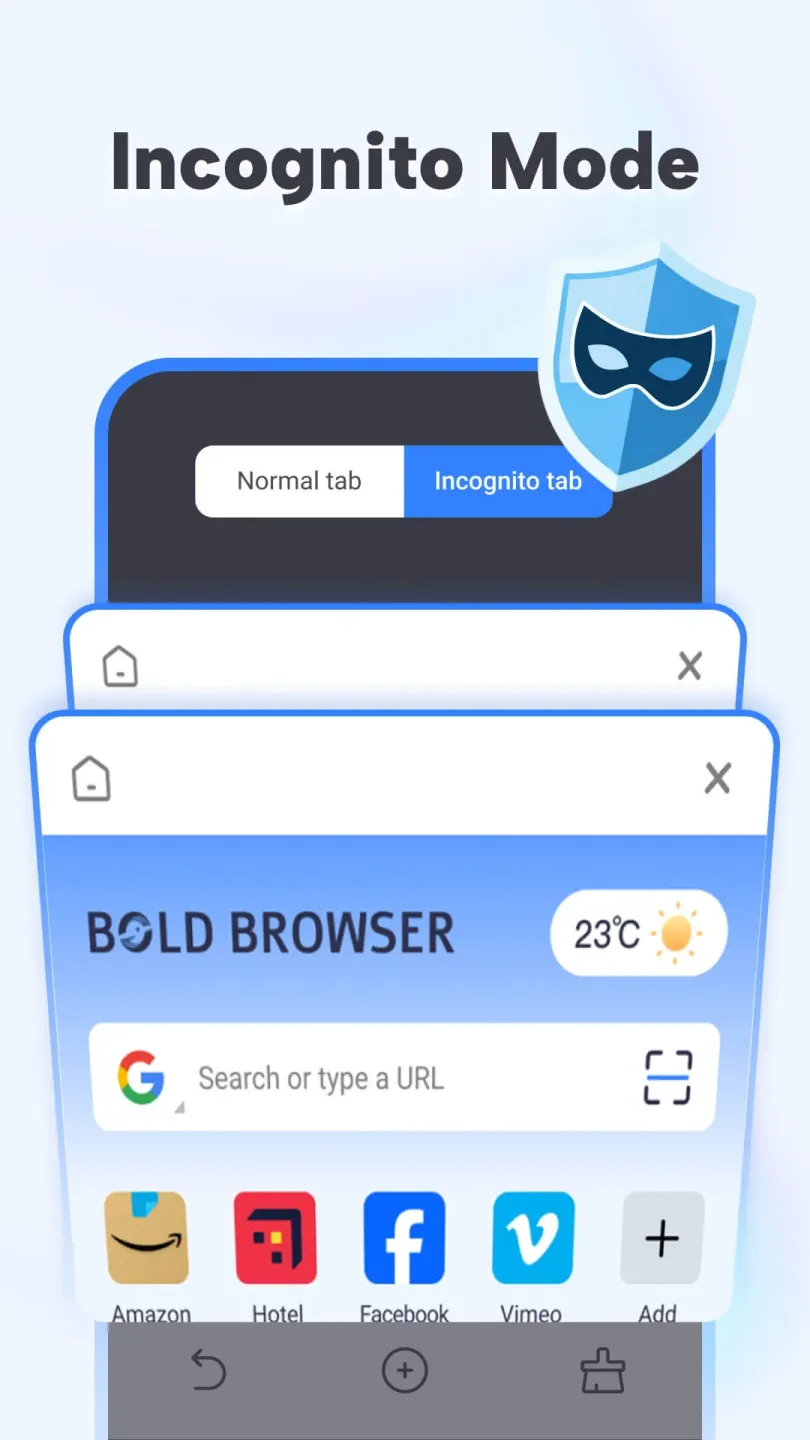
Private Browsing in Bold Browser is designed for users who want to avoid leaving local traces: it does not retain history, cookies, or cache after the session ends. For accessibility, the app is compatible with common system-level accessibility features such as screen readers and adjustable font scaling; it also prioritizes clear contrast and sizable touch targets for easier navigation. Performance-wise, the browser is tuned to be responsive on mid-range devices, but heavy pages or many simultaneous tabs can affect memory and battery usage, so occasional tab cleanup helps maintain snappy behavior.
Limitations and practical tips
Not every site allows media downloads; some services use protections that prevent saving videos or audio, and streaming platforms often restrict downloads by design. Media storage is limited by your device capacity, so large video collections require active space management. To get the best experience, monitor your download folder, remove files you no longer need, and use the built-in file manager to keep items organized. If a particular page does not offer a downloadable file, try checking the site’s own download options or use the browser to record the page address for later reference.
Benefits:
Multiple Tabs: Easily manage multiple websites with our easy-to-use tab management.
Quick Access: Pin your favorite sites right on your homepage. Access them with one tap.
Bookmarks & History: Save and organize your favorite sites with bookmarks and quickly find previously visited pages with your history.
Private Browsing Mode: Incognito Browsing mode ensures your search history, cookies, cache, etc. are not saved locally.
Pros & Cons:
Pros
Bold Browser offers fast, secure browsing with straightforward controls.
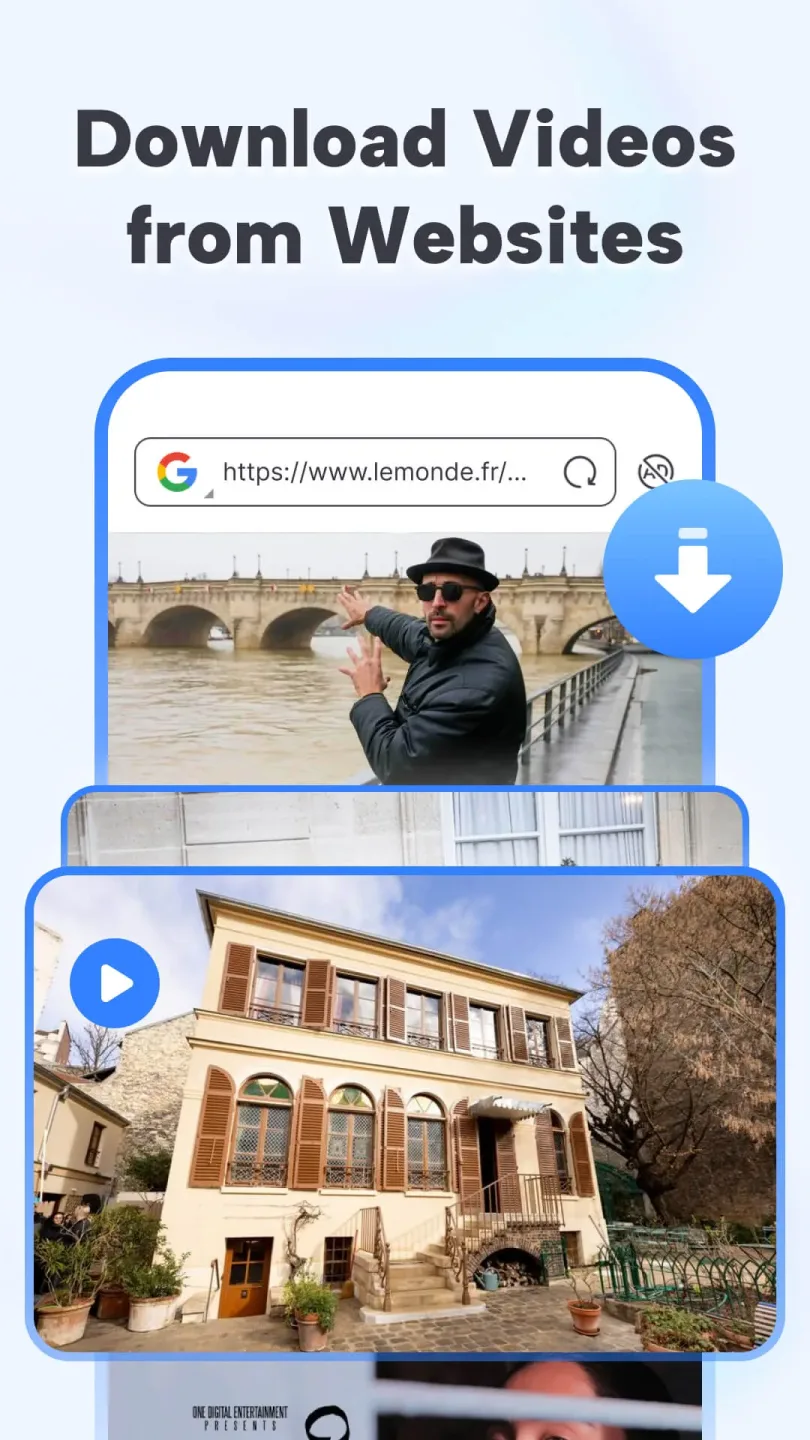
Save videos and play them inside the app for convenient offline viewing.
Built-in file manager keeps media and downloads organized without extra apps.
Privacy options like incognito mode give clear control over what is stored locally.
Extra utilities such as QR code scanning and multiple search engine choices add convenience.
Cons
Video download compatibility can vary by website and may not work for every source.
The built-in file manager is convenient but may lack advanced features of dedicated file manager apps.
Conclusion:
Bold Browser emphasizes clear icons and readable layouts to help users of varied skill levels access features quickly; common actions like opening a tab, saving a video, or scanning a QR code are designed to be discoverable and simple. Offline playback of downloaded videos extends usability when network access is limited.








