
Disk & Storage Analyzer Pro is an outstanding disk storage and analysis utility that helps users easily manage storage space and cloud capacity, making your file processing work more efficient. Disk Storage Analyzer Pro presents a compact yet comprehensive file management application, allowing users to easily categorize, read, and search. It provides comprehensive visualization of storage capacity information, giving you a clear understanding of device memory usage and enabling more efficient space allocation.
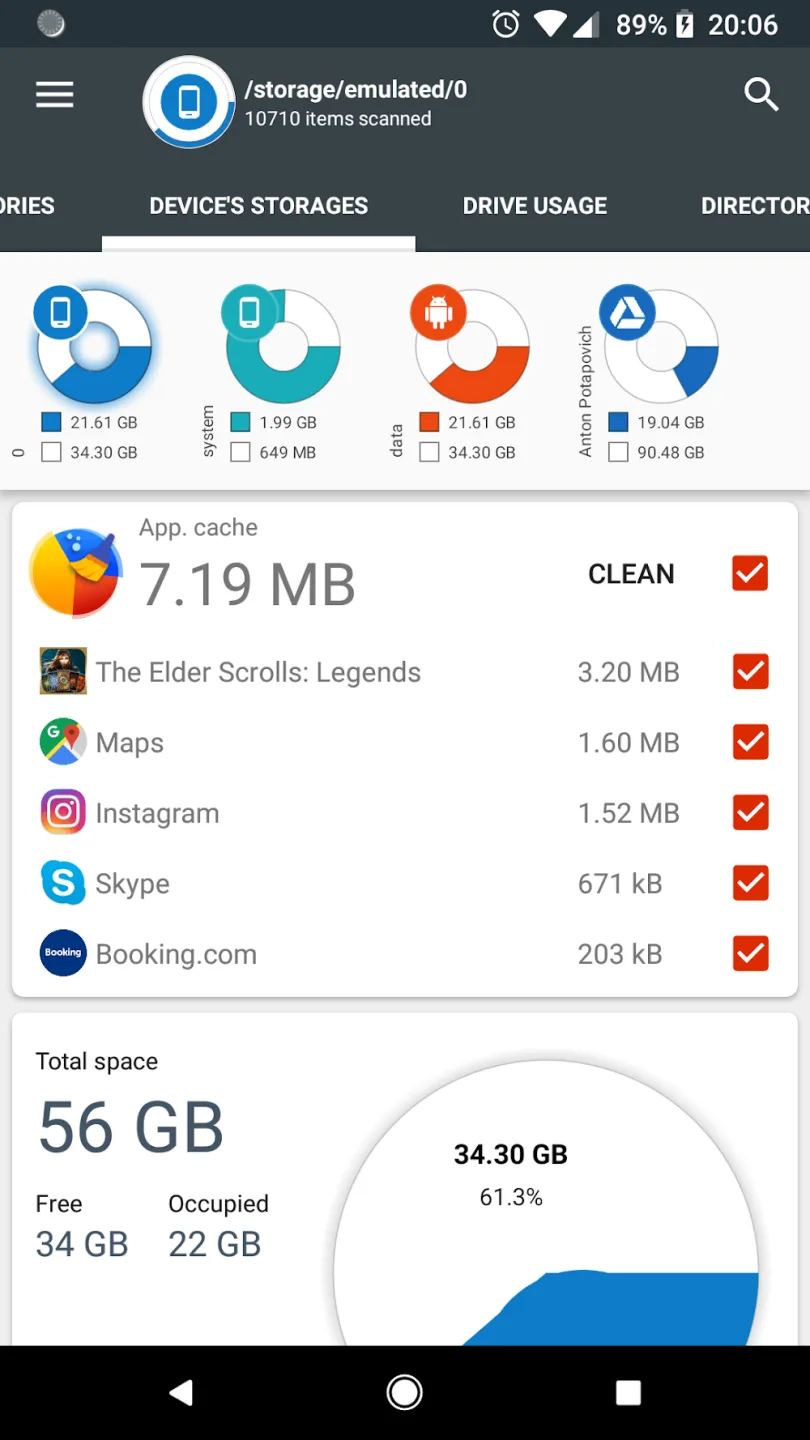
Fantastic Performance of Disk and Storage Analyzer Pro
Access Device Storage and USB Drives
Access Cloud Drives
Access Installed Applications on Your Device
The quick search function displays search results or content from selected categories.
Long-pressing a file displays a context menu with options to open, delete, or share the file.
Long-pressing a category or extension adds files contained within it to the quick search page.
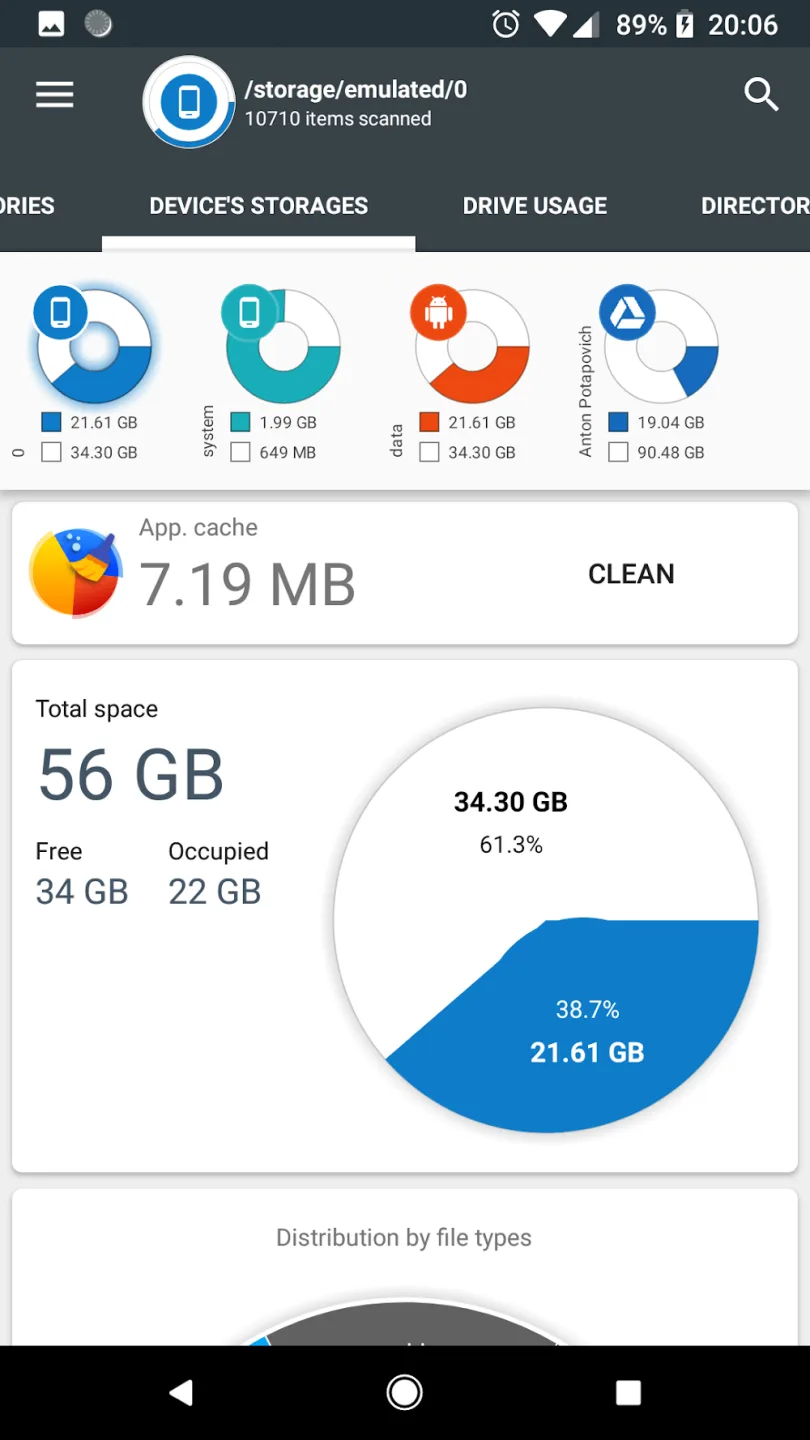
Attractive Features of Disk and Storage Analyzer Pro
Access Cloud Drives
The application allows users to connect to cloud drives (such as Google Drive, Dropbox, and Yandex.Disk). Once connected, the application reads the file list and specific file data (name, path, size, last modified date, file preview) to generate cloud drive statistics, which are displayed in reports and file usage charts.
Access Installed Apps on the Device.
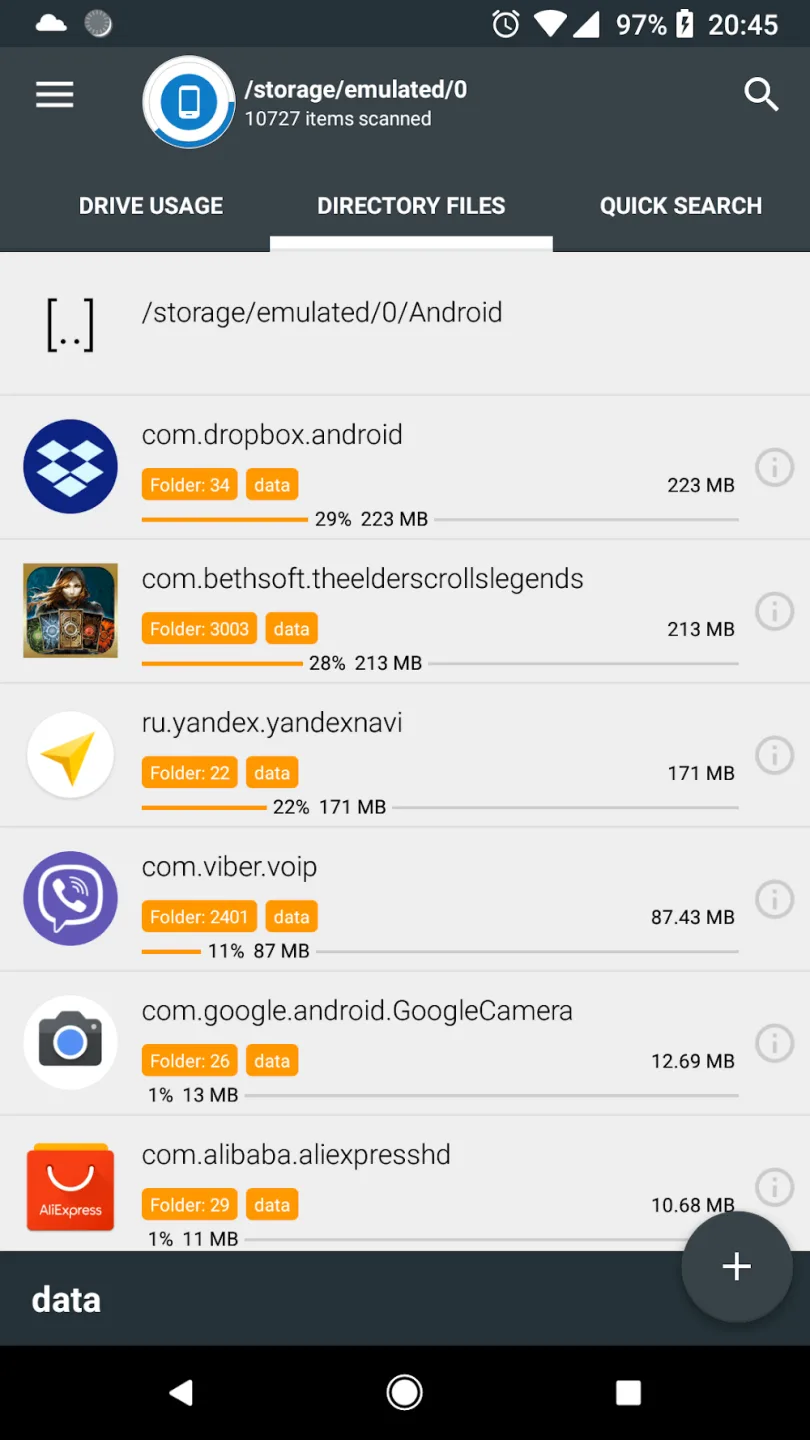
The application reads the list of installed apps and their specific data (package name, app icon, code size, data size, cache size, last used date) to provide an app list sorted by app size and cache size. Additionally, the application allows clearing the cache and deleting selected apps.
This application requires no user registration or personal information.
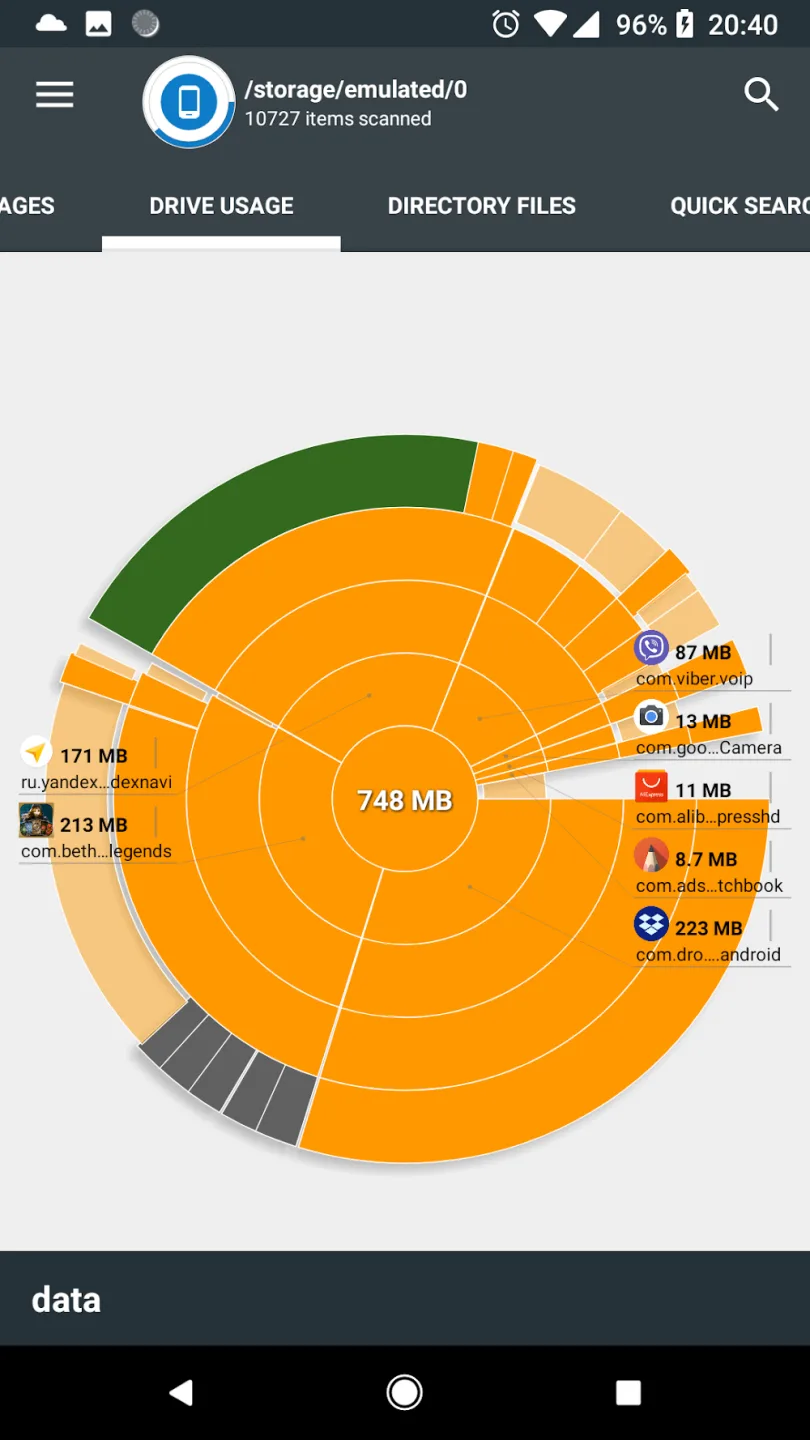
File Usage Visualization: Folders and files are presented in a sunburst chart format and sorted by size.
The central area of the chart represents the current directory, indicated by a circle. The remaining areas represent subfolders and files. Clicking on an area allows for deeper viewing. The application draws nested hierarchies, with the previously selected area at the top of the hierarchy.
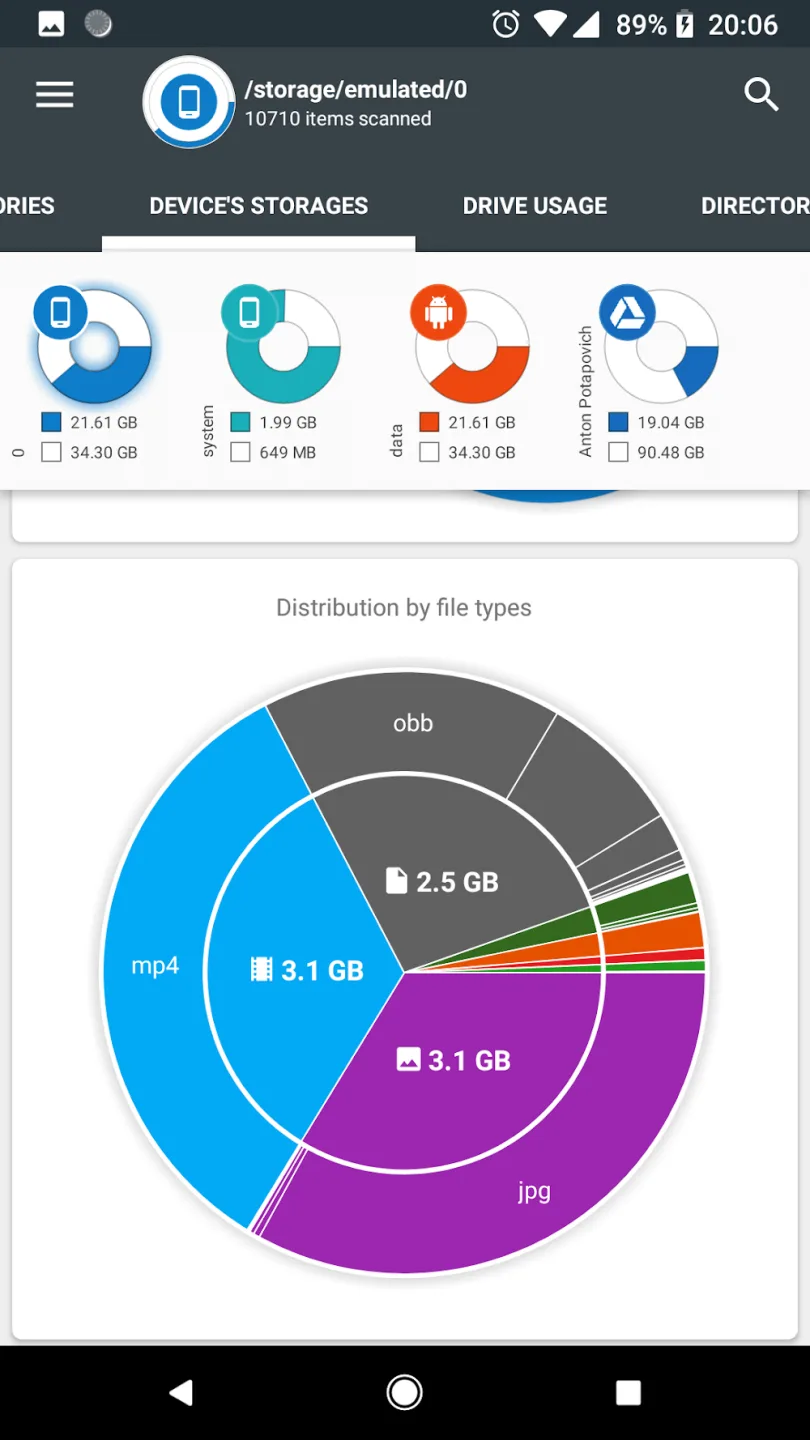
Wonderful Highlights of Disk and Storage Analyzer Pro
Files stored on the device can be properly managed and organized, categorized by different file types, and include precise information.
This information is diverse and presented in various ways, such as complete information or charts providing an accurate view.
The application helps users manage applications, and you can uninstall it at any time based on the information you receive.
Users can connect the application to different cloud storage platforms and use related functions to manage files on those platforms.
The global search function helps you quickly find files in large spaces, and long-pressing allows you to perform various operations.
Excellent Characteristics of Disk and Storage Analyzer Pro
Files on smartphones are often disorganized and difficult to manage. Disk & Storage Analyzer [PRO] categorizes and organizes files based on their content. Whether it's text, images, audio, video, or application data… all files have their own names and are arranged in the correct order. You can select and change the file sorting based on download date, file size, and data volume. Moving files to any location is free and you can choose for yourself. Suitable for all office-related work and information exchange.
It's common to have thousands of files on a smartphone. If you use your smartphone for work and data storage, the number of files will be even greater. So, how do you find the file you want among thousands of files? It's simple. Just use keyword search. Enter keywords related to the file name or file content. The system automatically filters and generates multiple results related to the keywords. The more keywords, the more detailed the filtering results. This is the fastest way to find files.
Final Thoughts
The application reads data from the device's stored file list and file-specific data (name, path, size, last modified date, file preview) to build device statistics and displays this information in reports and file usage charts.