Goodnotes is a note-taking app for Android devices. It boasts a variety of powerful and practical tools, allowing users to easily create and organize digital notes. With Goodnotes, you can leverage its advanced AI technology to effectively improve your work efficiency. Users will no longer be limited by the constraints of note-taking and can customize it to their own needs. They can also create personalized notes by customizing pen colors and styles. Furthermore, you can add various illustrations and annotations to create perfect notes.
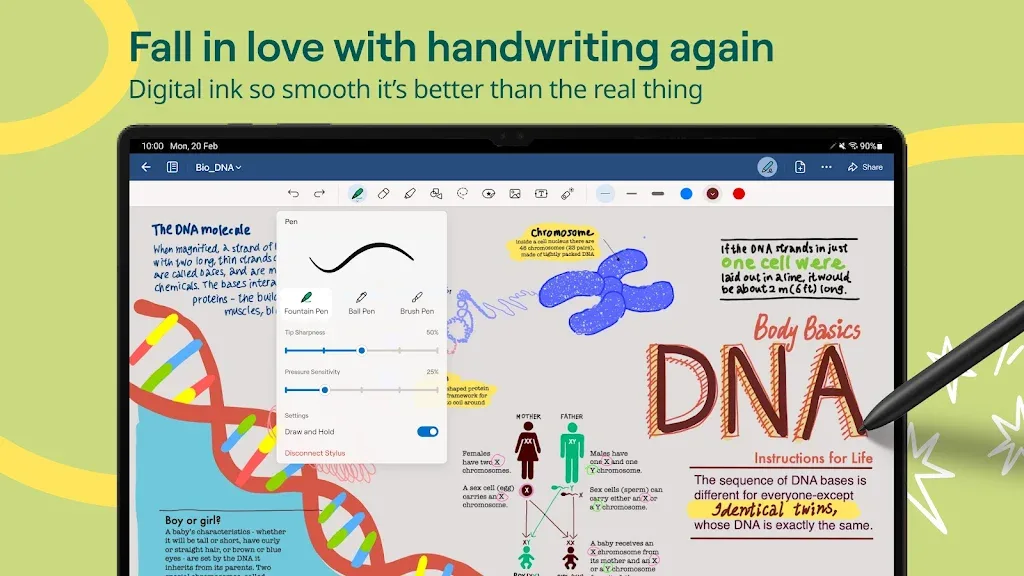
Highlights of Goodnotes:
Notebooks, Whiteboards, Text Documents
Templates
Handwriting Search
Handwriting to Text
Real-Time Collaboration
iCloud Sync
Goodnotes AI
Audio Recording
Generate Meeting Notes
Live Transcription
Features of Goodnotes:
For Students:
Capture and organize learning with easy note taking
Share links to notebooks, docs, PDFs, and whiteboards for collaborative note taking
Work together with classmates in real time
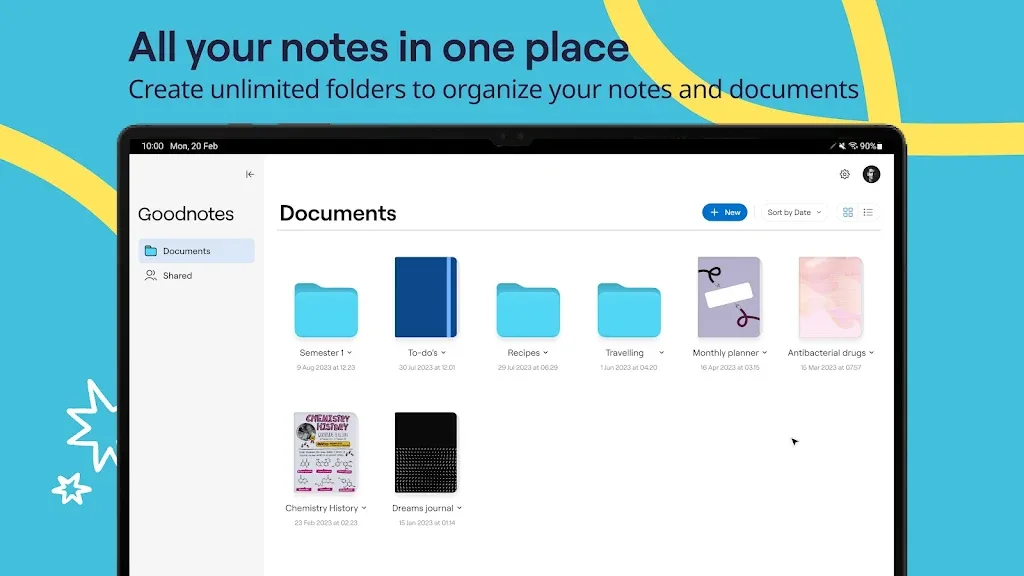
Keep your lectures organized with folders and favorites
Personalize your notes with planners, covers, stickers, paper templates, and layouts
Download templates for journaling, planning, and creative note taking
Use the lasso tool, layering, shapes, and sticky notes to design unique notes and whiteboard content
For Professionals:
Work smarter with your notes, docs, and PDFs
Import PDFs to fill, sign, annotate and markup
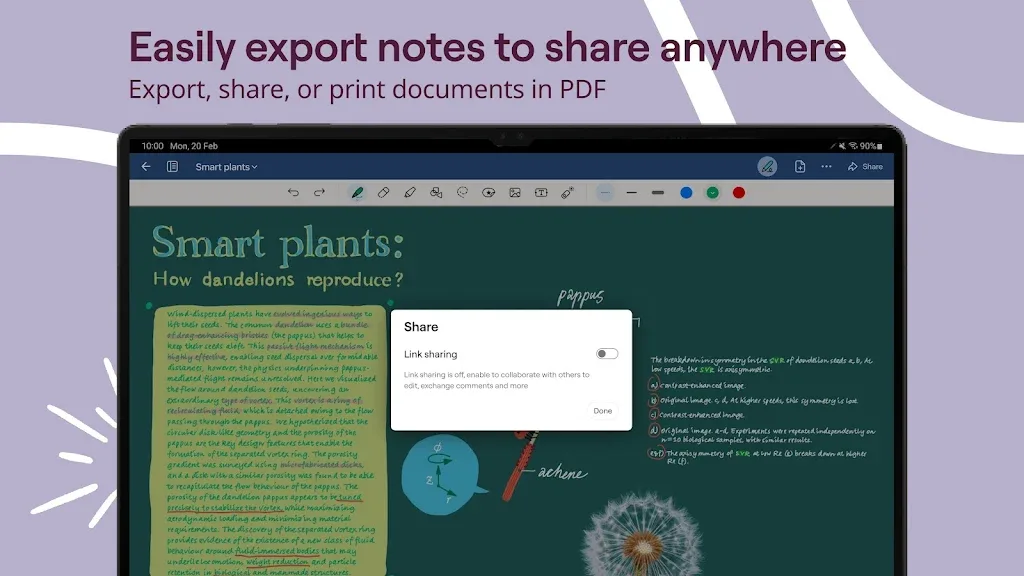
Export notes as PDFs to share, print, or email
Present directly from your device using the built-in laser pointer
Brainstorm and collaborate in real time—see your collaborators and their updates instantly
Use note taking and whiteboard features to enhance productivity and creativity
FAQs about Goodnotes:
Can I import PDFs and images into the app?
Yes, Goodnotes allows you to import PDFs and images into your digital notebooks for reference or annotation.
Is there a feature for handwriting recognition in the app?
While the app does not have built-in handwriting recognition, it offers powerful writing and drawing tools that make note-taking a breeze.
Can I share my notes with others using the app?
You can easily export your notes as PDFs or images to share with others, making collaboration simple and convenient.
Changelog:
- Introducing Text Documents: A block-based editor for fast typing
- Multi tabs: Switch between documents using tabs without losing your place
- Audio Recording: Record audio while taking notes
- Notebook Organisation: Move documents and folders freely, including nested folders
- Introducing Goodnotes Pro: A new subscription for real-time collaboration and full AI access
- Goodnotes AI: Your built-in collaborator to help you think faster, write better, and do more
Conclusion:
Downloading the Goodnotes APK for Android is a great way to access this powerful tool for creating and managing your notes. In addition, this tool lets you create backup copies of all your annotations on platforms such as Google Drive, OneDrive, and Dropbox. This way, you can always keep your information safe, even if you change devices.