

Oops AppLock is a powerful privacy protection app. It boasts robust features to protect your apps and games from unauthorized access, providing ultimate security. With Oops AppLock, you can ensure your privacy is well-hidden and secure thanks to its invisible app lock feature. You can simply use the volume keys to lock or unlock apps, and specific combinations to unlock protected apps. Furthermore, for the best custom background visual effect, it is recommended to use an image that matches your device's screen size to avoid distortion or low-quality display.
Benefits of Oops AppLock:
Unique password system: The app uses volume key patterns as a password instead of traditional pin or pattern unlocking methods.
Invisible screen lock: The app is designed to be completely invisible, making it impossible for others to realize your phone is locked.
Secure screen lock: With Oops Applock, nobody can unlock your phone without your permission, ensuring maximum security for your apps and data.
Multiple styles to choose from: The app offers different styles for the lock screen, allowing users to customize their lock experience.
Easy to use: Oops Applock is incredibly simple to use, making it accessible for users of all levels of tech-savviness.
Customizable lock screen backgrounds: Users can set different backgrounds for each locked app, adding a fun and personalized touch to the lock screen.
Features of Oops AppLock:
Invisible Lock
When you use third-party app lock apps, then you will get a popup before opening the locked apps. This is quite annoying as other people might know that you are using certain Applock options to keep everything safe. But with the Oops AppLock, no one will know that you are using any kind of app lock. This is a very unique feature as one can use this without the other knowing.
Volume Button Lock
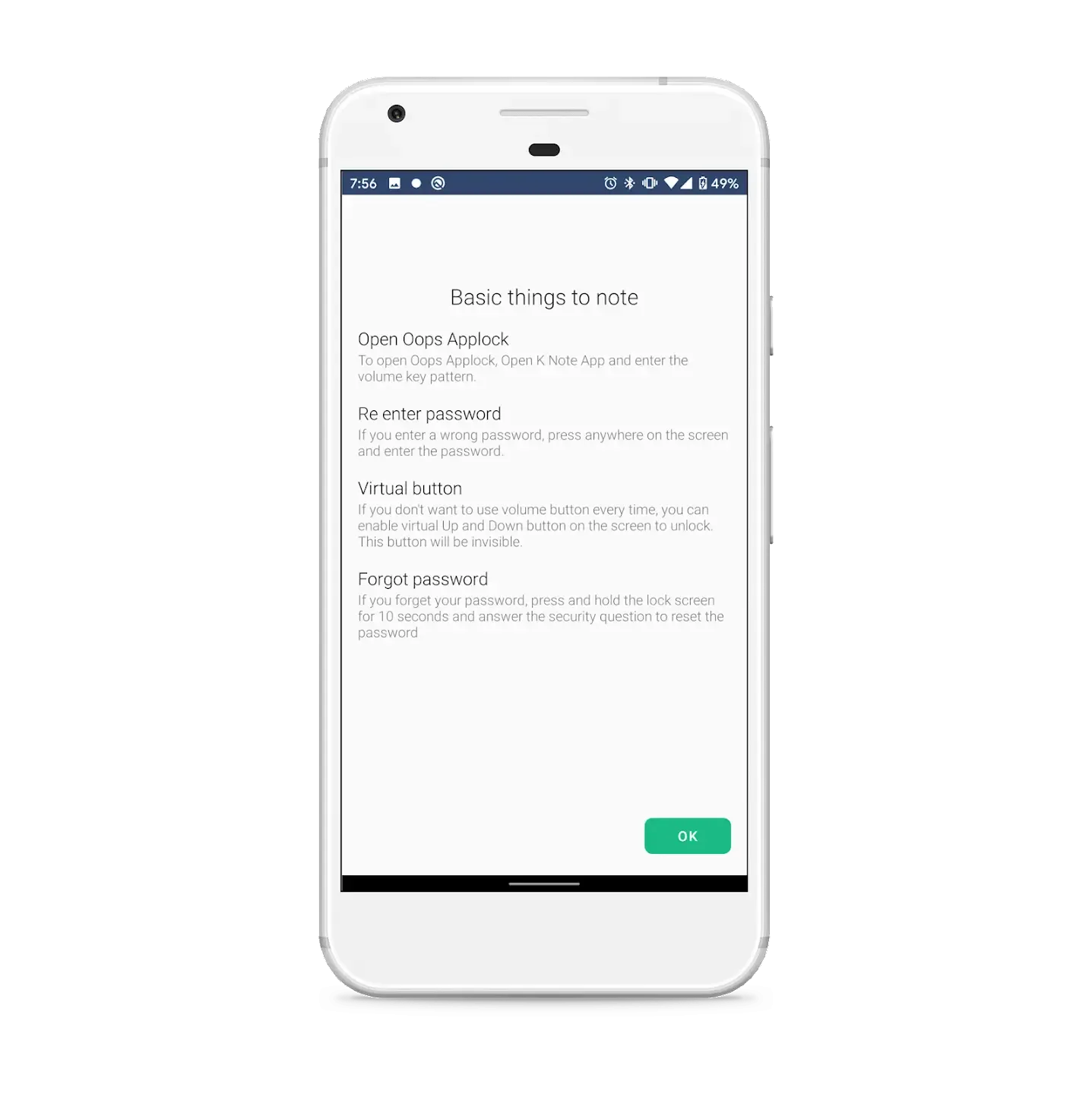
Traditional apps use built-in security functions to keep your apps safe. The traditional methods include the Biometric lock using fingerprint and facial recognition and also PIN and pattern lock. But with this app, you can use the volume buttons to lock or unlock certain apps. With the unique patterns for volume up and down buttons, it becomes easier to lock and unlock apps with just a few taps.
Custom Background
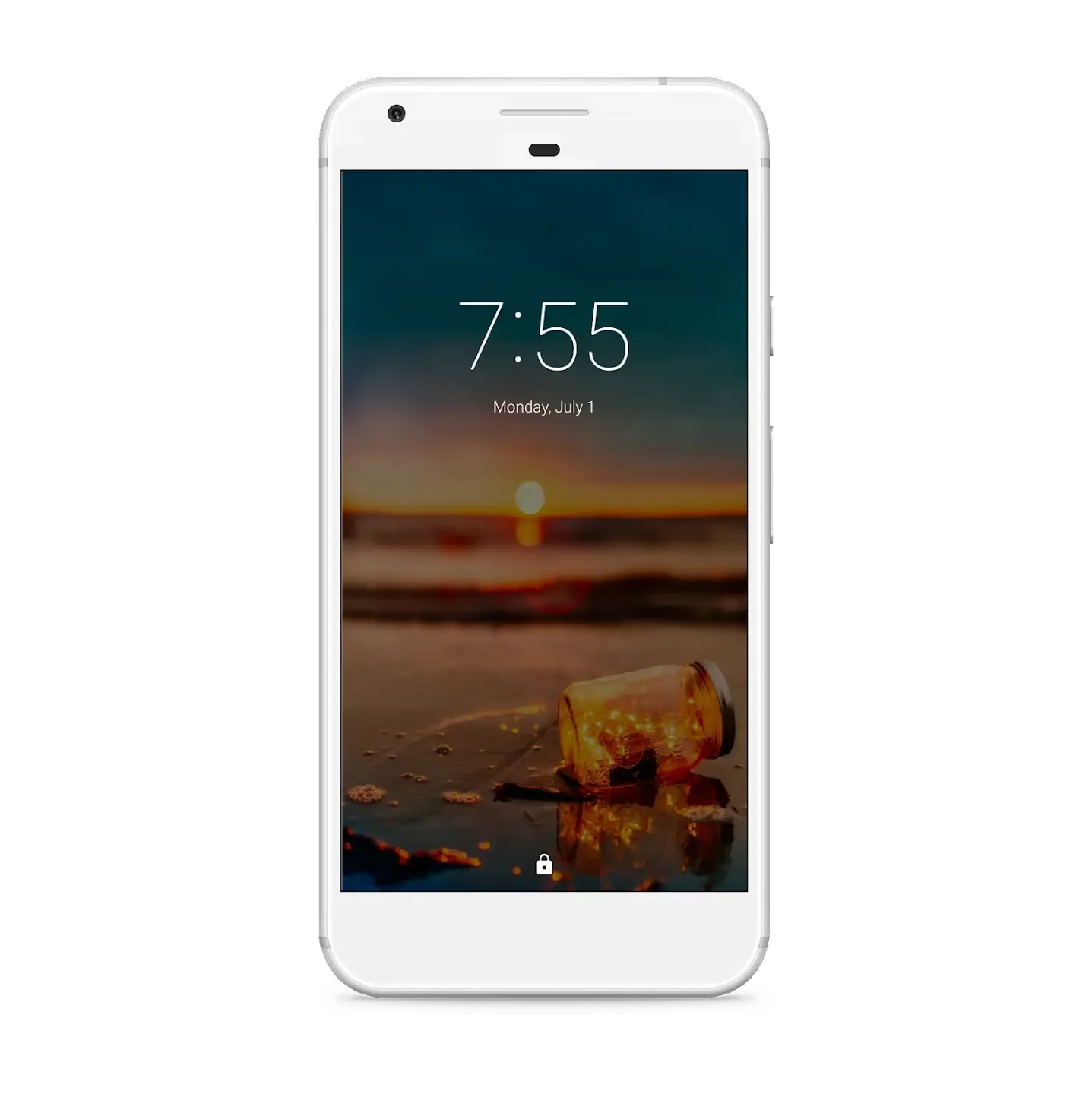
To let this app work without others knowing, you have to choose the custom backgrounds. This custom background will act as a lock screen. Setting the transparent or black background will help the app look like it’s stuck on the screen. While on the custom lock screen, you can use the volume buttons to unlock the apps. This way, others will think that the app is stuck or taking a long time to open, but in reality you will be using the screen to unlock the locked apps.
Additional Security
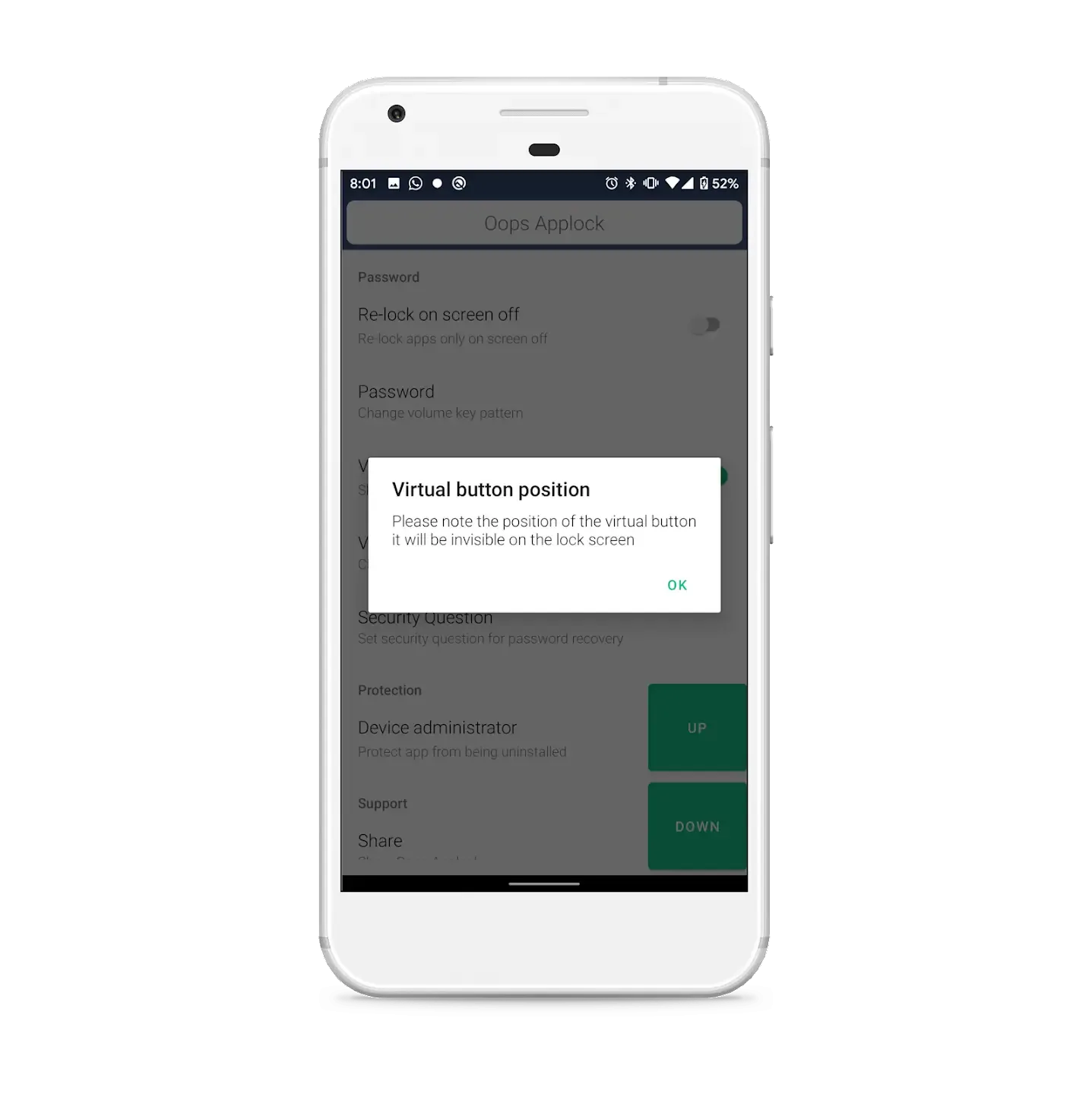
If you think this app lacks security features, then you are wrong. With additional security features like Auto-lock, auto unlock, virtual button, backup patterns, and many other things, you can use this app with full reliability. Additionally, it becomes easier to rely on this app to lock certain apps.
Highlights of Oops AppLock:
Oops Applock is Totally invisible.
Oops Applock ScreenLock is most safest screenlock.
Using Oops Applock ScreenLock nobody can unlock your phone.
Using Oops Applock ScreenLock nobody even notice phone is locked.
Oops Applock ScreenLock has different styles to choose.
Oops Applock is Most secure way to lock apps.
Nobody even notice your app is locked with Oops Applock.
Oops Applock is Simple.
Oops Applock is Fun to use.
Oops Applock can lock any applications.
You can set different background for lock screen on every locked App with Oops Applock.
Transparent and Black background makes as if your application is stuck.
Fool friends with custom backgrounds using Oops Applock.
Pros & Cons:
Pros
Disguises itself as a note app for added security
Unique volume button pattern unlock system
Customizable locking backgrounds
Additional security question backup
Free to use
Cons
Occasional crashes and stability issues
May not work perfectly on all devices and Android versions
Less convenient for users preferring on-screen authentication
Final Words:
All in all, Oops AppLock is a must for anyone who deals with nosy people on a frequent basis. As it mimics the appearance of a notepad, no one would think of it as an app lock program. Further, the usage of volume keys instead of passwords makes the app stand out from the rest. However, it’s not entirely perfect due to frequent crashes.








