

AirScreen is a mobile screen mirroring app that allows you to easily project photos, videos, slideshows, and more from your device to large-screen devices like TVs, letting you enjoy a high-definition, cinematic visual experience. The app boasts strong compatibility, installing and working on most mobile devices and TVs. A FAQ section ensures smooth operation of all its features. Furthermore, the app employs diverse connection technologies to maintain stable connections between devices, guaranteeing smooth playback and high-quality video for various games and movies. Project your screen with confidence!
Click to load YouTube / 点击加载视频
YouTube ↗Features of AirScreen:
Multi protocol receiving: AirScreen receives with AirPlay, Google Cast, Miracast, and DLNA so you can mirror and cast from most phones, tablets, and laptops. This reduces switching and makes it easy to use your preferred apps for sharing.
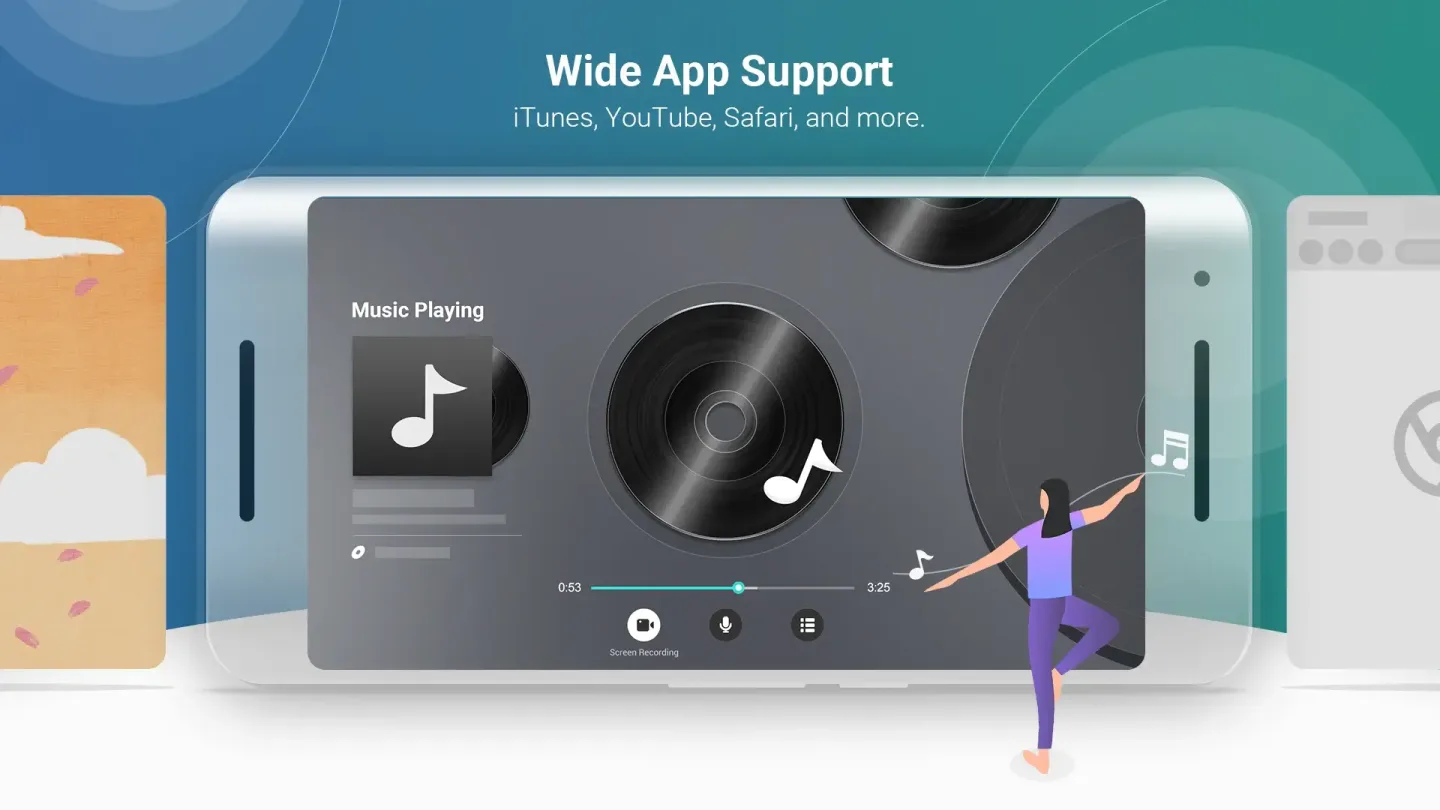
Broad device and app support: AirScreen works with iOS 8 to 18, macOS 10.5 to 15, Android 5 to 15, ChromeOS 63 to 134, and Windows 7 to 11. It also cooperates with many popular apps and browsers, which helps videos and web pages render correctly.
Install only on the receiver: You set up AirScreen on the TV box or smart TV, and no sender app is required on your phone or computer. This keeps the sending device clean and lets you cast from YouTube, iTunes, Safari, Chrome, and many other apps.
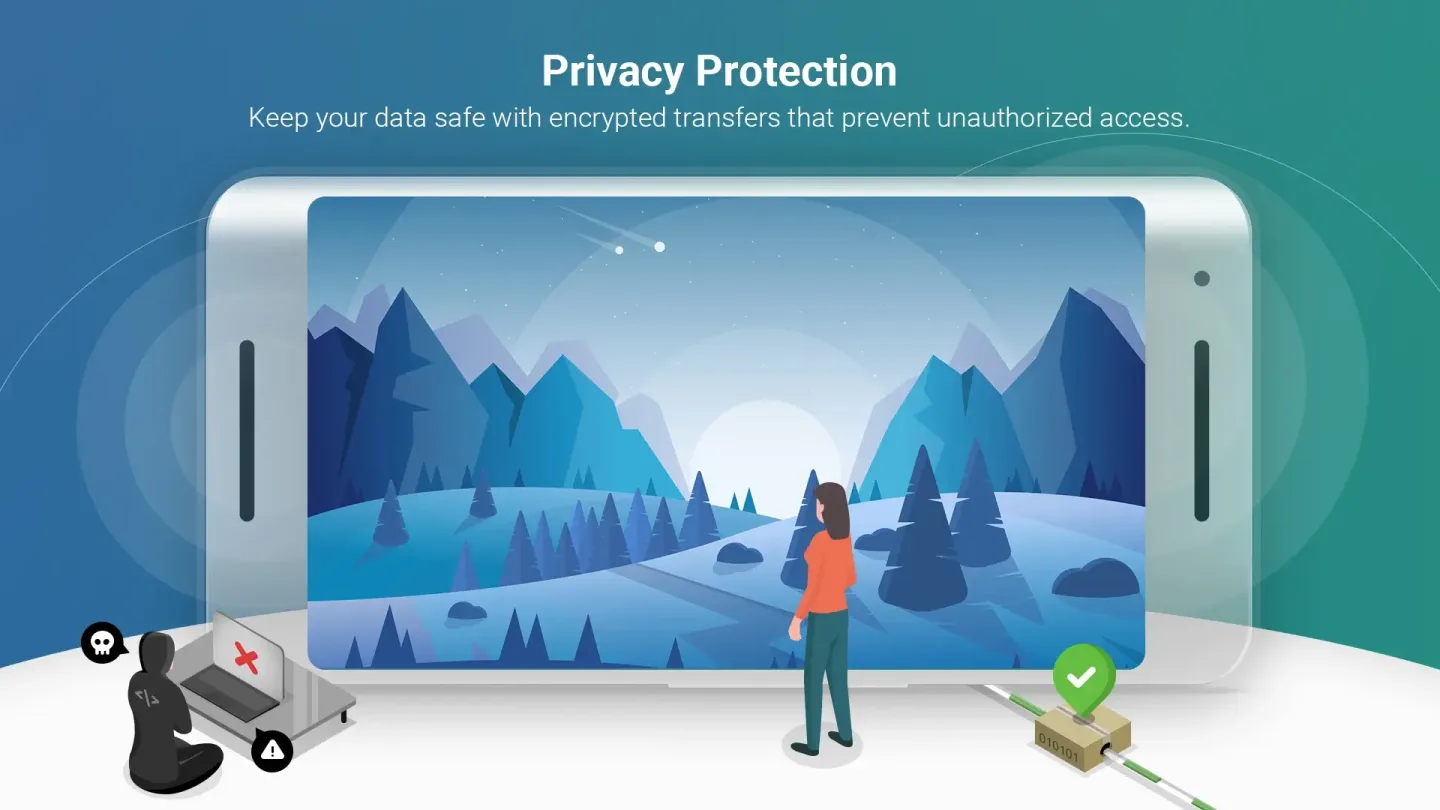
Private and controlled streaming: AirScreen uses encrypted transfers with AES, RSA, and SHA to protect content. You can set access control so only people on your network can connect, which is helpful for classrooms and shared spaces.
High quality playback and performance: AirScreen supports 4K Ultra HD where available and uses hardware acceleration to reduce lag. A Cast rendering engine improves compatibility with Cast enabled apps, and the background service keeps sessions running while you multitask.
Highlights of AirScreen:
Wide compatibility with different devices: This application has millions of downloads on Google, and one of the major reasons is its wide compatibility with various devices.Don’t worry. You will get everything you want if you have an iPhone, iPad, Android smartphone/tablet, Windows PC, Macbook, or even a Linux-based system.Not only that, but AirScreen also works well with Smart TVs and popular streaming devices such as Roku and Amazon Fire TV Stick. So don’t limit your entertainment needs; effortlessly stream your favorite movies, videos, photos, and more.
Easy setup and user-friendly interface: Easy setup and a user-friendly interface are two important things that contribute to the overall convenience and satisfaction of using a casting and AirPlay platform. Agree? I know you are and will be.Thanks to the AirScreen, both are considered to ensure a seamless user experience.Setting this up is very easy. You only need to download and install the app on your device. Once installed, launching the app will take you to easy-to-follow instructions for connecting your device to AirScreen. However, you can skip things according to your knowledge.
DLNA support: I was shocked with happiness when I got to know that this application has DLNA support. Do you have any idea about it? It is a widely used technology that allows devices to share media content seamlessly.Because of the DLNA support, this application enables you to easily stream and cast your favorite videos, photos, and music from your device.Thankfully, it does not only work with popular brands like Samsung, Sony, and Panasonic but also with new market entry companies.Also, the streaming quality provided by DLNA support is top-notch. You can expect smooth playback without buffering issues if all devices are connected properly to the same Wi-Fi network.
FAQs of AirScreen:
How can I upgrade the AirScreen app?
Please open the Google Play / Amazon Appstore on your device, and use the keyword "AirScreen" to find our app.Your app ID will be displayed on the upper-left corner.And then you can update it to the latest version if an update is available.Your app ID will be displayed on the upper-left corner.
There are too many ads (advertisements)?
We understand that ad interruptions can be annoying. That’s why we keep AirScreen’s built-in ads minimal and only occasional. These ads help cover our basic operating costs, allowing us to maintain AirScreen as a free-to-use app for everyone.However, please note that some ads may originate from the app you are mirroring (or casting). For instance, when casting YouTube videos, some ads are embedded directly by YouTube. AirScreen has no control or mechanism to remove these ads from other apps.If you prefer a completely ad-free experience, you can upgrade to AirScreen Pro, which instantly removes all AirScreen-placed ads and unlocks our premium features.
Does AirScreen have a one-time purchase?
Currently, we do not offer a one-time purchase option for AirScreen.As a cloud-based application, the core features of AirScreen depend on our server clusters to function. This means that to provide the best service, we incur ongoing costs for server infrastructure and bandwidth each month.For instance, when you use the app to mirror or cast content, some multimedia resources requested by the app are processed and parsed by our server clusters.Thank you for your understanding and continued support.
Is the subscription renewed automatically after the current one expires?
Yes, the subscription will renew automatically. If the automatic renewal payment fails (due to insufficient funds or an expired payment method), the subscription will be suspended by the system until the payment issue is resolved.
Final Verdict:
Imagine an application that frees your content from the confines of traditional cables. AirScreen is that liberating force, enabling effortless streaming from your devices using a variety of protocols. Whether it’s AirPlay, Cast, Miracast*, or DLNA, AirScreen acts as your wireless envoy, delivering content to your screen with the freedom akin to a bird soaring through the sky. Always remember, embracing wireless technology is essential in a world that is perpetually moving.








