

Chrooma Keyboard is a visually striking utility tool for themes and wallpapers, helping users customize their keyboard backgrounds and colors to achieve a more aesthetically pleasing interface. Chrooma Keyboard presents users with a lightweight, user-friendly, and feature-rich keyboard application; users can explore a wide array of style options to create personalized designs, applying them instantly with just a single tap. Chrooma Keyboard maintains a consistent update schedule, continuously delivering a stream of fresh designs to make your keyboard more visually appealing and enhance your overall device experience.
Click to load YouTube / 点击加载视频
YouTube ↗Wonderful Features of Chrooma Keyboard
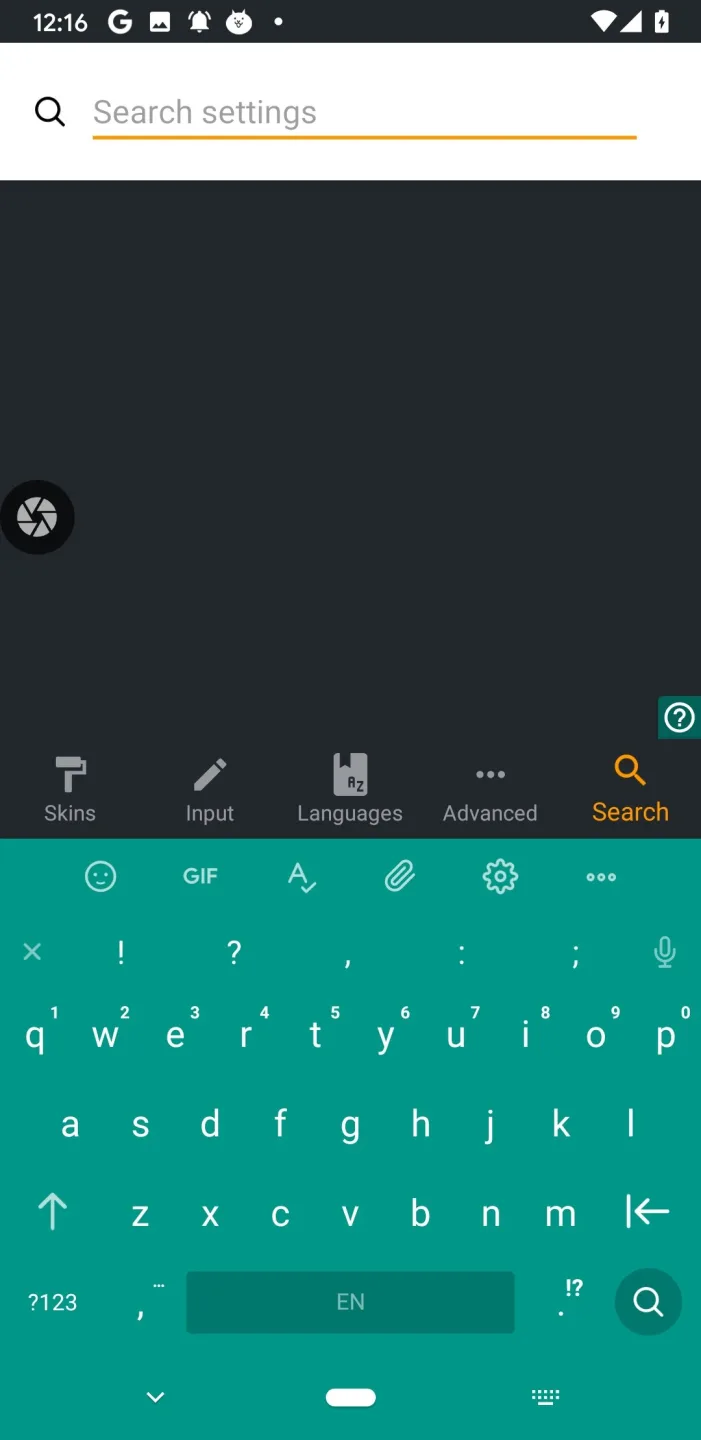
Emoji Support
Our keyboard supports automatic emoji suggestions, offering recommendations based on the emojis you use most frequently. Chrooma
supports all types of emojis: iOS emojis, iPhone emojis, and Android emojis. Chrooma
is continuously updated to ensure support for the latest emojis.
Colored Navigation Bar
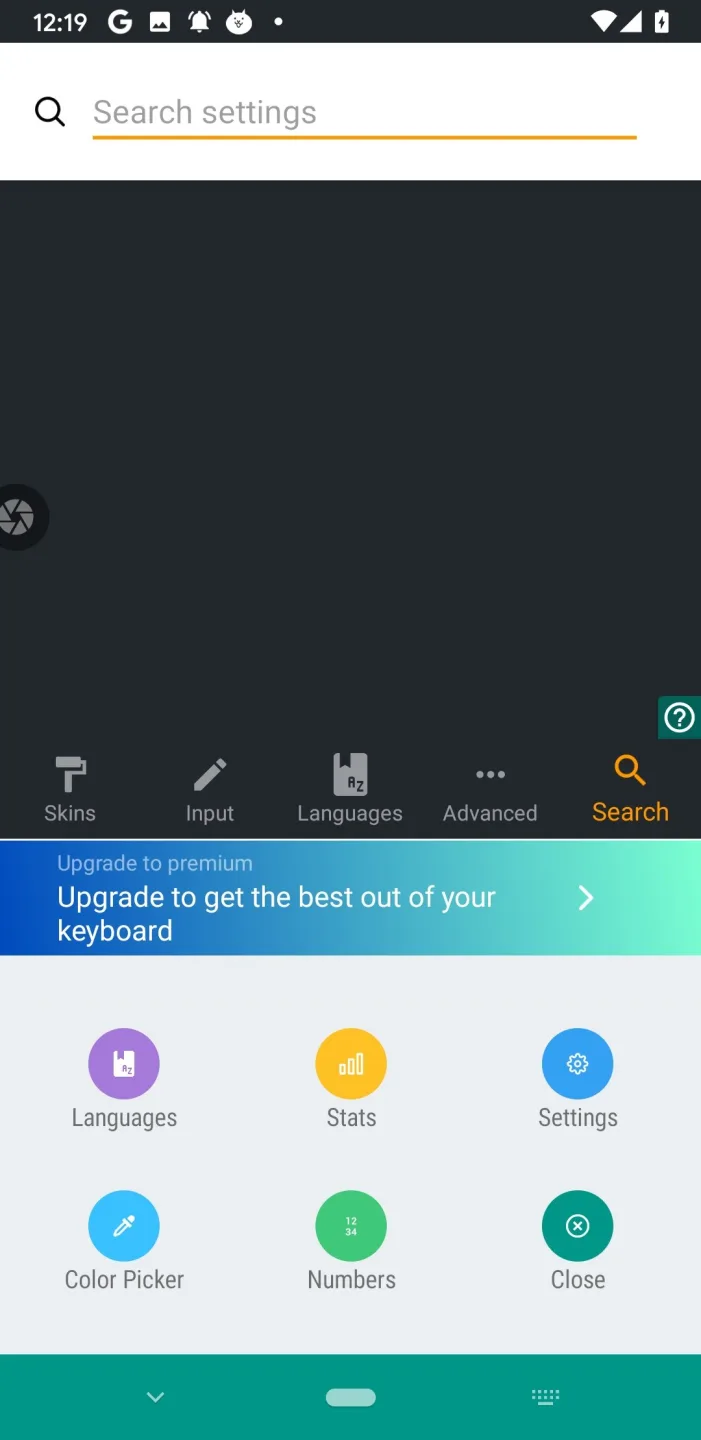
Chrooma Keyboard automatically changes the color of your device's navigation bar to match the specific application you are currently using.
Integrated Gesture Controls: Supports a variety of gestures, such as quick deletion, "delete all," cursor movement, and quick text selection!
Awesome Characteristics of Chrooma Keyboard
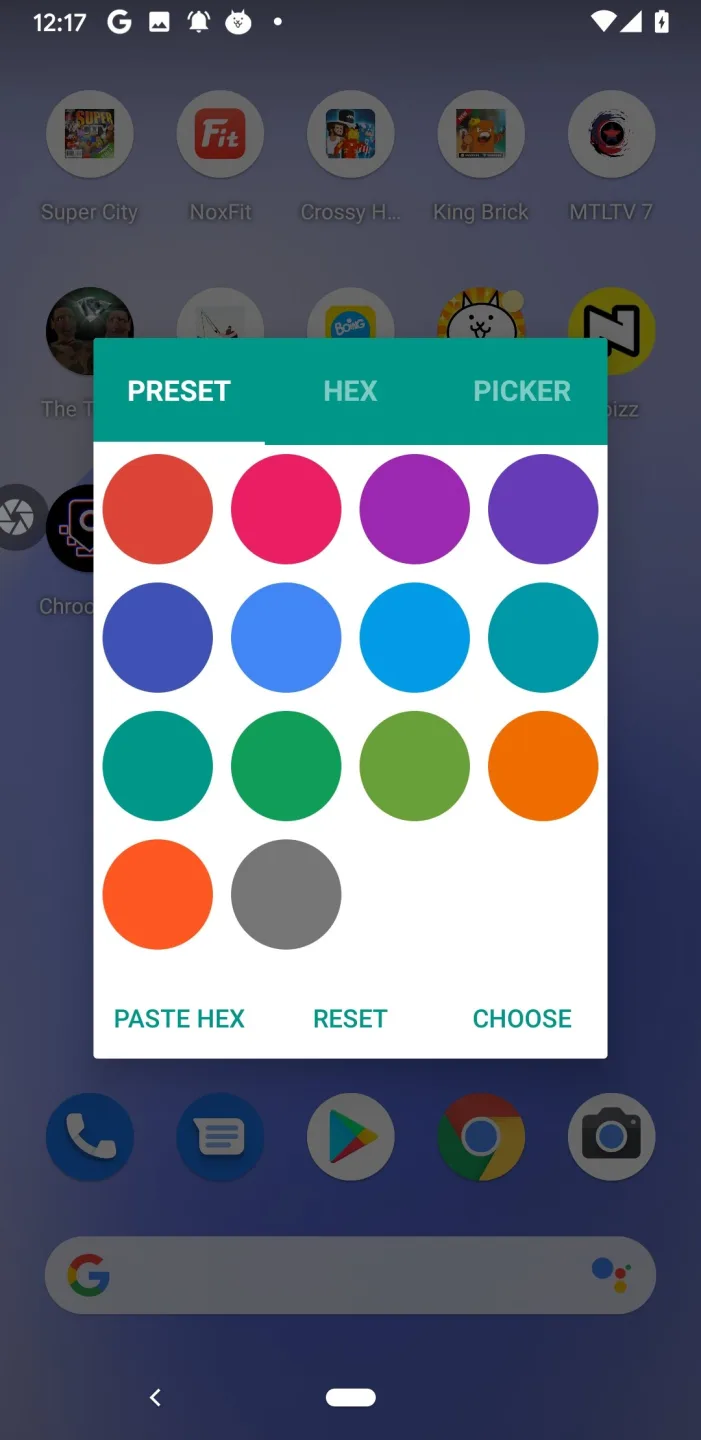
You can assign your favorite color to a specific app, or you can let Chrooma Keyboard automatically select a color associated with that app. A menu will pop up, offering a selection of colors—such as pink, green, or blue—for you to choose from. Simply select a color when you open the app you intend to use. That color will then serve as the background image, helping you quickly identify and locate that specific app on your device.
It could be said that artificial intelligence plays a role in the application of color, as the app intelligently detects the features the user is utilizing and assigns corresponding colors accordingly. Furthermore, it offers emoji-based designs that can be used to decorate the app interface. You can also set unique themes for each individual application, allowing you to personalize almost every aspect of your mobile phone experience.
Pros and Cons of Chrooma Keyboard
Pros
Color customization
Icon-based customization
Theme detection
Cons
Does not correct spelling errors
Excellent Highlights of Chrooma Keyboard
Customizable colors and dimensions.
Option to add a dedicated number row.
Night Mode.
Color-code each row of characters using different shades from a color palette.
Compatible with non-traditional alphanumeric characters.
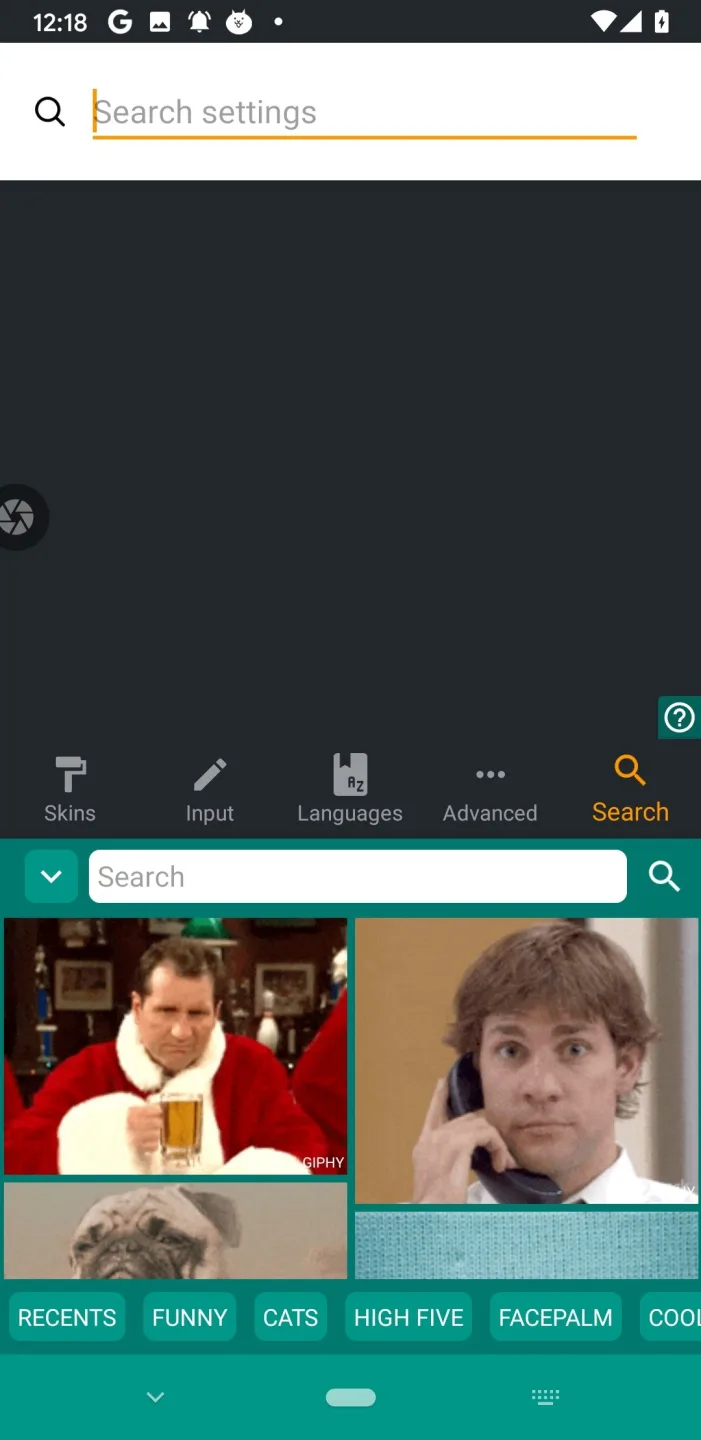
Emoji support included.
Final Thoughts
Chrooma Keyboard's adaptive themes feature a vast collection of dynamic and colorful keyboard designs that adapt to your usage. All themes are elegant and beautiful, perfectly complementing your phone's style. The Chrooma Keyboard is not only visually stunning but also a smart, efficient productivity tool.








