

AppLock: Fingerprint aims to help users protect their devices. It uses software to protect important information, pictures, files, and more on the device, supporting various encryption methods such as passwords, fingerprints, and facial recognition, and employing advanced protection technologies to safeguard user information. If someone attempts to forcibly open password-protected information and fails multiple times, the attacker's photo will be sent to the user's designated email address, allowing the user to quickly identify the intruder. The software not only protects important user information but also blocks various spam messages from being sent to the user's device, providing a clean user experience.
Features:
The application offers a range of features that prioritize user privacy and data protection. One notable functionality is the ability to lock apps such as Facebook, WhatsApp, Instagram, and others, preventing unauthorized access to personal content. Users can secure their social media accounts, messaging apps, and even sensitive documents by utilizing the app's locking mechanisms.
To further enhance privacy, AppLock provides a vault feature that allows users to hide photos and videos. The hidden media is removed from the regular gallery and can only be accessed through the app, ensuring that personal images and videos remain confidential. This vault feature serves as an effective tool for anyone looking to keep their media secure.
Another important aspect of AppLock is its customizable lock screen options. Users can choose from various themes for their password and pattern lock screens, allowing them to personalize their security features according to their preferences. This customization adds a layer of individuality to the app while ensuring that security remains a priority.
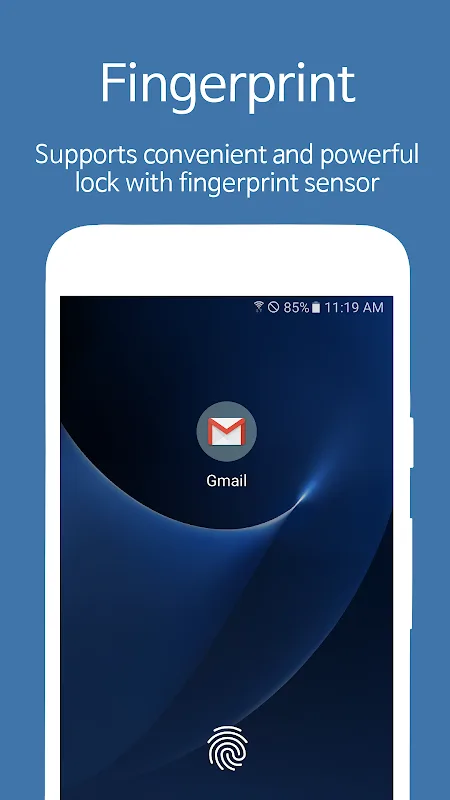
In addition to app locking, the application incorporates a fingerprint lock feature. Users must first set up their fingerprint lock in their phone settings to activate this option. Once enabled, the fingerprint lock provides a quick and convenient way to unlock secured apps without the need to enter a password or pattern every time.
AppLock also includes a unique invisible pattern lock option. This feature allows users to draw their pattern without it being visible on the screen, making it difficult for onlookers to discern the unlock method. This added layer of security is beneficial in public settings where individuals may attempt to observe the unlocking process.
Functions:
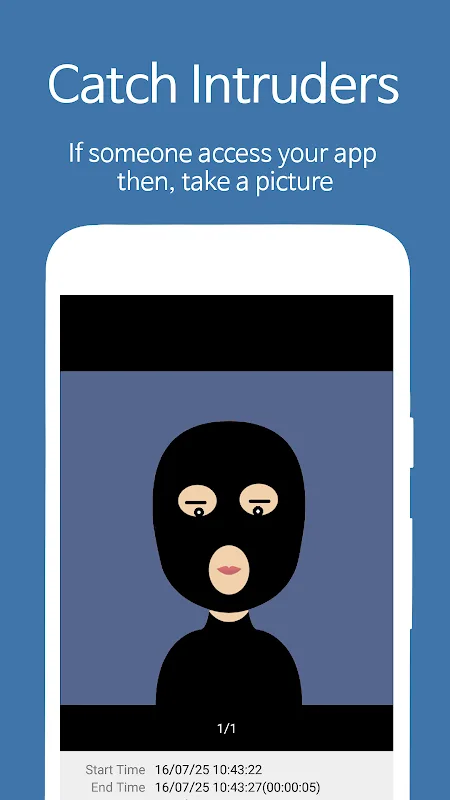
Catch Intruders: If someone access your app then, take a picture, video and send to your email.
Fingerprint, Face recognition: Supports convenient and powerful lock with fingerprint, face recognition.(If your device supports it)
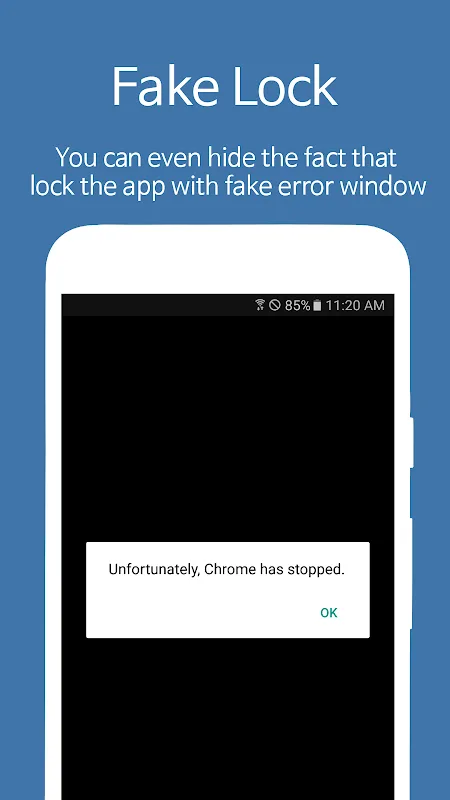
Fake Lock: You can even hide the fact that lock the app with fake error window.
Notification Lock: Blocks the locked app's notification message in the top notification bar
Screen Lock: Prevents the screen turns off when running certain apps.(make use of Internet, E-Book, Game)
Smart Lock: Lock only specific time or auto-unlock when connected to specific WiFi or Blutooth.
Multiple Password: You can set a different password for each locked app.
Scalable Pattern: Scalable pattern size up to 18x18 than the existing simple 3x3 pattern.
Changelog:
Version 7.9.0
improved performance and bug fixes
Version 7.6.0 & 7.7.0
added 'Smart Lock' feature(renewed 'Lock Convenience')
bug fixes
Version 7.5.0
added 'Remote Control' feature again(re-setting required)
added 'Face Unlock' feature
pixel 4
some Samsung devices(android 9+)
changed Wi-Fi, Bluetooth Lock(require unlocking when turning on/off)
bug fixes
Conclusion:
Feel free to enable different locking mechanisms on all your available applications so others can’t open them. Make uses of the fingerprint, pattern, password, PIN, and other useful locking mechanisms for your apps. Even go as far as enabling the fake lock so that others won’t even know that the mobile app is locked. And you can let AppLock: Fingerprint keep track of the intruder’s activities by taking pictures of them without them even noticing.








