

KMPlayer is an outstanding video playback utility that helps users easily play all types of subtitles and video files, allowing you to enjoy high-quality video content with exceptional viewing quality. KMPlayer presents a powerful and easy-to-use video playback application, allowing users to experience convenient and powerful customizable playback settings to meet your flexible viewing needs. KMPlayer supports video tagging, helping you add bookmarks to your favorite movies and TV shows, allowing you to easily review and share specific video clips.
Click to load YouTube / 点击加载视频
YouTube ↗Attractive Highlights of KMPlayer
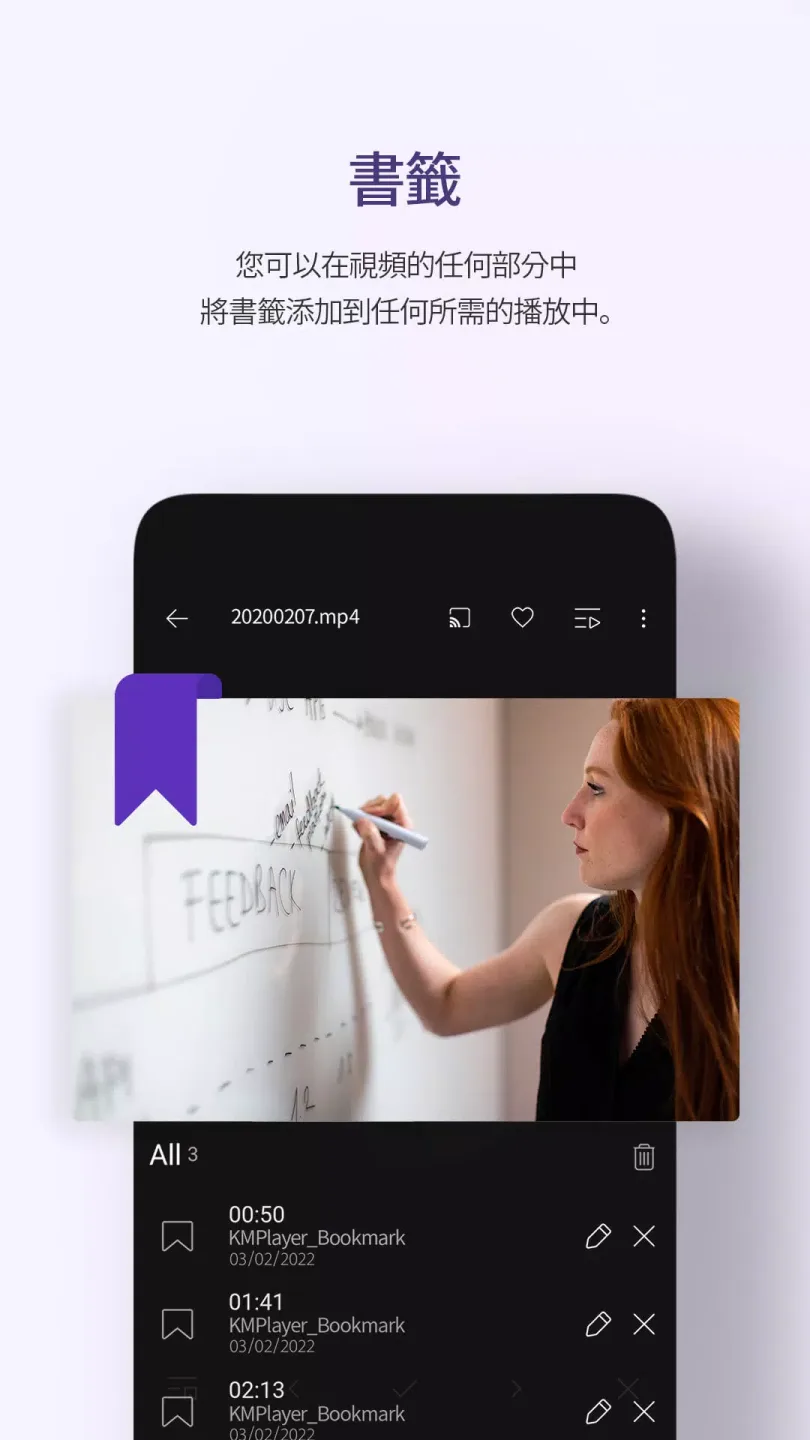
Bookmarks: Add the desired playback point to a bookmark.
High-Definition Video Playback: High-definition, 4K, 8K, Ultra-high-definition, Full HD playback.
Color Adjustment: Change brightness, contrast, hue, saturation, and gamma information.
Zoom in: Zoom in and move the video you are watching.
Segment Repeat: Repeat after specifying segments.
Flip Video: Flip horizontally (mirror mode), flip vertically.
Quick Buttons: One-click selection and assignment of player options.
Pop-up Playback: A quick-display window that can be used with other applications.
Equalizer: Apply an equalizer to music and video.
Speed Control: Playback speed control from 0.25x to 4x.
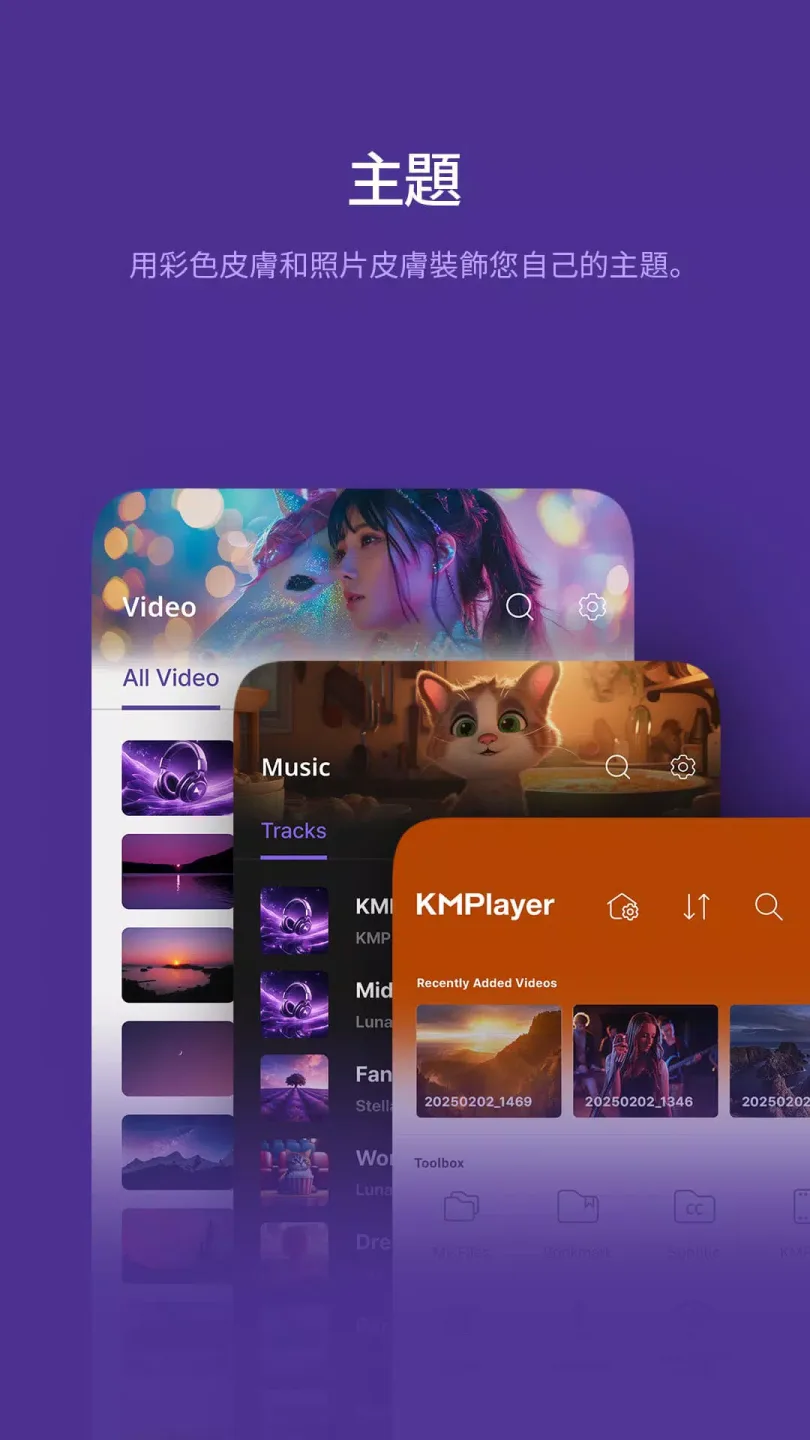
Beautiful User Interface: A beautiful music and video playback interface.
Subtitle Settings: Change subtitle color, size, and position.
Timer Function: Video and music timer function.
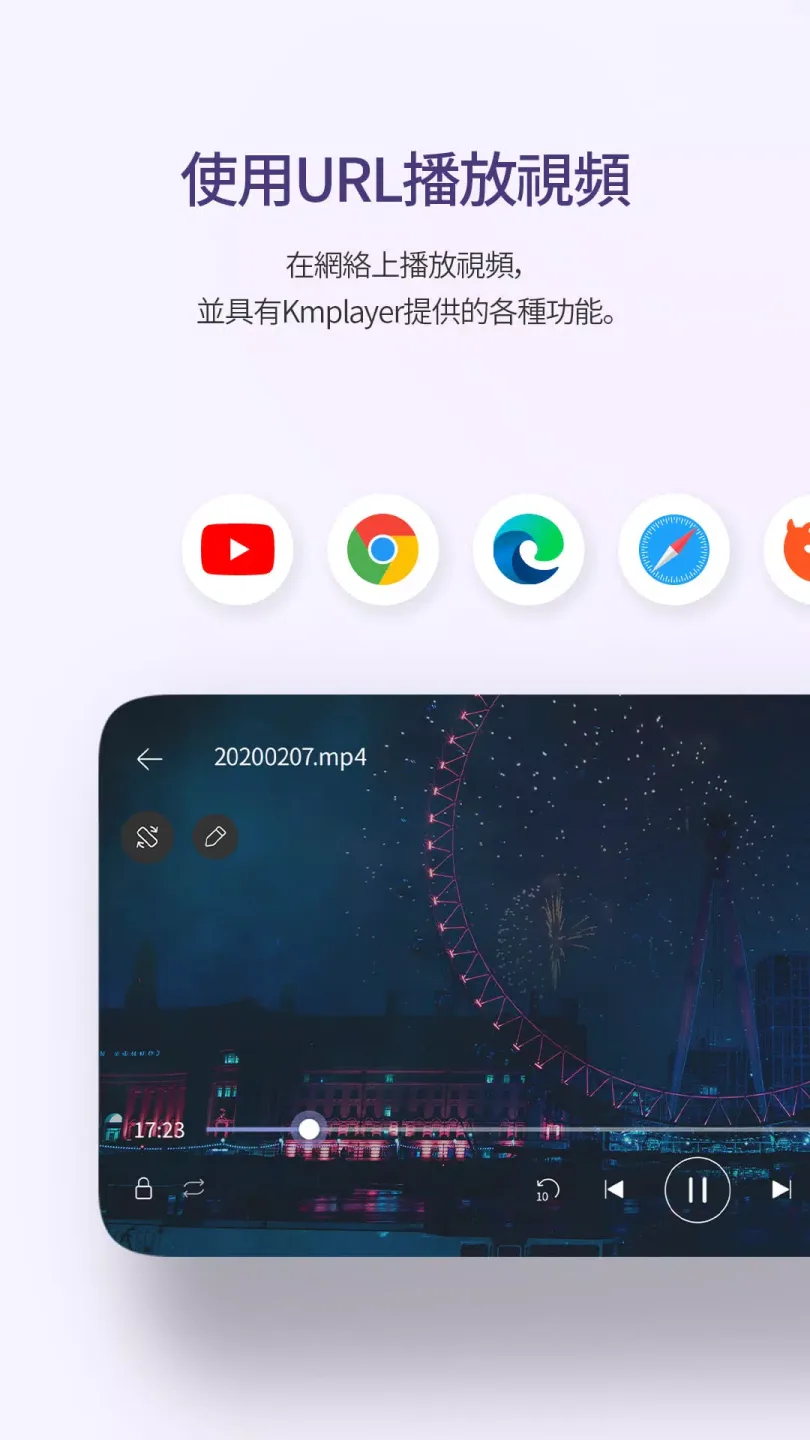
Fantastic Performance of KMPlayer
KMPlayer is a great choice, meeting users' media playback needs that go far beyond a basic media player. Using KMPlayer is more than just turning off audio and video content; it gives you complete control over the playback experience. KMPlayer's features cater to different user needs, including various features beyond basic media player functionality, ensuring there's a suitable solution for both casual viewers and seasoned media enthusiasts.
Downloading KMPlayer becomes essential because it supports virtually all media formats. Users can immediately experience a variety of file types, as the player requires no additional plugins or extensions. The KMPlayer platform can smoothly play all audio and video formats, from basic formats like MP4 and MP3 to specialized formats like OGG and FLAC, without exception. KMPlayer minimizes the problems you encounter when opening files because it is perfectly compatible with all supported formats.
Wonderful Features of KMPlayer
Explore the VIP Version of the App
While you can use KMPlayer for free, you can also subscribe to the VIP version directly within the app to enjoy a range of additional features and benefits. These additional features include: playing torrent files to watch movies, creating GIFs from any video, and easily extracting audio from any video.
Excellent Movie Controls
When playing content on KMPlayer, you'll discover many interesting features, such as using touch shortcuts, adjusting the audio equalizer, customizing subtitles, or changing various image parameters. You can adjust brightness and contrast as needed, modify audio settings, and create convenient gesture shortcuts.
Mark your favorite scenes in movies
Another fun feature of KMPlayer is the ability to bookmark your favorite movies and TV shows. This allows you to bookmark any video for easy access to specific sections. For example, it's incredibly convenient if you want to show a friend a particular scene from a movie.
User's Comments of KMPlayer
I don't know when it started, but my Samsung phone's navigation bar obstructs the addition of songs. It's annoying, but I can still listen! Aside from this annoyance, I have no other problems, and I really like this music app that supports many formats!
In the era of personal computers before smartphones were advanced, KMPlayer was indeed a great tool for singing, mainly because of its useful key adjustment function and the ability to overlap left and right channels, eliminating vocals from left-side accompaniment to right-side vocals or vice versa. The mobile version is actually an even better singing tool, but I don't know why these two important functions are missing from the mobile version. Could you consider providing them? Thank you very much!
It's a very powerful audio-visual app. One small suggestion is that the desktop widget for playing music only has a 3x1 format. Could you add 3x2 or more options? That would be absolutely perfect!
Final Words
If you're looking for an excellent audio and video playback tool, download the KMPlayer APK. With it, you can easily watch a vast library of movies and TV shows on your Android device.








