

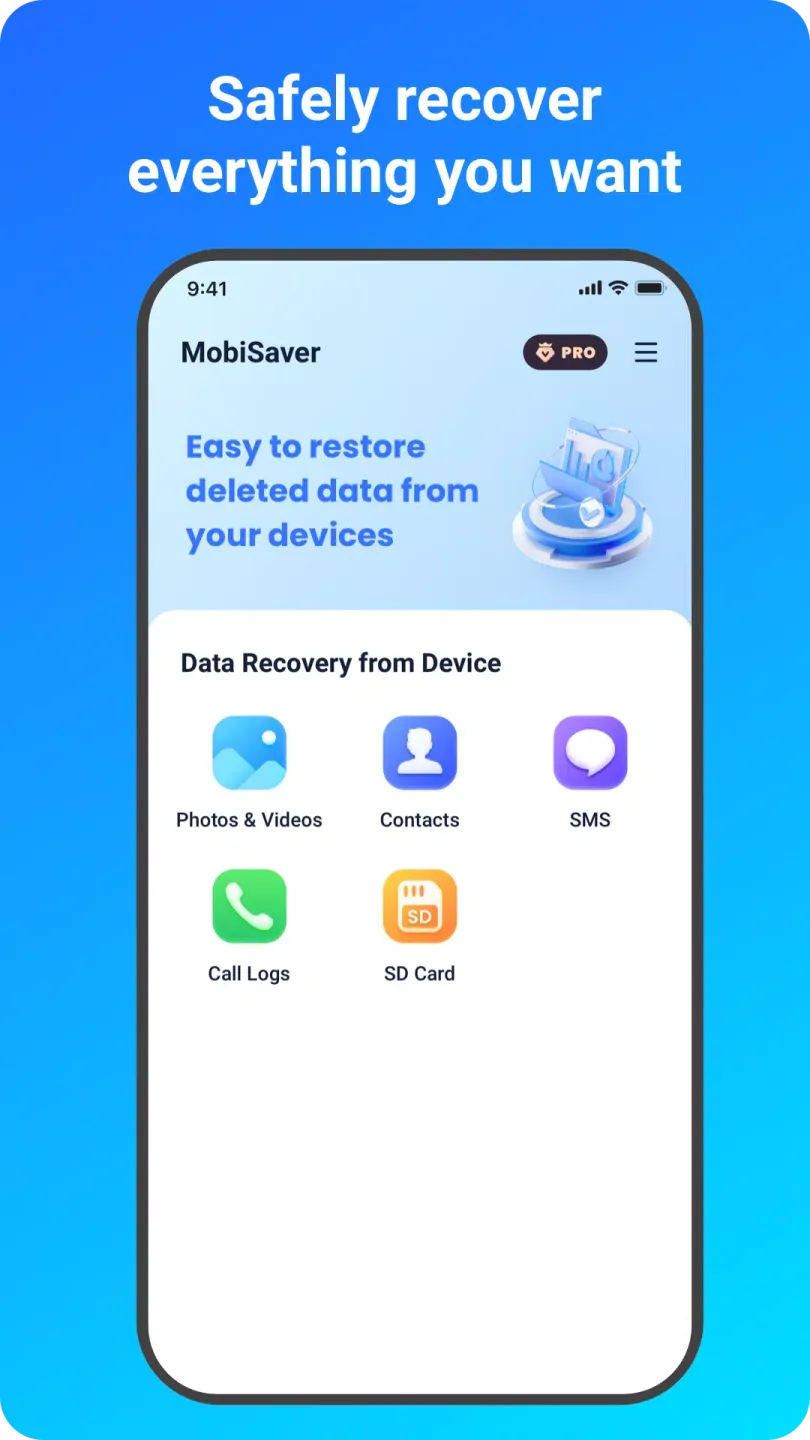
MobiSaver: Data & Photo Recovery is a data and photo recovery tool. This application supports multiple data types and is designed to help users recover lost or deleted files from various devices, including smartphones and tablets. With MobiSaver, you can easily recover deleted photos, videos, contacts, and text messages. The software provides a user-friendly interface for easy navigation and ensures a safe and efficient recovery process. Furthermore, this application uses encrypted data transmission and offers authorization options to maximize data recovery and ensure data security.
Highlights:
Enhanced deep scan technology for improved data recovery success rates.
Support for new file formats, expanding compatibility with various devices.
User-friendly interface with customizable themes for a personalized experience.
One-click recovery option for quicker access to recently deleted files.
Integration with cloud storage services for easy backup and recovery.
Advanced preview feature allowing users to view files before recovery.
Secure erase functionality to permanently delete sensitive data.
Features:
User-Friendly Interface: MobiSaver offers an intuitive design that simplifies the recovery process for users of all skill levels.
Data Recovery from Multiple Platforms: The tool can recover data from both Android and iOS devices, making it versatile for users with different operating systems.
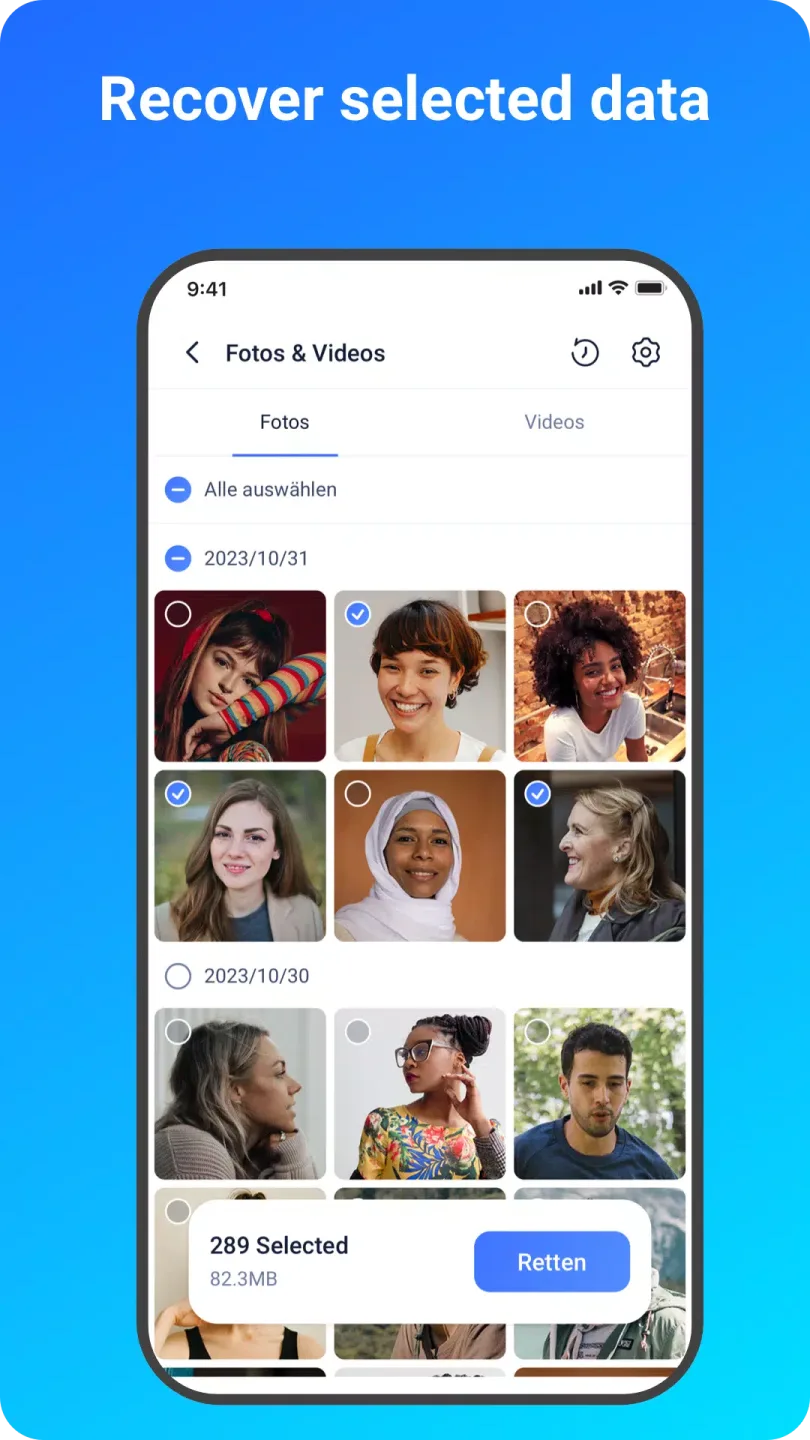
Preview Before Recovery: Users can preview files before actually recovering them, allowing for selective restoration of necessary data.
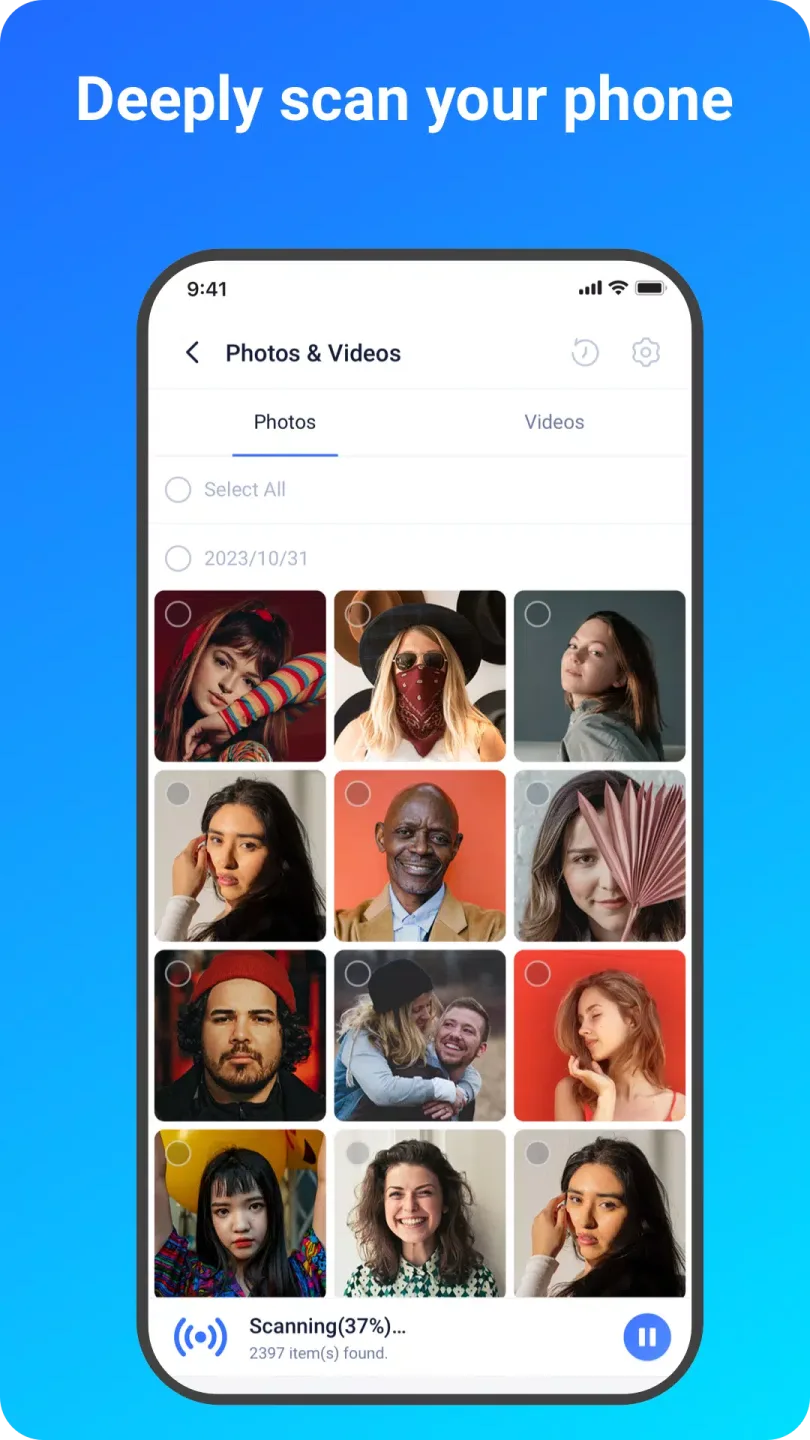
Scanning Modes: MobiSaver typically provides different scanning options, such as quick and deep scans, to ensure thorough searching of lost files.
Compatibility: It is compatible with a variety of devices and operating systems, ensuring wide applicability.
Support for Various File Types: The tool can recover a range of file formats, catering to diverse data needs.
Safety and Security: MobiSaver ensures that data recovery processes do not compromise device security or integrity.
Tips for Users:
Select the Right Recovery Mode: Choose the appropriate recovery mode for the type of data you want to retrieve - whether it's photos, videos, contacts, call logs, or items from the SD card.
Preview Before Recovery: Take advantage of the preview feature to view discovered files before recovering them, ensuring you are restoring the correct data.
Utilize Filters: Use filters to narrow down your search for specific files based on size, type, or date, making it easier to locate and recover the exact data you need.
FAQs:
Is MobiSaver compatible with my Android device?
MobiSaver is compatible with a wide range of Android smartphones and tablets, ensuring that users can recover their data regardless of the device they own.
How long does the scanning process take?
The scanning process is swift and efficient, with the app being able to locate deleted items within minutes, saving users valuable time.
Can I recover specific types of files?
Yes, users can easily filter through files based on size, type, or date to find the exact data they need, ensuring a tailored and efficient recovery process.
Conclusion:
MobiSaver:Data&Photo Recovery is a reliable and user-friendly data recovery tool that makes it simple to recover deleted photos, videos, contacts, and more from your Android device. With its wide range of supported formats, backup and recovery features, and enhanced scan performance, this app is a must-have for anyone looking to retrieve lost data quickly and efficiently. Download EaseUS MobiSaver for Android now and never worry about losing important files again.








