

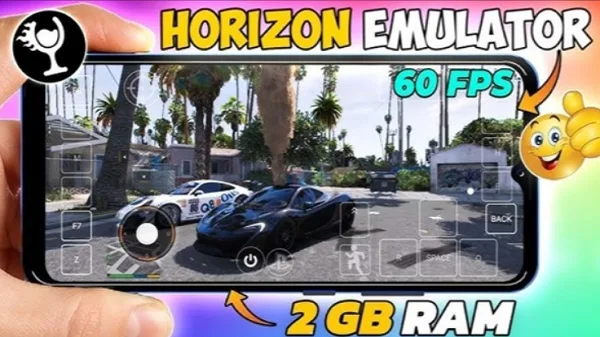
Everyone knows that Windows is a powerful operating system, but it can't be used on mobile phones. Horizon Emulator changes this! With Horizon Emulator, you can install Windows apps and games on your phone and run them smoothly, greatly changing your internet experience! Horizon Emulator uses advanced virtualization and emulation technologies, creating two ecosystems that allow you to enjoy diverse experiences in both work and life. In addition, Horizon Emulator boasts strong compatibility, supporting both 32-bit and 64-bit Windows programs, from office tools to large games, all easily accessible on your phone without a computer!
Features
Run Windows x86_64 Applications
Horizon Emu 3 - Premium allows you to run Windows x86_64 applications within the Android system. You can directly open desktop utilities and tools on your phone or tablet. Compatibility and speed depend on the program and your device, so results may vary between different applications.
X11 Display Configuration
After installation, open the X11 Settings tab and import the options from Termux X11 Preferences. To get started quickly, try the following values:
Screen Resolution Mode: Custom
Screen Resolution: 960x540
You can change these settings later based on your device and screen size. This helps you balance readability and performance before launching applications.
Environment-Based Emulator Control
After setting up the display, go to Settings > Environment Settings to manage dynamic compression and other emulator options. These settings need to be configured manually so you can fine-tune them for different programs. Default presets work for most software, so adjust them only when needed for specific applications.
Highlights
User-Friendly Interface: A clean and concise layout ensures minimal learning curve.
Quick Installation Wizard: Guides users through installation and configuration in a few simple steps.
Customizable Settings: Allows users to adjust performance parameters such as resolution and memory allocation for an optimized experience.
Adaptive Control: Offers various control schemes tailored to different types of applications.
Advantages and Disadvantages
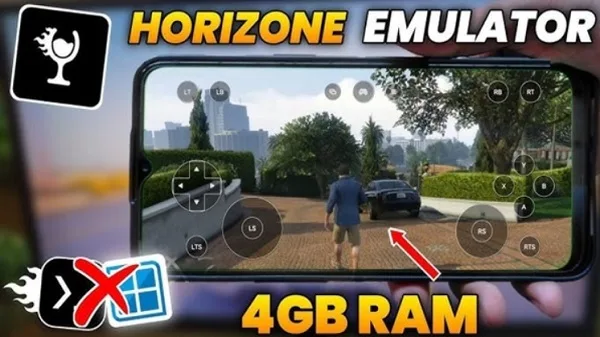
The Horizon Emulator APK boasts numerous impressive advantages, making it a preferred tool for many users. Its broad compatibility ensures smooth operation on your Android device, from basic office software to demanding games. The user-friendly interface makes operation easy and convenient, even for those without technical skills; customizable settings allow users to optimize resolution and performance according to their needs. Furthermore, its offline access feature is a major highlight, allowing uninterrupted use without a network connection. Cloud synchronization also supports saving and accessing game progress across multiple devices, adding convenience to busy users' lives.
However, it is not without its flaws. The emulator's hardware dependence means its performance is closely related to the configuration of the Android device running it. This may pose some limitations for users with older or mid-range devices. Additionally, running resource-intensive applications consumes a significant amount of battery, a factor to consider for mobile users who are frequently on the go. Finally, while most applications run well, some high-end or professional applications may have compatibility issues and fail to function properly. Weighing these advantages and disadvantages can help users determine if it suits their needs.
Summary
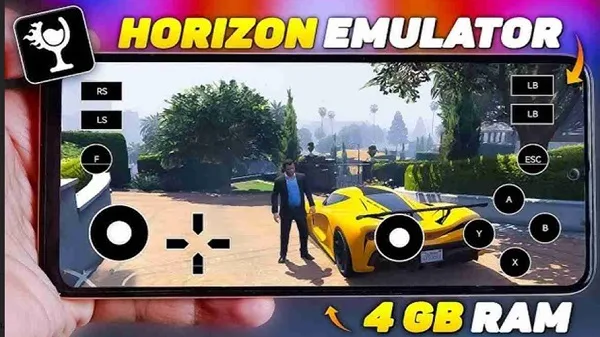
The Horizon Emulator APK is a powerful solution that makes it easy for any user who wants to run Windows apps and games on their Android device. With its smooth functionality, user-friendly interface, and excellent versatility, it has become the preferred choice for professionals and gamers alike.








