Foxit MobilePDF Business is an outstanding document editing utility that helps users easily handle tedious PDF editing tasks, significantly improving your work efficiency. The application presents a powerful yet user-friendly document editing solution. Users can experience excellent editing tools, fast and flexible response and loading speeds, achieving excellent results whether it's reformatting, format conversion, or multi-tab view. The application boasts robust file protection features to prevent privacy leaks, and powerful collaboration features make task processing and synchronization more flexible.
Click to load YouTube / 点击加载视频
YouTube ↗Fantastic Highlights of Foxit MobilePDF Business
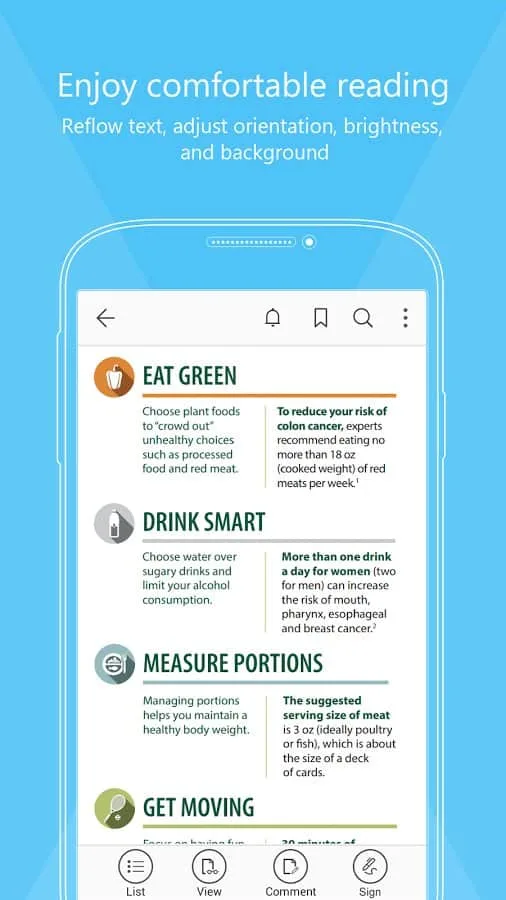
Reform PDF files for easier viewing
Supports multi-tab view (tablets only)
Rename, move, copy, or delete PDF files
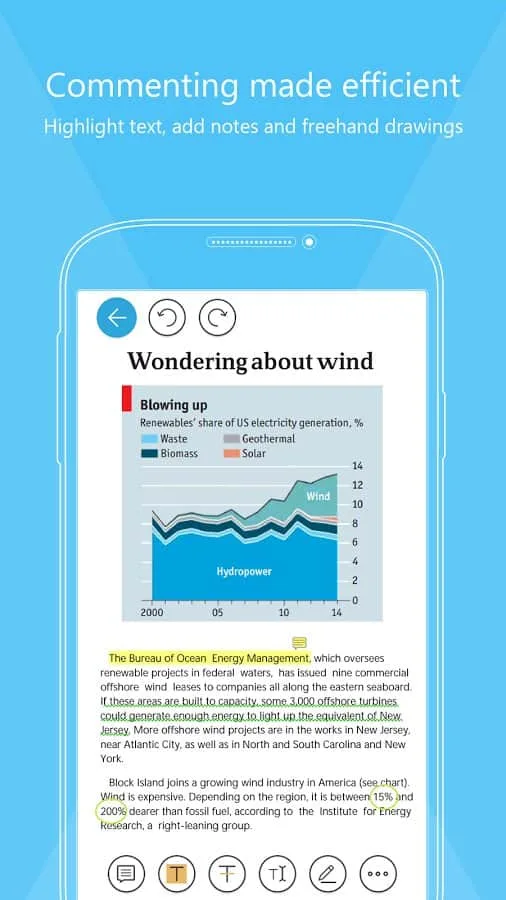
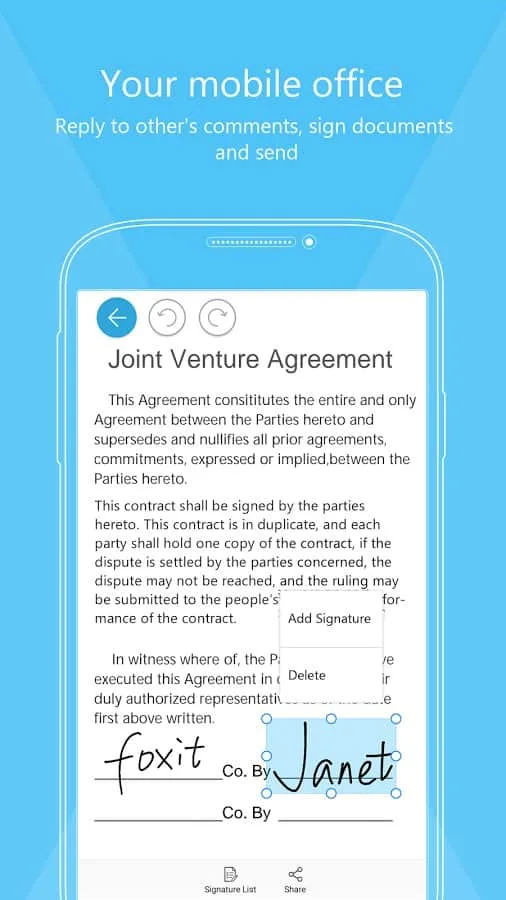
Annotate, add stamps, and sign PDF documents
Supports reading PDF files aloud
Play audio and video in PDFs
Scan, capture paper documents, and convert them to PDF
Print PDFs
Wonderful Features of Foxit MobilePDF Business
Supports multiple formats
View multiple formats with one application; no need to install separate applications for each format.
Edit and Create PDFs
You can use this application to edit or create new PDF files, and modifying existing files is also easy.
Protected PDFs
Set a password to protect your PDF files so that others cannot open and view files without the password.
Lightweight App
It takes up less than 10MB of space on your device, which isn't particularly cost-effective considering the many benefits of this app.
Multi-language Support
The application supports 16 major languages, including Hindi, English, French, Spanish, and more.
Pros and Cons of Foxit MobilePDF Business
Pros
Read and edit PDF documents on your mobile device.
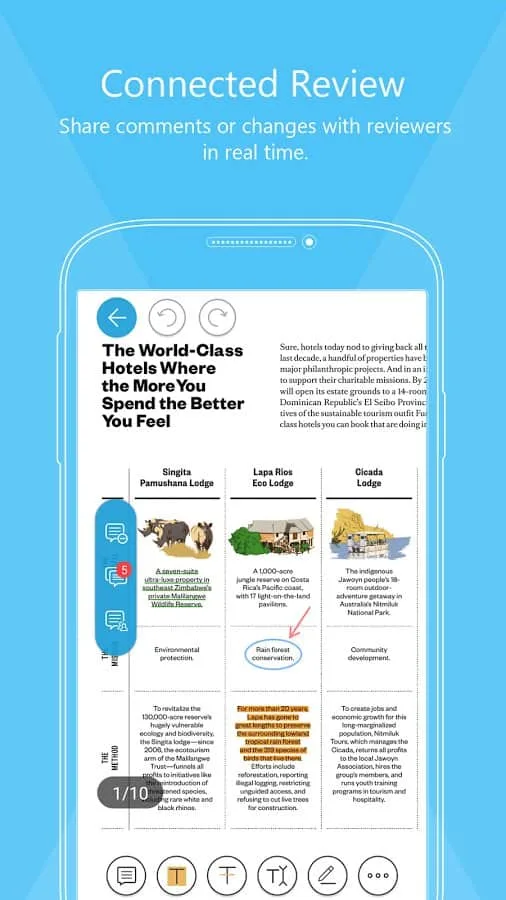
Securely share and collaborate on PDF documents using PDFConnect.
Cons
This app is only available for Android and not for Apple iOS.
Some ads and pre-installed software may be found on other apps.
User's Comments of Foxit MobilePDF Business
Best PDF editor with the richest free tier features. Loved it. I used it to fill pdf forms, write free text and place them properly. Signing works great although it's a bit not intuitive to find (long press - sign)
app is easy to use & there's many tools to use even in the free version. I had an issue where all my documents save to the cloud were gone but they managed to retrieve these documents within a day
Great app, been using it forever. However... The newest update made the highlight appearance sooo clunky when you open it horizontally. It takes up a good 2/3rd of my screen, what is the reason for this? Unreasonable amount of space just for picking the opacity. The old format was nice and compact, can I have that back, please? EDIT 09/03/26: Jk it's still wide and horrible
Final Words
If everyone opens different PDFs The final versions of files often contain individual edits, resulting in significant differences between them, which can be very inconvenient. With this application, you can allow all participants to collaboratively edit the same file without transferring the file; simply grant all participants access permissions.