

ATV Launcher Pro is a highly praised theme and wallpaper utility that helps users easily create dynamic screen layouts and stylish, personalized interfaces, providing a refreshing visual experience and more convenient interaction. The app offers a lightweight yet powerful theme and wallpaper application for a wide user base. Users can easily create user interfaces that match their interaction habits through simple operation steps. You can experience rich customizable screen layouts, organize frequently used software, and enjoy convenient widget functions. The app maintains stable updates, providing you with uninterrupted access to new design solutions.
Click to load YouTube / 点击加载视频
YouTube ↗Attractive Features of ATV Launcher Pro
Remote Priority Navigation
ATV Launcher is optimized for directional keys and remote controls. You can move between tiles, open apps, and manage layouts with simple directional key operations. This control method works on Android TV and Fire OS devices. Furthermore, it reduces the need for mouse or touch input on your TV.
Unified Access to TV and Mobile Apps
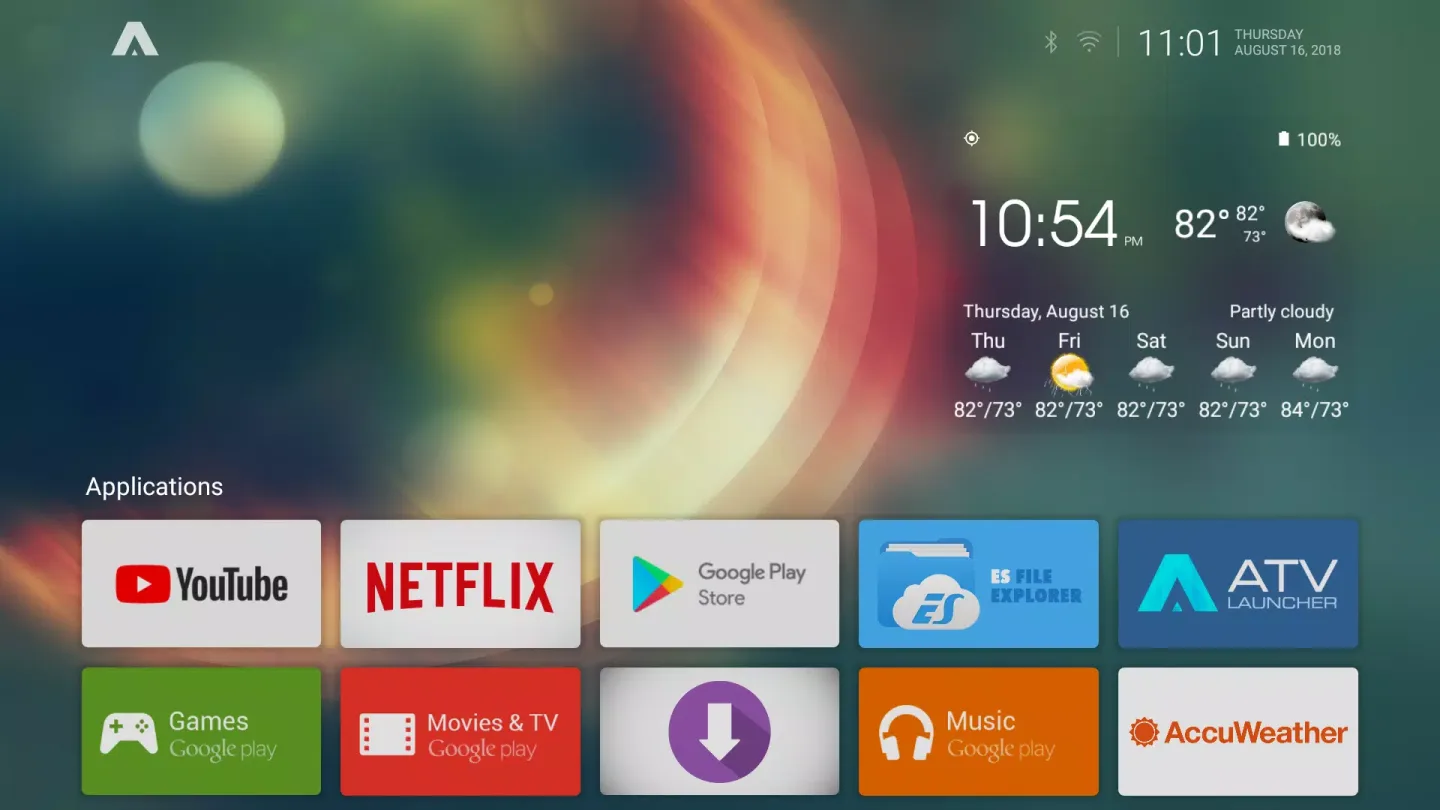
ATV Launcher lets you launch TV apps and sideloaded mobile apps with just one click. No other tools are needed, as the launcher centralizes everything on the home screen. In addition, it helps you centralize all your apps on a single visible interface, reducing your search time.
Ticket Widgets on Your TV Home Screen
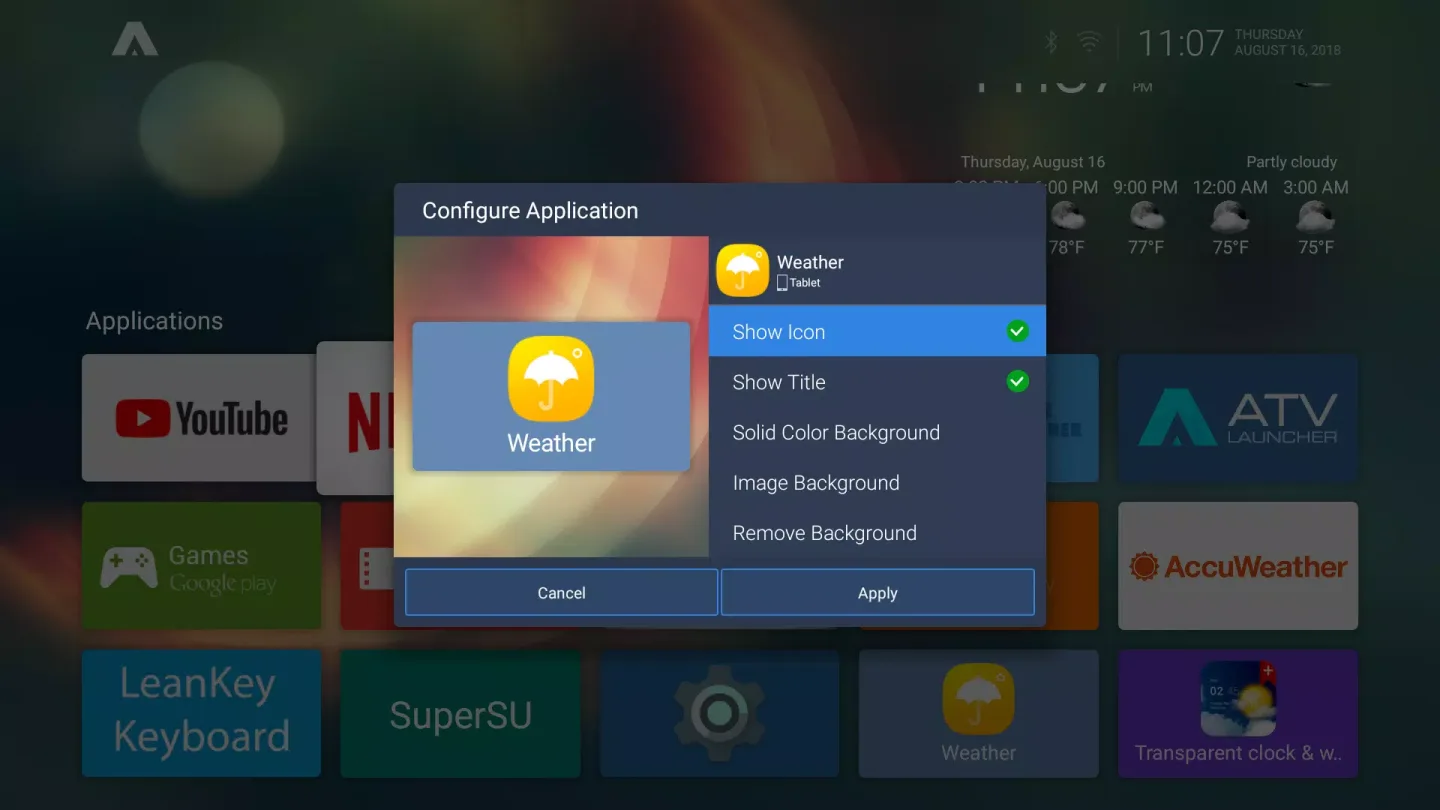
You can place widgets such as weather, system information, and media controls directly on your TV home screen. This allows for quick access to information without opening the app. Furthermore, widget placement and resizing are very simple, so you can keep your layout clean.
Helpful Tips of ATV Launcher Pro
Install the latest version of the ATV Launcher APK and set it as your TV's default home screen. Open it once to confirm the navigation and layout.
Sideload the target app's APK file using your preferred transfer or installation method. Open the app at least once so the system recognizes it.
Next, create a launcher shortcut using the ATV Launcher App Generator or TV App Library. Enter the exact package name of the target app so the shortcut opens the correct app.
Then, upload a 320x180 pixel banner image and an app icon to the generator. Keep your branding consistent with other tiles and use an image that is clearly recognizable from a distance.
Install the generated launcher APK on your TV. This way, sideloaded apps will appear as clean banners in the Apple TV Launcher, displayed alongside other TV apps.
Tip: If you're unsure of the package name, check it on your device using AIDA64 or from the APK file details. Correct app placement avoids blank tiles or shortcuts that won't open.
Frequently Asked Questions of ATV Launcher Pro
How do I update the ATV Launcher APK to the latest version?
To update, visit the ATV Launcher page on APKPure, select "Download," and then install the new version overwrite your current version. Your layout and tiles will usually be retained, so you can continue using the same home screen after the update.
Why are some app banner ads missing from my ATV Launcher?
Some mobile apps don't include TV banners or icons, so ATV Launcher can't display them automatically. You can create a launcher shortcut with a 320x180 banner using the ATV Launcher App Builder or TV App Library, and ATV Launcher will then display a new icon on your home screen.
Does ATV Launcher support widgets on Android TV?
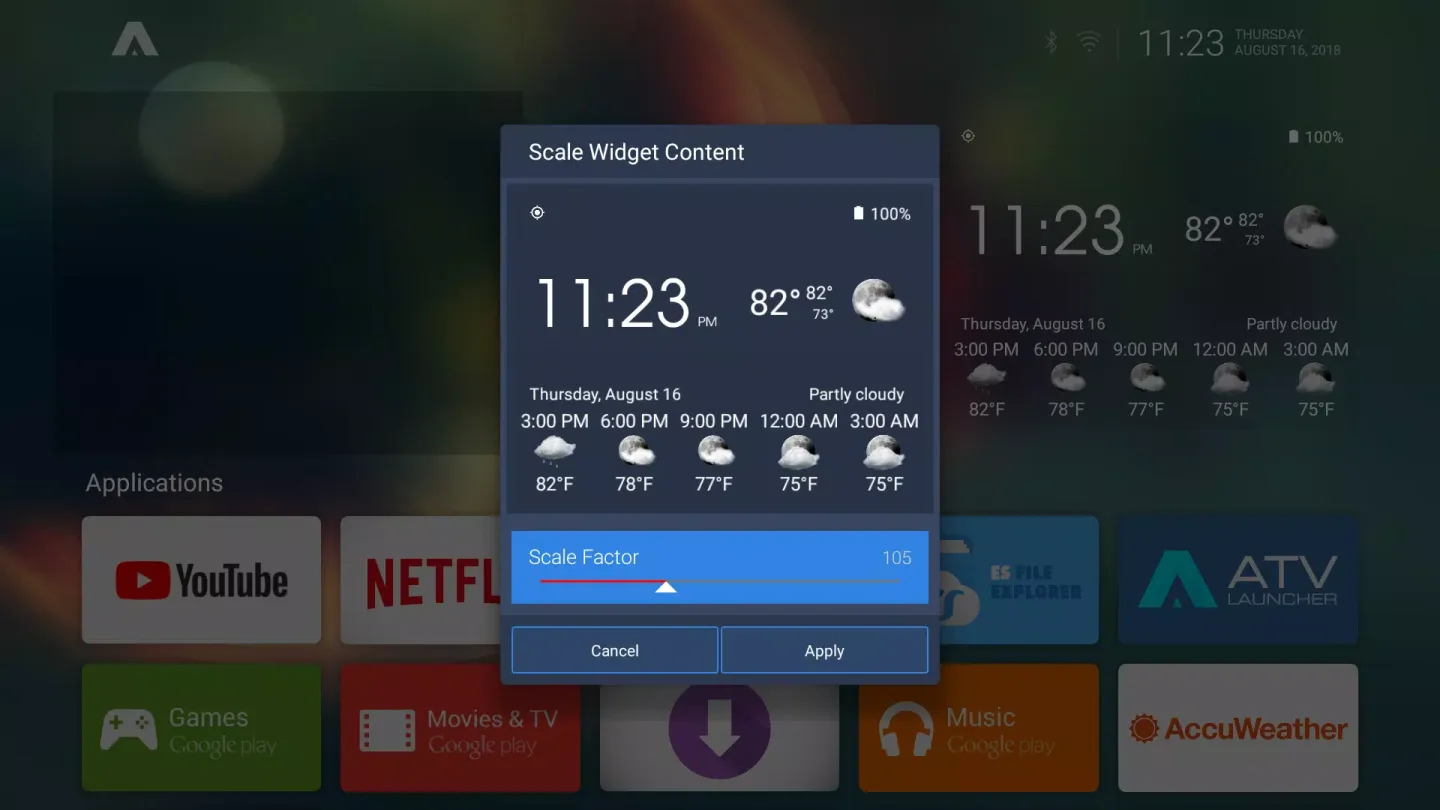
Yes, ATV Launcher supports widgets on the TV's home screen. Open widget settings, select a widget from your installed apps, and place it in an available location. Some widgets may require touch operation, so remote control operation may vary depending on the widget type.
User's Comments of ATV Launcher Pro
BEST-LOOKING ANDROID BOX LAUNCHER out there! So many options and customization possibilities! I’m really glad the developer has started to update this amazing launcher more frequently. Thank you for the great work! Keep it up!
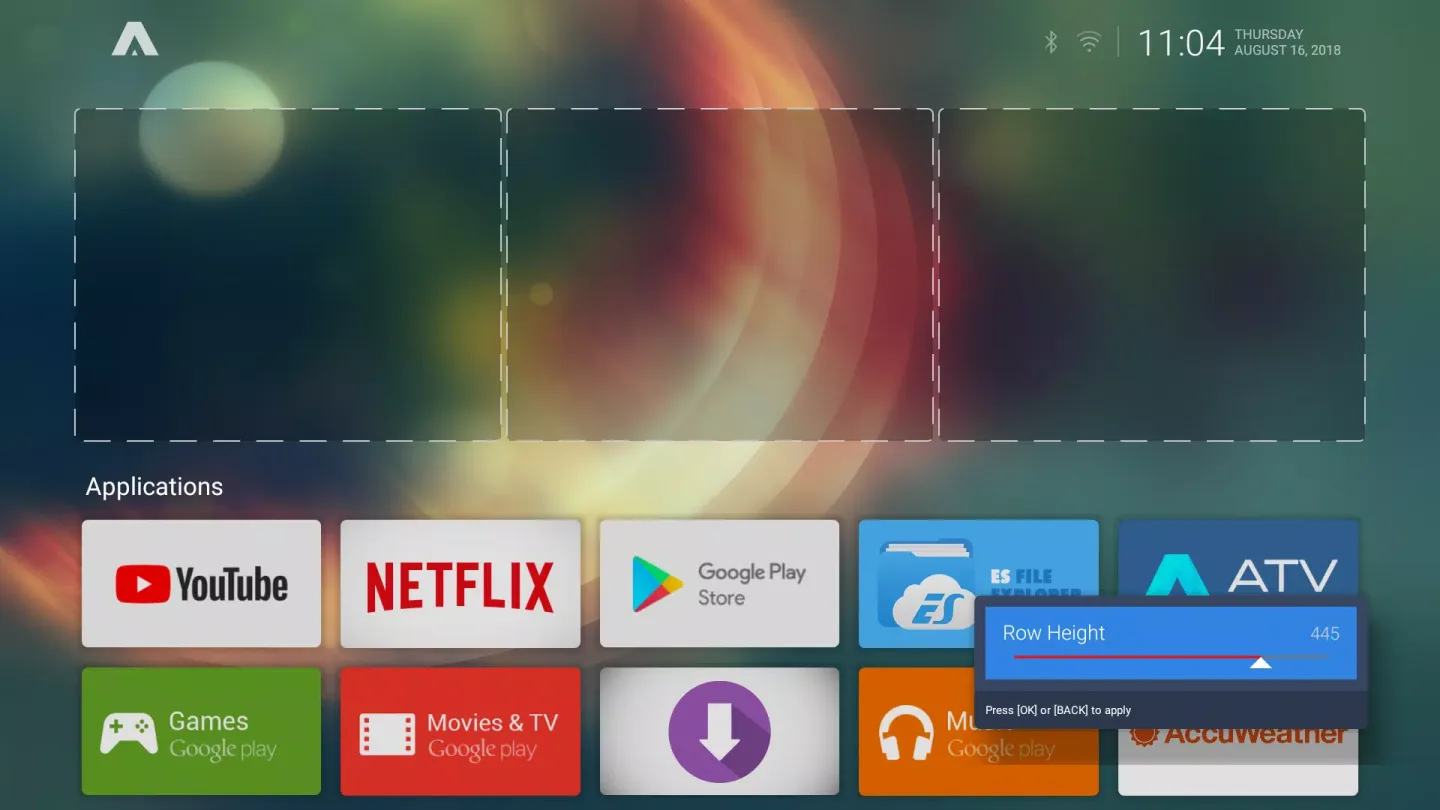
I bought the Pro Version. It works well with my Beelink GT1 Mini. One thing I'd like to do is remove the top widget row to allow the app icons to move all the way up. Is there a way to make that happen? Even if I don't pick a widget the top is just blank space. Maybe move the widgets to the bottom, under the app icons? So, after messing around with it some more, I found it does everything I need. Great app!
Was a little worried when I saw the ratings some reviews, but it's flawless, (at least on my device) is exactly what I was looking for, and highly customizable. I tried to find some some of front loader for emulators, games, and streaming services (twitch, Netflix etc) So that I could use my It functions as a console/PC on Android, with a Bluetooth controller to navigate it all. This does it perfectly. It instantly earned 5 stars when I realized how customizable it is. Seriously great job, thank you!
Final Words
ATV Launcher's most outstanding feature is its ability to simplify the user experience on Android devices. It's a practical solution for anyone looking to optimize their home screen layout and access content more efficiently.








