
Are you bothered by frequent accidental touches on your screen? Partial Screen can help solve this problem. The software offers two different anti-accidental touch modes. Users can select different areas on the screen to prevent touch responses for a set time. Users can also delete these areas at any time and customize their size, color, etc. Alternatively, the software can automatically determine whether an accidental touch has occurred, meeting diverse user needs. The software is continuously being updated, adding more screen management tools to provide a more comfortable user experience.
Click to load YouTube / 点击加载视频
YouTube ↗Features of Partial Screen:
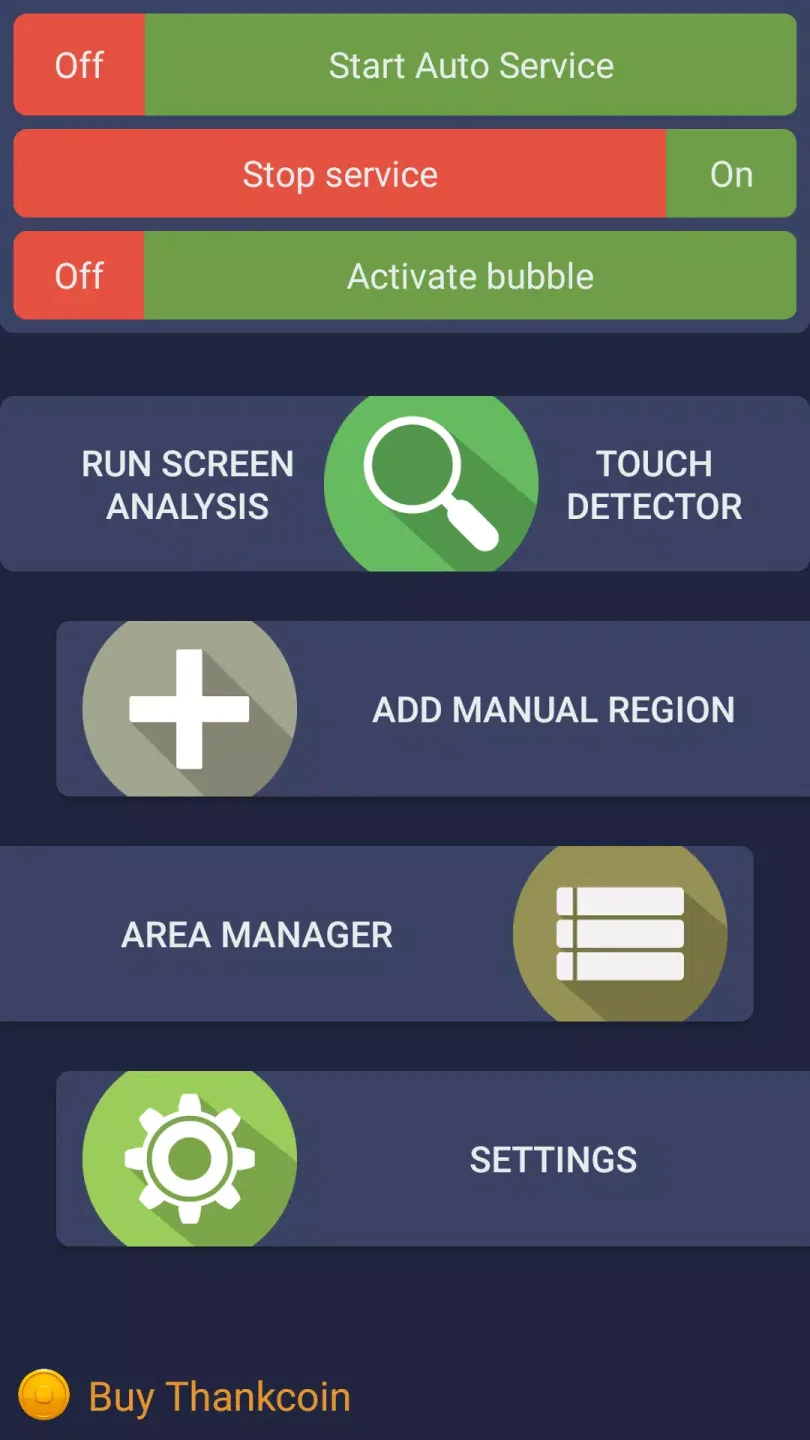
Automatic detection of ghost touches: Partial Screen can scan the display to locate zones with unwanted activity. During the analysis it intercepts touches for a short period, then groups areas that show repeated self touches. You should not touch the screen until the scan finishes, which helps the detection stay accurate. After the process completes, the identified zones are ready to block taps, swipes, and long presses.
Manual region creation: You can add custom block areas of any size and position for precise control. This is useful when a crack or specific spot causes ghost touches. Place a region directly over the problem area, then adjust its boundaries so it covers the faulty part and nothing else. Once saved, the manual zone quietly ignores inputs inside its borders.
Area manager and controls: The area manager lets you toggle individual zones on or off and adjust their color, size, and placement. Separate switches are available for blocks created by the auto scan and those made manually, so you can manage each path independently. For visual consistency, Partial Screen also provides a rounded corners overlay with selectable color and radius, which sits above the interface and gives edges a clean look.
Bubble mode screen lock: A movable bubble indicator sits on the display for quick access. When needed, you can double tap the bubble to lock the entire screen temporarily. This is handy during moments when ghost touches spike or you want to prevent any input for a short time. After the interruption passes, unlock and continue using the phone normally.
Highlights of Partial Screen:
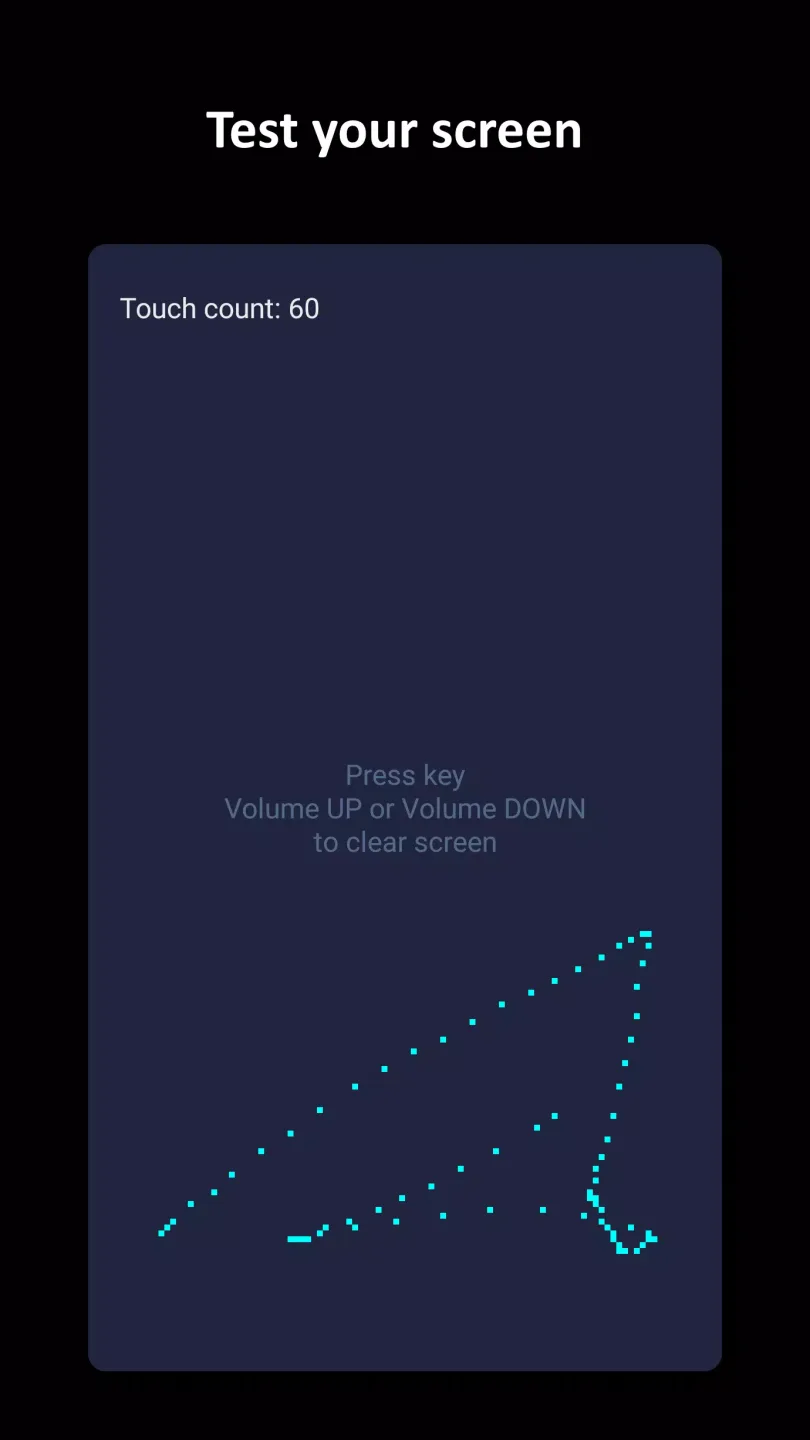
Partial Screen also includes a touch detector function, which helps identify areas of the screen where spontaneous touches occur. This feature is particularly beneficial for users who may not be aware of all the problematic zones on their devices. By utilizing the touch detector, users can gain insights into their device’s touch behavior and make informed decisions about where to apply touch-blocking measures.
For those who prefer rounded edges on their screens, the app offers an option to add rounded corners. This feature enhances the visual appeal of the touch-blocking interface, allowing users to customize the aesthetic of their screen while implementing functional changes. The rounded corners can be adjusted in terms of color and radius, providing an additional layer of personalization for users.
In terms of performance, Partial Screen is designed to auto-start its service when the device powers on. This feature ensures that users do not need to manually activate the app each time they use their device, providing a seamless experience. Additionally, users can adjust the transparency of the touch-blocking areas, allowing them to maintain visibility of the underlying screen content while still preventing unwanted touches.
The app supports a maximum of 50% more areas compared to standard offerings, giving users ample flexibility to define multiple touch-blocking zones. This capability is particularly useful for individuals dealing with extensive touch issues across different parts of their screens, as they can create as many zones as needed to enhance their device's functionality.
For specific device considerations, users of Xiaomi smartphones must manually grant the "Draw over other apps" permission to ensure the app operates effectively. This step is crucial for the app to function as intended, preventing it from being automatically shut down by system processes. Similar precautions may be necessary for devices from other manufacturers, such as Samsung, Oppo, and Huawei, to prevent the app from stopping unexpectedly.
Summary:
Users can manage these touch-disabled zones effectively, with options to activate or deactivate them, alter their aesthetics, size, or orientation, and remove any that are no longer necessary. Additionally, there are aesthetic settings to round off the corners of the screen with adjustable color and radius. An innovative bubble mode is incorporated that enables the locking of the entire screen with a double-tap on a floating indicator, which remains visible atop the interface and can be moved at the user's convenience.








