

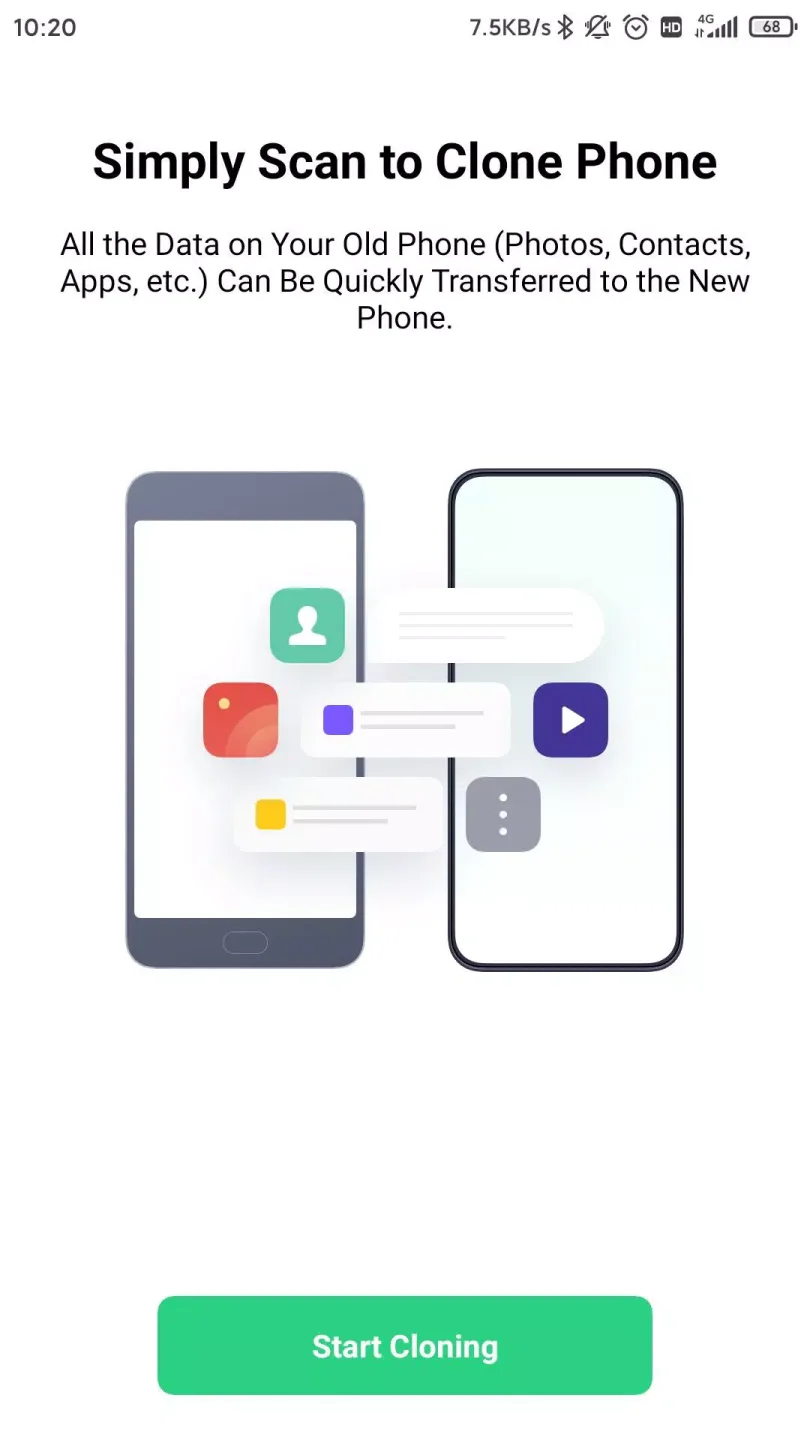
OPPO Clone Phone is a phone cloning software designed specifically for OPPO users. After pairing, it can completely transfer all data, apps, and games from your old phone. It supports multiple connection methods, including QR code scanning and Wi-Fi pairing, and the transfer can begin without needing a network connection or consuming data. Security is also not a concern; since it's a direct transfer, there are no complicated procedures, and you don't need to worry about privacy leaks.
Click to load YouTube / 点击加载视频
YouTube ↗Features of OPPO Clone Phone:
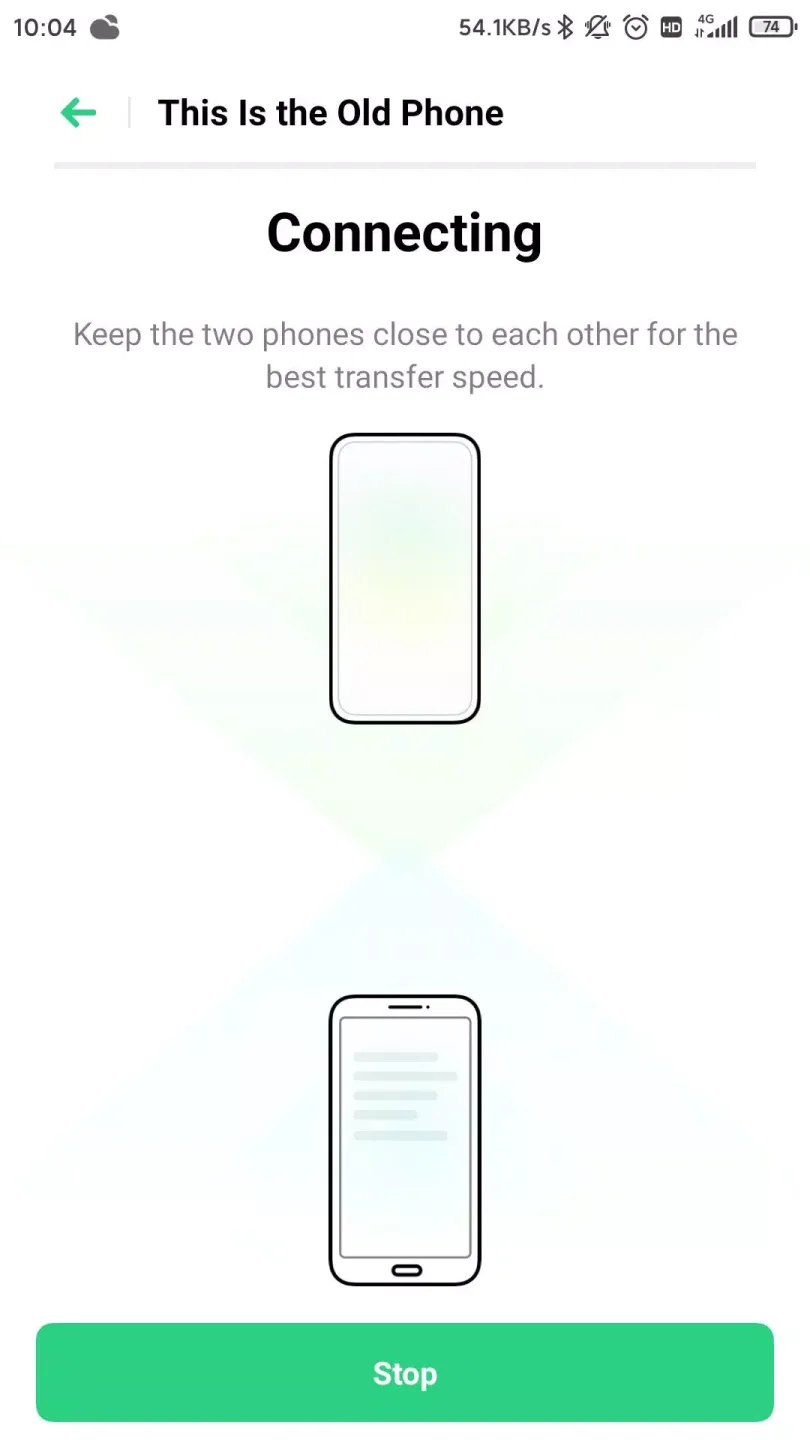
QR pairing and cable free setup: OPPO Clone Phone connects the two phones by scanning a QR code generated on the new OPPO device. After you pair, the app builds a local connection so the transfer starts quickly. You do not need a computer or cables, which reduces setup steps. This approach keeps the process clear for users switching during a busy day.
Fast local Wi Fi with zero mobile data use: The transfer runs over local Wi Fi created between the two phones. Because traffic stays local, the app does not consume your mobile data plan. This helps when you are migrating a large photo library or many videos. In turn, the process remains steady even if your cellular signal is weak.
Move more types on Android, including apps and app data: From Android, OPPO Clone Phone covers a wide range of data types such as contacts, SMS, call history, photos, videos, audio, files, calendar, notes, alarms, wallpapers, and system settings. It also supports installed apps and certain app data, like WeChat or QQ, when available. This means you can keep more of your everyday setup intact. As you review options, you choose which categories to include before starting.
Cross platform source support: OPPO Clone Phone supports migrations from Android and iPhone to an OPPO device. You can use an older Android phone or an iPhone as the source, then set the OPPO phone as the destination. This flexibility makes the app suitable for users coming from different ecosystems. Meanwhile, the receiving device stays consistent so your setup on OPPO remains organized.
Highlights of OPPO Clone Phone:
In terms of functionality, OPPO Clone Phone supports various Android versions, ensuring compatibility across a wide range of devices. This versatility means that users can download OPPO Clone Phone and expect it to work effectively, regardless of the specific model of their old or new phone. As a result, the app serves as a reliable tool for data migration in the Android ecosystem.
The transfer process is designed to be quick and efficient, with the app enabling users to transfer large amounts of data without significant delays. The user interface is intuitive, guiding individuals through each step of the process. This ease of use is complemented by the app's robust capabilities, ensuring that even users who may not be technologically savvy can successfully manage their data transfer.
Additionally, OPPO Clone Phone operates independently of any additional hardware or software. Users do not need to connect their devices to a computer or use any cables, which streamlines the entire process. The direct connection between the phones facilitates a seamless transfer experience, allowing users to focus on the task at hand without distractions or complications.
For those who frequently upgrade their devices, OPPO Clone Phone can become an essential part of their smartphone experience. The ability to quickly and securely transfer data makes it a valuable resource for anyone looking to maintain their digital continuity. Its user-friendly design, combined with comprehensive data transfer capabilities, positions OPPO Clone Phone as a go-to solution for Android users.
User Reviews of OPPO Clone Phone:
I rarely write reviews, but I felt I should after seeing some of the negative reviews posted here. I had absolutely no issue with the app - it worked just as it should, and quickly. In about 10 minutes, everything I needed from my old Samsung Galaxy 8 was on my new Oppo Find 3 Neo. About the only thing that didn't transfer was some of my saved passwords, but that was a minor inconvenience, as far as I was concerned.
Thank you very much for this app. It's great. I have a suggestion to make this app even better, can you also include a feature to transfer files from notes app of one phone to notes app of another phone. Wasn't able to do it in case of transfer of files from samsung mobile to realme mobile. Once again thanks for making this app.
My new phone was "not compatible" with v14 of this app, only had v12, it would only allow "local backup" and wouldn't show the QR code. This is what i did to make it work: Install this app on the old phone, enable NFC on both, while the app is open and the new phone is unlocked on home screen, rub the backs of the phones to initiate NFC transfer, after it vibrates, push the screen on the old phone. It will launch the NEW app on the new phone and display the QR code.
My new phone is an Oppo A91. I was able to clone all my entire, latest phone's apps, then even better, a favourite app on an old phone (my trusty S6) that is no longer supported, I could clone across as well - and it works! (So cloned successfully from 2 old phones). You can pick and choose what you want to bring across to your new phone. But you do need to log in again. But that's ok.
Final words:
One of the main advantages offered by this app is its security and compatibility with all kinds of file formats. With OPPO Clone Phone, not only can you transfer multimedia content like videos and images, but you can also perform a complete transfer or copy system apps, contacts, installed apps, documents, and even entire conversations from WeChat and QQ, for example. Everything you have stored on your old Android can be transferred to the new one without losing data in the process.








