
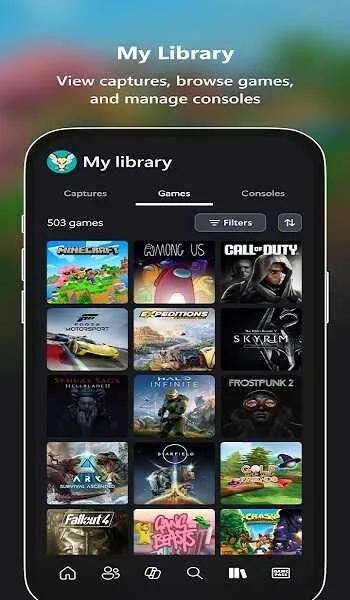
Xbox Cloud Gaming is a meticulously crafted cloud gaming platform that helps players enjoy a wide array of console games on their mobile devices, experiencing seamless and uninterrupted access to popular titles. The app presents a powerful, easy-to-use, and lightweight cloud gaming application. Players can explore games of interest through a clean and intuitive navigation interface. The app delivers a smooth and fast gaming experience, and players can enjoy cross-platform compatible save functionality. The app boasts high-quality resolution, allowing you to focus on the exciting entertainment experience with flexible touch controls.
Click to load YouTube / 点击加载视频
YouTube ↗Wonderful Features of Xbox Cloud Gaming
Play Xbox games. No console needed.
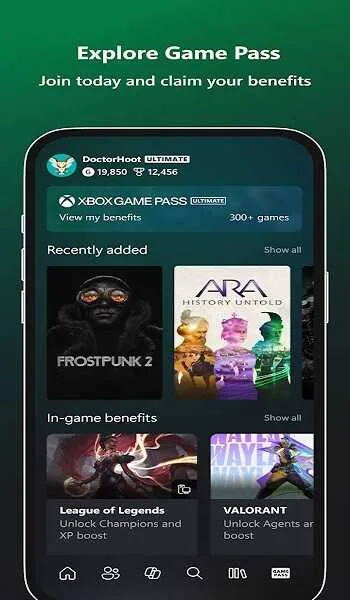
Play hundreds of games, including Starfield, Forza Horizon 5, and Palworld, through Xbox Game Pass Cloud Gaming.
Games are constantly being updated, with new titles from Xbox Game Studios, Bethesda Softworks, Blizzard Entertainment, and independent studios available for players to choose from.
Pick your favorite controller, launch the Xbox app, and start playing.
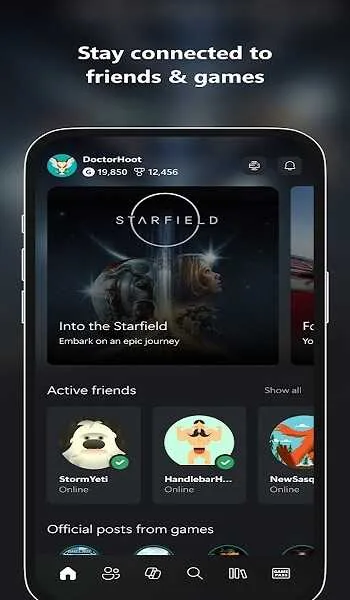
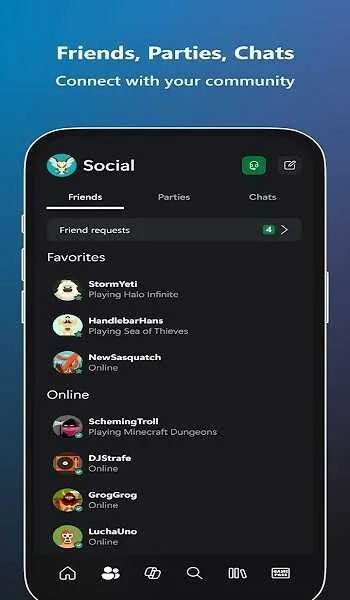
Join the core Xbox community and play games with millions of other players.
Play your favorite games across multiple devices and keep your progress.
Amazing Performance of Xbox Cloud Gaming
The service currently supports streaming at up to 1080p resolution and 60 frames per second (fps) for a smooth gaming experience. Microsoft is working to enhance this feature by rolling out 4K streaming, which will significantly improve visual quality and deliver a more immersive gaming experience. Xbox Cloud Gaming supports a variety of controllers, including touch controls on mobile devices, allowing users to play games in the most comfortable way possible.
A major advantage of Xbox Cloud Gaming is its flexibility. Users can access games on multiple devices, and with cloud saves, they can ensure they can pick up where they left off. The service also allows players to stream games they own, even those not in the Game Pass library, providing more options for players with existing game collections. As part of Xbox Game Pass Ultimate, subscribers gain access to a vast library of games, exclusive content, and other gaming perks, making it a comprehensive gaming solution.
Fantastic Highlights of Xbox Cloud Gaming
Supports streaming playback up to 1080p resolution and offers a variety of customizable image parameters.
Compatible with game controllers, mice, and keyboards.
It allows for touch control simulation via virtual controls.
Improved interface for use with controllers, mice, or keyboards.
You can display various statistics on the screen (FPS, resolution, battery level, etc.).
It supports remote play (running the game on your console and then playing it on your mobile device).
It allows local co-op gameplay in games with this option.
More visually appealing loading screens, say goodbye to tedious black loading screens.
Pros and Cons of Xbox Cloud Gaming
Pros
No download or installation required.
Supports Android, PC, and game console platforms, with progress synchronization.
When the connection is strong, it delivers console-quality visuals.
Cons
Requires a stable, high-speed internet connection.
Requires a Game Pass subscription.
Lacks local multiplayer and offline gaming options.
Summarize
Overall, Xbox Game Streaming is a fantastic app for Xbox One players. All you need is a Bluetooth-enabled Xbox One controller to enjoy a wide range of console-quality games on your Android device.








