

Vanced Tube is a video playback software designed specifically for mobile devices. It not only possesses all the features of YouTube but also automatically blocks various ads and pop-ups, and offers video downloading and background playback capabilities, providing users with a smoother viewing experience. The software offers diverse customization options, allowing you to adjust video quality, playback speed, comments, and the playback interface to your liking, thus meeting your viewing needs. Furthermore, the software is constantly being updated, and more video playback tools will be released in the future, so stay tuned!
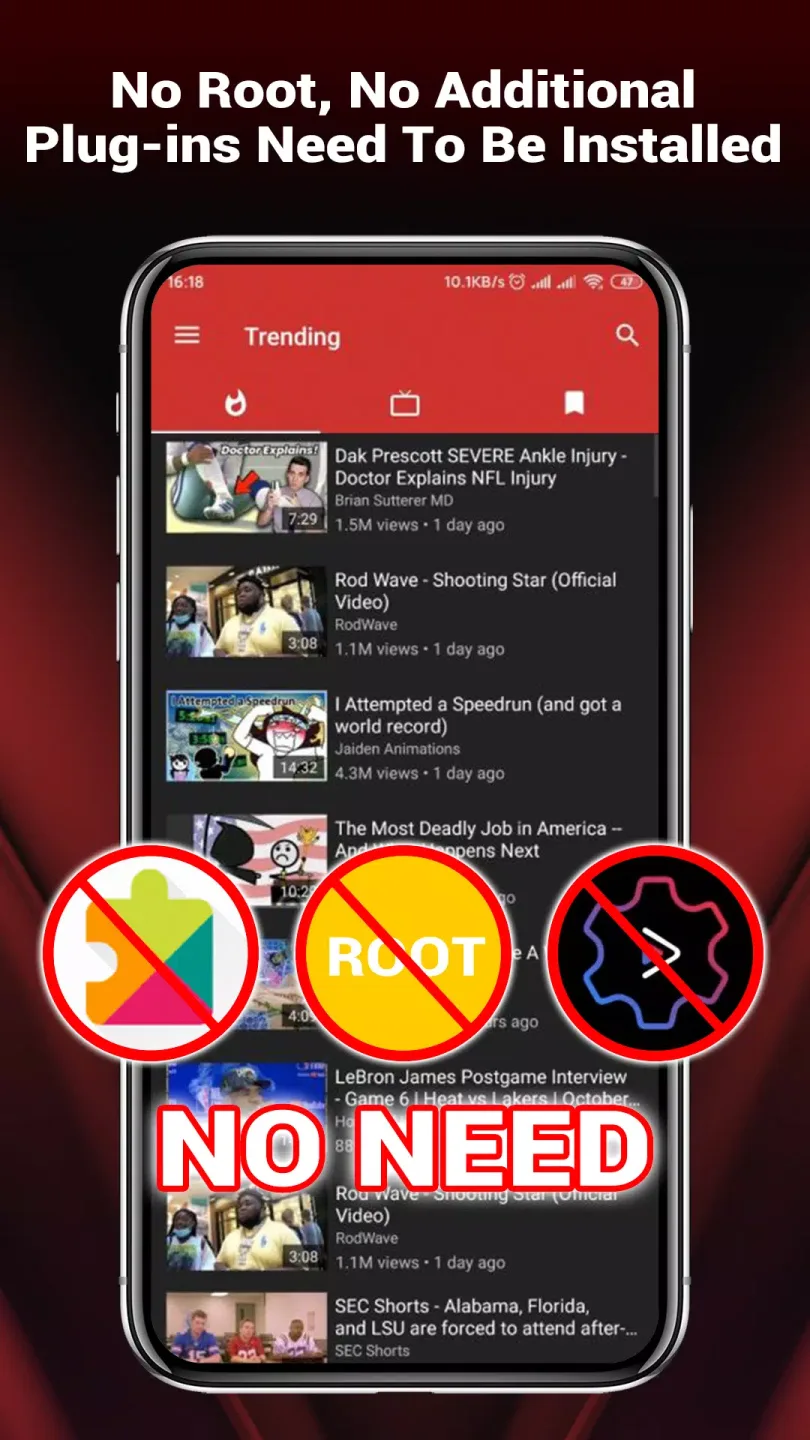
Features of Vanced Tube:
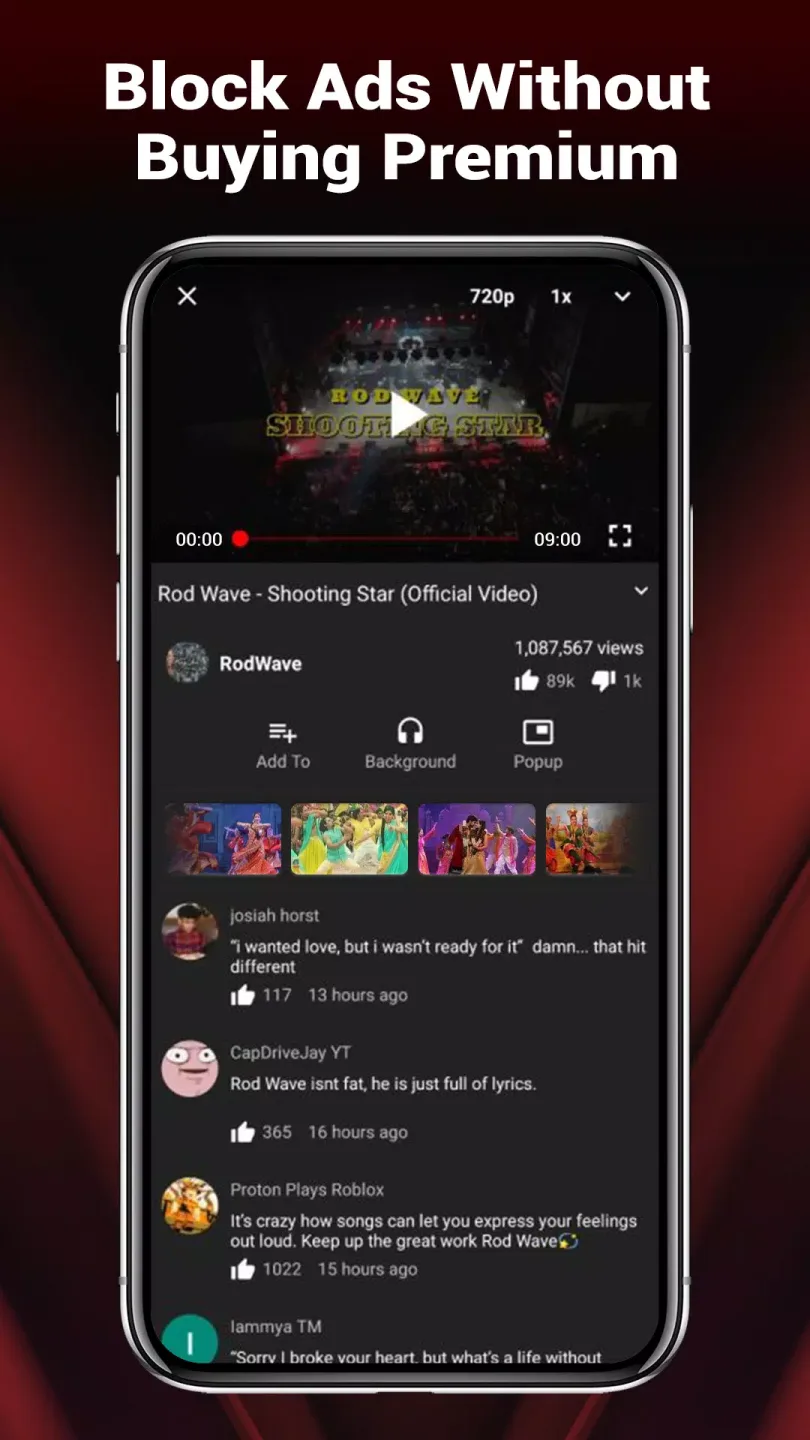
Ad-free viewing with fewer interruptions: VancedTube focuses on uninterrupted playback by blocking ads in many cases and skipping common intro segments where possible. This helps videos start faster and continue without breaks, especially during longer sessions. You can watch multiple clips in a row with fewer pauses, which makes browsing feel more consistent.
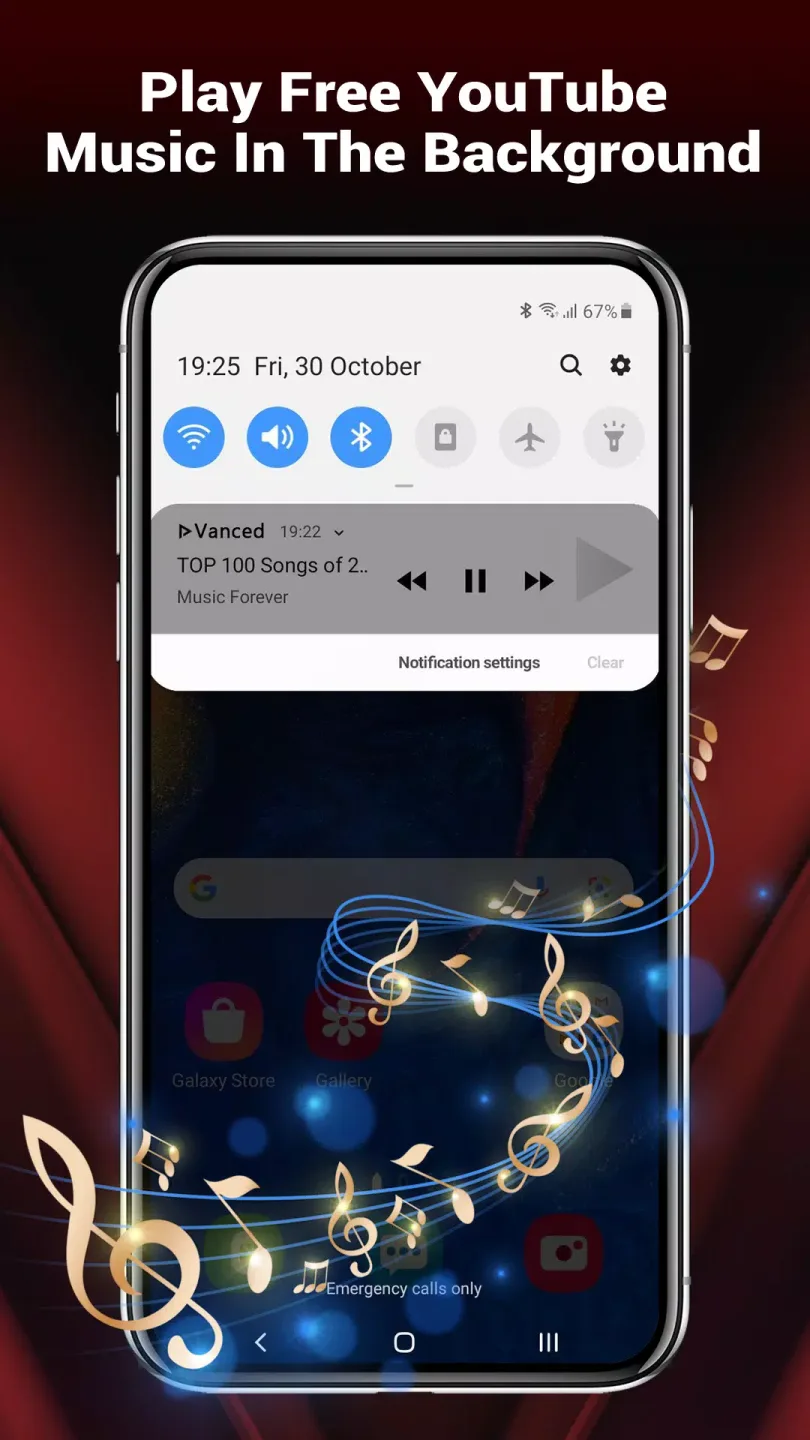
Background playback for audio-first use: You can keep videos or music playing while the screen is off or while using other apps. This suits podcasts, long talks, and playlists you want to listen to on the go. Simply start a video, then switch tasks, and the audio continues so your queue does not stop.
Floating pop up player for multitasking: VancedTube includes a movable, resizable picture in picture style player that stays on top of other apps. You can drag it to any corner and adjust the size for comfort. This lets you read, chat, or browse while a video stays visible and in control.
Controls and quality settings made simple: Gesture controls let you swipe to adjust volume and brightness without opening menus. Video detail is set to the highest available resolution by default for a sharp picture, and you can change quality manually if you prefer to save data. These options keep playback flexible while still being easy to access.
Strengths of Vanced Tube:
Enhanced User Experience: Vanced offers a much smoother experience compared to the standard YouTube app. Users can personalize the interface by switching between light and dark themes. The app also supports high-resolution playback up to 4K, ensuring crystal-clear video quality.
Background Playback – Listen Without Interruptions: One of the most loved features of Vanced is its ability to play videos in the background. This is particularly useful for those who want to listen to music, podcasts, or educational content without keeping the app open. Users can continue browsing, texting, or using other apps while their video plays in the background.
Customizable Interface: Vanced provides extensive customization options. Users can switch between light and dark themes based on their preference. Additionally, they can modify other interface elements to create a more personalized experience.
High-Resolution Video Playback: Unlike the standard YouTube app, Vanced supports ultra-HD resolutions up to 4K. This feature ensures that users can enjoy the highest possible video quality, making it perfect for large screens or high-resolution devices.
Features of Vanced Tube:
Why Vanced YouTube is not working?
Ans: There can be several reasons why your Vanced YouTube isn’t working properly, and one of them is that it’s outdated or the device data is slow. So make sure to always update the Vanced YouTube app regularly for enjoying engaging YouTube content without having any interruptions or unexpected problems sometimes, a corrupted installation or incompatible ReVanced patch can also causes the app to stop functioning.
Is Vanced YouTube safe?
Ans: Though the Vanced YouTube is a modified version of the stock YouTube app, still it’s safe to use for most users. However, it can becomes unsafe if you download it from an unknown or shady source, where there might be a risk of installing unwanted malware or harmful scripts to your device. So, before downloading or installing Vanced YouTube, always make sure the source is authentic, trusted by the community, and preferably recommended by official forums or tech enthusiasts.
How to set Vanced YouTube as default?
Ans: To make Vanced YouTube your default app, simply go to Settings > Apps > Vanced YouTube > Advanced, and choose Open by default. Then tap on Clear defaults if needed, and set Vanced YouTube to handle YouTube links. This will helps make sure that Vanced YouTube opens automatically whenever you tap on any YouTube video links from browser, chats, or other apps.
How to update Vanced YouTube?
Ans: Whenever Vanced YouTube comes with a lestest version, we always update that here immediately, so users can easily visit here for getting the latest version of Vanced any time they want without searching too much. Just make sure to check back often to not miss any new cool feature or fix.
Final words:
The best part about Vanced Tube? It delivers an amazing ad-free video experience for free. Get all the perks and convenience without spending a single penny. There are no hidden subscription fees or charges. Install once and enjoy uninterrupted streaming forever. It’s too good to be true!Stop waiting for interruptions and improve your viewing experience with Vanced Tube. Blocking ads opens up a world of binge-watching bliss. Discover for yourself how amazing ad-free video is!








