

Google’s Find Hub is a cleverly designed device management utility that helps users easily locate and protect their mobile devices and accessories, easily handling common situations like lost phones or headphones. The app provides a powerful yet lightweight device and accessory management solution for a wide user base. Users can experience powerful map positioning capabilities, quickly search for nearby items based on intelligent voice prompts, and easily organize and store them. The app supports excellent custom message settings, providing users with flexible and convenient item management services.
Click to load YouTube / 点击加载视频
YouTube ↗Attractive Features of Google’s Find Hub
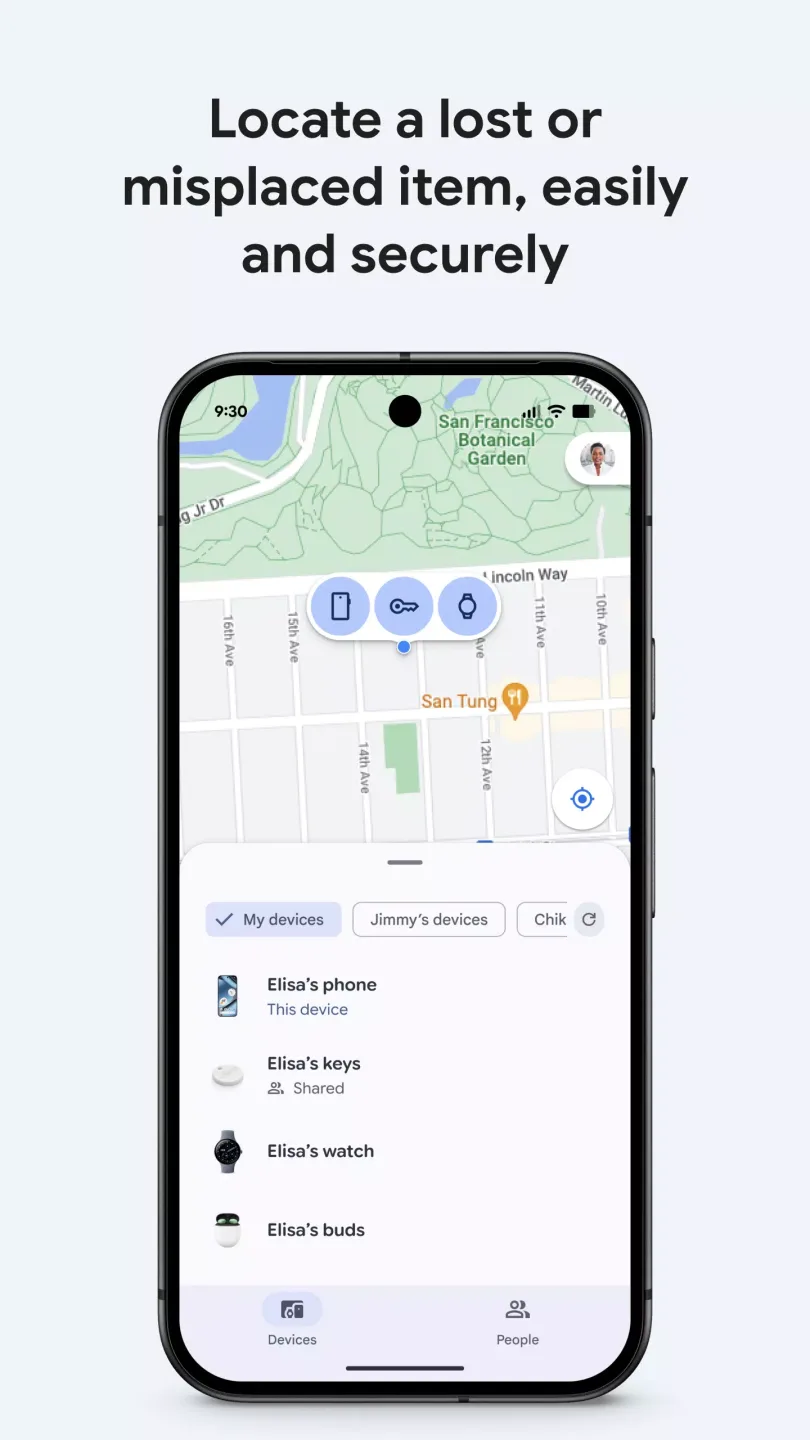
See your devices on the map even when they are offline.
Google’s Find Hub displays the location of your phone, tablet, headphones, and other compatible accessories on the map, making it easy to find them quickly. When a device is offline, the Find Hub network privately updates its location so you can see its last known location. This makes it easier to find your device, whether it's nearby or not.
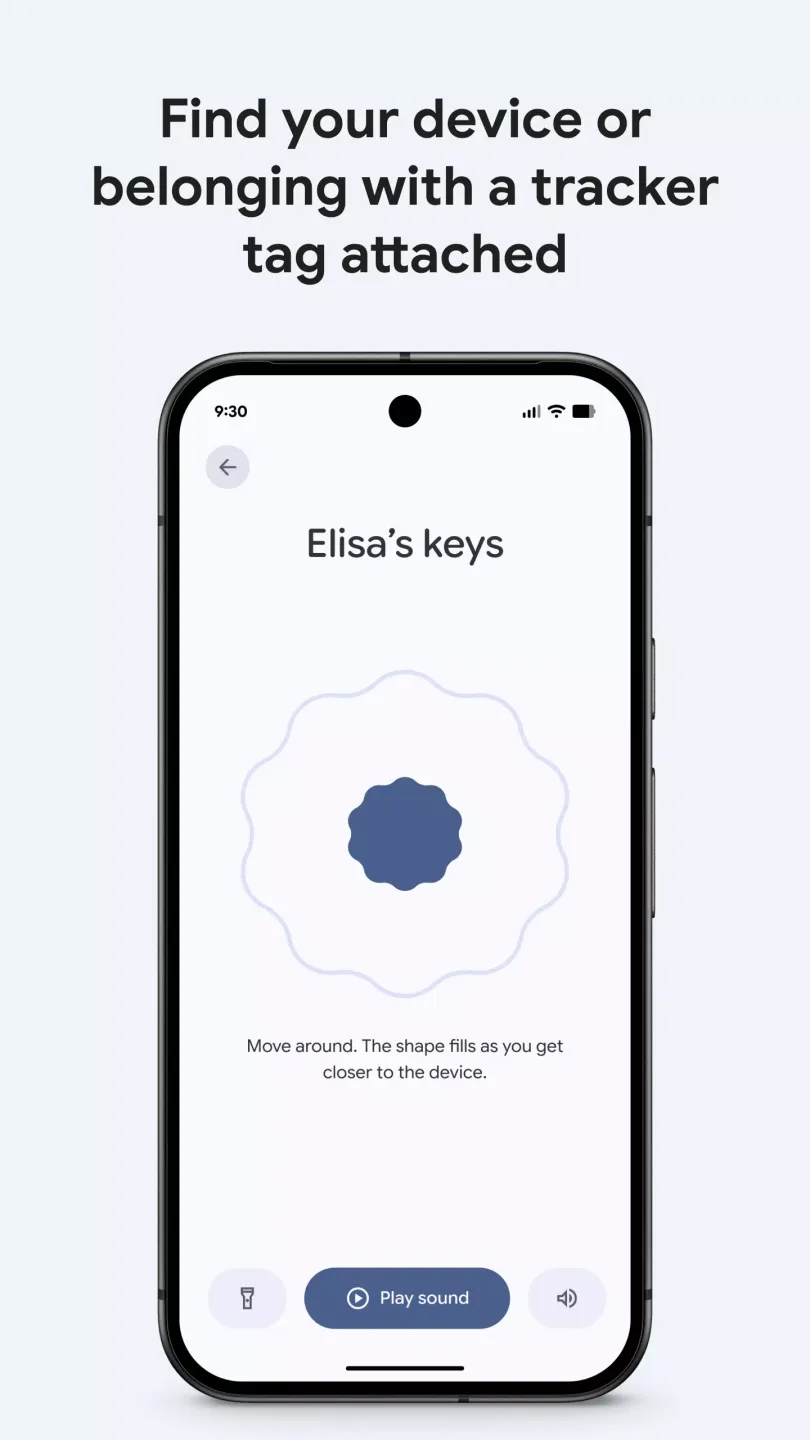
Play Sounds to Find Nearby Items
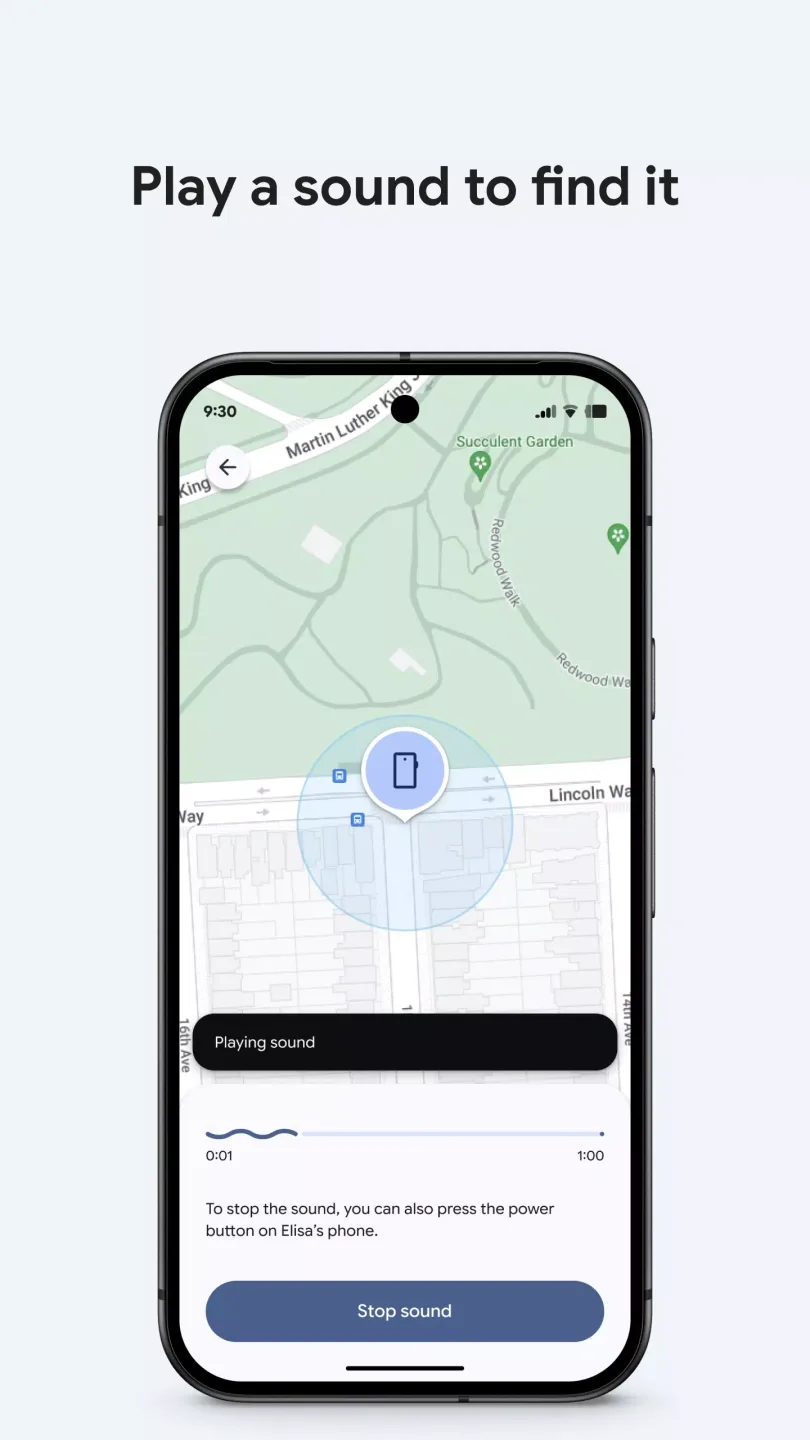
You can quickly locate nearby devices by playing sounds in the app. Sound prompts can help you move around, which is very useful when your phone is under a sofa cushion or your headphones are in another room. This feature also works on supported Wear OS watches, so you can operate your device directly on your wrist.
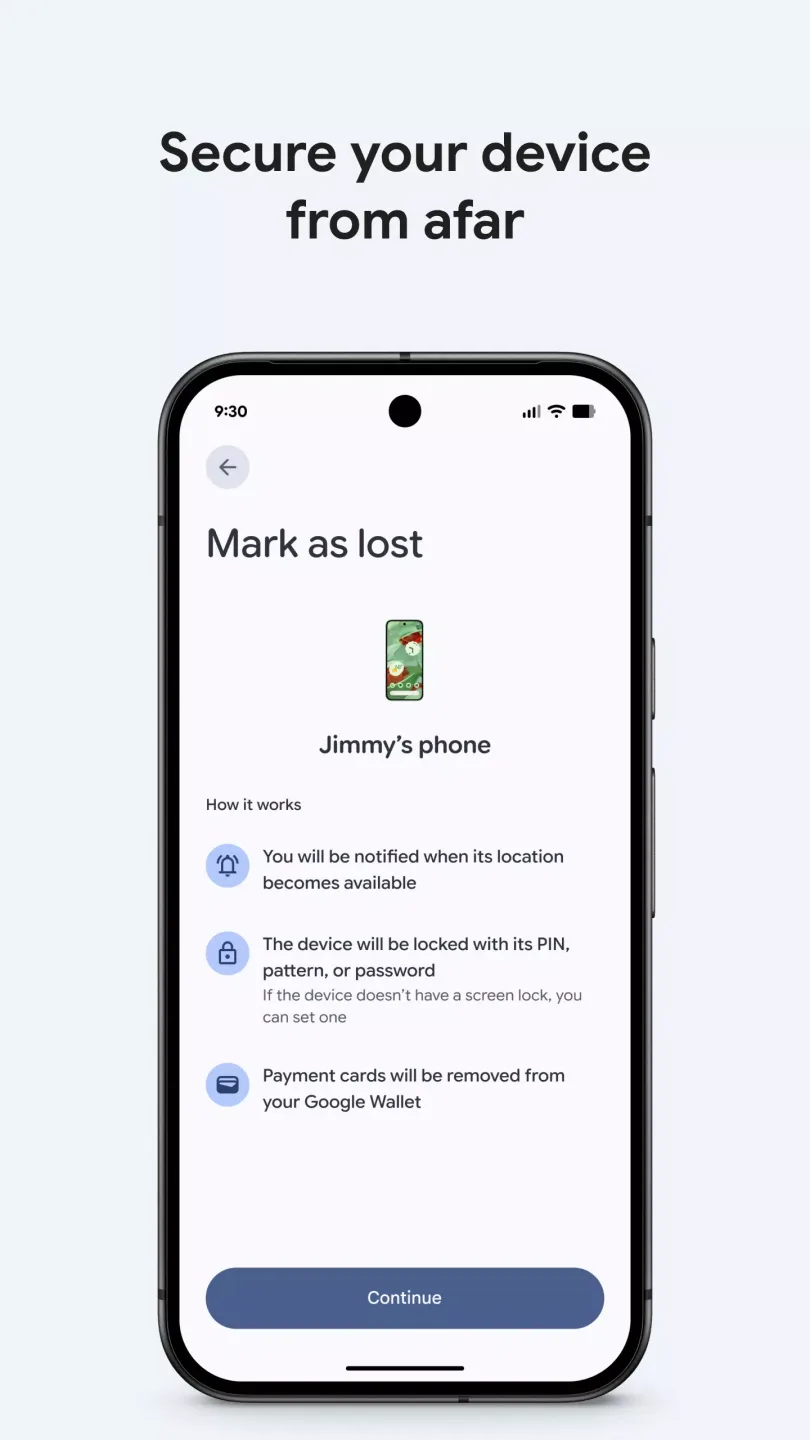
Lock or Erase a Lost Device with a Custom Message
If your device is lost, Google's Find Hub lets you remotely lock it to keep your data safe. You can add a custom lock screen message with your contact information so someone who finds your device can reach you. If you can't find your device, you can erase it to delete your personal information.
Share Your Live Location for Parties and Check-ins
Google's Find Hub also supports sharing your location in real time with friends and family. You can set sharing time periods to coordinate arrival times or confirm safe check-ins. This way, everyone can know your location at any time without needing to use other services.
Protect Your Privacy with Encrypted Data
The Find Hub network has built-in privacy protection. All network location data is encrypted and cannot be viewed by Google. Data is also encrypted during transmission to help protect information between devices.
Helpful Tips of Google’s Find Hub
First, open Google's Find Hub and wait for the device list to load. Click on a device to view its details and location on a map.
If the item is nearby, select "Play Sound." Listen carefully to the prompt tone, then approach until you find the device.
Next, select "Lock Device If Lost." Add a custom lock screen message containing contact information so the finder can reach you.
Afterward, select "Erase Data If Recovery Is Unlikely." Confirm the operation to delete personal data on the device.
Finally, enable location sharing to coordinate with others. Select contacts, set a time period, and then share your real-time location for check-ins.
User's Comments of Google’s Find Hub
find Hub made the whole process simple and stress-free. The platform is easy to use, fast, and very reliable. I was impressed with how quickly I found exactly what I needed, and the customer support was professional and helpful throughout. Everything was organized clearly, which saved me a lot of time. I highly recommend Find Hub to anyone looking for a smooth and efficient experience!
Great app, but I don't understand how to use. If the phone is lost you wouldn't be using the app, you would be using the web. I wish the app had an instruction manual. I am not technologically astute.
Love it when apps are easy to use, and actually make life easier. My husband and I were constantly having to send texts like "How far from home are you now?", or "Have you made it to work/the store yet?" Through Google Find Hub, we can always see each other's exact locations, even while traveling on foot! Now I never worry if he can't answer a text or call- I just click my custom shortcut, a map opens, and shows me his exact Location in real-time! Lifesaver for anyone with anxiety.
Amazing Highlights of Google’s Find Hub
View your phone, tablet, headphones, and other accessories on a map—even when they're offline.
If your lost device is nearby, play a sound to locate it.
If you lose your device, lock or erase it remotely. You can also add a custom message to display on your lock screen if someone finds it.
Find your devices and items on mobile devices and supported Wear OS devices.
All location data on the Find Hub network is encrypted. Even Google cannot view this location data.
Conclusion
Besides helping you find your lost or misplaced smartphone, "Find My Device" can also reset your screen lock and erase all data on your phone. Users who frequently forget their phone's lock screen pattern will find the screen lock reset function very useful.








