

MiXplorer is an outstanding file management utility that helps users easily organize important files on their devices, allowing you to enjoy well-organized file categorization, quick searching, and space-saving advantages. The application presents a powerful, convenient, and lightweight file management program for a wide range of users, meeting your flexible file management needs. Users can experience an excellent personalized interface, enjoy superior cloud storage integration and server functionality, experience convenient compressed file creation, decompression, and viewing, and enjoy excellent search engine services.
Click to load YouTube / 点击加载视频
YouTube ↗Amazing Features of MiXplorer
Tab-based browsing – Open multiple windows in tab view to easily perform multiple tasks.
Advanced search – You can search for anything you want and use highly advanced filtering functions when searching.
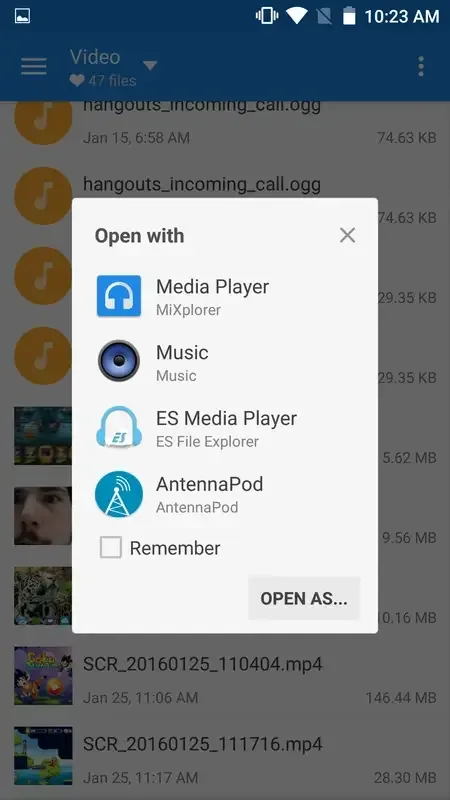
Built-in functions – This file manager has a built-in image viewer, music player, media player, text editor, HTML viewer, FTP/SFTP connector, MP3 tab editor, file extractor (Rar, Zip, 7Z), etc.
Supports OTG storage reading.
Easily perform tasks such as copy/paste/move.
Encrypt/decrypt files.
Edit system files, such as build properties (root privileges required).
Ebook reader – Opens all file types, such as PDF, XPS, CBZ, and many more.
Fantastic Highlights of MiXplorer
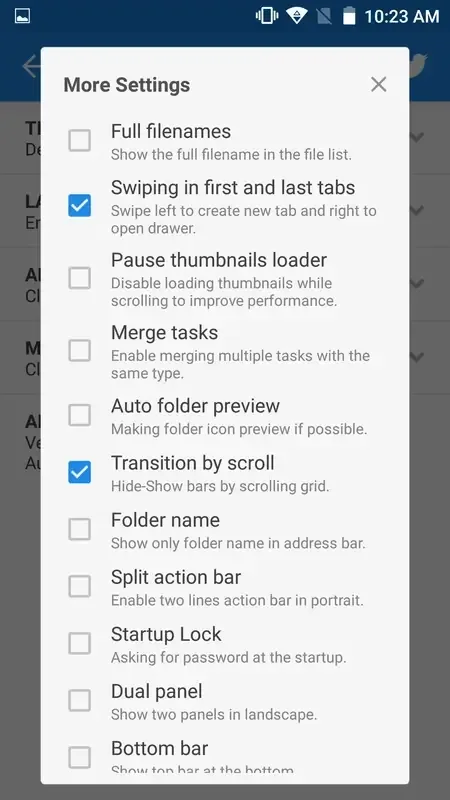
Easily customizable interface.
Select, enable, and disable option menus or buttons to perform any action.
Unlimited browsing between tabs.
Open two panels simultaneously and enable drag-and-drop functionality.
Easily move and copy files.
Different file viewing modes.
Add files to favorites.
Advanced search functionality.
Export and import preferences.
Built-in PDF, ePub, and XPS file viewer.
Extract and create compressed files in different formats.
Pros and Cons of MiXplorer
Pros
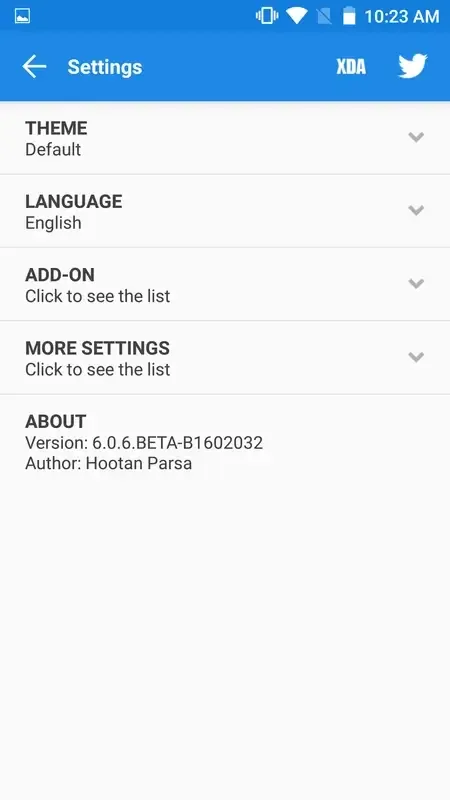
User-friendly and customizable interface
Provides a variety of basic and advanced file management functions
Integrates with numerous cloud storage services
Built-in FTP/HTTP server
Multimedia content previewer
Cons
Some functions may be complex for novice users.
Full functionality requires a rooted device
User's Comments of MiXplorer
Been using this app for years. It does everything I need it to do and it does it well. Allows me to manage the files on my phone, view them using the apps pdf viewer, video player, image viewer etc. And let's me transfer stuff from my NAS to my phone and vice versa with ease. Keep up the good work
Wow, that is very clean and nice to operate. Very good and clear steps to set permissions. Well worth the price.
The best. There is not a single file management out there that is powerful like this. It handle simple files management in a deep way, and the features to connect to SFTP, and other machines with a wide protocol options is amazing.
Finally found an app that actually allows background downloading from a local share. Gladly spent the €6 for this, thank you!
best file manager on android, supports RW access on root with shizuku, clean interface, not cluttered and has all the options a file manager on android should Have
Summarize
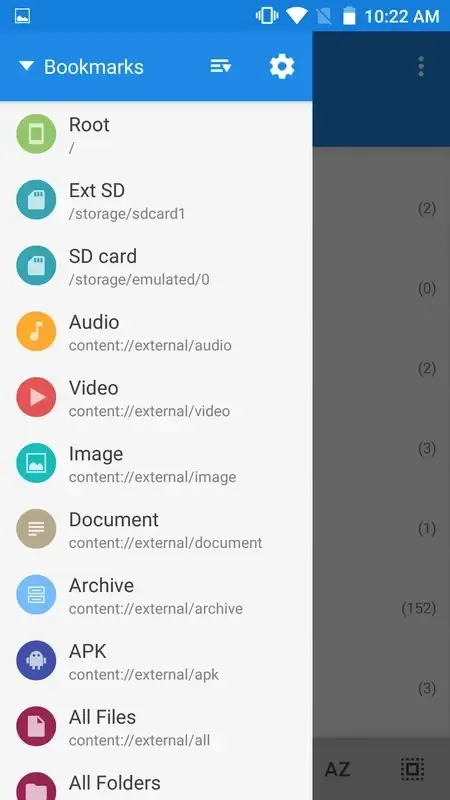
MiXplorer Silver File Manager not only features search functionality but also links to existing file sources on your device. You can easily bookmark favorites and items for quick access without having to search from scratch. Furthermore, the app can connect to storage platforms, allowing you to easily see their current capacity. If a storage platform is currently highlighted, its display is similar to other apps, clear and easy to understand.








