

Designer Tools Pro is designed to help users review and standardize screen grids, easily inspecting every pixel and line in the image to meet personalized user needs. The software offers users a wealth of customization options, allowing them to freely adjust the grid size, color, lines, and more, quickly detecting potential layout issues. It also provides a model overlay function, arranging and stacking different model images horizontally or vertically to easily check their compatibility with different interfaces, providing a comfortable user experience.
Click to load YouTube / 点击加载视频
YouTube ↗Features of Designer Tools Pro:
Grid Overlay: Quickly overlay customizable grids onto your design to ensure perfect alignment and spacing. The grid size, line color, and keyline visibility are adjustable, allowing for pixel-perfect precision during layout creation.
Mockup Overlay: Compare your live app interface with high-fidelity mockups by overlaying them with adjustable opacity. This feature ensures your design specifications are being implemented accurately in real-time.
Floating Interface: The app features a floating interface that doesn’t interfere with your workflow. You can keep working on your design while easily accessing all tools, making it ideal for quick adjustments and real-time editing.
Real-Time Updates: Get instant updates and feedback on your design, which helps you quickly identify issues and adjust accordingly, improving the speed and quality of your development.
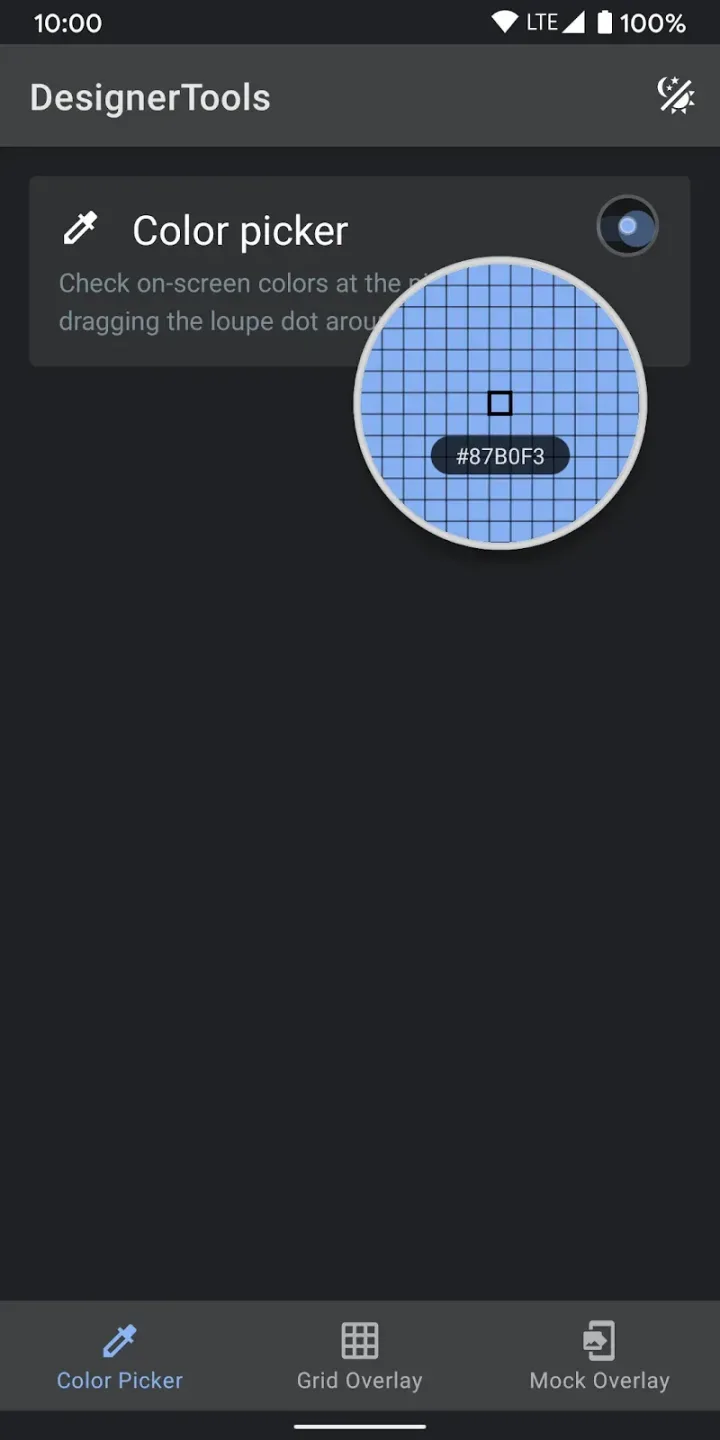
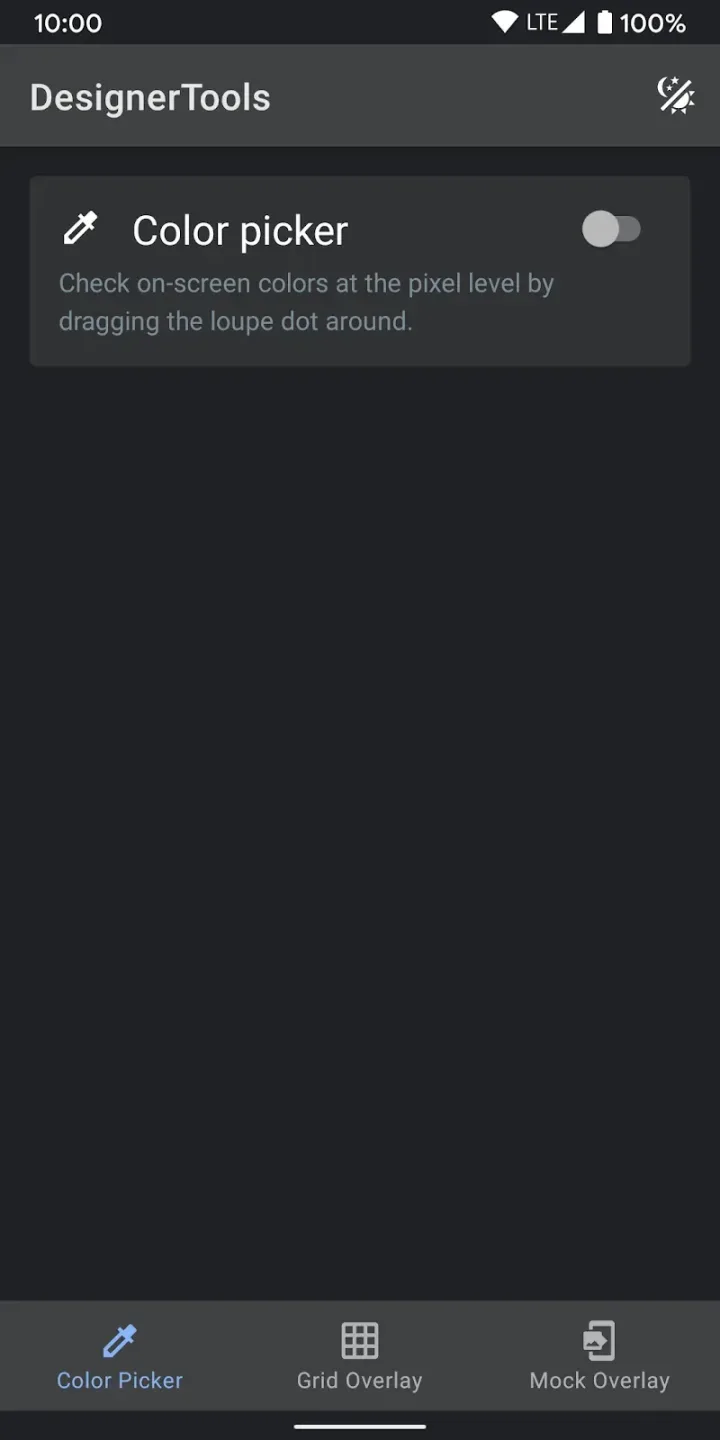
Color Picker: A highly useful loupe magnifier allows you to select any pixel on the screen, showing you the exact hex code. This tool guarantees that your colors are consistent throughout your project.
Highlights of Designer Tools Pro:
Highly Customizable Interface for personal workflow and efficiency: Users can tailor the app’s environment to their specific design tastes and workflows, increasing productivity and comfort.
Enhanced Color Picking and Management, making it easy to build brand-consistent palettes: This tool aids designers in maintaining consistency across their projects, crucial for brand identity.
Screenshot and Annotation Tool that simplifies collaboration: This feature facilitates easier communication within teams, allowing for annotations and comments directly on the design files.
Cross-Device Syncing for ease of workflow across devices: Ensures that a user's work is accessible and up-to-date across all their devices, supporting a flexible work environment.
Real-Time Preview Options that allow users to overlay and mockup designs on various device screens: This ensures that designs are not only theoretical but are practical across different device formats, enhancing usability.
User Reviews of Designer Tools Pro:
I have used this app before and I know is pretty good to keep margins and columns in a right place with concised patterns to suit the labels and page layouts, composition and type graphs. So to be honest Is pretty good.
It's app is so good for me. One of my best friend touch my phone he tell me that wo nice how can you do like this I tell him all about this app. He is so happy.
This is amazing but homescreen display wallpaper double this is a overlay pangit nya tingnan pag nasa homescreen kasi double delay FB lang at messenger pra cool sya tingnan at NASA yt at chrome pa settings.
The app is amazing it brings best themes for me but theres one problem that i have whenever i turned the theme off it wont go away it still stays in my screen and its been 19 days and its still there please fix this bug, thank you.
Conclusion:
Designer Tools Pro serves as an essential addition to your digital toolkit, focusing on the precision and excellence of app designs. The app is tailored to streamline the review and validation process of app specifications. It allows for meticulous examination of design elements, ensuring consistency with the initial design specifications, a critical aspect for app developers and designers alike.








