

MonPlayer is a video playback application. It supports numerous video playback formats, so whatever format of video or audio you want to play, it can meet your playback needs! The application supports playing local videos on your phone, as well as playing online videos from non-local sources such as M3U playlists and IPTV connections. The application also provides users with a robust privacy feature, allowing you to add PIN codes or biometrics to protect your video content.
Use
Download the MonPlayer APK from this website and install it on your Android device.
Open MonPlayer, grant media permissions if prompted, and view the interface.
Next, tap "Add Source or Provider," paste an M3U, IPTV link, JSON, or direct URL, and then save.
Return to the home screen, select your new service provider, and then browse available channels or videos.
Then start playback, open the subtitle menu to enable subtitles (if available), and adjust playback or audio settings.
Features
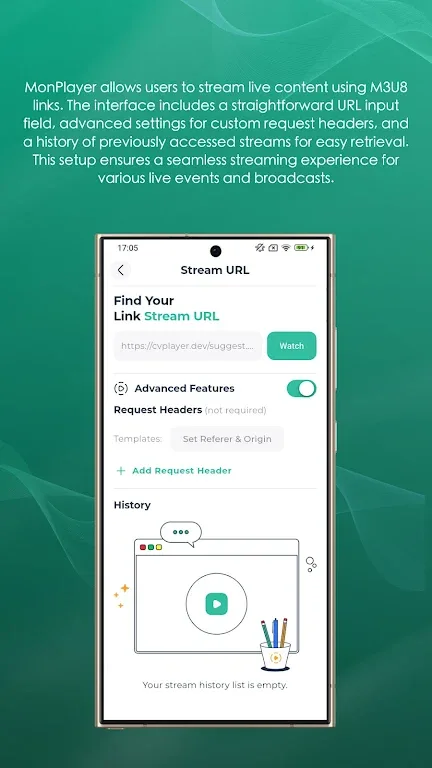
Multi-functional Video Player: Our player supports playing local videos on your phone and online video playback from sources such as M3U playlists, IPTV links, or JSON sources.
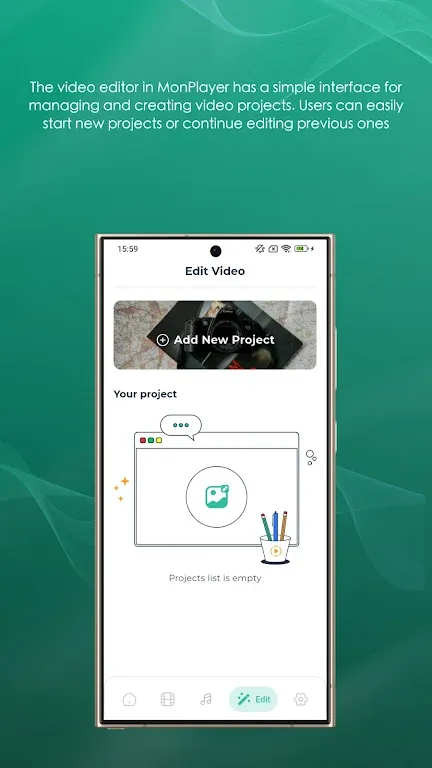
Manage Your Playback Sources: Maintain your channels and video lists. It's a playback source manager that lets you add M3U/JSON playlists in URLs as playback sources, and we'll update them automatically for you. Access your latest content with just a few taps.
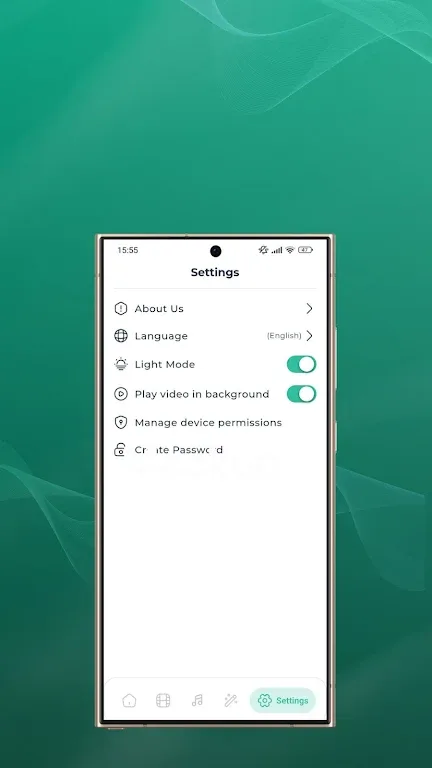
Privacy Protection: Protect your content with our privacy features via PIN or biometrics. This feature applies to both playback sources and streaming URLs.
Highlights
MonPlayer handles a variety of video sources, including M3U playlists, IPTV links, and JSON sources, making it a versatile tool for accessing video content across different formats and platforms. In addition to powerful playback capabilities, MonPlayer comes with a comprehensive video source management system, making it easy for users to add and organize video sources. Users can maintain channels and video lists to ensure they always have access to their favorite content. Privacy protection is also a major highlight of MonPlayer. Users can protect app access permissions via PIN codes or biometric authentication, thus protecting provider information and streaming URLs.
FAQs
Q: What formats does the app support?
A: It supports a variety of video formats, including MP4, AVI, MKV, etc.
Q: Can I use this app to play IPTV channels?
A: It supports online playback from M3U playlists, IPTV links, and JSON sources.
Q: Is the app ad-free?
A: Yes, the app offers an ad-free experience.
Q: How do I add a new M3U playlist?
A: You can add playlists by entering the URL in the source manager section of the application.
Conclusion
MonPlayer combines powerful features, flexible streaming options, and reliable security, making it ideal for users seeking a comprehensive video playback solution. From managing your content to enjoying a smooth streaming experience, this app is designed to provide a complete, user-centric viewing experience. Download the MonPlayer APK now to enhance how you watch and manage your favorite content.








