

UC Mini - Download Video Status is a video browser. Here you can get the fastest search and browsing speeds and access all the content you want. You can also find all types of videos, including movies, TV series, funny videos, and more, bringing you the best leisure and entertainment. The app also offers an enhanced video downloader, allowing you to download multiple videos at once, and you can run the app automatically in the background during the download process without interruption, allowing you to do other things while downloading videos!
Features
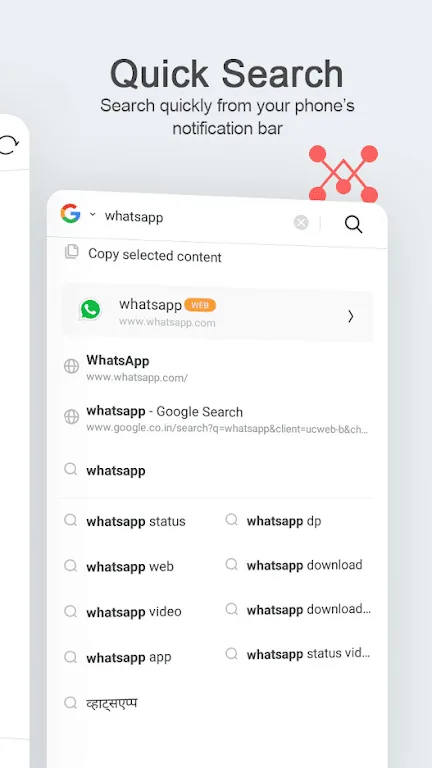
Fast Browsing Speed - Powered by the UC team's technology, UC Mini promises to bring you a fast search and browsing experience! Enter text to search. Access all websites.
All Videos in One App - UC Mini contains all videos, especially movies, TV series, TV shows, Bollywood movies, and funny videos. Watch, like, comment, and download. Enjoy!
Categorize Videos by Celebrity - Easy to find. This is a separate channel. Choose your favorite celebrity and watch all their videos.
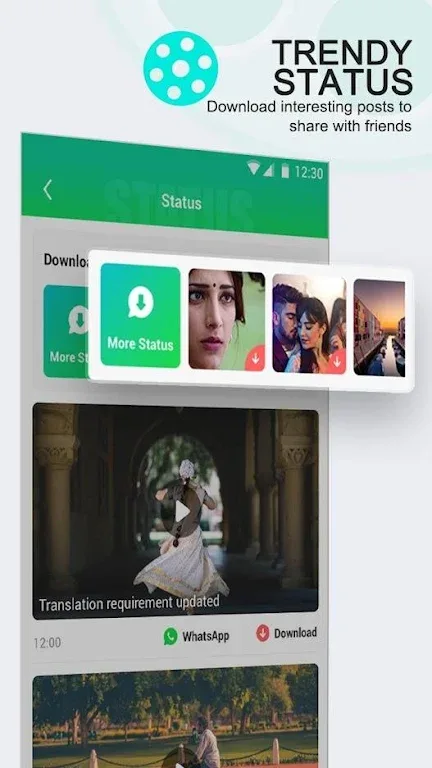
Enhanced Video Downloader in One Step - Download multiple videos you like at high speed simultaneously. No need to keep the app open, downloads will continue in the background. Uninterrupted browsing, no waiting.
Face Swap Video Maker - Take selfies/import photos and swap faces with your favorite celebrities. Create funny videos and share them via WhatsApp.
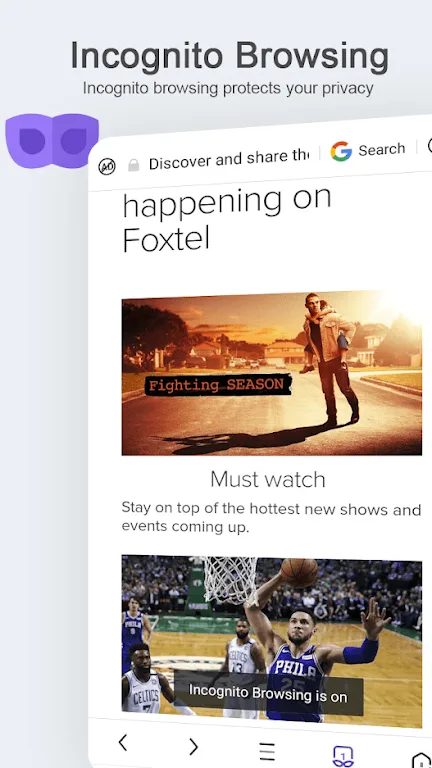
Incognito Mode - Leaves no history, cookies, cache, or other information while browsing. Incognito Mode makes your browsing and viewing experience completely private and secure. Privacy and security guaranteed.
Ad Blocker - Ad blocking blocks various ads that affect your browsing experience. It helps you access the web ad-free on your Android device.
Highlights
Some of the browser's most important features include gesture controls (you can perform various functions by gesturing on the screen), quick tab switching, and searching for anything using voice commands.
Additionally, UC Mini for Android offers a night mode, so you can browse the web in low light, but your eyes may feel a little tired, which is common when searching for things in bed at night.
UC Mini Android Browser is a fully-featured browser, and while it has many decent features, it still falls short compared to top Android browsers like Firefox, Chrome, or Dolphin Browser. However, with time and updates, it will continue to improve and soon catch up with them.
Pros and Cons
Pros: Supports fast downloads
Based on Chrome
Built-in ad blocker
Cons: Feels somewhat insecure.
FAQs
Is UC Browser safe?
Yes, UC Browser is safe. You can use it with confidence without worrying about privacy leaks. In addition, the browser has a built-in ad blocker to block annoying ads while browsing.
How does it improve browsing speed?
When browsing web pages, it saves your data usage and speeds up browsing by using data offloading. This can significantly reduce your mobile phone bill and prevent you from wasting time browsing the web.
Can I change the browser language?
To change the language, please visit the browser settings and change the display language of the application content to another language.
Does the mini browser save phone space?
Yes. If your phone is short on storage space or running slowly, this browser's small installation size is perfect for your phone.
Conclusion
UC Mini - Download Video Status provides a solution integrating video browsing, downloading, and entertainment. Designed specifically for mobile video enthusiasts, it perfectly blends speed, privacy, and fun into one app. Users can easily access, download, and enjoy their favorite videos anytime, anywhere.








