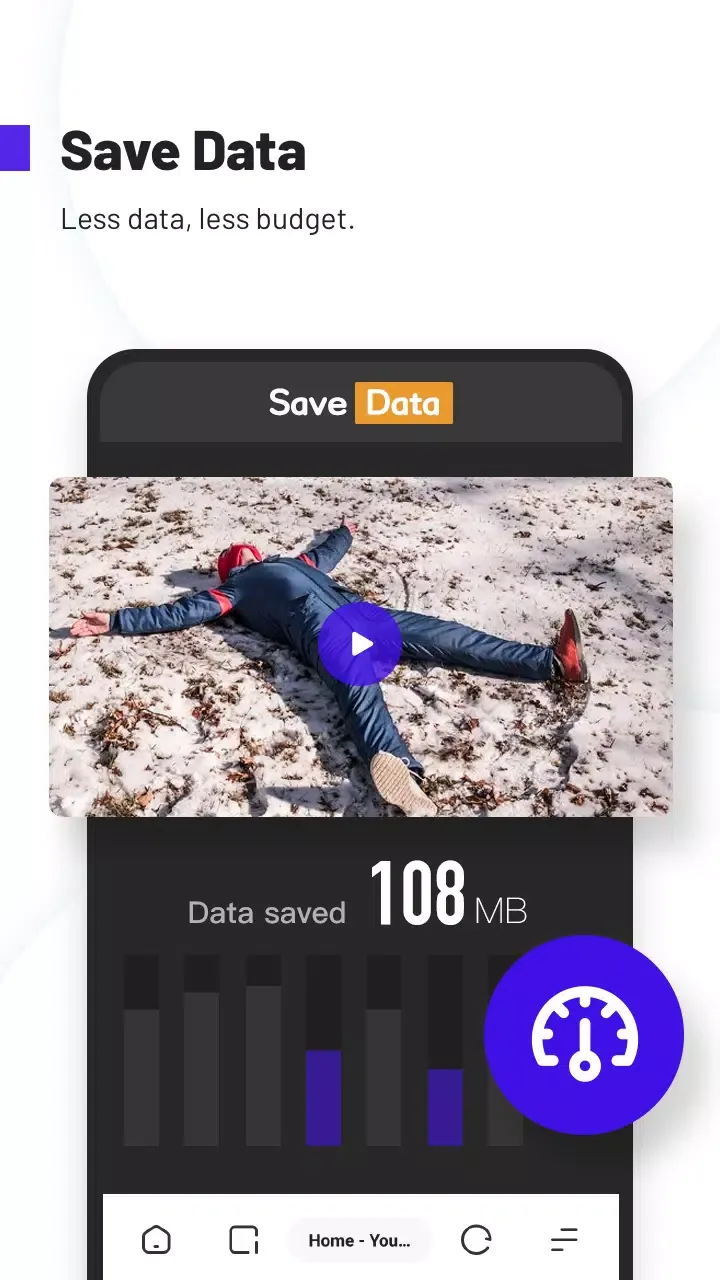
UC Browser Turbo is a lightweight mobile browser that emphasizes a minimalist, fast, data-saving, and secure browsing experience. It employs intelligent DNS resolution and multi-threaded parallel processing technology, combined with free cloud acceleration, to intelligently compress data, improving page loading speed by up to 50%. It maintains smooth browsing even in weak network conditions, supports multi-threaded high-speed video downloads, and its optimized server significantly improves download speed and stability. It also supports offline caching, allowing users to watch pre-downloaded videos without an internet connection. Furthermore, the software features a stealth safe browsing mode that doesn't record local browsing history and includes an ad-blocking function that automatically blocks various types of ads. It also supports manually marking custom blocking rules.
Click to load YouTube / 点击加载视频
YouTube ↗How to use:
After installing the UC Turbo latest version, you can begin with a few quick steps. The interface is simple, so you can browse, download, and manage files without extra setup.
Open UC Turbo and enter a website address or a search term in the address bar.
Tap the menu, then enable Ad Block and Data Saver based on your needs.
When you find a video, use the download option to start saving it to your device.
To keep items private, move selected downloads into Private Space and set a password.
For uninterrupted listening, start a video, then switch apps to keep playback in the background or save it for offline viewing.
Features:
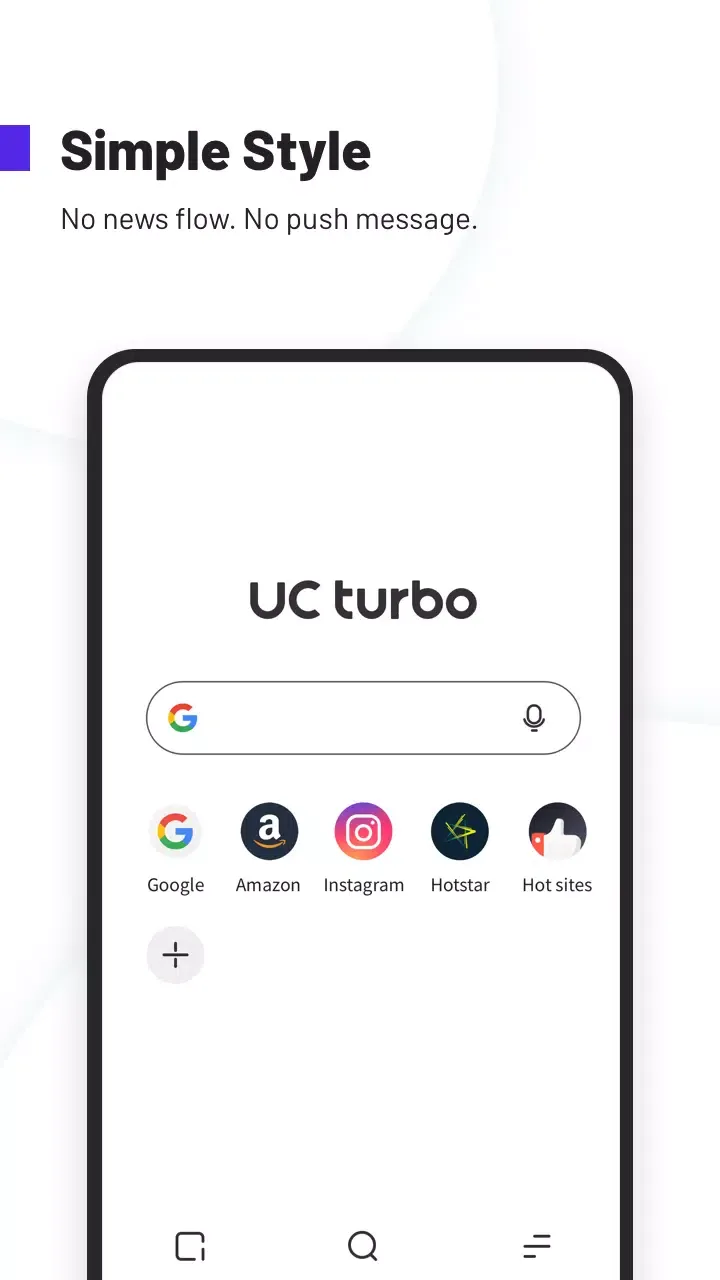
Minimalist Design
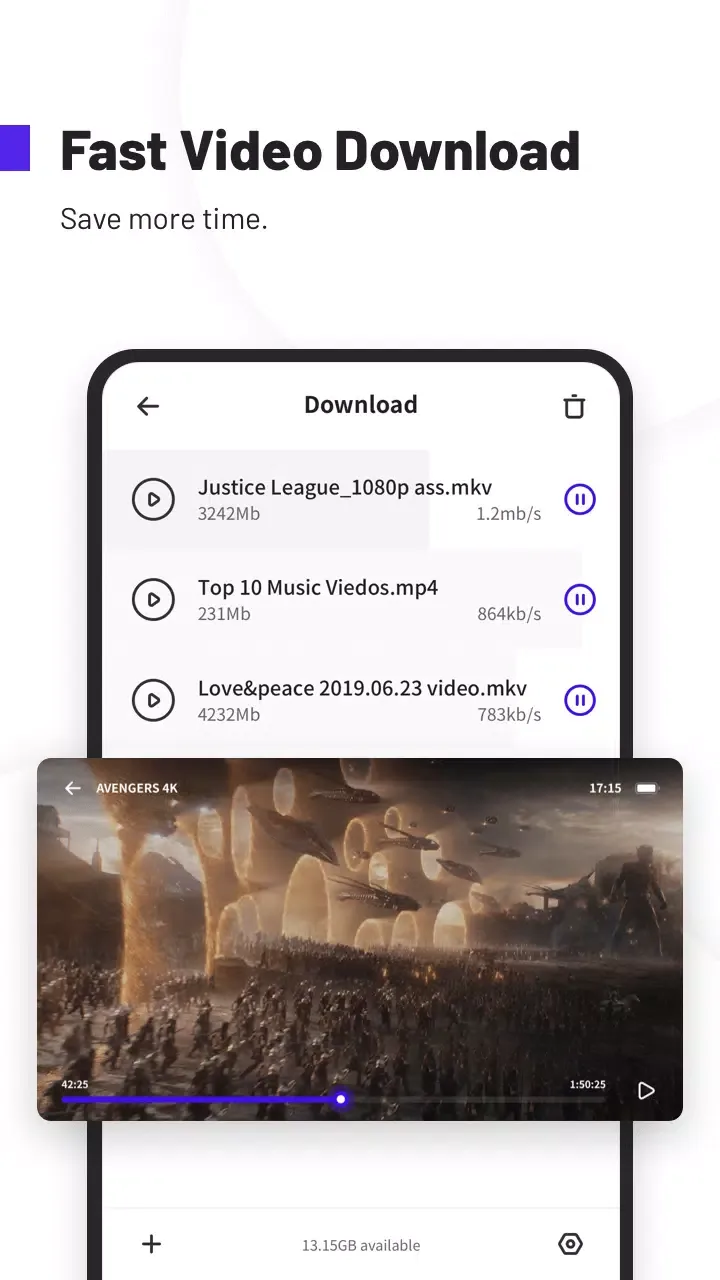
Fast Download
Secure Browsing
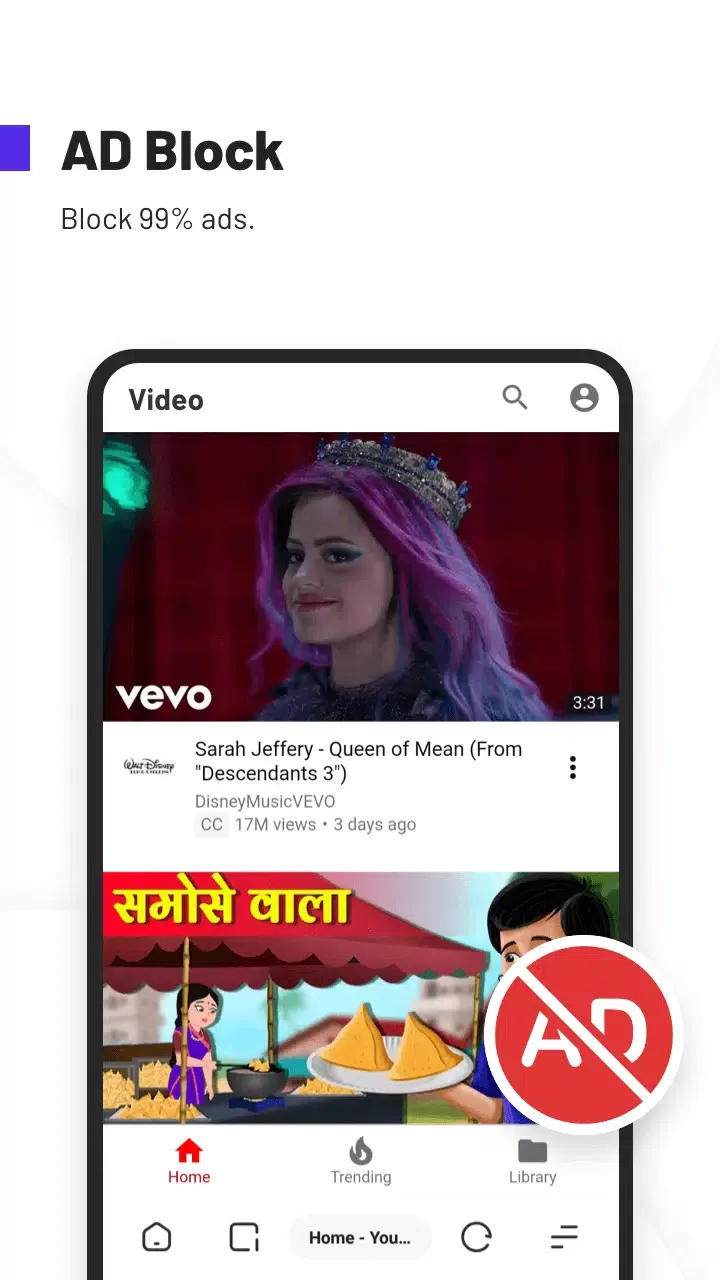
Ad Block
Personalized Wallpaper HD
Homepage Customizable
Video Download
Support Multi-language
Pros and Cons:
Pros
Minimalist design
Cloud-accelerated browsing
Private space
Cons
Some functions from the original UC Browser are missing
FAQs:
Is UC Browser free to use?
Yes, UC Browser is completely free to download and use. It offers premium features like ad-free browsing through optional subscriptions, but the core functionalities remain free.
Does UC Browser work on all devices?
UC Browser is available for Android, iOS, and Windows devices. It is optimized for smartphones but also has a desktop version for PCs.
How does UC Browser save data?
UC Browser compresses web pages and images through its cloud acceleration technology, reducing the amount of data used while browsing. Users can enable data-saving mode in the settings for optimal performance.
Conclusion:
UC Browser Turbo is a great way to surf the web with a large selection of extra features available. The application has made significant improvements to the old versions and applications developed by UCWeb. The interface is simple but still provides easy access to all the features and utilities you need when browsing online.