
FF Tools is a game optimization tool specifically designed for mobile shooting games. Users can use it to free up phone resources with a single click, intelligently reducing game latency. It also features a dedicated game cache cleaner and latency repair module to ensure smooth gameplay. Customizable game parameters effectively stabilize frame rates and reduce lag. Furthermore, the software includes a floating window for quick access, allowing for rapid settings adjustments without exiting the game, significantly shortening loading times. With a very low learning curve, even casual players can easily use it.
Click to load YouTube / 点击加载视频
YouTube ↗How to Use:
You only have to start the tool before you play the game.
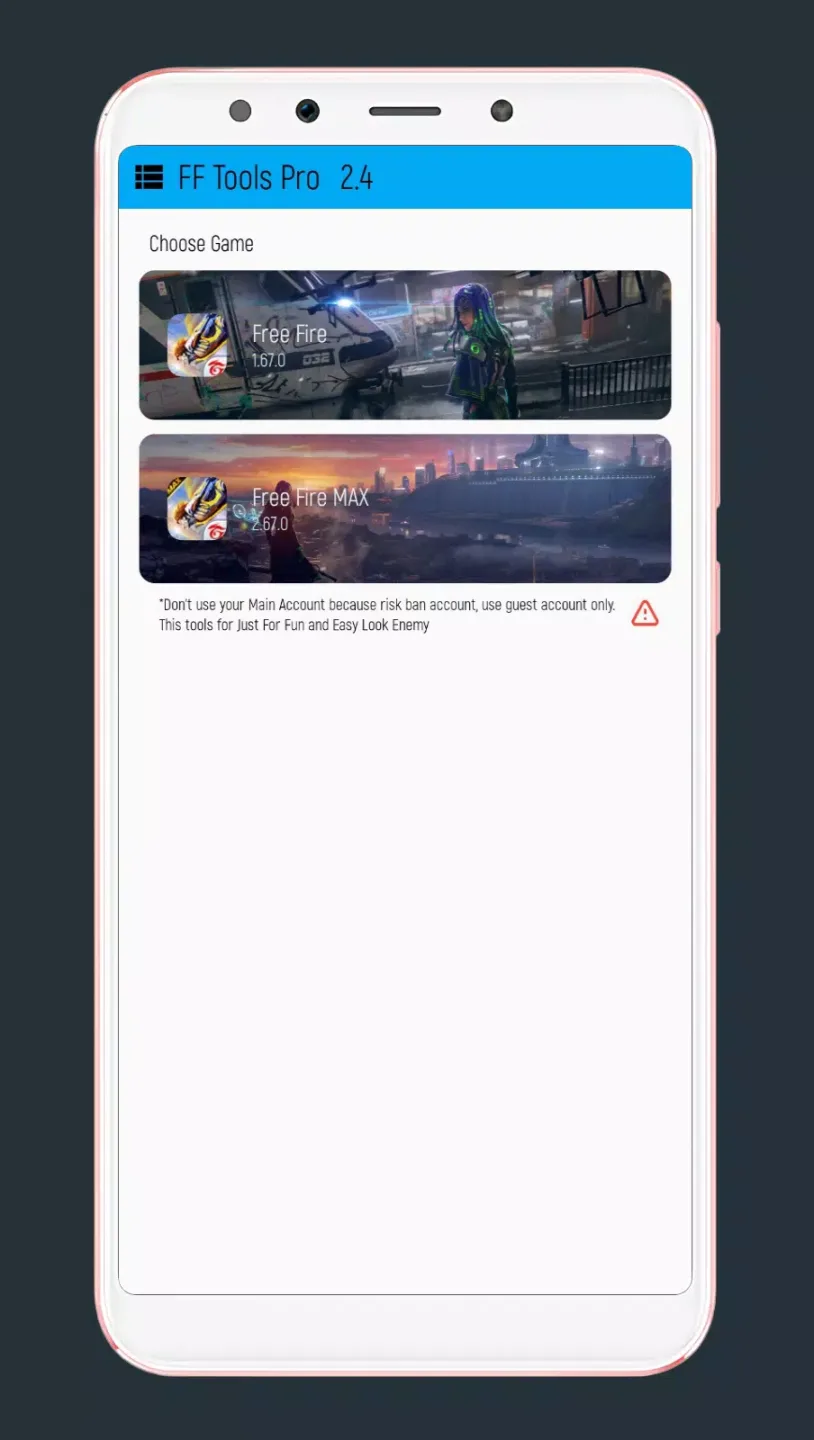
Open the tool, and you’ll find the list of all the installed games on your device.
Select a game of your choice and click on the play button.
The game will be available in no time, and your tool will convert into an overlay hover icon.
Click on the on-screen icon to customize settings, enter commands, or get tools.
Features:
Pre-game optimization
First, launch FF Tools before opening your game. The app runs a quick setup to prepare your device and aims to make the next session feel smoother. This simple flow helps you get into matches with fewer interruptions.
Reduce lag and optimize memory
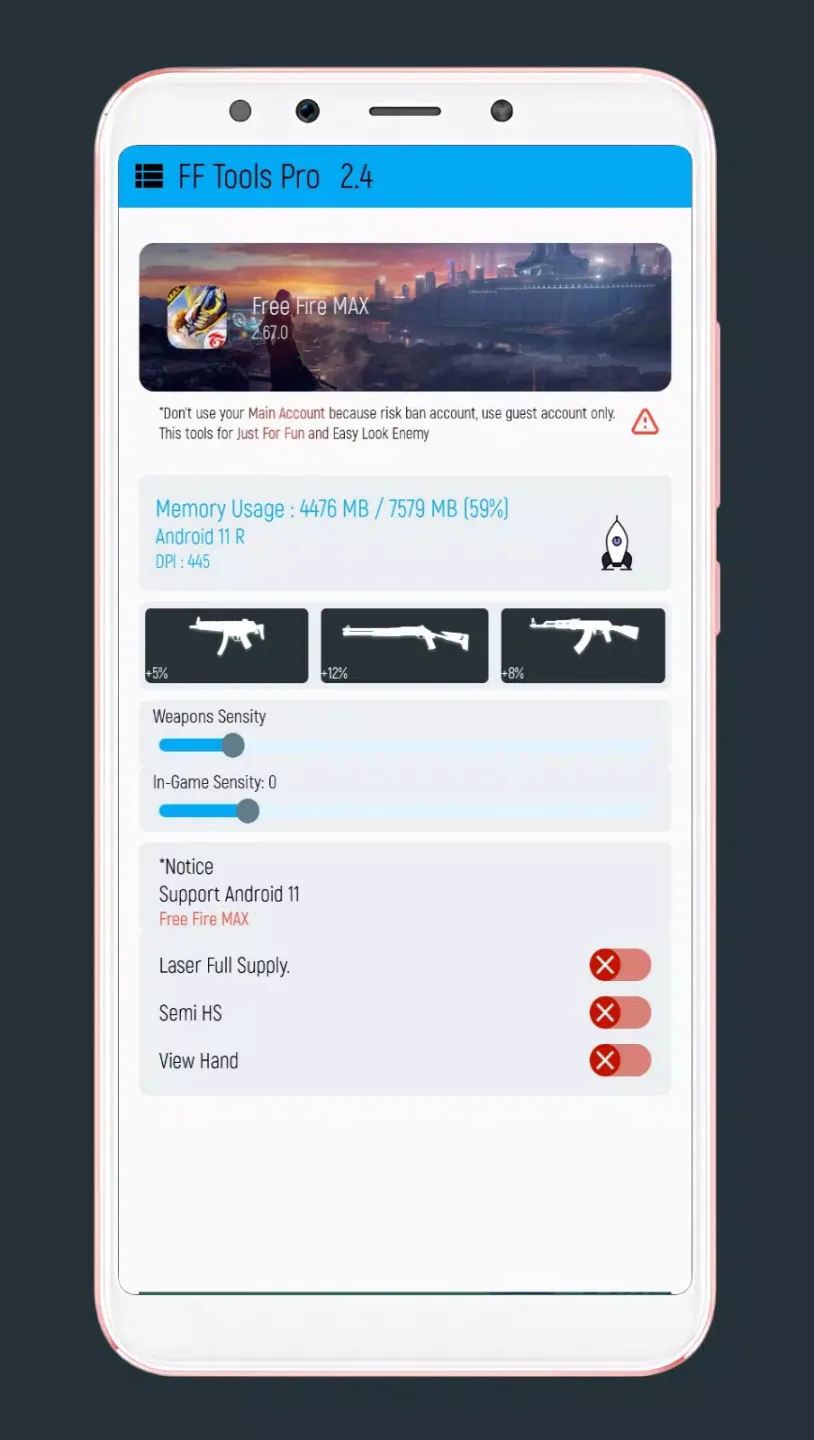
Optimize RAM for gameplay
Reduce lag with smart adjustments
Improve overall responsiveness
Sensitivity and network tools
In-game sensitivity and weapon sensitivity controls
Ping optimizer to help stabilize connection
Clear cache options inside the app
Simple access and compatibility
Additionally, FF Tools has a clean, mobile friendly interface. No registration or subscription is required, and it supports Android 11. To keep features current, update the app and check that you are on the FF Tools latest version when available.
Pros and Cons:
Pros
Optimizes and speeds up Free Fire matches
Simple operation
Lightweight
Cons
Run the risk of getting banned
Requires Android 5.0
Often does not work
FAQs:
What is FF Tools?
It is a mobile utility app designed to improve performance and customization in shooting games on Android devices.
Is FF Tools safe to use?
It generally runs without harmful permissions, but as a third-party tool, users should stay cautious and download from trusted sources.
Can FF Tools reduce lag in games?
Yes, it includes a RAM cleaner and performance settings that help reduce lag and improve stability during gameplay.
Does FF Tools require registration?
No, the app works without requiring account sign-up, making it quick to start using.
Who should use FF Tools?
It is suitable for mobile gamers who want smoother gameplay or more control over graphics and in-game settings.
Fina Words:
If you play Garena Free Fire on any Android device, then we will recommend you try FF Tools 2.3 APK, as it offers the best performance of the game. The app shared here is the latest version FF Tools 2022, so you will be able to enjoy the updated features. If you are searching FF Tools 4.3 APK, even then, you can try it.