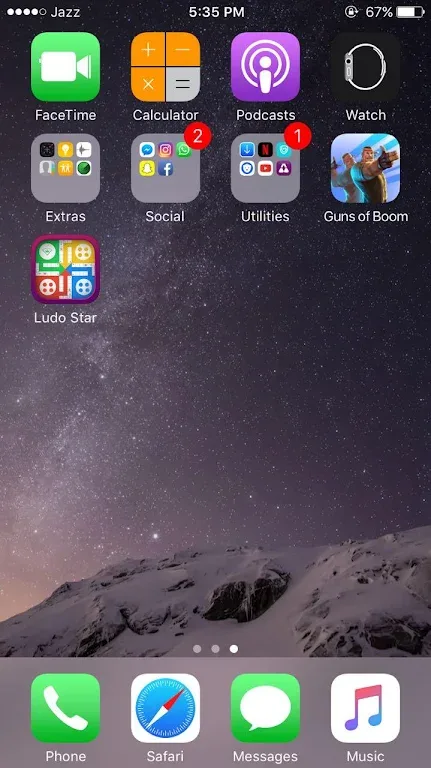
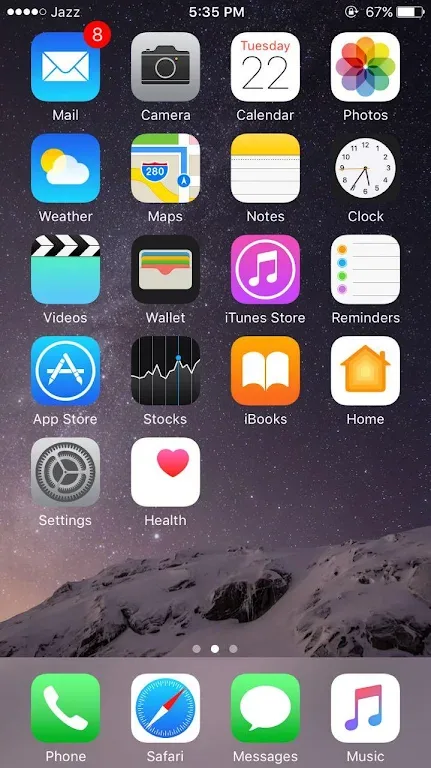
iLauncher For is a desktop customization app designed specifically for Android devices. Users can use it to simulate the iOS system interface on their Android phones. It features over 22 tabs and 264 customizable shortcuts, which can be freely selected and adjusted to create a personalized mobile experience. In addition, the software supports lock screen editing, app hiding, and password locking, and also provides multilingual support and live wallpaper plugins. iLauncher is easy to use, and even beginners can quickly customize their desktops.
Click to load YouTube / 点击加载视频
YouTube ↗Features:
Create and style widgets
iLauncher lets you design widgets and place them on your home screen for quick info and actions.
Calendar widget
Photo widget
Battery widget
Weather widget
Clock and color clock widgets
Contacts widget
Lock screen customization
You can set a passcode or pattern and adjust what appears on the lock screen. Some functions require accessibility permission to support actions like going home, going back, opening recent apps, and locking the screen. This permission also helps set up the lock screen and the control center. The app states it does not collect or share user information related to this accessibility right.
Quick Bar and recent apps
Use a drop-down to open apps quickly. The Quick Bar shows recently used apps and can include shortcuts and apps you choose. This keeps everyday tools easy to reach while keeping the rest of your screen simple.
Layout and privacy options
Adjust the desktop grid, enable endless scrolling, show or hide the search bar, and customize folder views. You can also hide apps from the home screen to reduce clutter. Available options may vary by device and the iLauncher latest version.
Highlights:
App Library
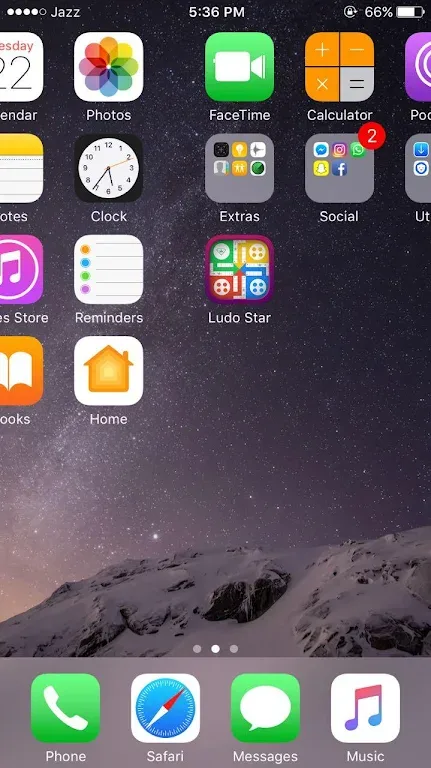
A new way to organize your apps same as real OS devices
Smart Search
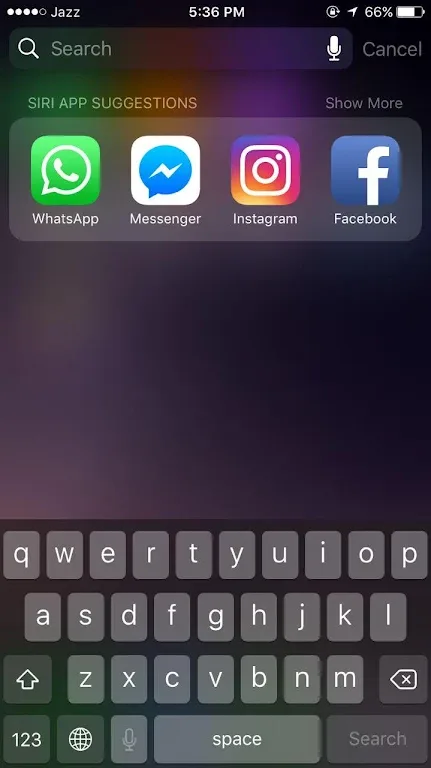
Easily search by swiping down anywhere on the home screen. iLauncher OS offers intelligent search features, making it easier to find what you need.
Style Folder
We design OS style folder, you can drag and drop an app to another to create a folder.
Weather
We provide a weather forecast feature, you can get the weather forecast in recent days.
Pros and Cons:
Pros:
Easy to customize and personalize the look of your phone with a wide range of themes, wallpapers, icons and more.
Offers quick access to frequently used apps from the home screen without having to search for them in the app drawer.
Automatically sorts all installed applications into categories making it easier for you to find what you need quickly.
Allows users to hide their private apps behind password protection or pattern lock which ensures privacy is maintained on the device at all times.
Comes packed with many useful tools such as task manager, power saver mode & battery monitor that help save time by managing system resources efficiently.
iLauncher
Cons:
Ilauncher Mod Android app can be unstable and cause crashes.
It may not work with some apps or devices, leading to compatibility issues.
The user interface of the launcher is often outdated compared to other launchers available on the Google Play Store.
FAQs:
Why can't I install app iLauncher on my android?
The installation of iLauncher might fail due to insufficient device storage, a weak network connection, or compatibility issues with your Android device. To avoid this, ensure your phone meets the minimum requirements before proceeding
How to check if iLauncher is safe to download?
iLauncher safe to download on apk.watch, because we host only orifinal files as it has a trusted and verified digital signature from its developer
What's the file size of iLauncher?
iLauncher takes up around 28.93 MB (30,336,061 bytes) of storage
Conclusion:
In conclusion, iLauncher For is more than just a launcher. It's a completely new experience, combining the elegance of iOS with the versatility of Android.