
Disk & Storage Analyzer Pro is a professional disk space analysis and cleanup optimization tool, primarily designed to help users quickly free up storage space and manage disk resources. It can generate detailed disk usage reports with a single click, categorizing statistics by file type, size, modification date, and other dimensions, clearly presenting the space usage of each folder to the user. You can directly perform operations such as moving and deleting files within the software without switching applications, making it simple and convenient.
Click to load YouTube / 点击加载视频
YouTube ↗How to use:
This tool has a very simple interface and a few simple options.
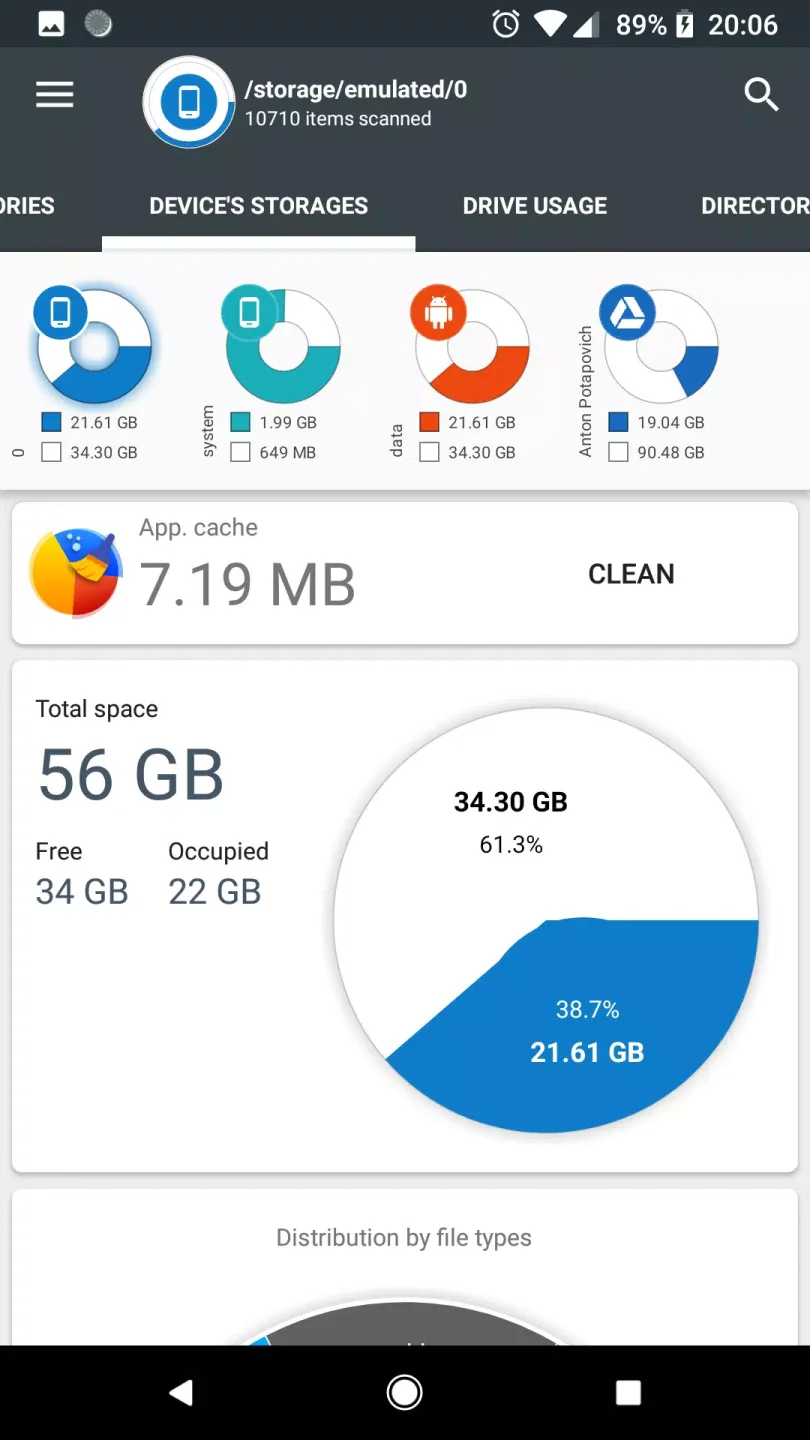
The first thing you need to do is open the application. You will be presented with a screen that will show you the status of your device (for example, if it is mounted or not). You will also be able to find out the free space on your device, the amount of used space, and the type of files (for example, documents, videos, music, or images).
You can also choose to get information about the apps that use the device's storage (for example, the app name, its version, etc.).
The last thing you need to do is choose the type of storage you want to analyze (for example, internal, external, SD card, or USB device).
Features:
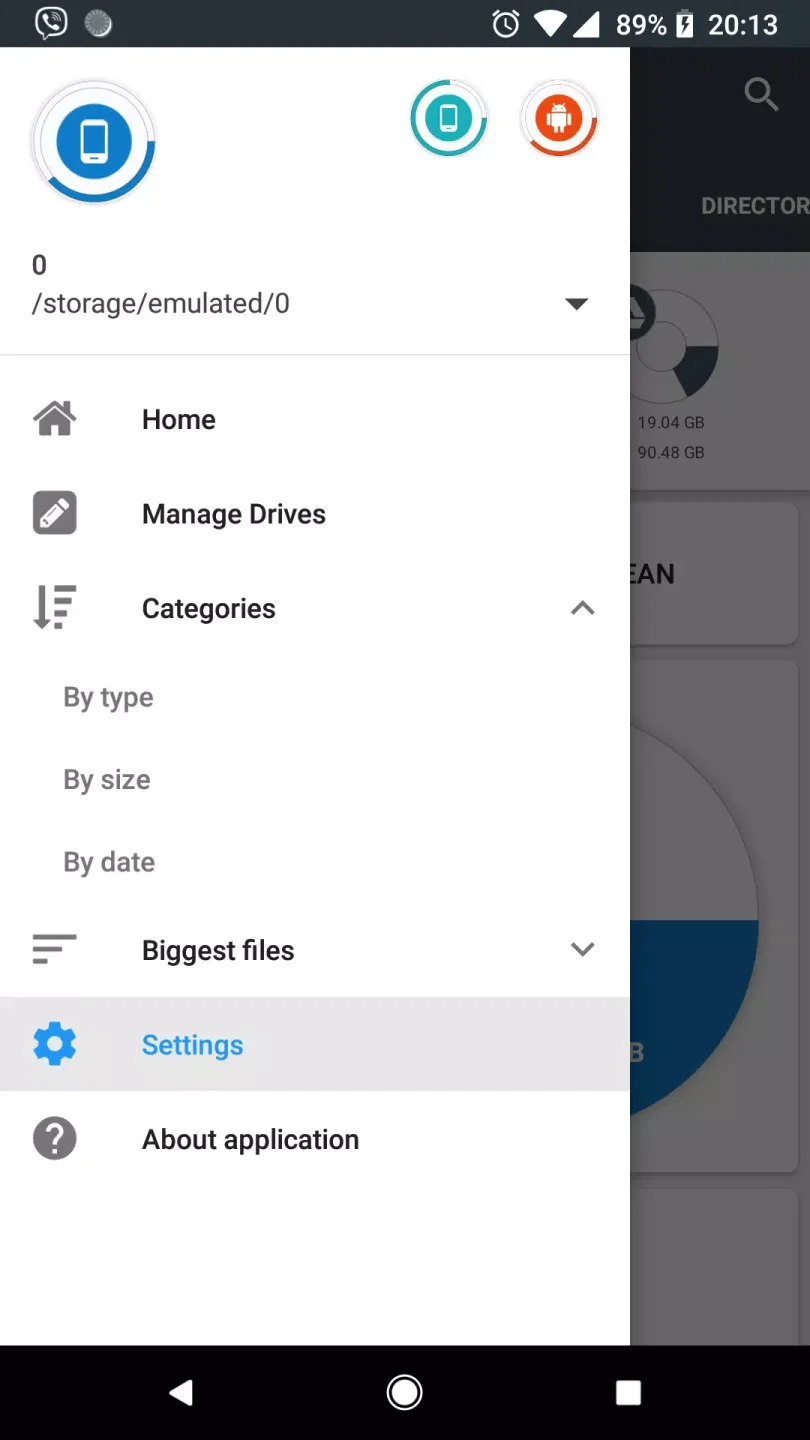
Displays information on internal and external storage, sdcard, and USB devices in a clear graphical form.
Provides a report and file usage diagram in the form of a pie chart and sunburst chart.
Allows users to connect and analyze cloud drives such as Google Drive, Dropbox, and Yandex.Disk.
Reads a list of installed applications and application-specific data to provide a sorted list of apps based on app size and cache.
Provides a global search feature for device and cloud storage files, with results displayed on the Quick Search page.
Shows files usage visualization with folders and files represented as a Sunburst chart and sorted by their size.
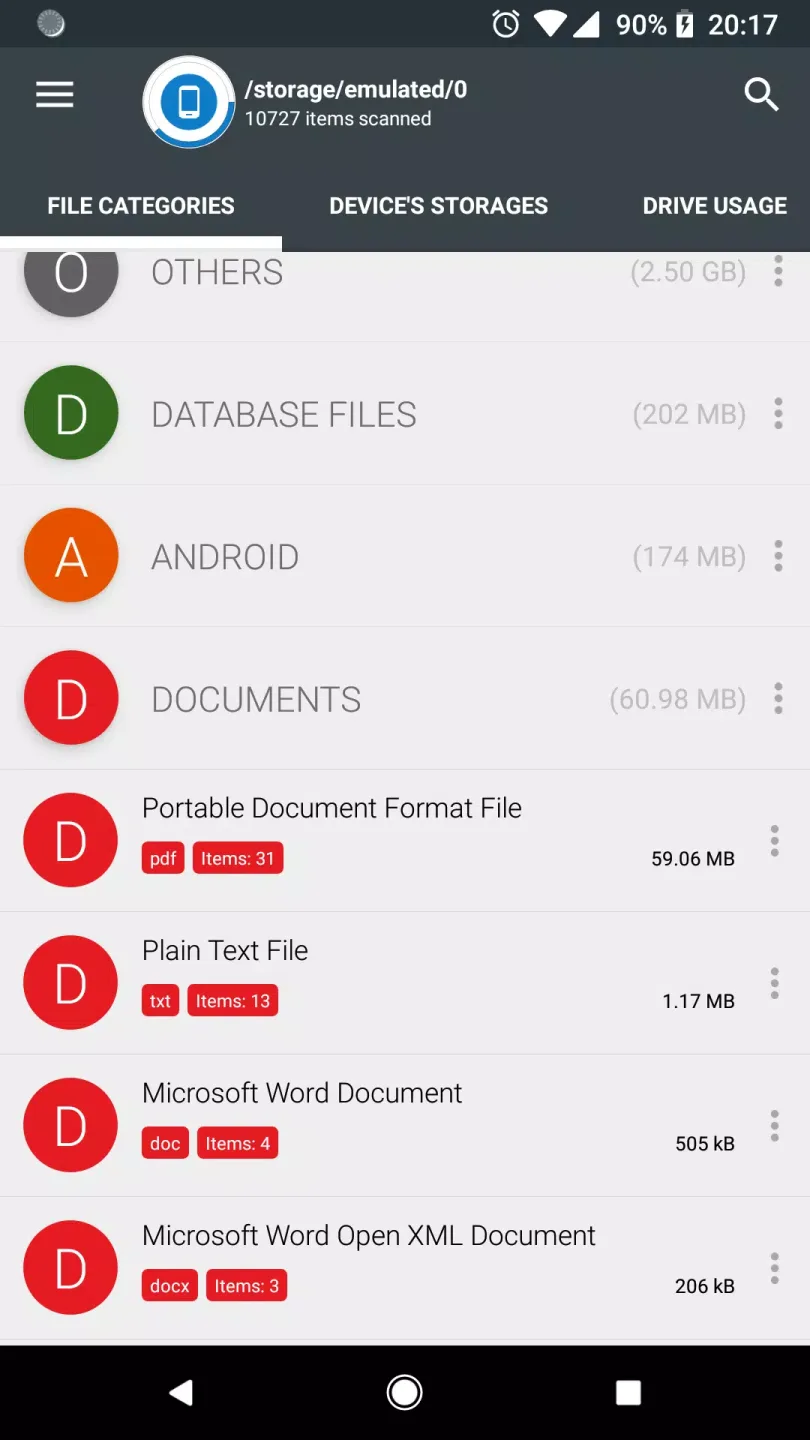
Categorizes files by type (documents, videos, music, etc.), size (large, medium, small), and date (today and yesterday, earlier this week, last week, earlier this month, etc.).
Allows users to clean cache and delete selected apps.
Does not require any user registration or personal information.
Provides context menu options such as open, delete, and share files by long-clicking on the file or category.
Pros and Cons:
Pros
User-friendly interface
Comprehensive storage analysis
No ads or registration required
Supports multiple cloud services
Efficient cache management
Cons
Requires several permissions
May have occasional bugs
Limited customization options
Conclusion:
In conclusion, Disk & Storage Analyzer [PRO] offers a unique and efficient solution for managing and organizing files on your smartphone. With encrypted pie charts, app-specific graphs, customizable file organization, a keyword search engine, and cloud storage integration, this app ensures that your data is secure, organized, and easily accessible. Say goodbye to cluttered file systems and lost data - download Disk & Storage Analyzer [PRO] today for a seamless file management experience.