Navigation Bar for Android is a powerful utility application. It offers numerous features designed to help users who have difficulty using buttons or whose navigation bar panels are malfunctioning. With Navigation Bar for Android, you can replace faulty or broken buttons on your Android device, restoring it to normal operation. In addition to button replacement, this application adds more functionality to the device's navigation bar, allowing you to easily swipe up and down on it, just like using assistive touch, and show or hide the navigation bar as needed. Furthermore, you can customize button colors and backgrounds, set the navigation bar size, and adjust sensitivity settings.
Highlights:
- Ability to move navigation bar to anywhere on screen
- Functions: Home, Back, Recent
- Ability to change navigation bar with background and button color
- Ability to set navigation bar size with width and height
- Ability to Set vibrate on touch
- 31 Themes Available
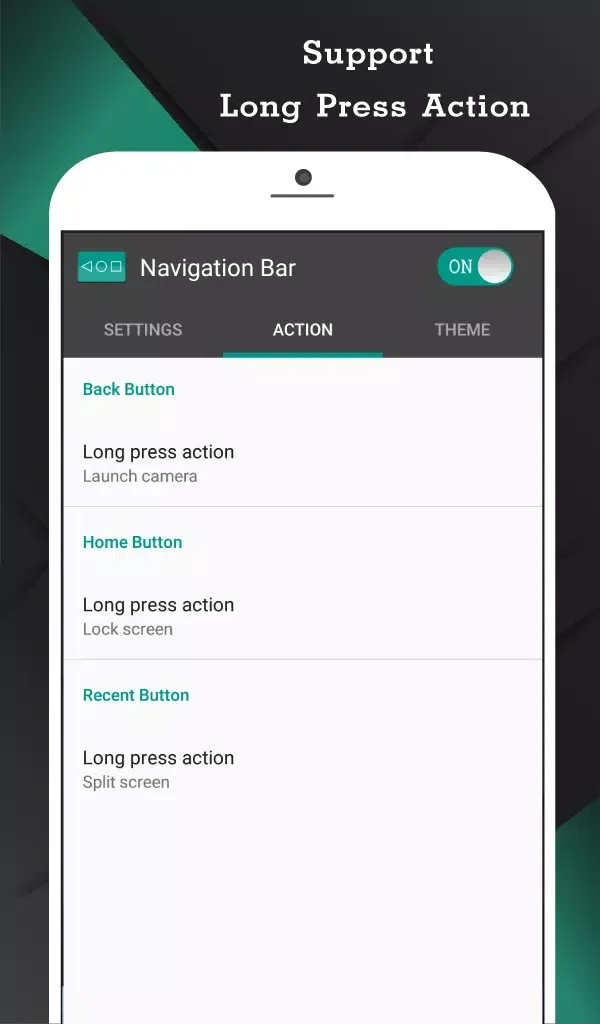
- Long press action for back, home, recent buttons
Features:
Reliable Home, Back, and Recent controls
Navigation Bar provides consistent access to Home, Back, and Recent apps through an overlay that stays available across your apps. This helps when hardware keys fail or feel uncomfortable to reach. You can keep navigation where your thumb naturally rests, which reduces interruptions while moving between tasks.
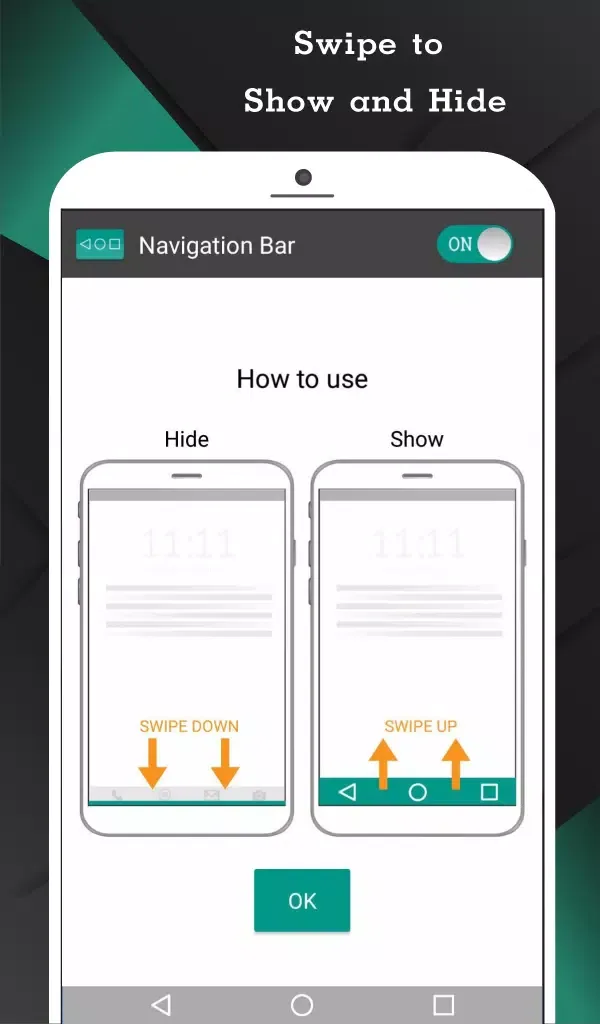
Swipe to show or hide the bar
You can reveal the bar with a simple swipe and let it auto hide after a duration you choose. This keeps your screen clear while still allowing quick access when needed. As you get used to the gesture, the bar feels present only when you call for it.
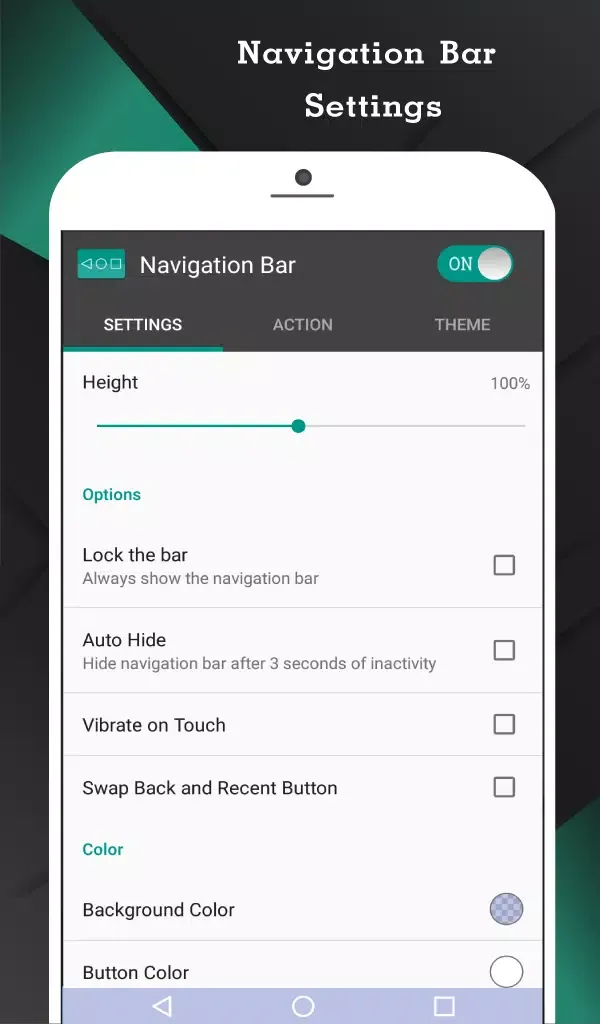
Swap button positions to match muscle memory
If you are switching between brands or devices, the Back and Recent positions might feel reversed. Navigation Bar lets you swap those positions to mirror what your hands are used to. This small change helps you avoid mis-taps and keeps navigation natural.
Long press shortcuts for everyday actions
Beyond basic taps, long pressing buttons can trigger useful actions. Common controls include Wi Fi toggle, camera, power menu, split screen, notification panel, quick settings, dialer, browser, and system settings. With careful setup, you reach frequent tools without leaving your current app.
Deep customization and themes
Navigation Bar allows detailed personalization so the bar looks and feels right on your device. You can set background and button colors, adjust height, add vibration feedback, tune swipe sensitivity, and choose landscape placement. There are 15 themes ready to use, making visual changes quick and consistent.
Pro tools and advanced actions
For users who need more control, the Pro upgrade adds handy toggles and extra actions. Options include a quick settings tile, notification switch, minimized area limiter, screenshots, launching any app, and temporary bar off. These tools help you fine tune behavior for different scenarios during the day.
Tips for Users:
Experiment with different colors and layouts to find your preferred style in Navigation Bar for Android.
Enable gestures for quicker navigation and improved usability.
Test animations to see which effect matches your device theme.
Adjust settings gradually to optimize performance and battery usage.
Regularly check for updates to access new styles and features in Navigation Bar for Android.
Conclusion:
Navigation Bar for Android has a Pro version that offers additional options, such as adding special features when you swipe after tapping on a specific button. If you're looking for a navigation bar with more customization options, download the Navigation Bar APK today.