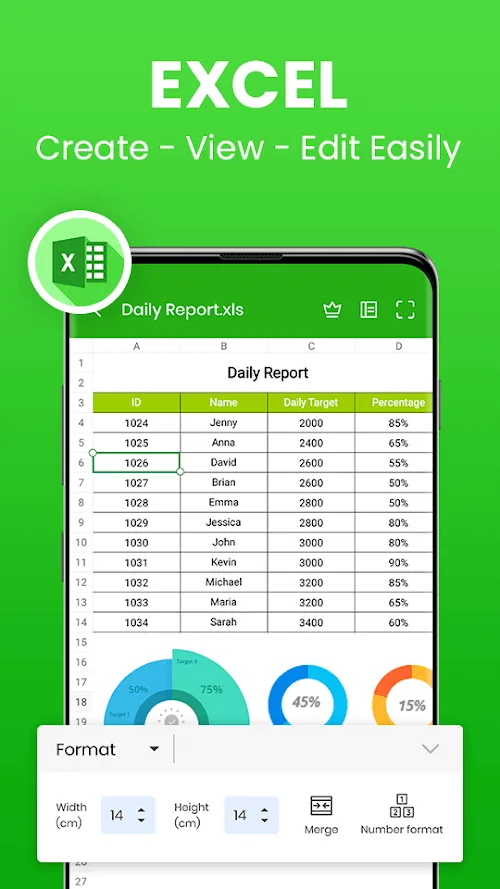
Office App is an excellent and fully-featured office tool. This application integrates word processing, presentation design, and Excel functionality, allowing users to convert files, enhance documents with images and charts, and easily share them via cloud technology. With Office App, you can easily convert documents into professionally designed web pages, enjoying convenient and fast office efficiency. The application also offers personalization options; whether you prefer a clean, dark theme or a bright, colorful one, you can easily switch between them with just a few clicks. With its convenient text-to-speech function, you can have text read aloud.
Highlights:
Lightweight and fast, allowing for quick loading and viewing of documents.
Built-in file manager to organize and access your documents easily.
Supports zooming in and out, searching for specific text, and navigating through pages of the document.
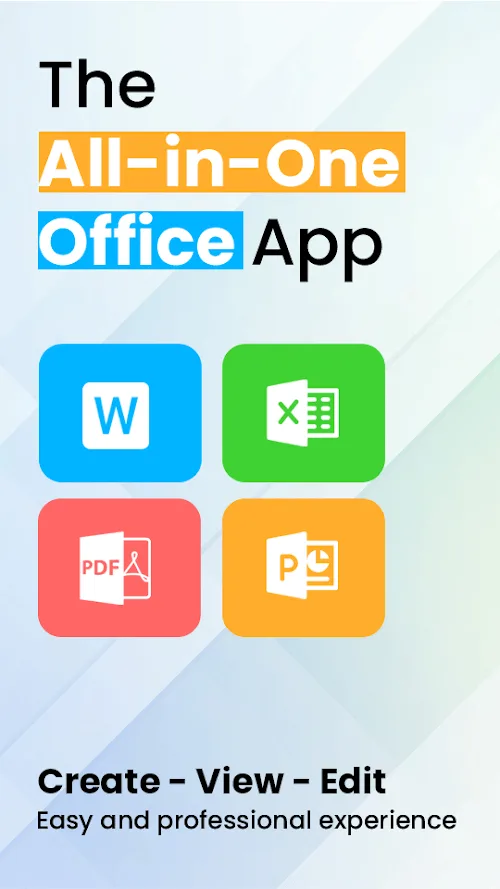
Supports a wide range of document formats, making it a one-stop solution for viewing various types of files.
Can be used offline, allowing you to access your documents anytime, anywhere.
Compatible with both Android and iOS devices, making it accessible for a wide range of users.
Features:
CONVERT DOCUMENTS TO PDF FILES WITH A VARIETY OF INTELLIGENT FEATURES
Best Office Apps – Word Office unlocks a world of convenience and connectivity. All your data is scientifically organized thanks to a smart data sorting system and an excellent converter. Users can upload images to the application, and we will assist them in accurately processing and extracting text. PDF files now include an electronic signature feature to facilitate text editing and printing. You can use the PDF feature to convert any document to this file to store and present information quickly and accurately. A security watermark will provide you with complete information security.
OFFLINE READING AND EDITING OF DOCUMENTS
Word Office provides a powerful offline editor. All document types will be fully supported and feature-rich. This feature is appropriate for most busy office workers and requires an app that immediately supports the name of your Android device. You can create, connect, and edit documents with many others with a simple phone connection. All work will be completed to assist you in dealing with any emergency, anywhere, at any time. Drafts will be supported for quick sharing, sending, and responding if users connect them to their Gmail accounts. Furthermore, Docx documents will be connected and converted into PDF files directly in the application.
MULTIPLE DOCUMENTS CAN BE EDITED AND DESIGNED AT THE SAME TIME
View the most recent complete work documents in Word Office applications such as PDF, Docx, and Excel. Work is no longer a difficult task because of intelligent assistance. You can even use your phone to create professional-looking slides. Doesn’t it sound unbelievable? Not only that, but the application also suggests appropriate images for you. If we have a lot of help, we’ll never run out of design ideas. You can connect multiple parameters, data, text, and images with a single application. Users will be thoroughly instructed on how to use and connect multiple data files. You can easily save your data in storage using logical and scientific lists.
FAQs:
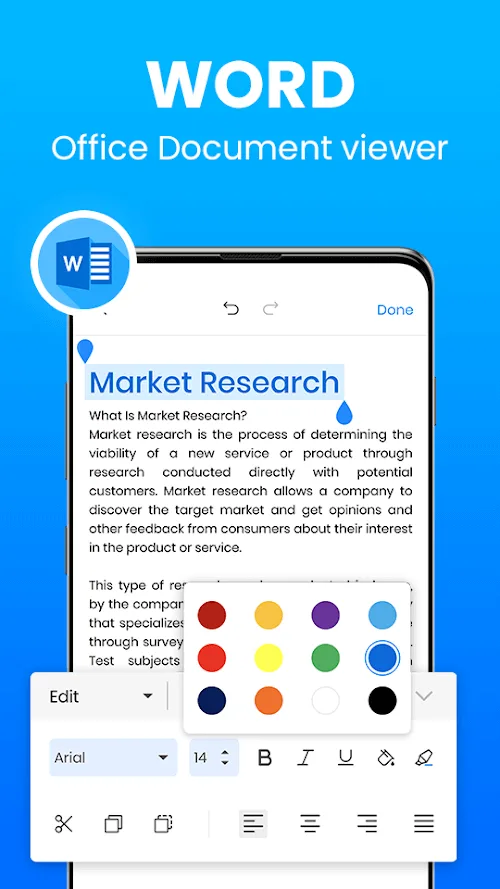
How do I change the screen theme in Office App?
To change the screen theme, go to the menu option and scroll to the account area. In the dropdown list under office theme, you can choose between dark gray, black, white, and colorful options. Select your desired theme and the screen will change accordingly.
Can I convert my document into a web page with Word Office?
Yes, you can. Simply click on the file menu, go to the transform option, and select it. A variety of web page templates will be available on the right side column. Choose an option and witness the transformation of your document into a stunning animated web page.
How can I leave comments in Word Office?
To leave a comment, select the review tab on the toolbar. A dialog box will appear on the right side, allowing you to write your comment. You can also mention specific recipients, edit or delete comments, and resolve comment threads using the three-dot menu.
Changelog:
We’re very excited to share with you our new awesome update with:
- UI improvements will streamline and make your experience enjoyable.
- Overall performance improvements.
- Improved design for smooth and intuitive navigation.
We regularly develop and upgrade our app to bring you the best experience and we look forward to your comments and support.
Thank you for taking part in making our app better! Your support means the world to us.
Final Verdict:
Office App excels as a versatile document manager, offering an array of attractive features for users. With customizable screen themes, users can personalize their editing experience. Converting documents into captivating web pages is made easy, along with the ability to leave comments directly in the document for seamless collaboration. The text-to-speech functionality adds an extra layer of convenience, allowing users to listen to their texts being read aloud.