MojoLauncher This is a tool that allows users to run desktop games on mobile devices without complex computer operations. It is a tool designed specifically for sandbox games. However, it requires relatively high technology. You can experience a complete desktop system and customize your controls. It can basically adapt to any device and has strong compatibility. One of the most useful features of this launcher is its highly customizable touch system, which ensures players can adapt their interactions to their screen size.
Click to load YouTube / 点击加载视频
YouTube ↗How to use
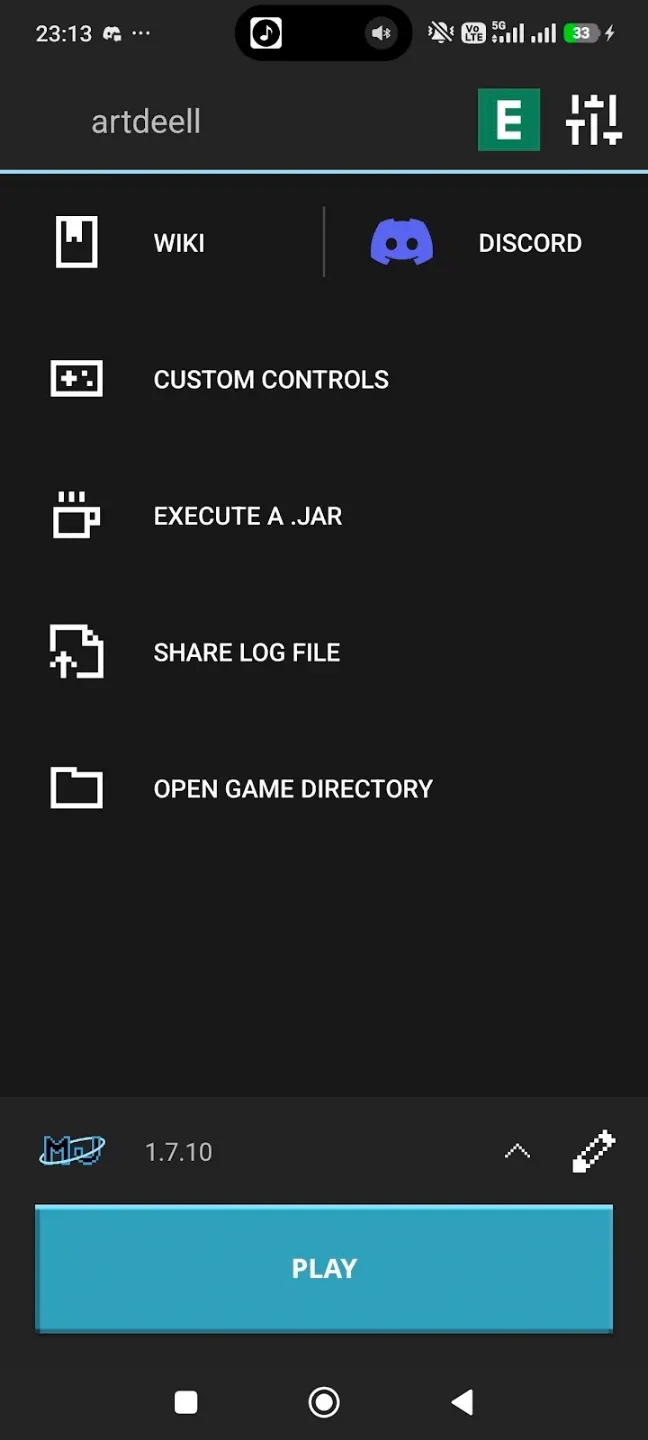
Install and open MojoLauncher on your Android device, then wait for the home screen to load.
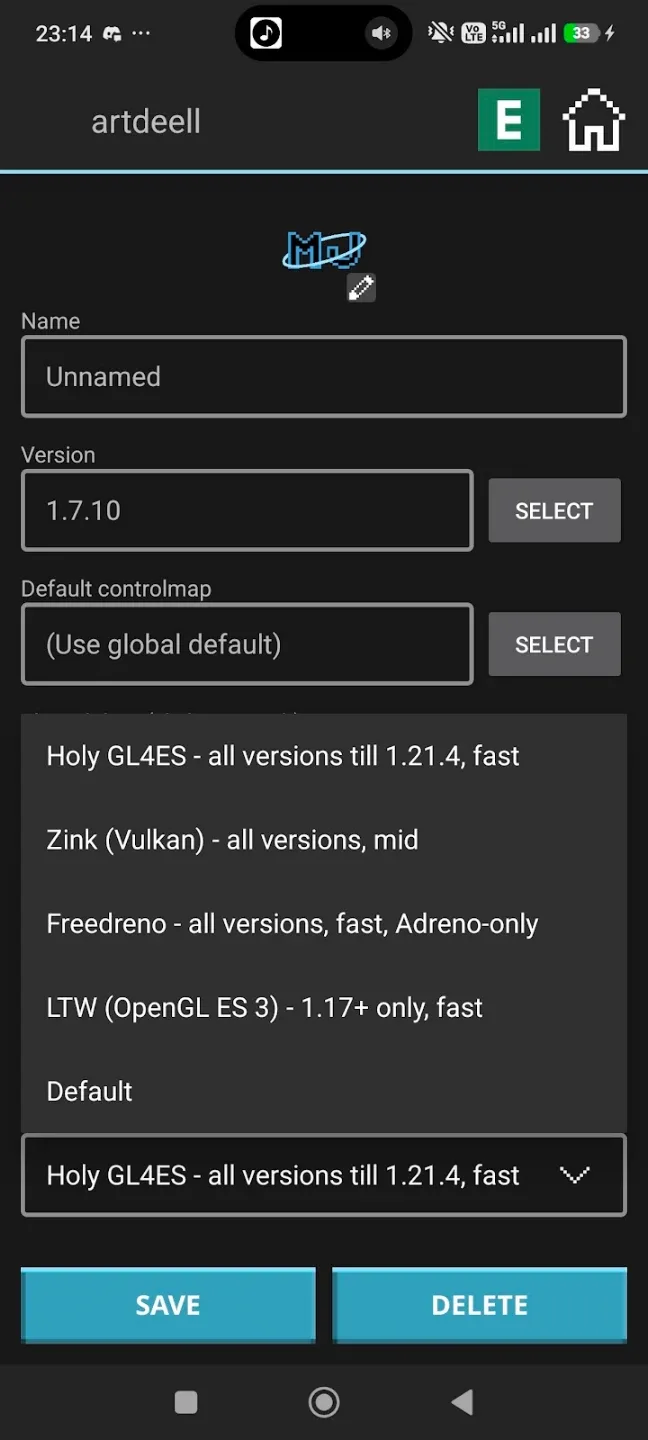
Enter a username when prompted to set up offline mode, then confirm to continue to the main menu.
Next, open the version selector and choose a release that fits your needs, such as a recent update or an older build.
If the app prompts you to prepare game data, let it complete, then review controls and graphics options inside the launcher.
Finally, tap Play to start the game. For multiplayer, pick servers that accept offline connections to join successfully.
Features
System requirements tailored to your device
This launcher is optimized for devices with OpenGL ES 2.0 and 2GB of RAM, while users with more advanced setups—featuring OpenGL ES 3.1 and at least 4GB RAM—can enjoy broader compatibility. By adjusting performance based on the hardware, it caters to both minimalist and more powerful systems.
Reliable functionality with minor limitations
While this game-focused launcher handles most tasks seamlessly, it may encounter occasional compatibility issues with some phone models. Nevertheless, its core features and ability to unlock the full potential of your favorite Java-based game make it a must-try tool for gaming enthusiasts.
A refined launcher for gamers on Android
With MojoLauncher, you gain a reliable platform tailored for fans of LWJGL-based gaming. Its balance of flexibility and performance ensures an engaging experience across most Android devices. Download the MojoLauncher APK today and elevate your gaming sessions to the next level.
Advantages and disadvantages
Pros
Full desktop experience
Customization controls
Extensive compatibility
Cons
Intense hardware strain
Technical complexities
FAQ
How much storage space is needed to install MojoLauncher?
Please keep at least 50.5 MB, and additional 100-500 MB free for smooth updates and cache management after installing.
What are the system requirements for MojoLauncher?
Your device should have system version Android 5.0+ (firstly released around 2014-11) or newer.
If your phone doesn’t meet the requirements, older versions of the app are available for download.
How long does it take to download?
The package size of MojoLauncher is 50.5 MB. Download time can vary based on your network connection. Typical speeds are:
- 4G: 30-100 MB/s
- 5G: 170-400 MB/s
- Wi-Fi: 50-500 MB/s
Conclusion
MojoLauncher offers a level of modding and customization that exceeds the scope of native mobile editions. It supports the installation of complex mod loaders, enabling a vast ecosystem of community-created content. While the initial setup can be technically demanding and requires a basic understanding of file management and memory allocation, the tool provides access to a portable and fully-featured sandbox environment.